2D Vtuber Cutiecats




Описание
Вышло обновление
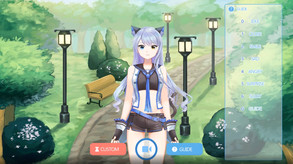
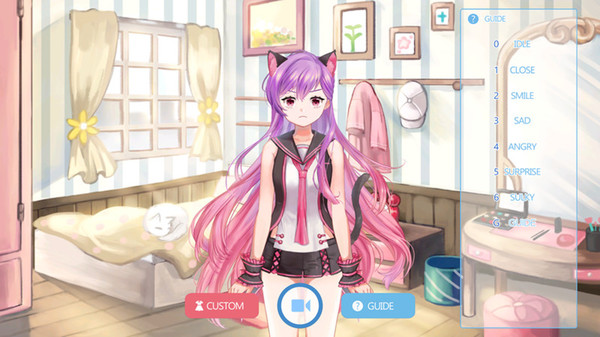
1. Press the keyboard 'G' to open the Guide window.
2. Set pet, character, background, BGM, voice file, etc. in the Custom menu. (This setting is maintained during recording.)
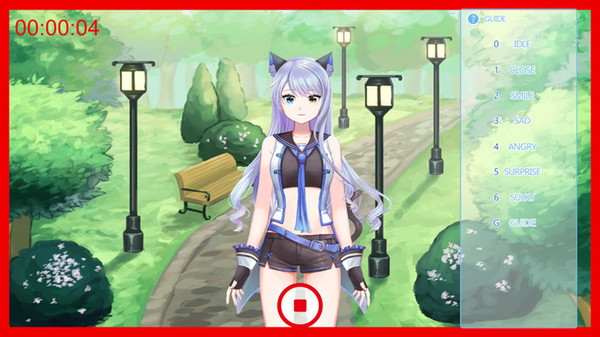
3. Recorded files are stored in the specified path within the program (see Record Help).
We continue to upgrade the program. Do you have any features you want?
О программе
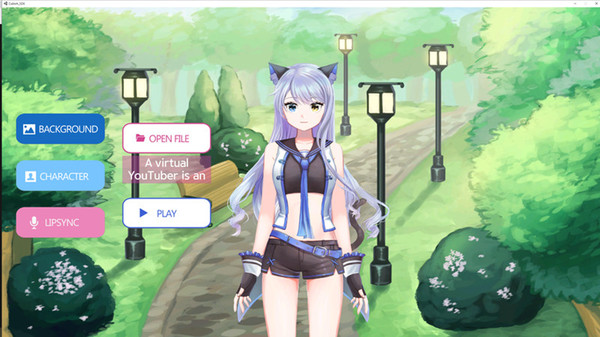
The 2D Vtuber Cutiecats program can help those who produce content such as YouTube or live streaming. You can record and edit the video quickly. You can use it immediately in the PC environment without any special equipment. Put your difficult equipment behind you and make it comfortable. This is not the end of the program; it will continue to evolve.[How to Use]
1. Run program.
2. Open the guide.
3. Set the custom.
4. Record.
(4-1). Change movement and facial expressions by pressing the key.
5. Check the recorded video within the program folder.
Системные требования
WINDOWS:
Минимальные:
- 64-разрядные процессор и операционная система
- ОС: Window 10 (*64bit)
- Процессор: Intel core i5
- Оперативная память: 4 GB ОЗУ
- Видеокарта: NVIDIA GeForce GTX 550Ti
- Место на диске: 200 MB
Рекомендованные:
- 64-разрядные процессор и операционная система