Batch Panorama Converter: 360 Image Tool





Описание
A practical batch workflow for real 360 panoramas
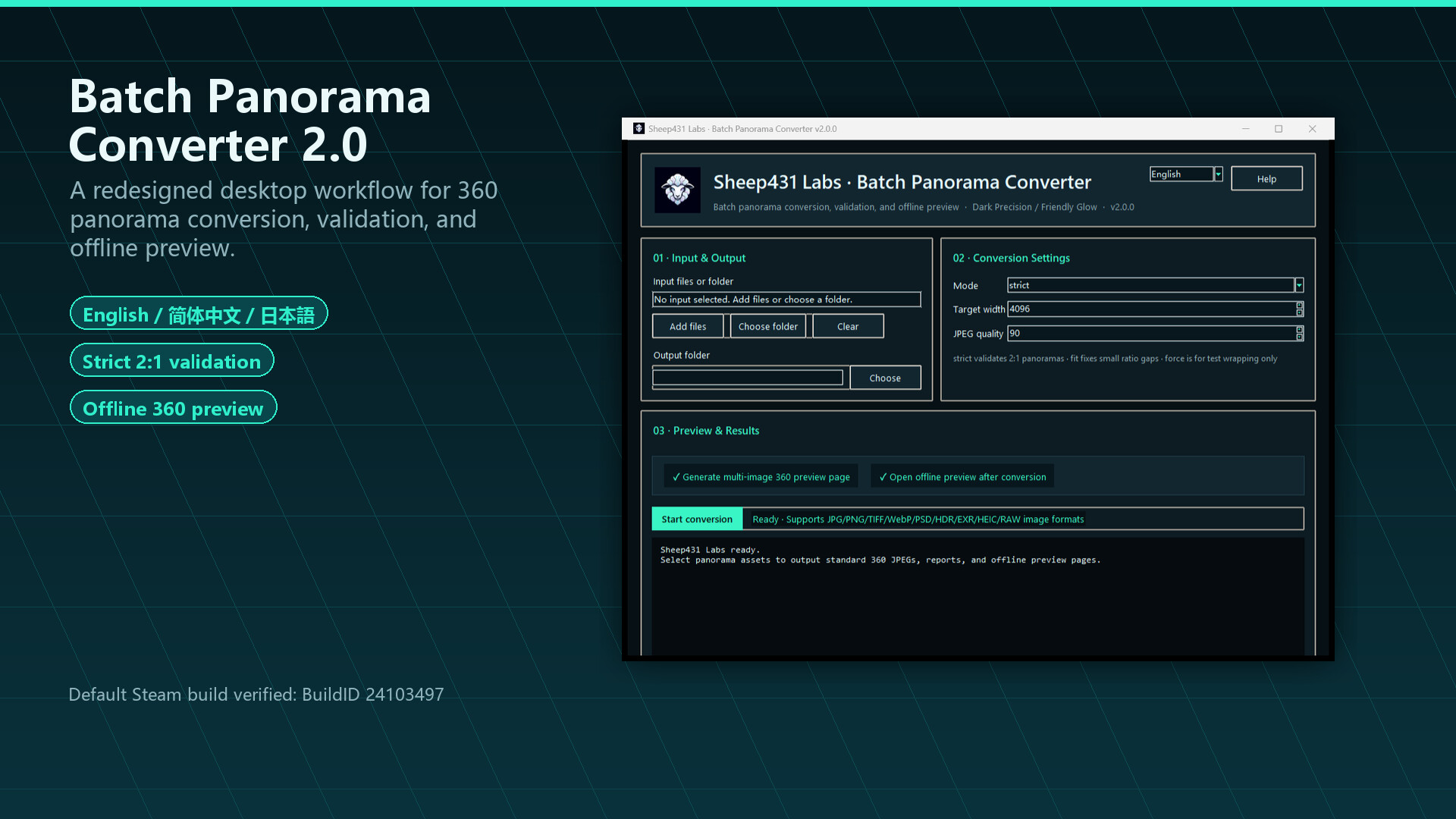
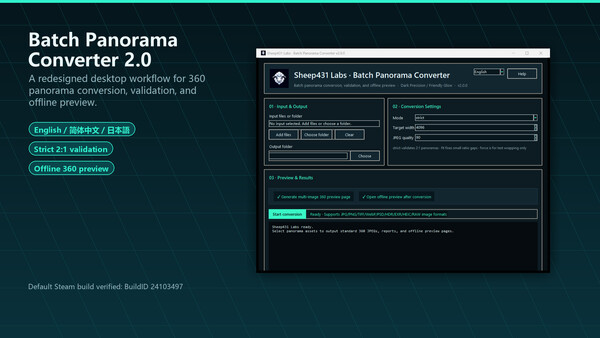
Batch Panorama Converter helps VR, 3D, HDRI, and social-media creators turn real 2:1 equirectangular panoramas into consistent 360 JPEG outputs, then immediately preview and validate the results locally before upload, review, or delivery.
It is not a general-purpose image or video converter. It focuses on the practical steps around converting, previewing, validating, and delivering panorama images.
What this tool is / isn't
- It is a specialized batch tool for real 2:1 equirectangular 360 panorama images.
- Version 2.0 completes the workflow end to end - no external software required.
- It is not a 360 video tool; still images only.
- It does not turn ordinary photos into fake 360 panoramas.
What it does
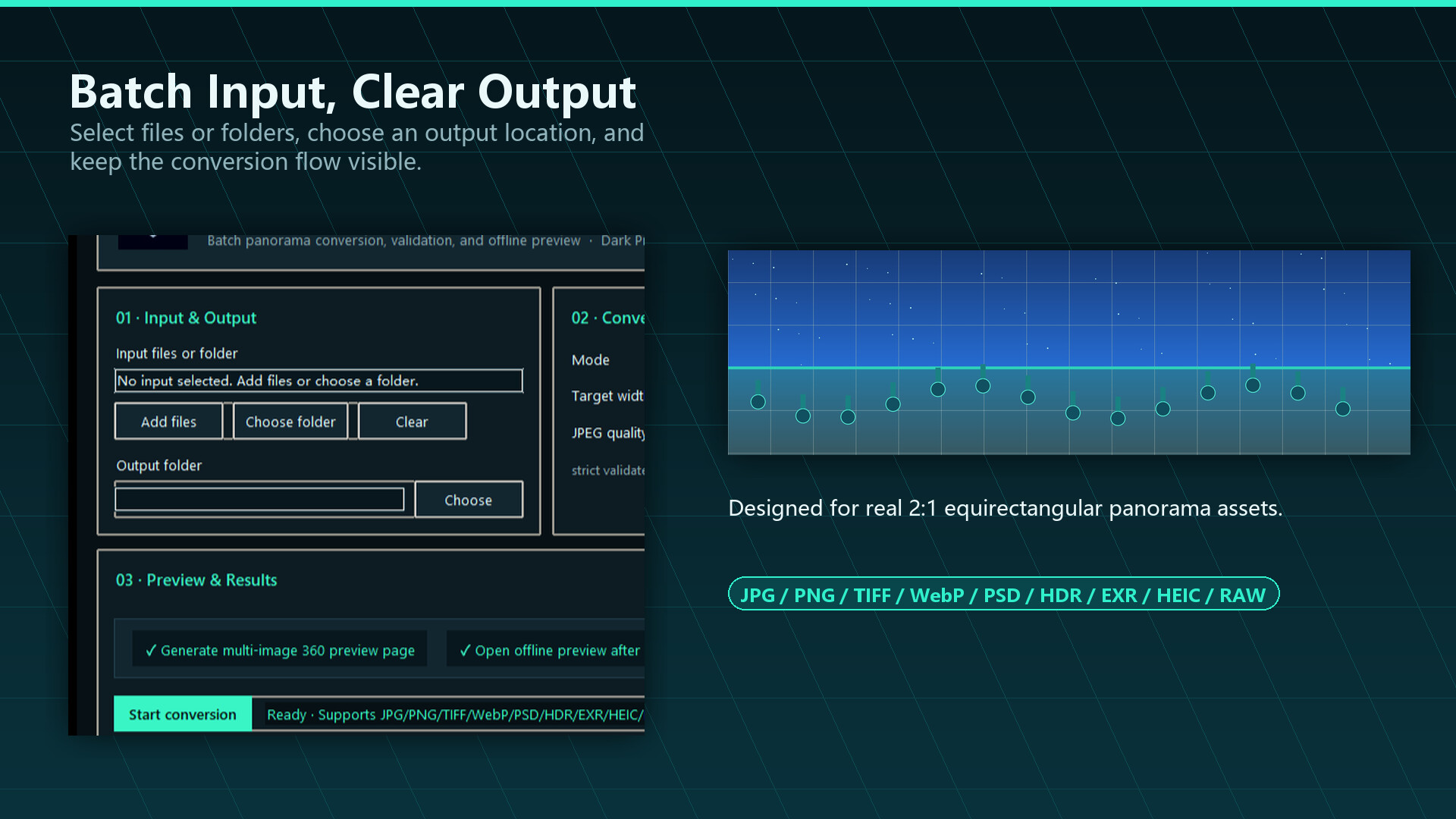
Convert supported panorama image files into standard 2:1 360 JPEG output.
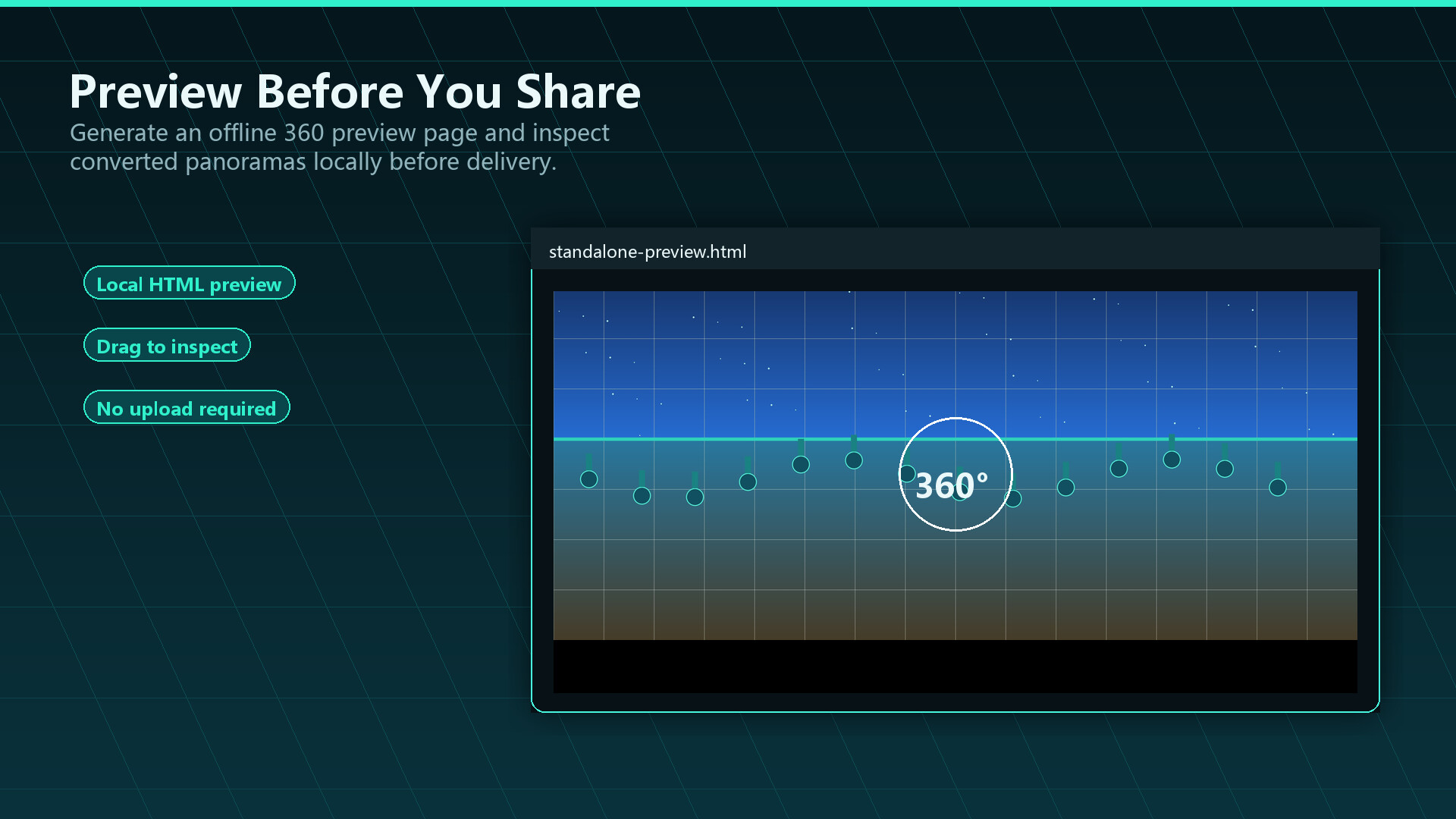
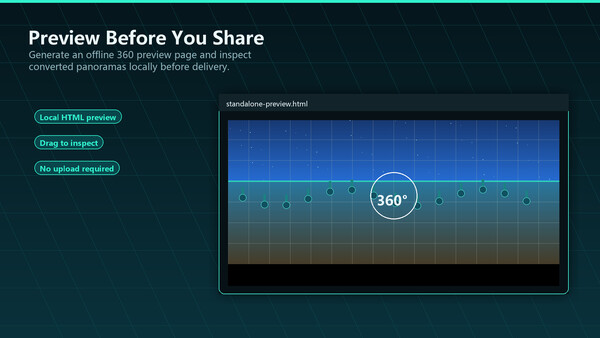
Preview converted panoramas locally with an offline interactive 360 viewer.
Review batch conversion results with clear summaries showing what succeeded, what failed, and why.
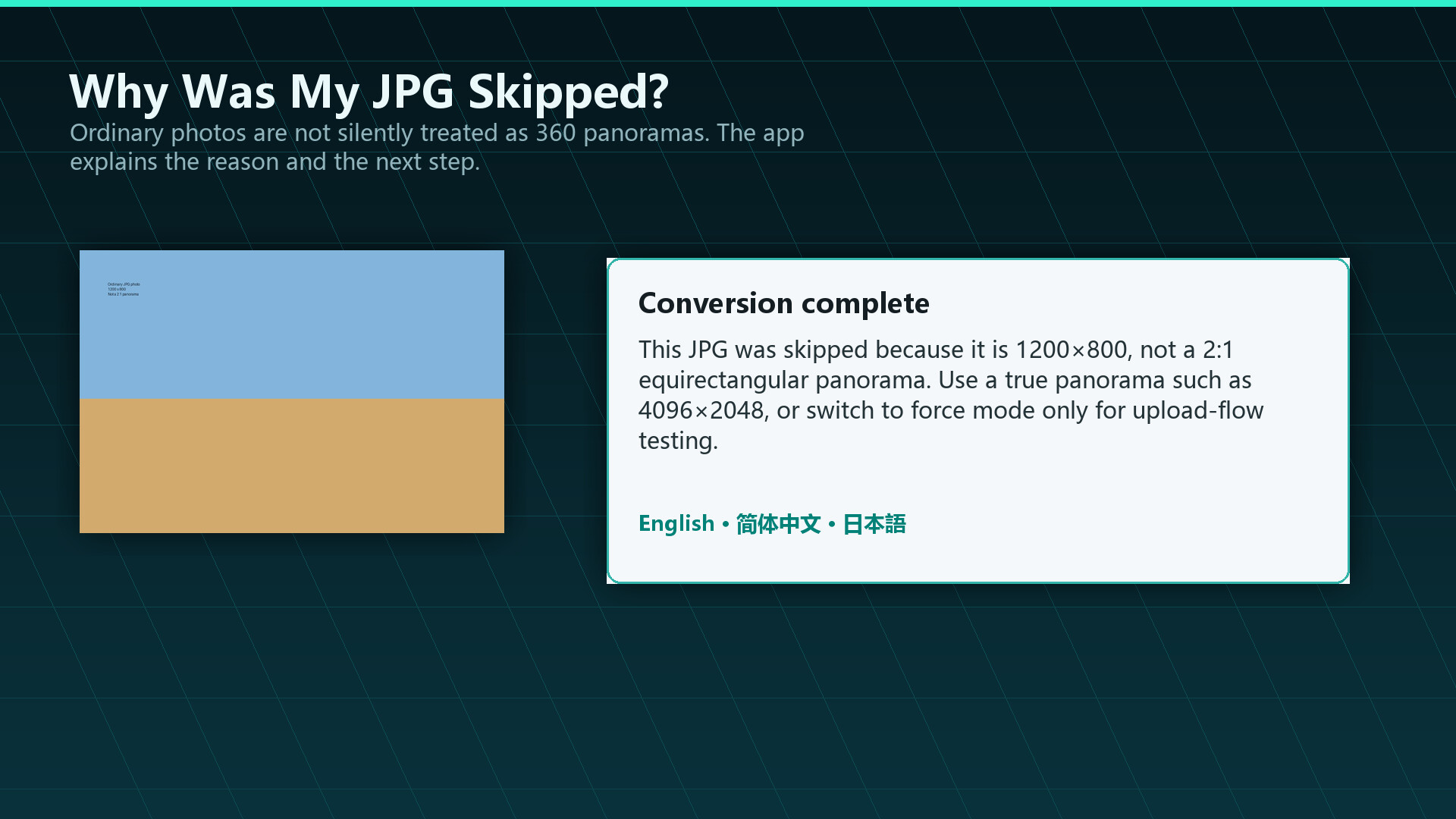
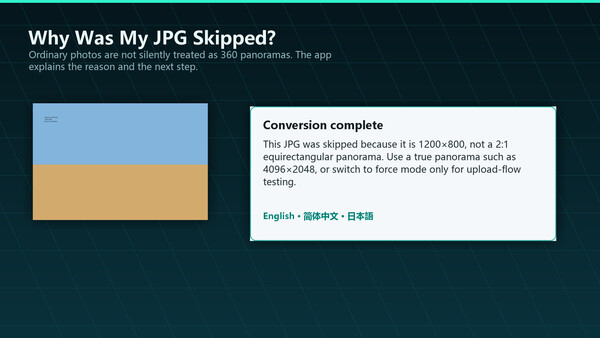
Avoid accidental fake 360 output by detecting ordinary photos that are not valid 2:1 panoramas.
Use a redesigned multilingual desktop interface with English, Simplified Chinese, and Japanese UI options.
Typical uses
Prepare panoramic images for VR, 3D rendering, social sharing, review, or delivery.
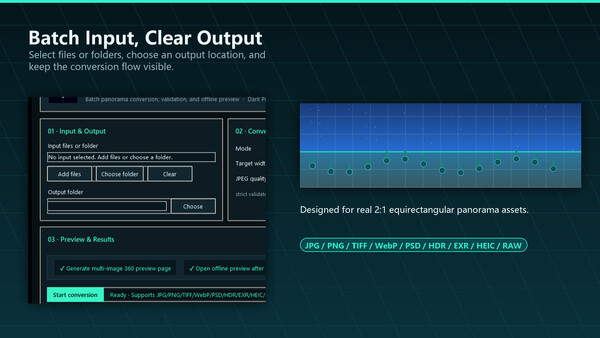
Convert creator-friendly source formats such as JPG, PNG, TIFF, WebP, HEIC, HDR, and EXR into a consistent 360 image output workflow.
Check whether panorama output is actually usable before sending it onward.
Reduce repetitive work in day-to-day 360 image processing.
Important note
This tool is intended for equirectangular 2:1 panorama images. Ordinary photos, screenshots, and non-panoramic images are not automatically turned into real 360 panoramas. In strict mode, they are rejected with a clear explanation so you can avoid misleading output.
FAQ
Does it need other software?
No. Version 2.0 completes the workflow end to end. Older versions required external free tools; that gap is gone.
Is it a general-purpose converter?
No. It is a specialized tool for real 2:1 equirectangular 360 images.
Does it support 360 video?
No. Still images only.
Can it turn a normal photo into a 360 panorama?
No. It requires real 2:1 panoramas. Ordinary photos are not converted into fake 360 output.
Which formats and platforms are supported?
Input formats: JPG, PNG, TIFF, WebP, HEIC, HDR and EXR. Platform: Windows only.
It will not start and shows error 0x11C7. What should I do?
This is usually Windows Smart App Control blocking the app. Please see the pinned discussion in the Community Hub for the steps.
How can I validate results before running a big batch?
Convert a few sample files first and check them in the built-in offline interactive 360 previewer.
Системные требования
WINDOWS:
Минимальные:- ОС: win7
- Процессор: intel i3
- Оперативная память: 512 MB ОЗУ
- Видеокарта: no requirement
- Место на диске: 100 MB
- Звуковая карта: no requirement