CutBench: AI Gameplay Clip Maker

Описание
Raw footage in. Ranked clips out.
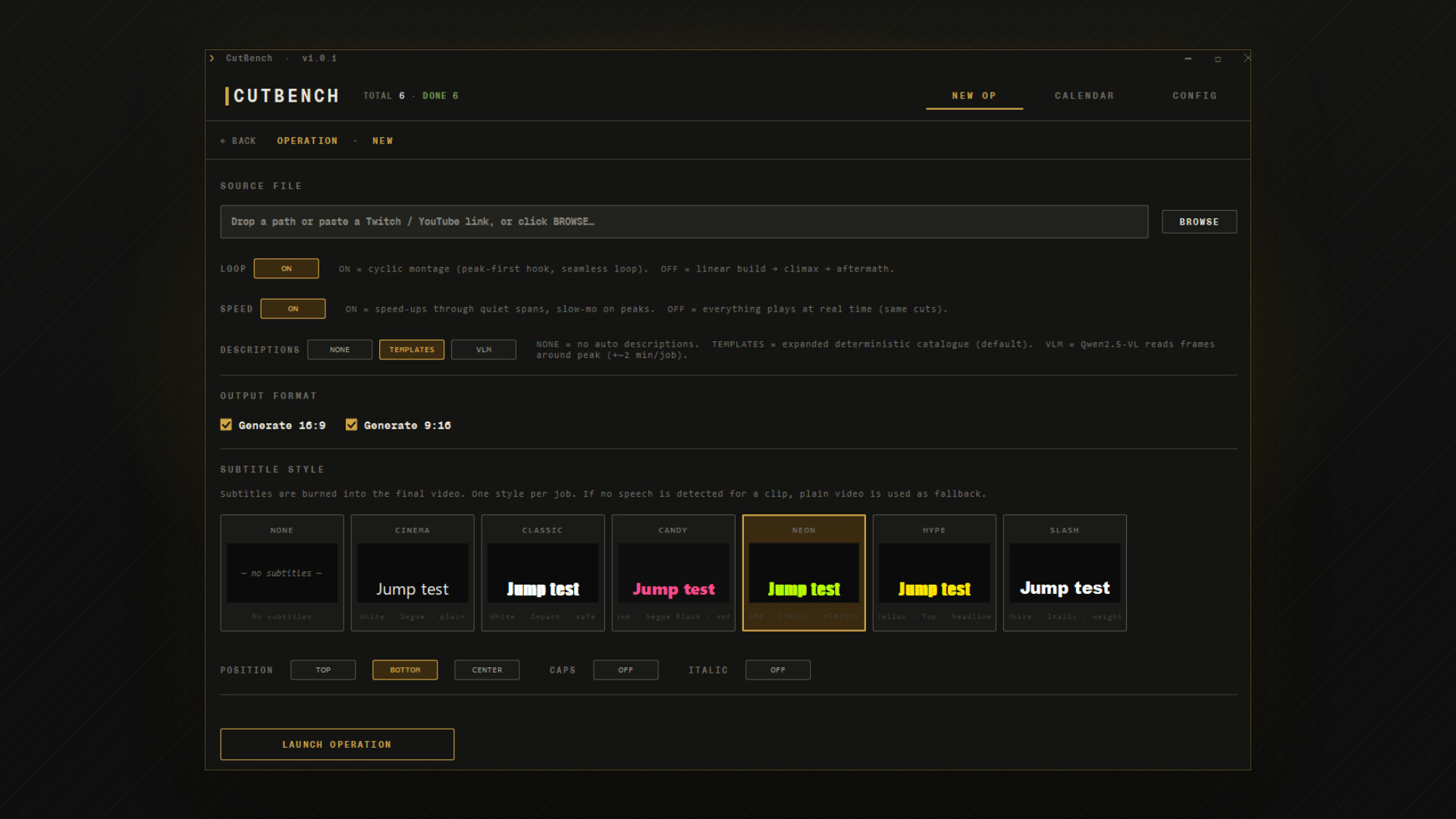
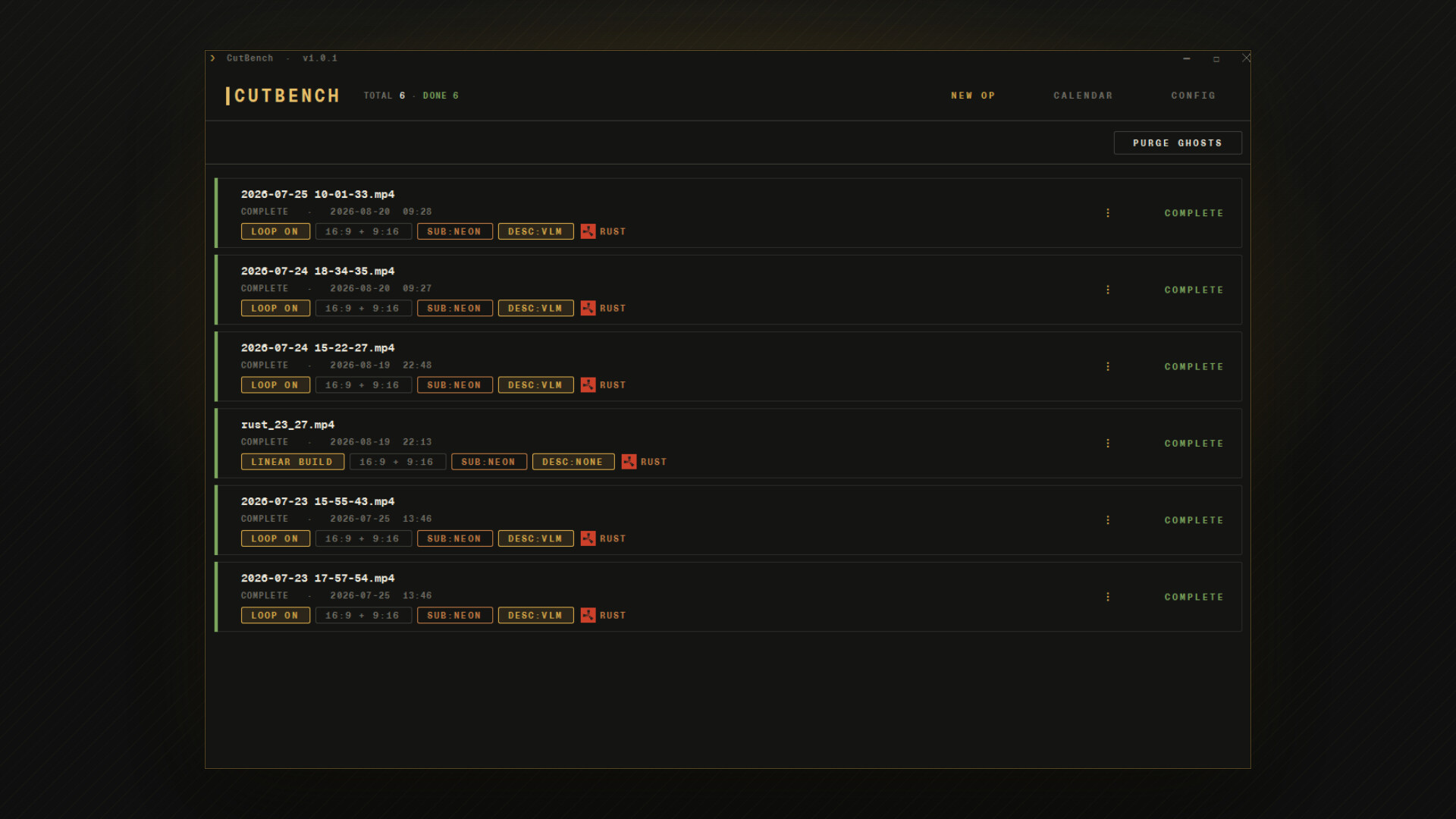
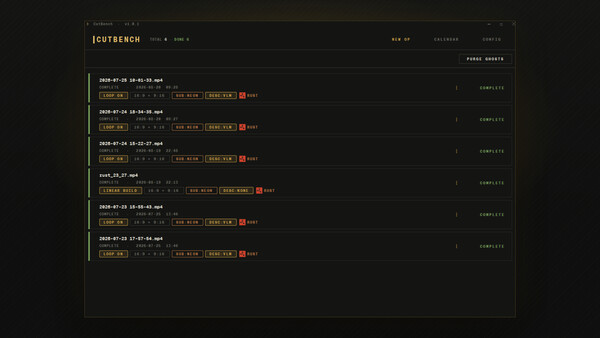
CutBench is a local Windows workbench that turns your gaming sessions into a steady feed of ready-to-post vertical clips, ranked by how likely each one is to blow up. You're going to game anyway — CutBench turns that footage into TikToks, Shorts, and Reels without you ever touching a timeline. Drop a 3-hour Twitch VOD, walk away, come back to 10–15 captioned shorts sorted by virality. Your GPU does the work. Your footage never leaves your PC.
Turn gameplay into growth
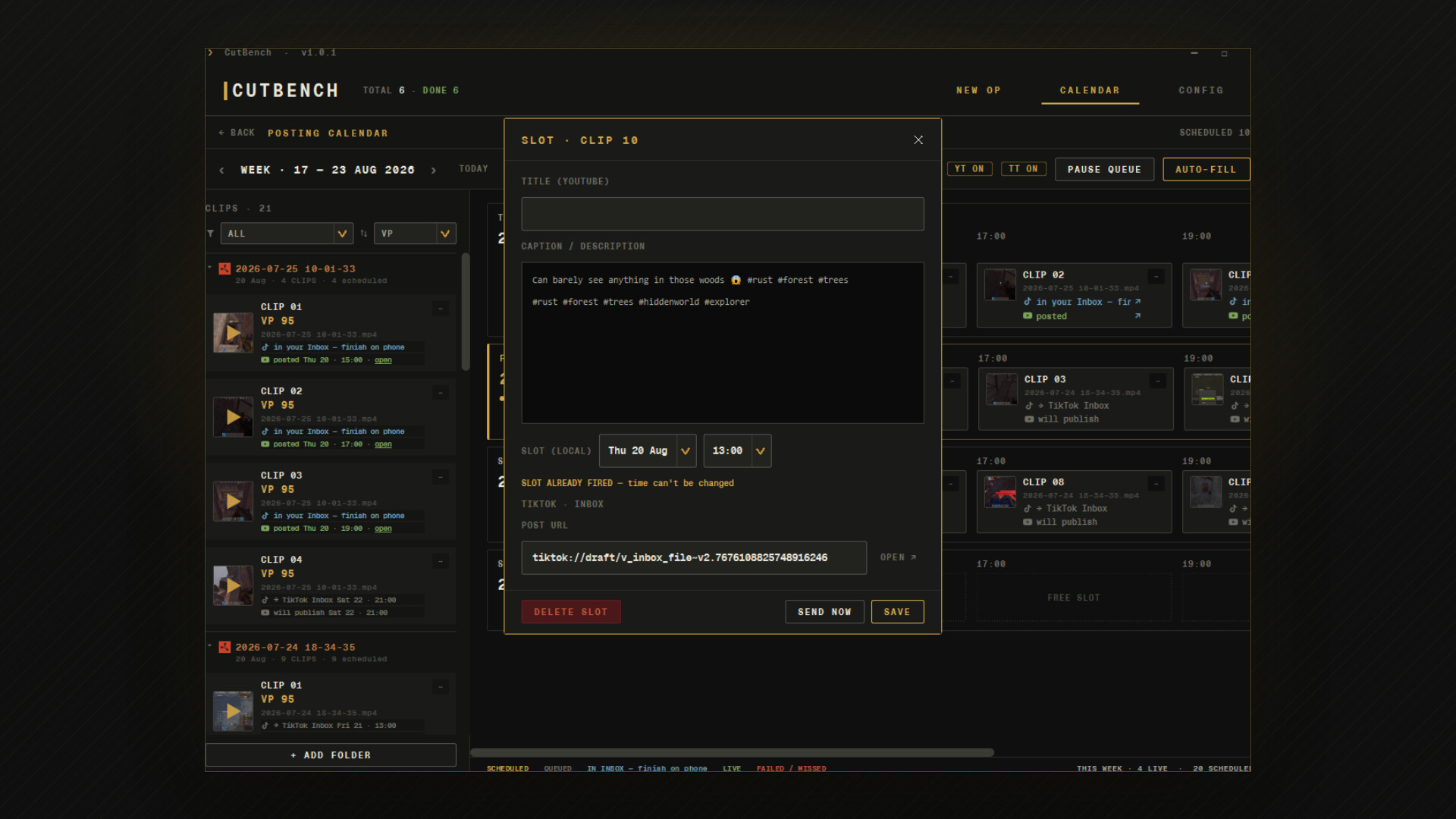
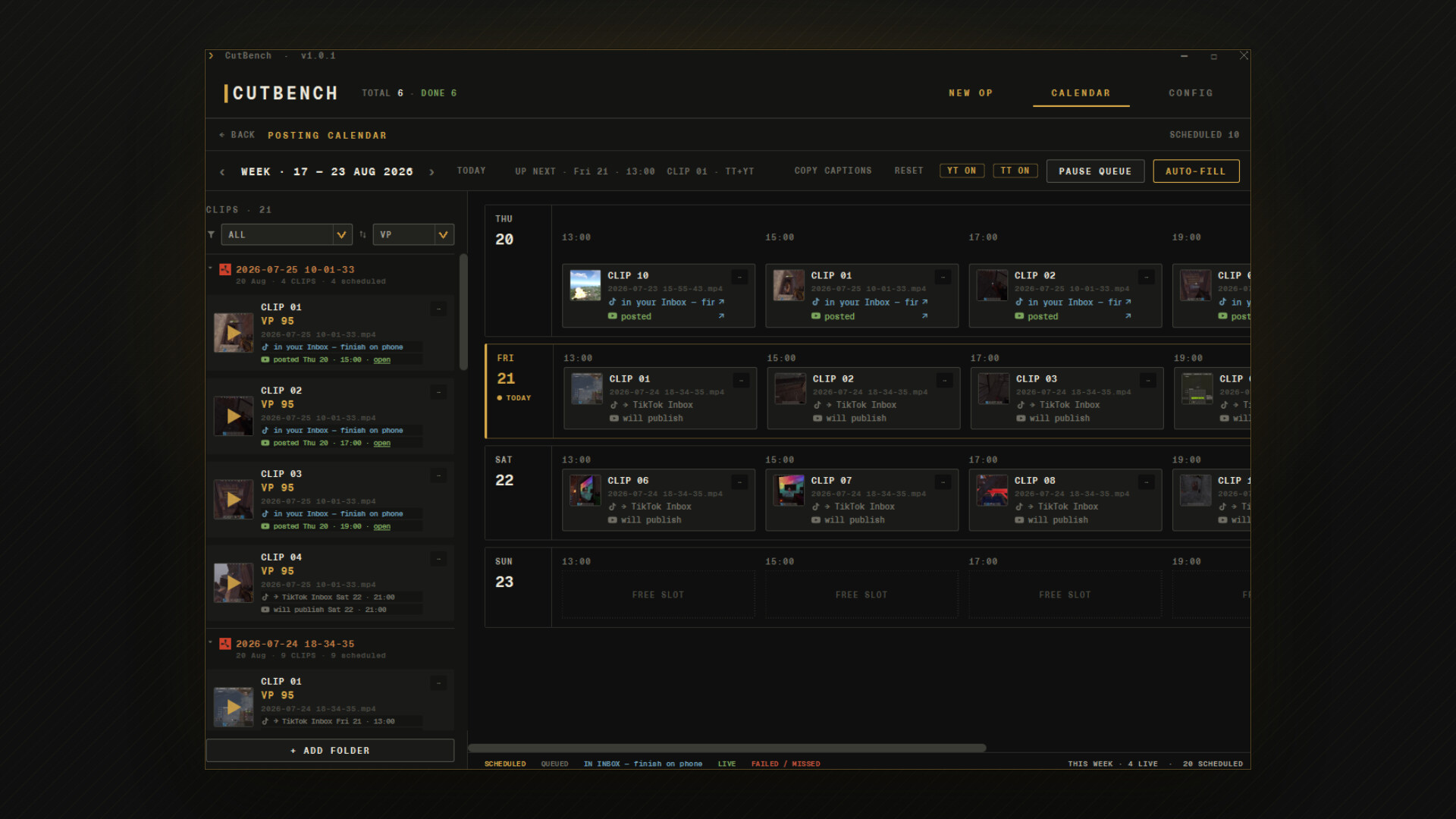
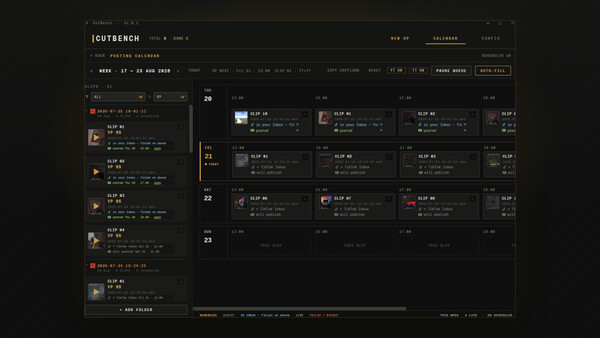
Post daily without the grind. One session = a week of shorts. Stop choosing between playing and posting.
Ranked by virality. Every clip gets a score and a one-line reason, so you know which 3 to post tonight instead of guessing.
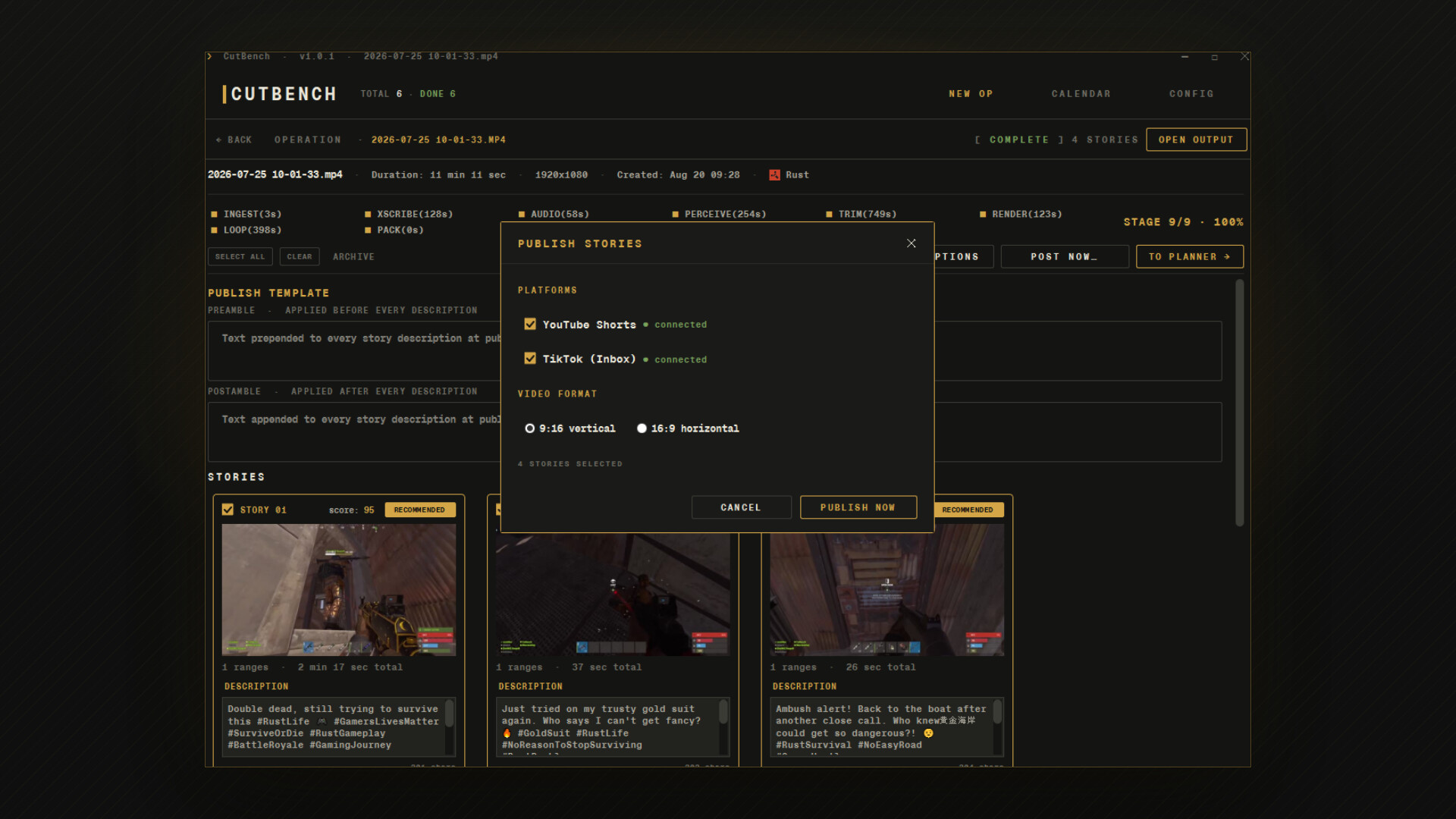
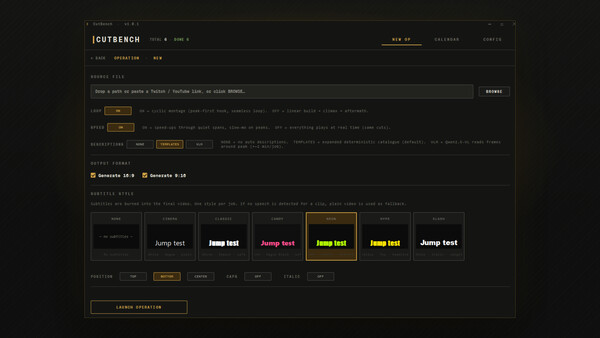
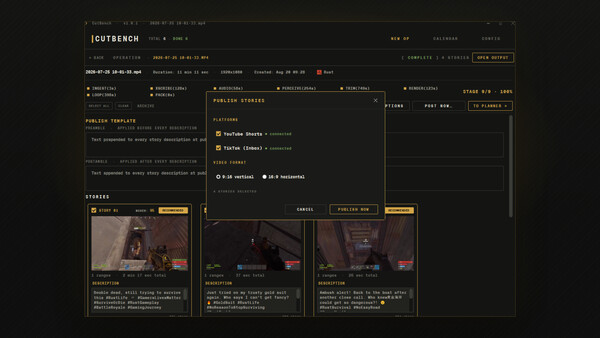
Built to perform on socials. 9:16 cuts, burned-in captions, and ready-made titles and hashtags tuned for TikTok, Shorts, and Reels.
Built for gamers, not marketers. The scoring is tuned on real gaming footage — kills, clutches, banter, boss fights — not TED talks and product launches.
Why CutBench
Local-first. Your raw session — voice, game audio, every embarrassing rage moment — stays on your drive. Nothing uploaded, nothing transcoded by a stranger.
No subscription. One-time license. Buy once, clip forever.
No usage limits. Process as much footage as you want, as often as you want. No monthly minute quotas, no per-clip credits — it's your GPU doing the work.
How it works
You point it at a recording and walk away. It works through the whole session on your own GPU, reading the picture as well as the sound, and judges every candidate moment against the others from the same session rather than against a volume meter.
Whole session in. A three-hour VOD or an OBS capture straight from your drive, not a clip you already picked.
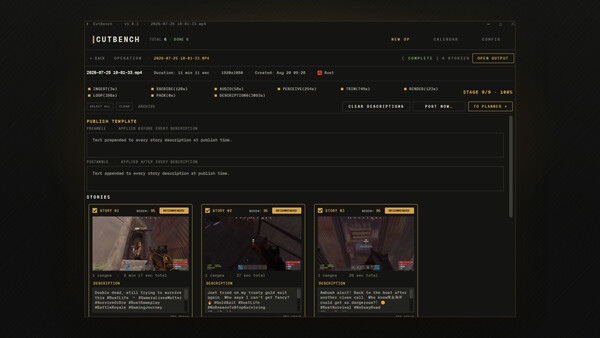
Ranked, not dumped. A short ordered list, each clip already trimmed to where the moment actually starts and ends.
Ready to post. 9:16 for Shorts, Reels and TikTok, 16:9 for YouTube, captions burned in, post copy suggested.
Nothing uploaded. Your footage never leaves the disk it is on, and the first run works with no internet at all.
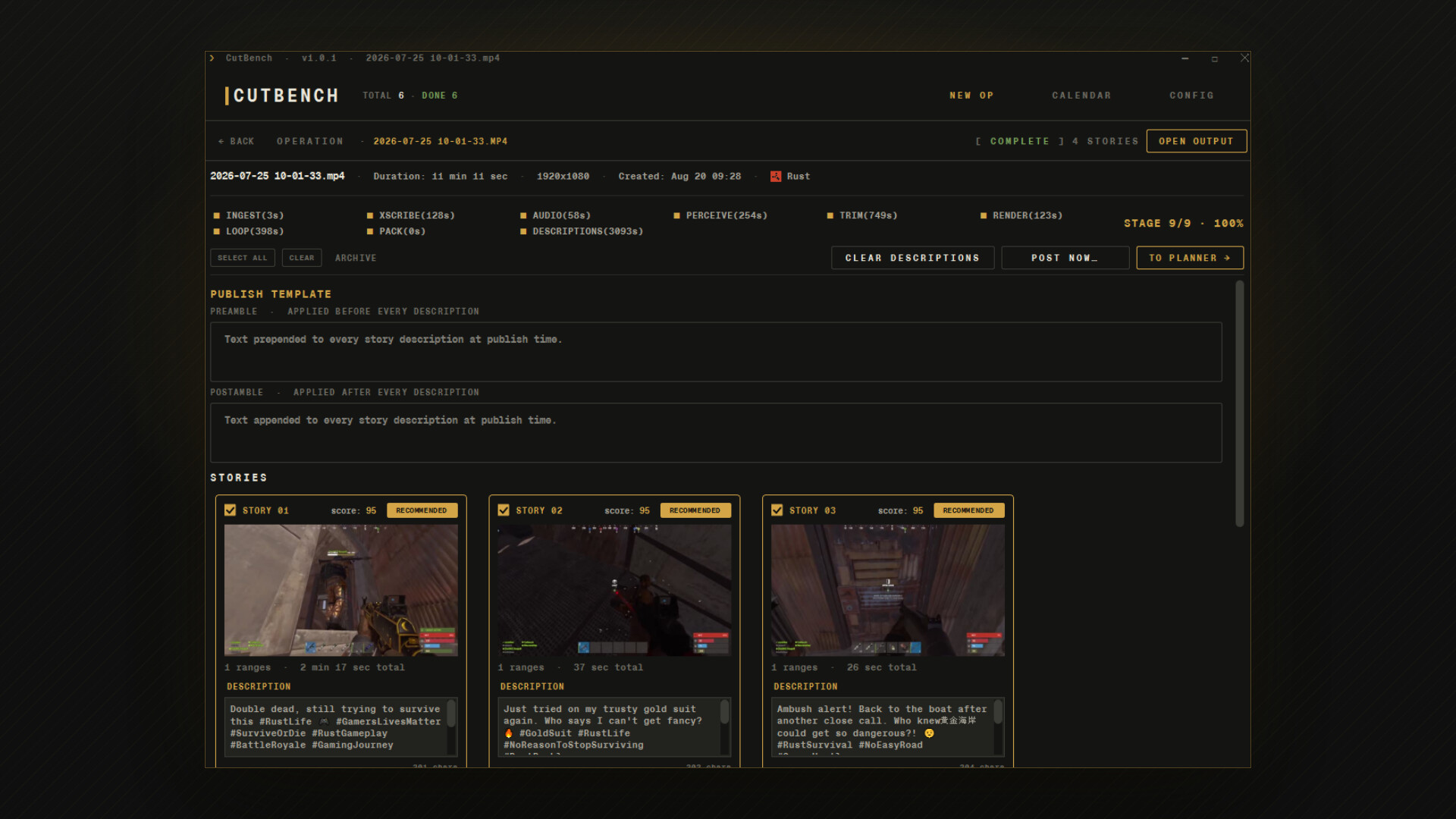
When the run finishes, your output folder has finished video files with subtitles, a per-clip score and reason, suggested post copy, and a ranking so you know which 3 to post tonight.
It understands what's actually happening
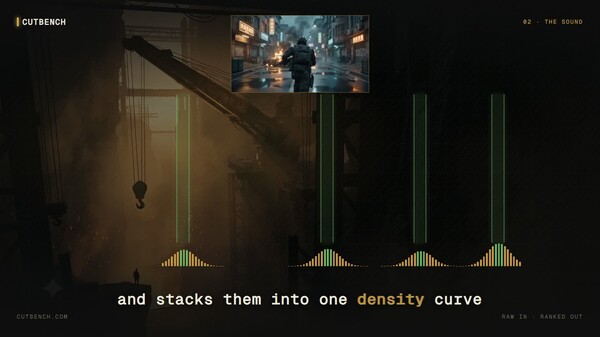
CutBench doesn't just cut on volume spikes. It reads the picture as well as the sound, so it lands on moments that are actually worth posting rather than on the ones that were merely loud. Everything runs locally on your GPU. Nothing is uploaded.
What you get per session
10–15 ranked vertical clips per 3-hour recording
Both 9:16 (Shorts/Reels/TikTok) and 16:9 (YouTube) renders
Burned-in captions in multiple styles
Suggested title, description, and hashtags per clip
A virality score and a one-line reason for every clip
Anti-features
No timeline. If you wanted to drag clips around manually you would have opened DaVinci.
No cloud upload. Your footage is yours.
No "AI face filter" or "AI voice change". CutBench finds the moments, it does not fake them.
No watermark in the paid build. (The free demo has one. This build does not.)
Made for
Gamers who want their gameplay to actually pay off on social media — streamers, content creators, and anyone sitting on hours of footage who wants a steady feed of shorts without learning an editor, paying a monthly fee, or shipping their gameplay to a third party.
Local-first guarantees
No telemetry. The app does not call home.
No mandatory account. The license verifies once via Steam, then runs offline.
No required internet. After install, you can clip on a plane.
AI content disclosure
CutBench uses on-device, pre-trained AI models for visual scene understanding, audio event detection, and text generation (clip titles, captions, and hashtags). All models are bundled with the app, run on your GPU, and never transmit your input or output off your machine. No third-party AI service is contacted.
Системные требования
WINDOWS:
- 64-разрядные процессор и операционная система
- ОС: Windows 10 64-bit, version 1909 or later
- Процессор: 4-core x86-64 CPU
- Оперативная память: 8192 MB ОЗУ
- Видеокарта: NVIDIA GPU with 6 GB VRAM, CUDA 11.8+ (RTX 2060 / RTX 3050 8GB / RTX 4050 or better)
- Место на диске: 30 GB
- Дополнительно: SSD strongly recommended for source footage.
- 64-разрядные процессор и операционная система
- ОС: Windows 11 64-bit
- Процессор: 8-core x86-64 CPU
- Оперативная память: 16384 MB ОЗУ
- Видеокарта: NVIDIA RTX 3060 or better, 10 GB+ VRAM
- Место на диске: 30 GB
- Дополнительно: SSD strongly recommended for source footage.