Atlas Tile Editor (ATE)







Описание
Atlas Tile Editor (ATE)2D TILE CREATOR!
What's an Atlas Tile?
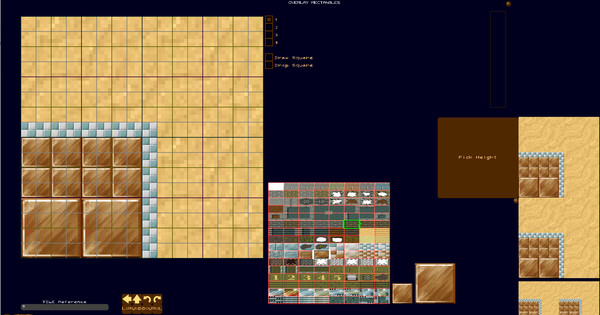
In games of yore, atlases (also known as sprite sheets) combined to form the entire world of a game. You could build the world by using a single texture, which helps decrease "texture swaps" in GPU hardware, and speeds up the game's rendering, while also helping the world get made by reusing art stored on these atlases.
Yes, you can save to PNGs and use the output from this program in RPG Maker or GameMaker or Construct or AppGameKit or .. many more game engines!
Atlas Tile Editor (ATE) is an up-and-coming tile editor that will allow pixel artists:
- Create reusable sprite atlases similar to the functionality of GlueIT and TexturePacker.
- Create advanced geometric tilesets for OpenGL (and DirectX) games in a way not currently available.
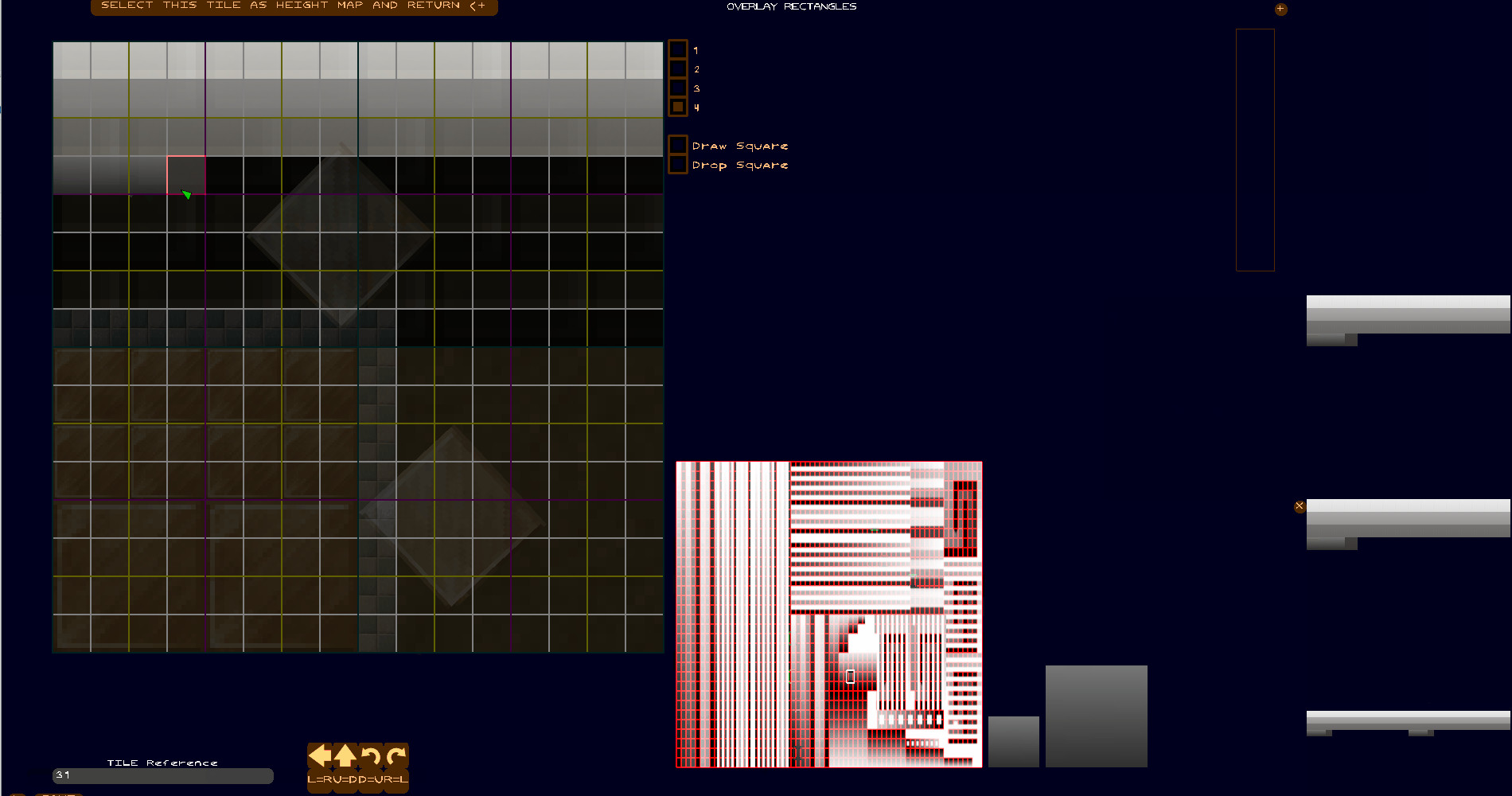
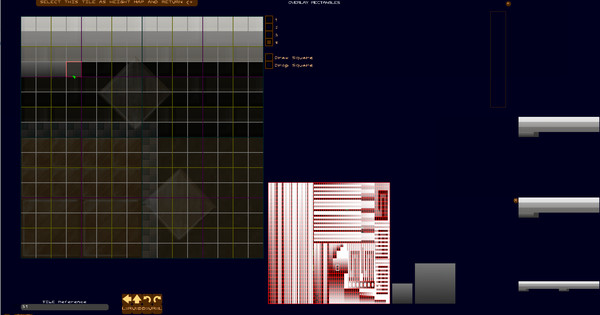
- Pair customized tilesets with heightmap and normalmap data using a simple cyborg algorithmic and artistic way of building heightmaps as you customize tiles, using a provided height atlas.
- Use the native ATE format, or a JSON exporter for tile overlay geometry features
- Export "baked" tiles (available, but not recommended) as PNG, for legacy engines or engines that cannot use Atlas Tiles(tm).
Whoa whoa whoa, wait, you mean you can put actual geometry on these tiles?
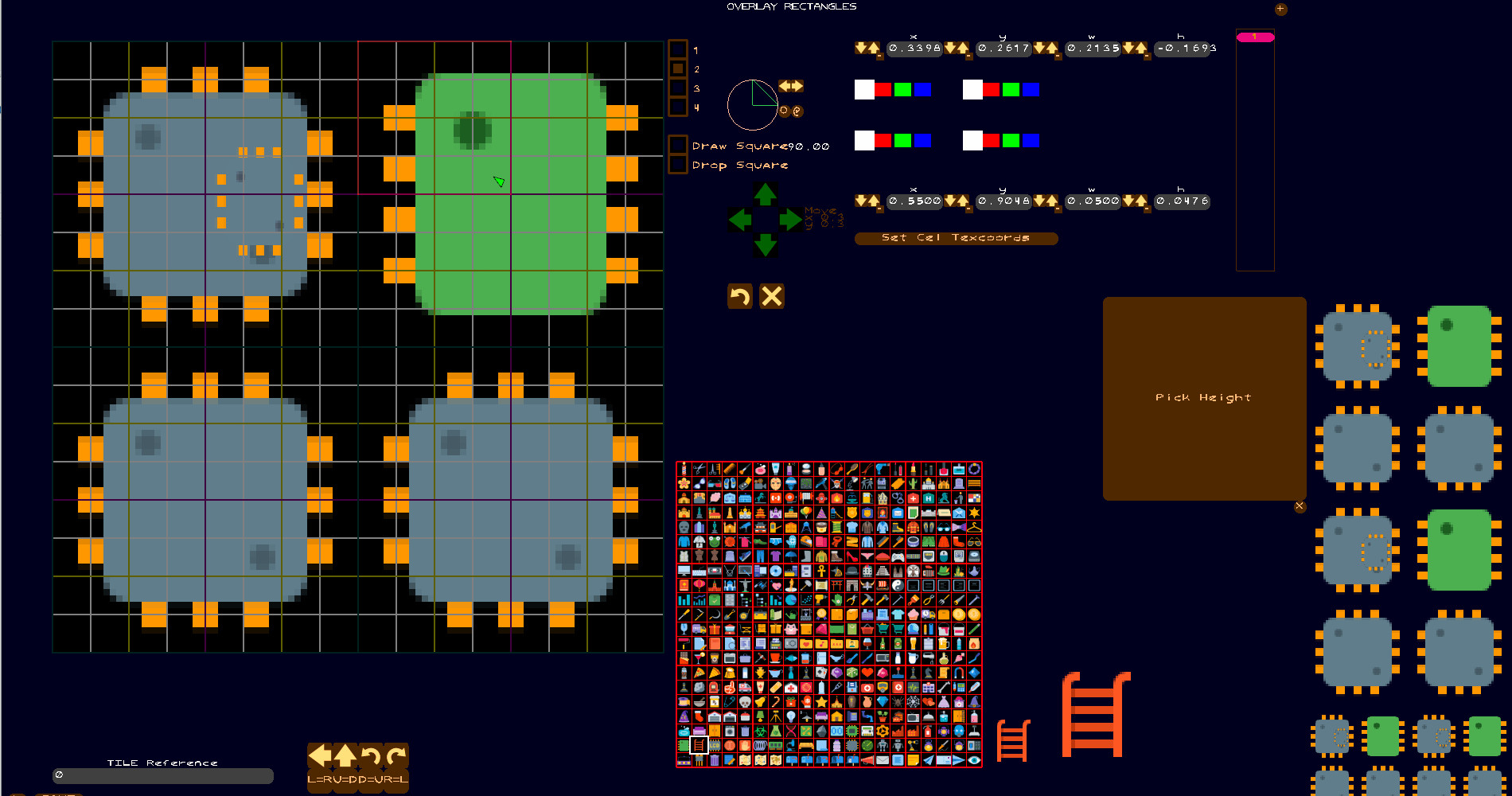
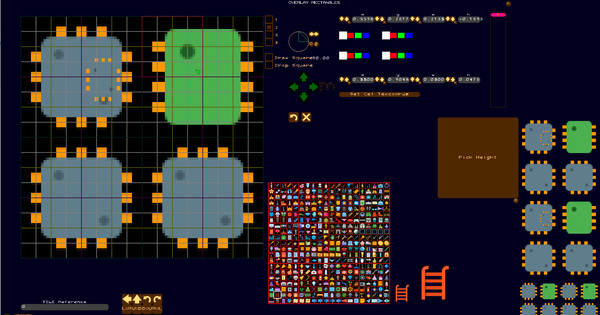
Yes, the entire premise of the Atlas Tile Editor is to provide a way to draw tiles on the fly from a single texture, but using 2D geometry to allow multiple samples from this texture to create essentially new artwork as a collage. The 2D geometry is then assembled into a VBO and displayed in your favorite engine using a shader.
Just to recap, here's what you'll do in Atlas Tile Editor (ATE):
1) Create customized tiles from texture atlases.
2) Save "baked" tiles as PNGs
3) Save "unbaked" tiles as ATE packages.
4) Save "unbaked" tiles as CSS/JSON packages.
5) Save your workspace to recall your work whenever you'd like.
6) Create and associate customized height maps, which are converted automatically to normal maps.
7) Export tile packs with height maps, normal maps and color maps.
8) Import and pack tiles using BestRectPack algorithm.
9) Import and pack tiles using "row and column" packing (to create Sprite Sheets)
10) Add, rotate and stretch tile geometry with granular control.
Future features may include:
- Create short replayable presentations in HTML/CSS or
- Create 2d particle FX systems and "bake" films of their animations
- Create 2.5D isometric tiles and export them with normal mapping.
- Create a "3D" atlas tile, similar to a Minecraft block
Системные требования
WINDOWS:
Минимальные:- ОС: 10
- Оперативная память: 3 GB ОЗУ
- Видеокарта: NVIDIA or ATI
- Место на диске: 500 MB
- Звуковая карта: Required
- Дополнительно: Supports WinTouch