Bot Maker For Discord
Описание
Extendable
You can extend Bot Maker for Discord with community-made commands, events, actions, automations & more via Steam Workshop.
Our Promise (futureproofing)
Bot Maker for Discord is an indie app in constant development.
Although this app does not have any subscriptions (and therefore our "business" model can be deemed "unreliable"), we're never going to:
Paywall features or updates (DLCs)
Quit development without prior notice
Turn a blind eye to the community's requests
Information such as your token does not leave your computer except for when it goes to Discord. You have full control of your data and your bot as we do not get any access to it.
О программе
Note - I'll refer to this as BMD (Bot Maker for Discord) to keep things simple
How it works
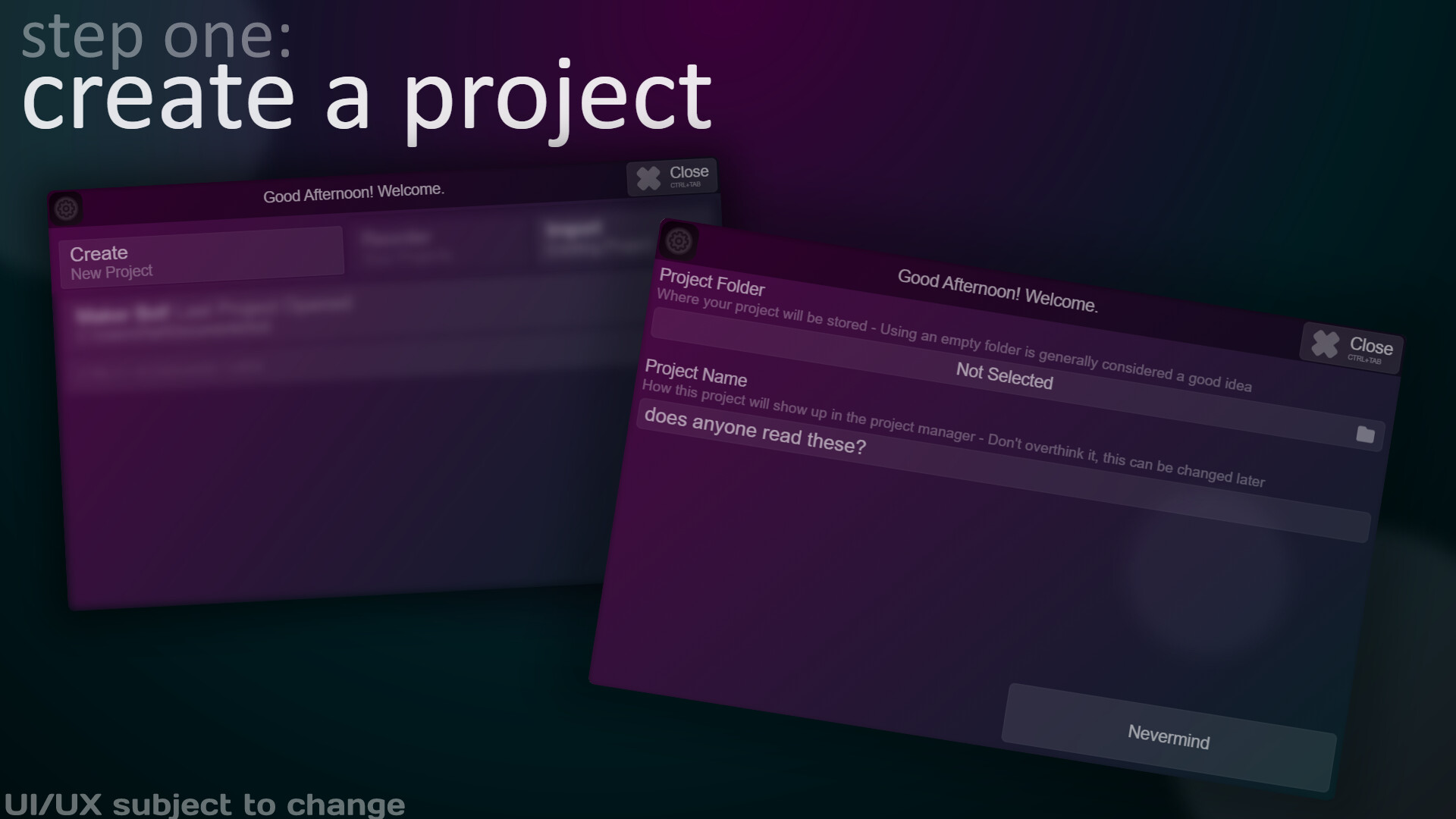
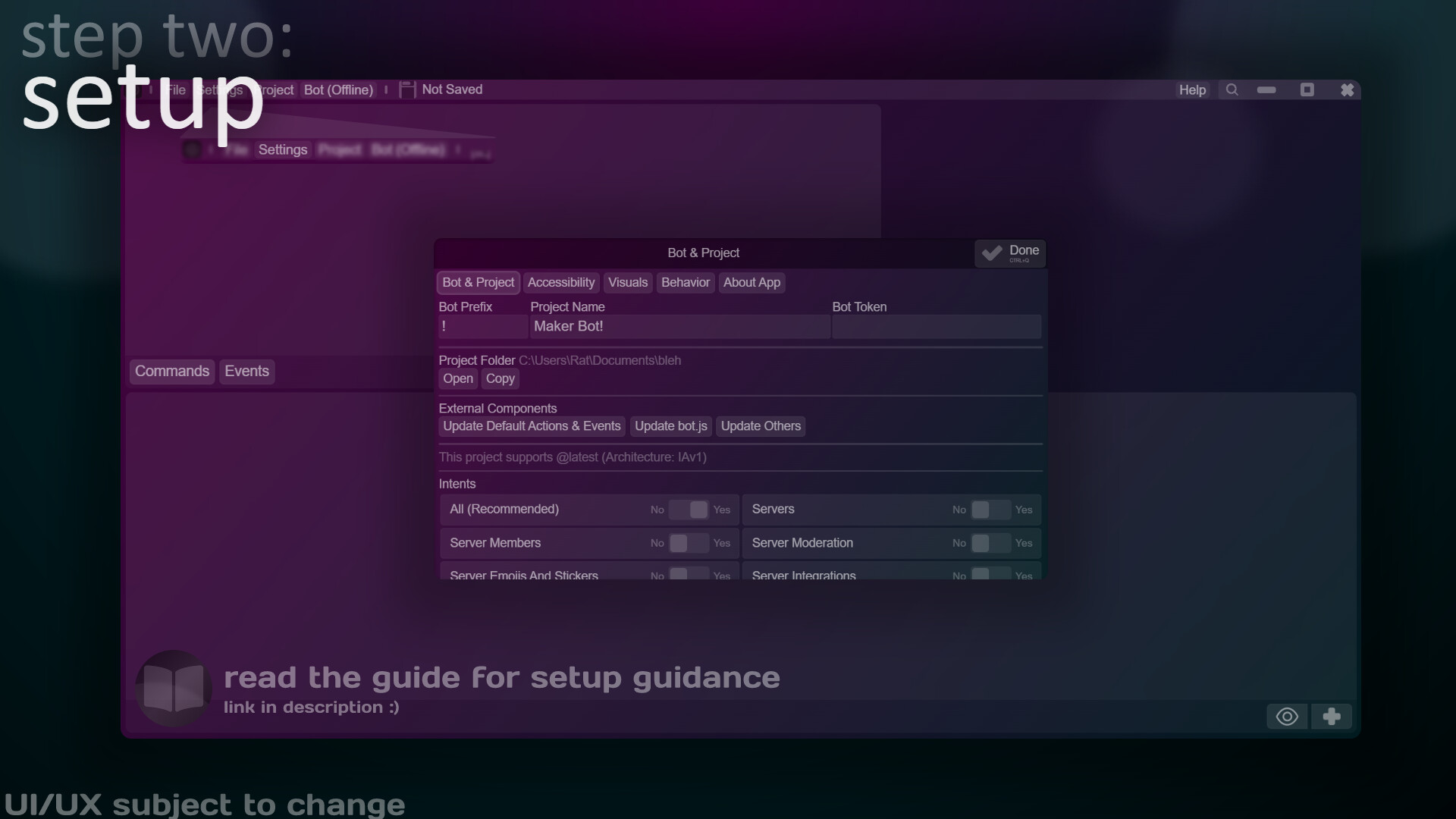
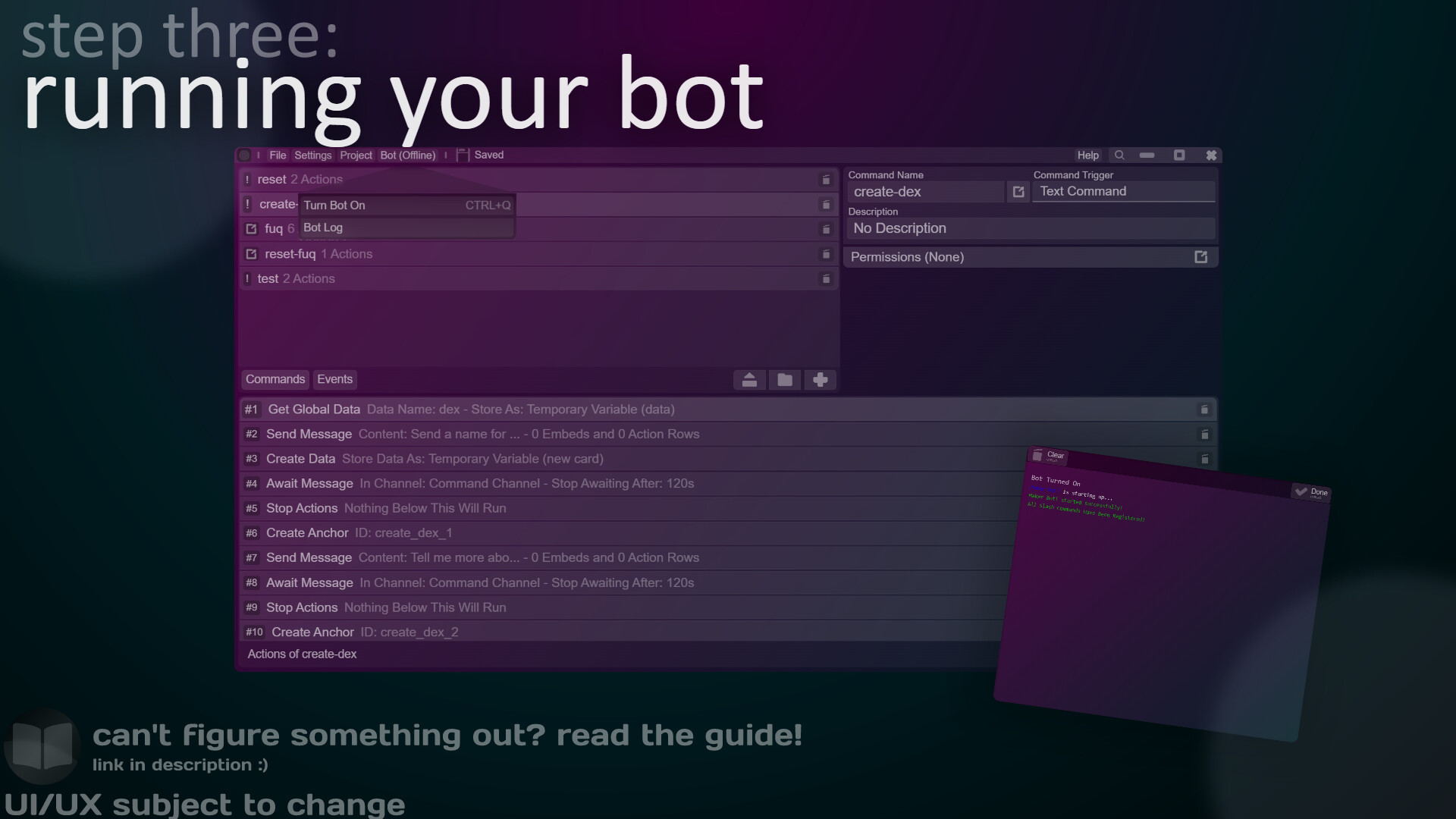
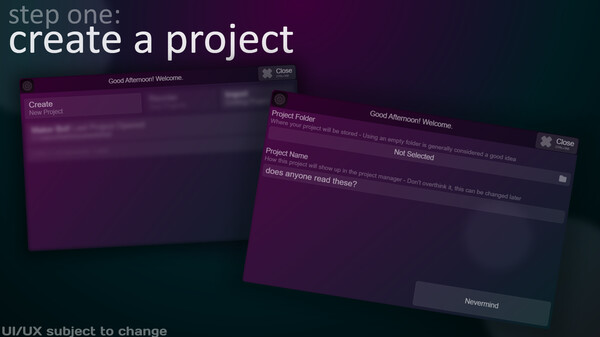
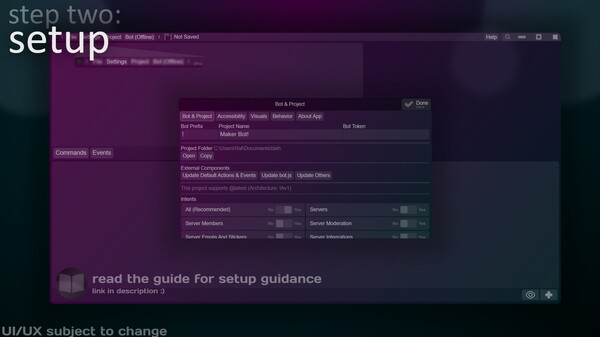
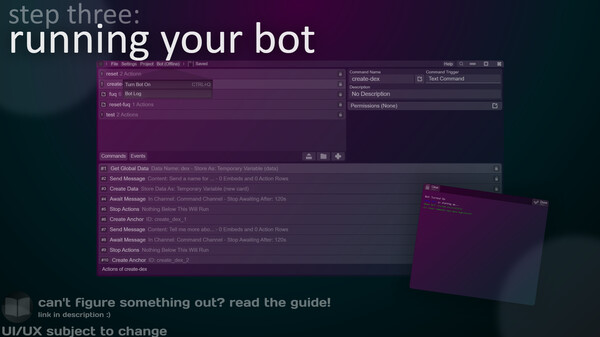
Everything's simpler than you think - the base interface actually boils down to three main sections: Your commands, the selected command's information and the things that will happen when your command runs. If you've ever used "Discord Bot Maker" (unaffiliated), you'll find this familiar.
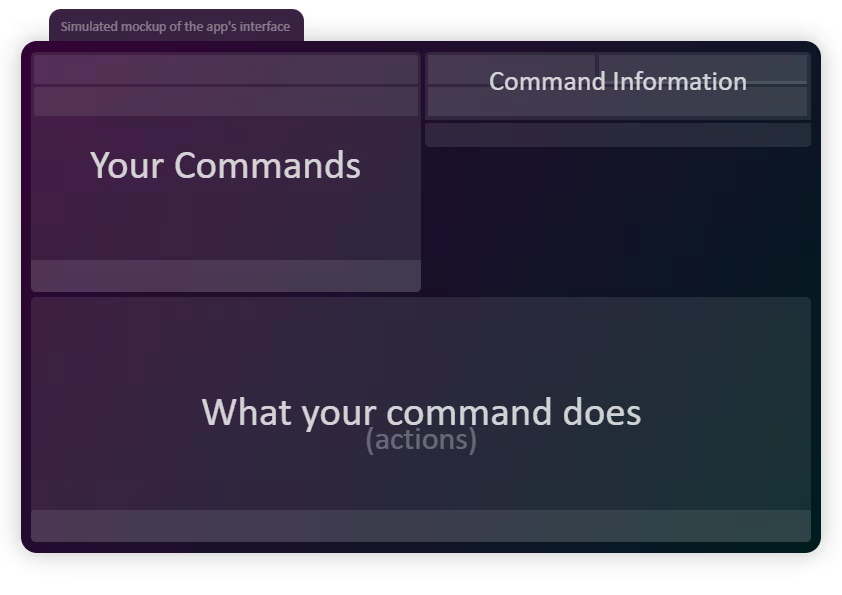
In short, you have a list of commands and each command has a list of actions.
Why this system?
This uses an one-directional system. Everything runs in one direction: downwards. Your actions run in the same order as you're placing them.
To prevent limitations, you can change the order in which actions run while they're running via jumping to actions (or skipping, or stopping, etc.)
Actions can be nested and they can escape nesting, adding to the versatility.
What are actions?
Hmm.. well, imagine a puzzle: you have a bunch of pieces, each one unique from one another and you have to get each piece in order to get the end result.
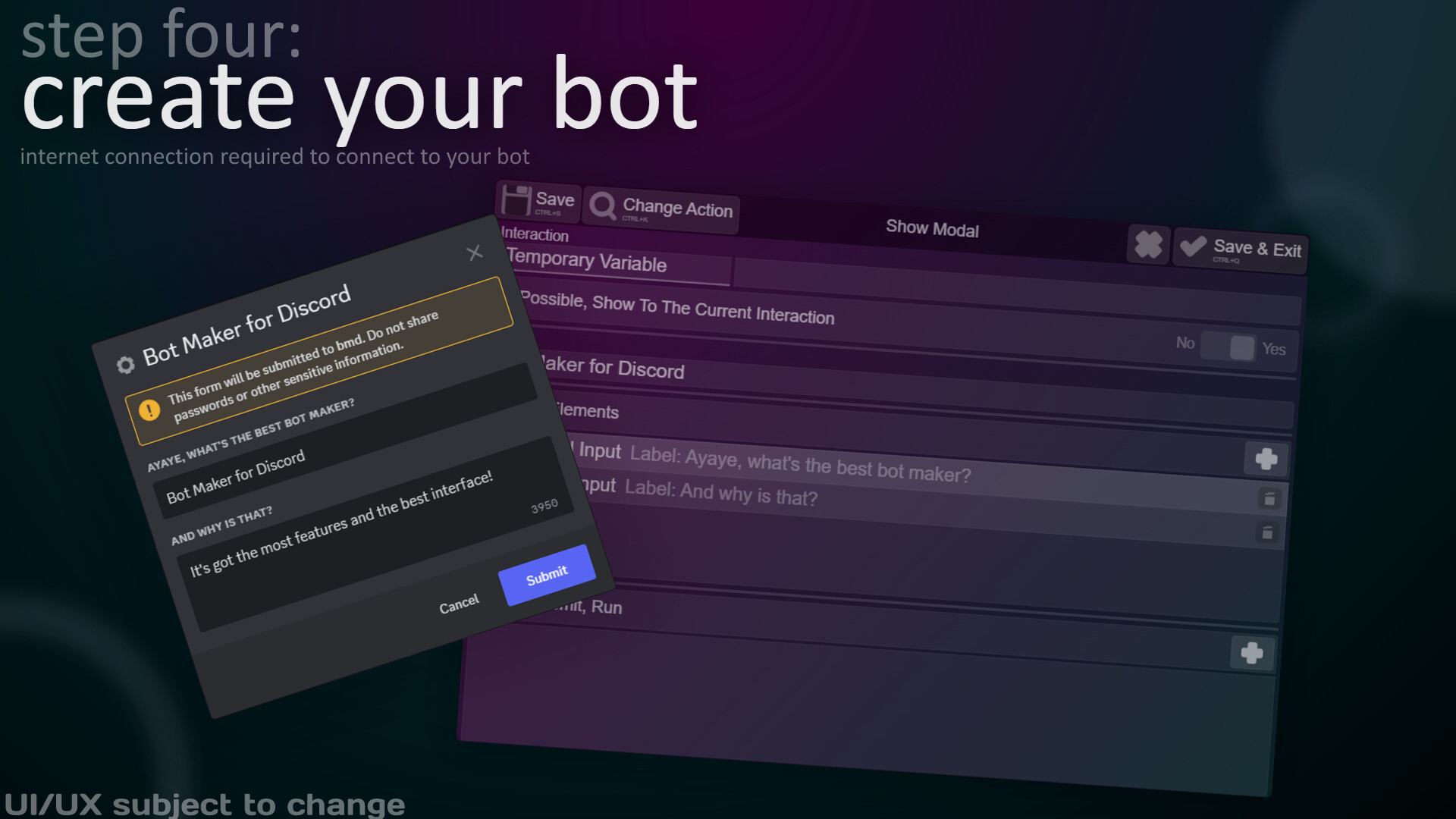
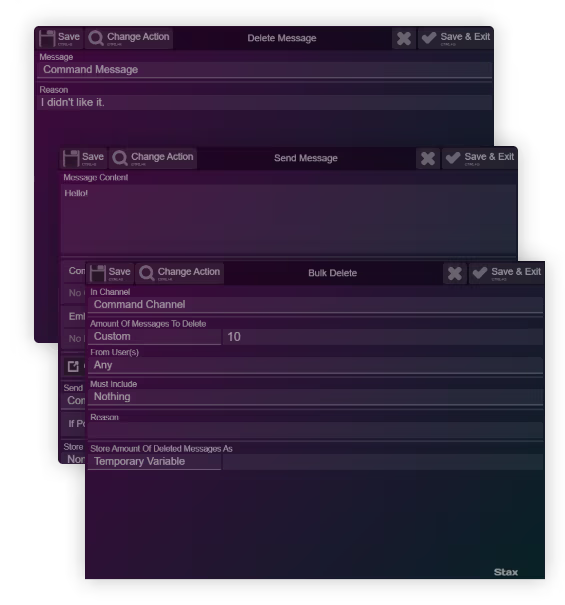
Actions are things that do a single task, such as sending a message, that can be pieced together to create complex systems (commands or events).
If you didn't yet get the hang of it, these are actions in their full glory:
In a command, those actions would look like this:
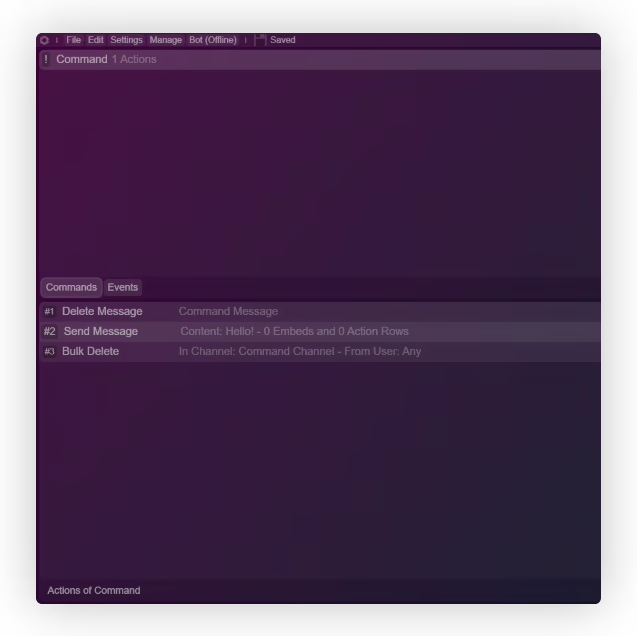
If you still don't get it, there's a better explanation out there - click the "View The Manual" button to the top right of this paragraph.
What can this app do?
A lot, actually!
Create Slash, User and Message commands
Send messages containing Components V2
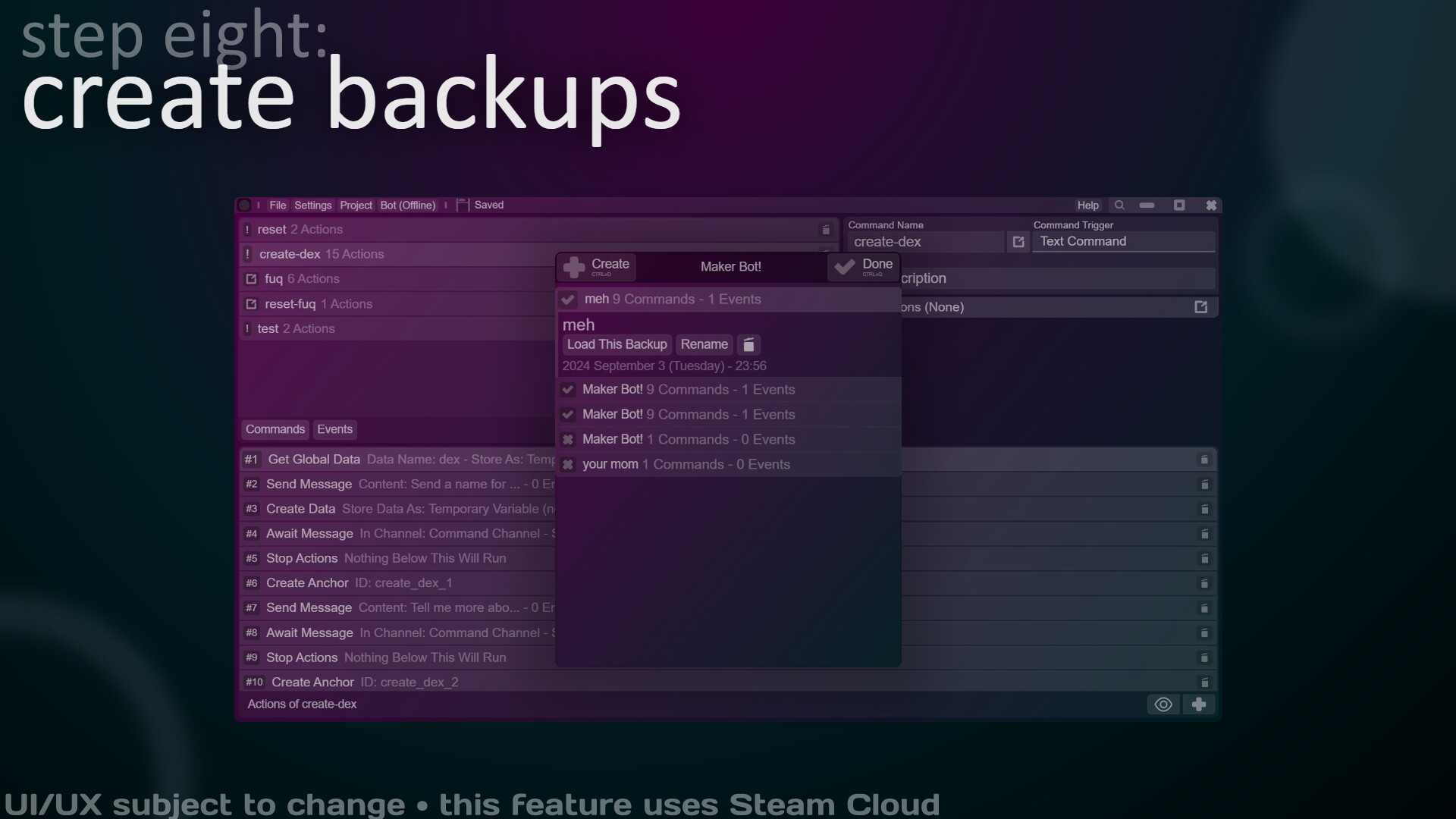
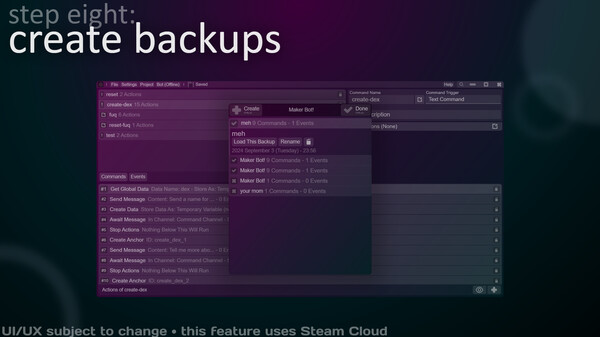
Back up your bot to Steam Cloud
Get JSON from WebAPIs
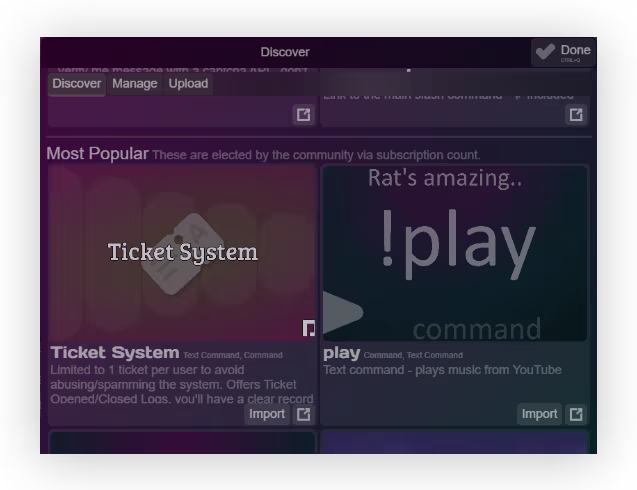
Upload & get commands from Steam Workshop
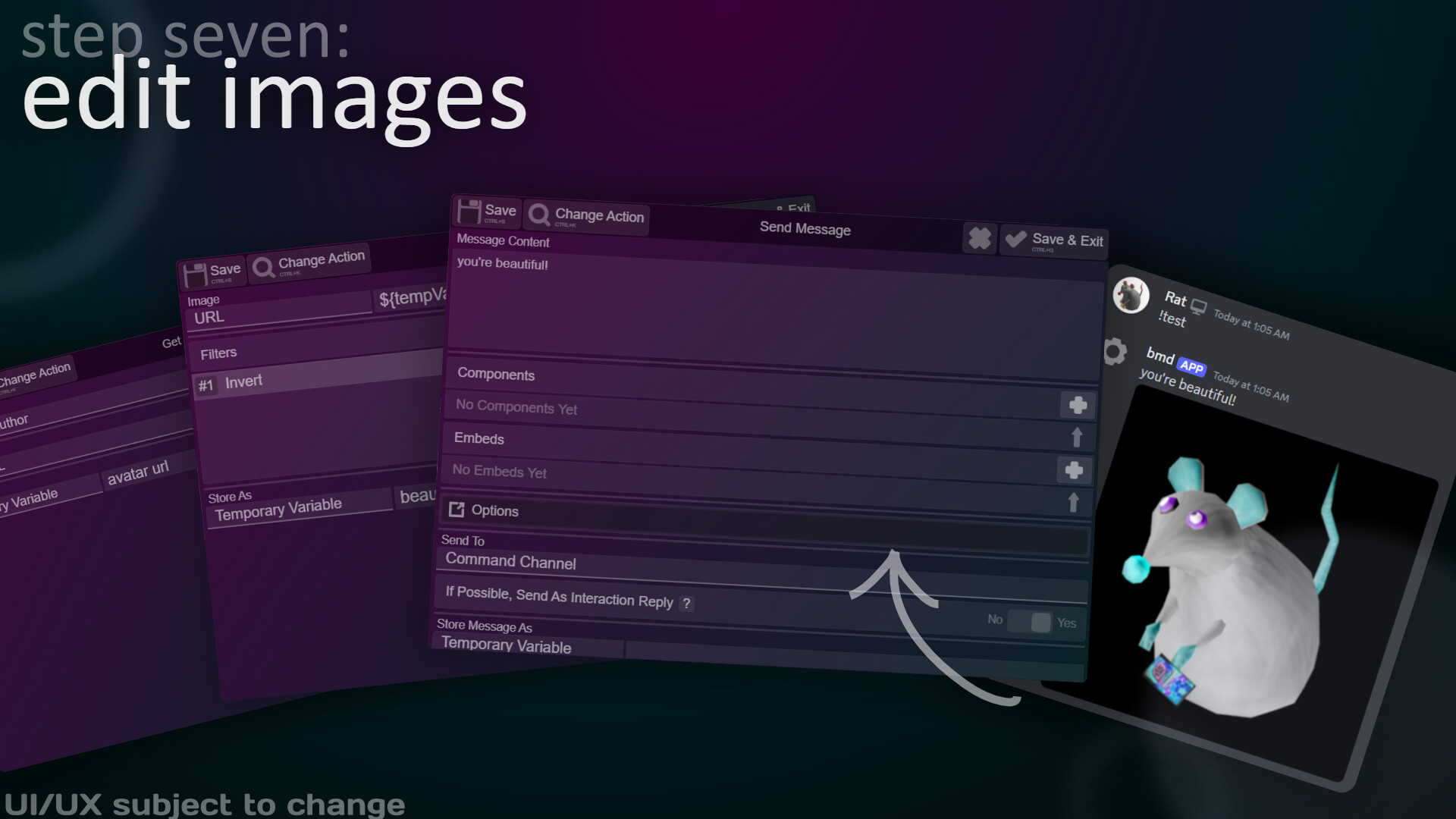
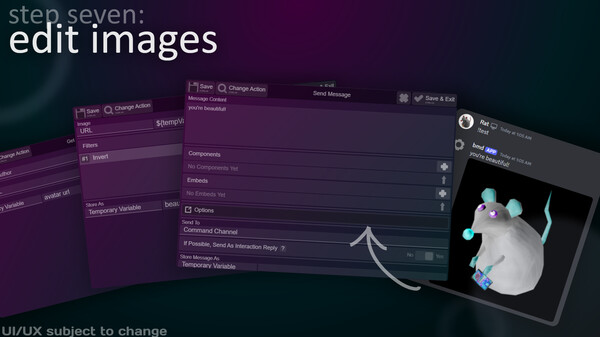
Edit Images
Message Users
And about anything you could imagine!
Special features
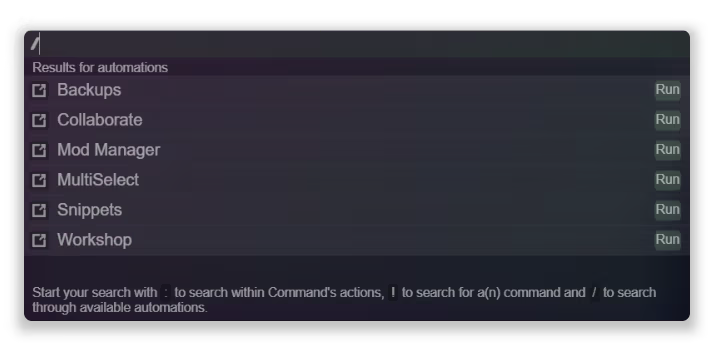
ActionPalette - search your actions, commands & shortcuts!
Workshop - share your creations with the world!
& more!
Attribution
Thanks to Icons8 for their design software and icons!
Special thanks to Iconduck for their icons 💗
Art assets made with Lunacy by Icons8
The developer of this app and this app are not affiliated or associated with Discord and any mentioned applications or companies (Iconduck, Icons8, Lunacy, Discord Bot Maker).
* Support is not guaranteed. We will usually answer within a few moments (or hours depending on the time) regardless.
* Translations don't cover the entirety of the app's interface. Actions are not translated!
Системные требования
WINDOWS:
- 64-разрядные процессор и операционная система
- ОС: Windows 10
- Процессор: AMD Athlon 3000G or i5-2300
- Оперативная память: 600 MB ОЗУ
- Видеокарта: Integrated Graphics
- Место на диске: 3 GB
- Звуковая карта: None
- 64-разрядные процессор и операционная система
- ОС: Windows 10
- Процессор: AMD Ryzen 5 5500 or Intel Core i5-12500
- Оперативная память: 800 MB ОЗУ
- Видеокарта: Integrated Graphics
- Место на диске: 3 GB
- Звуковая карта: None
LINUX:
- ОС: Ubuntu 22.04 LTS
- Процессор: AMD Athlon 3000G or i5-2300
- Оперативная память: 200 MB ОЗУ
- Видеокарта: Integrated Graphics
- Место на диске: 3 GB
- Звуковая карта: None
- Дополнительно: Proton is required
- ОС: Ubuntu 22.04 LTS
- Процессор: AMD Ryzen 5 5500 or Intel Core i5-12500
- Оперативная память: 400 MB ОЗУ
- Видеокарта: Integrated Graphics
- Место на диске: 4 GB
- Звуковая карта: None
- Дополнительно: Proton is required