COLDSTEEL's Sprite Studio
Описание
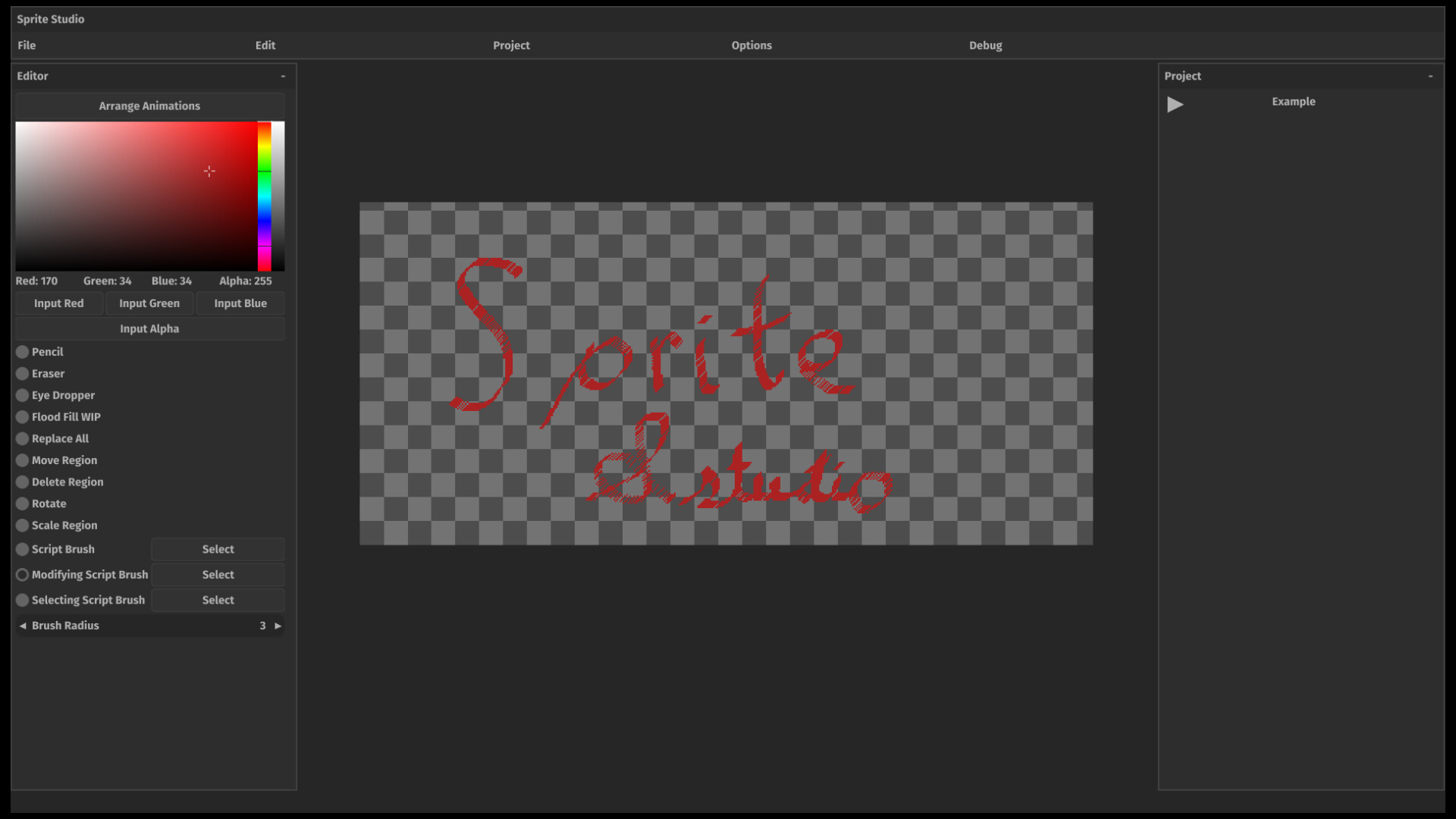
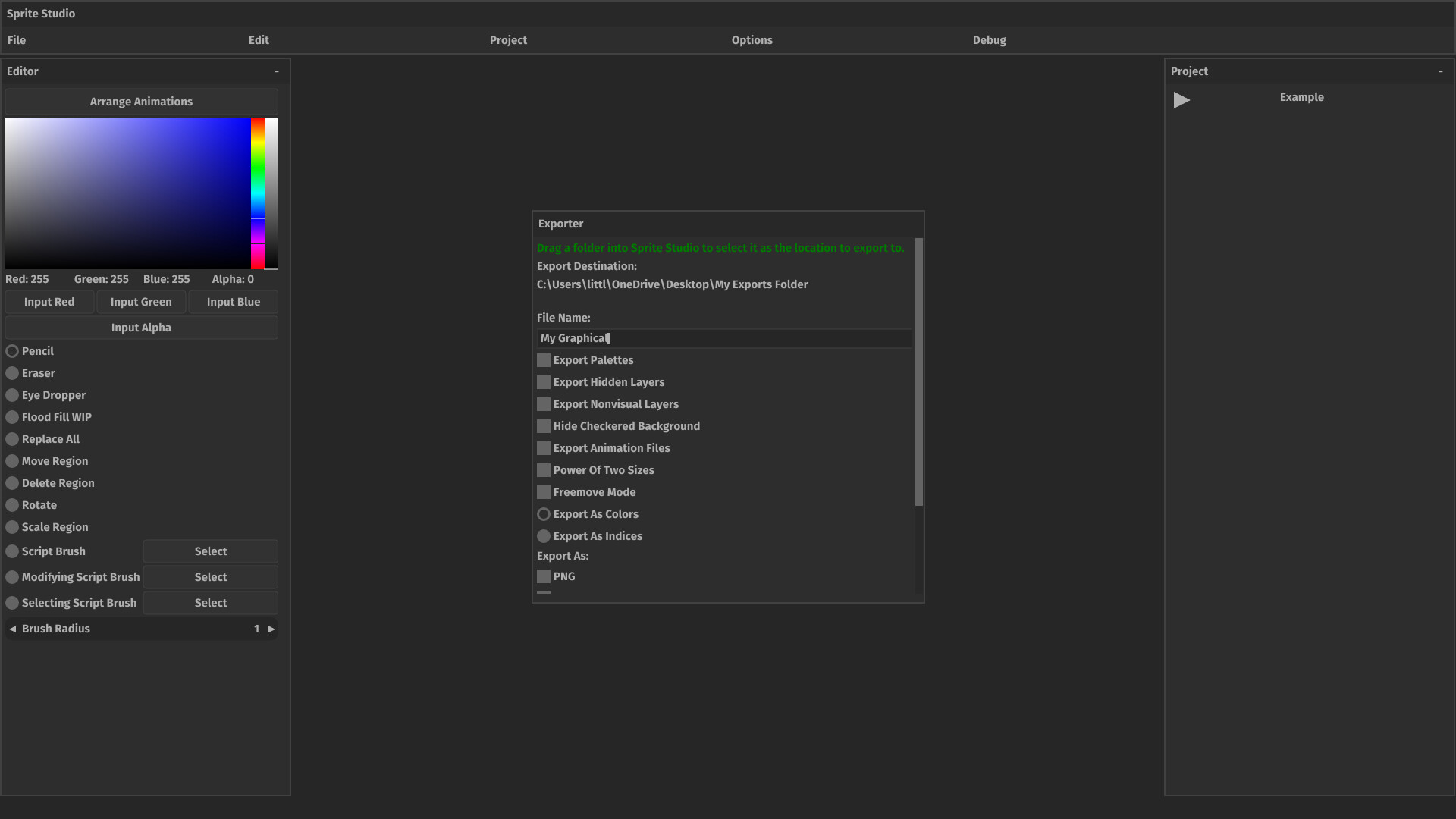
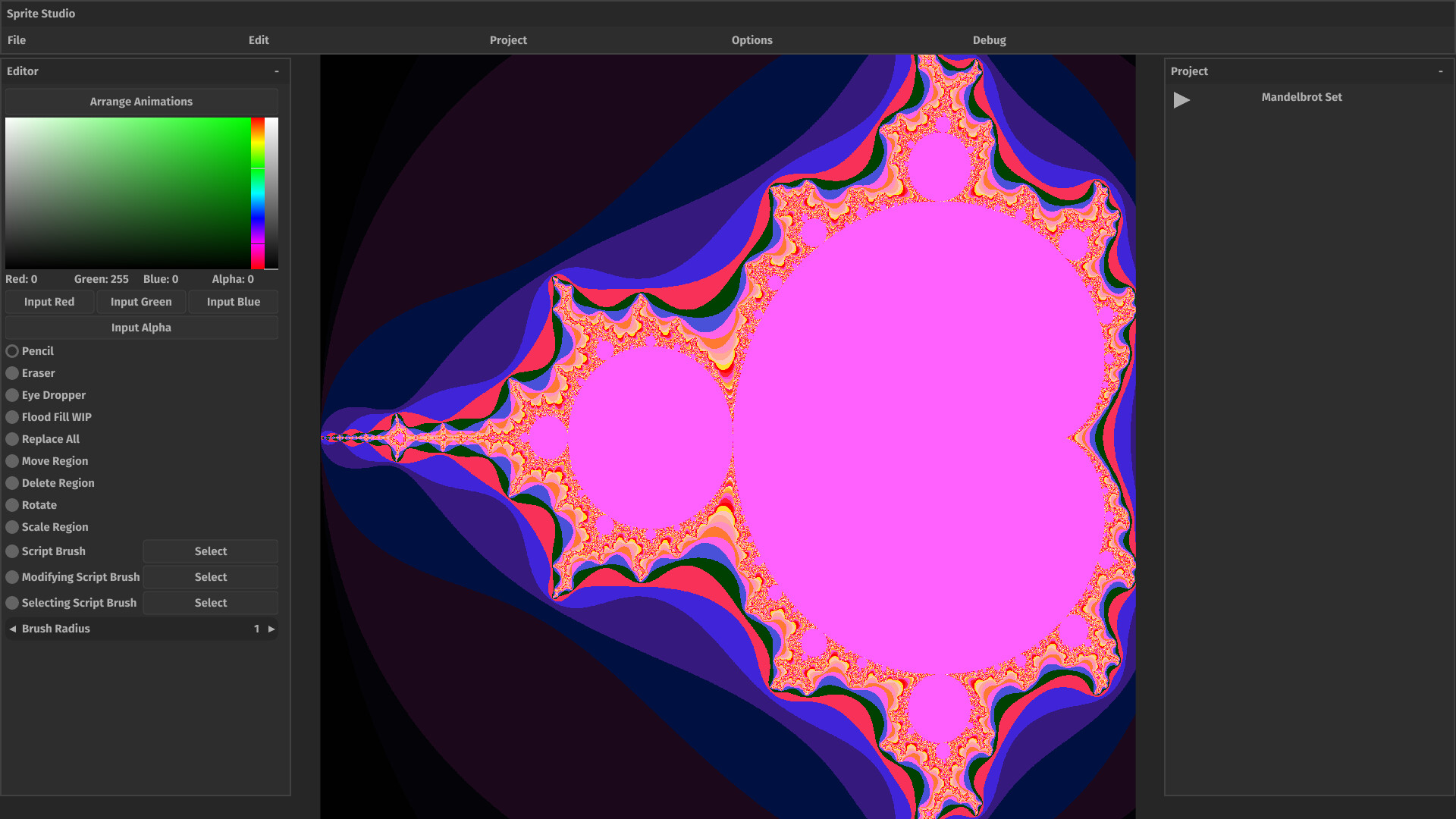
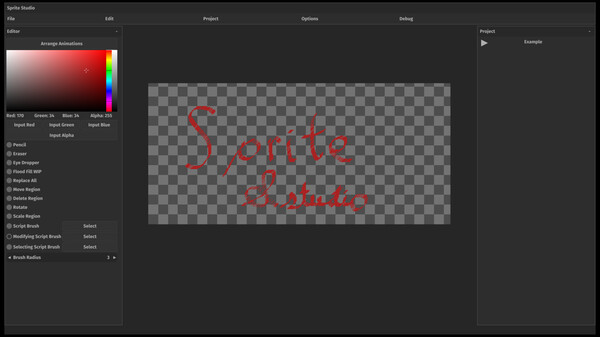
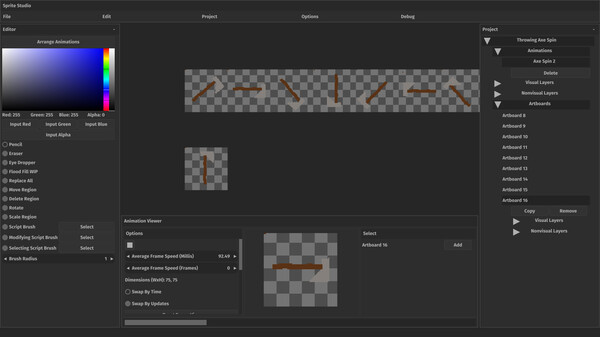
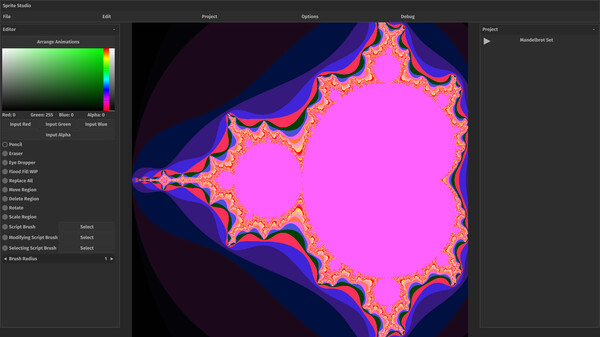
COLDSTEEL's Sprite Studio is a new generation pixel editor allowing you to create pixel art. You can create single large images, or create sprite sheets and animations using Sprite Studio's animation system, which allows you to create animations by linking individual sprites together. And if Sprite Studio lacks a feature you need, you can add it yourself using Python because Sprite Studio supports various types of scripting. You can add your own brushes, events, and even exporters so you can export your art as whatever file type you'd like!Artboards Power Sprite Studio
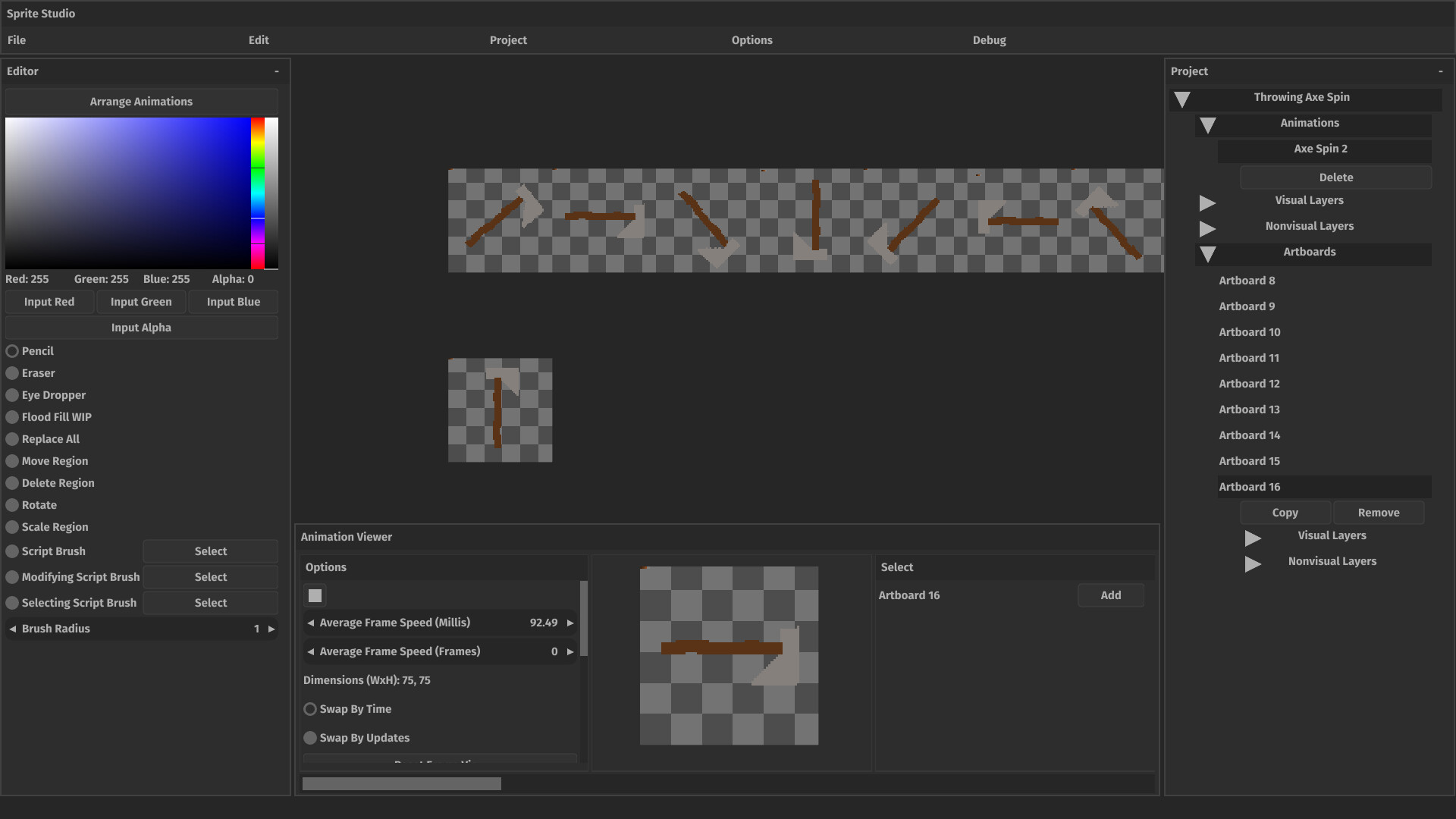
Everything is an artboard. You can create one or many artboards and these can represent everything from your entire image to a single frame of an animation. Artboards contain all your modifications, and each has its own copies of layers, so you can store your changes safely in layers.Animate Your Project
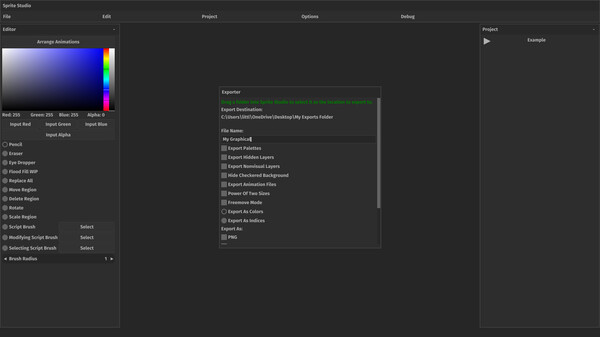
Animations are essentially a way to combine individual artboards together into a series of frames. You can tweak the way animation frames swap and give each frame a custom swap type and custom swap time. Once your animation is complete, you can export it along with your project. The animation is exported as a .ctsa file, a custom file type which describes your animation. You can then load your animation file into your own application using a FOSS library called COLDSTEEL's Sprites, which is available for both Java and C.Take Sprite Studio to the Limit with Scripting
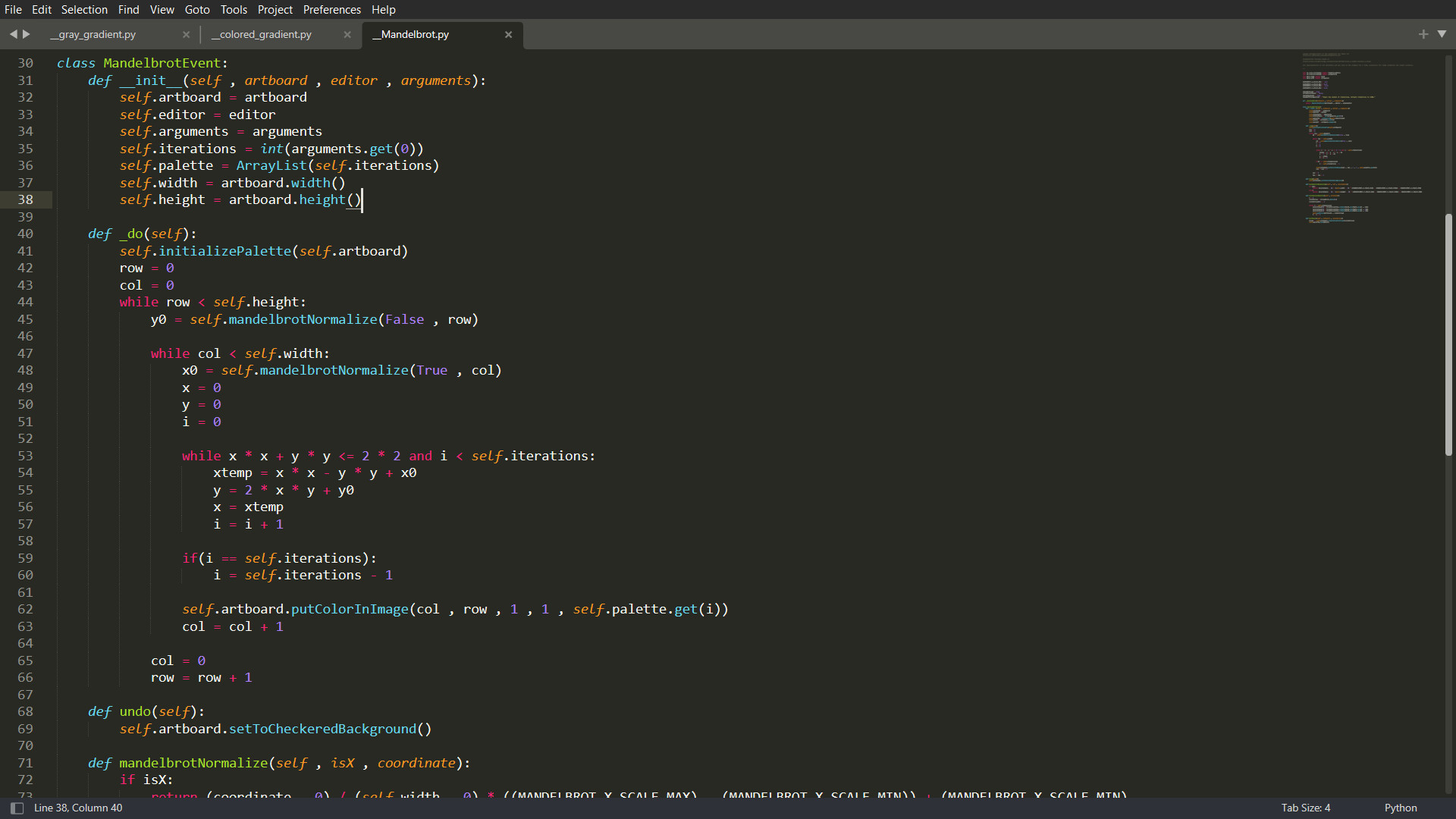
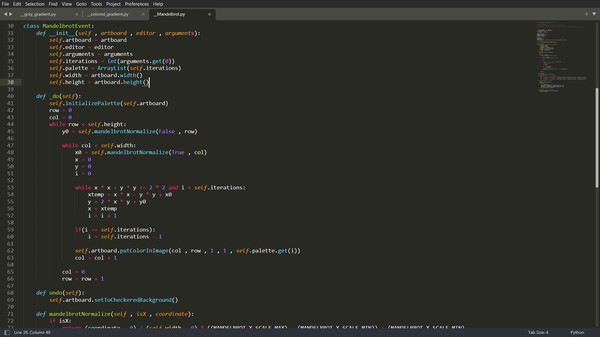
Using the Python programming language as a scripting vehicle, you can add all manner of new features to Sprite Studio. You can add new types of brushes, new events, and even new exporters using Python. And don't worry if you don't know how to code, because the required knowledge of Python to do all this is very minimal. You will mainly be using Sprite Studio's public API to affect the project, so most of the work has been done for you and you have access to most of the same tools as Sprite Studio's developer.Share Your Scripts with the Steam Workshop
You can also upload your scripts to the Steam workshop so other people can use them, and you can access other people's scripts as well. In this way, Sprite Studio can be expanded by the community forever!Системные требования
WINDOWS:
Минимальные:
- 64-разрядные процессор и операционная система
- ОС: Windows 10
- Процессор: 64 bit 1.0 Ghz
- Оперативная память: 2 GB ОЗУ
- Видеокарта: Radeon HD 5000 series + / GeForce 400 series +
- Место на диске: 300 MB
- Дополнительно: Recommended based on minimum hardware supported needed drivers.
Рекомендованные:
- 64-разрядные процессор и операционная система
- ОС: Windows 10/11
- Процессор: 64 bit 2.0 Ghz
- Оперативная память: 4 GB ОЗУ
- Видеокарта: Minimum requirements + 2 Gigs+ VRAM
- Место на диске: 300 MB
- Дополнительно: Program performance will scale with more gigs of RAM and VRAM