Craft Forge Pixel

Описание
Master Pixel Art and Procedural Generation
Craft Forge Pixel is a comprehensive workspace designed for digital artists, game developers, and technical creators who demand absolute control over their visual assets. From precision technical illustration and sprite animation to complex texture creation via algorithmic graphs, this suite merges classic pixel manipulation with cutting-edge tools to supercharge your creative workflow.
🕸️ Node-Based Procedural Engine (New!)
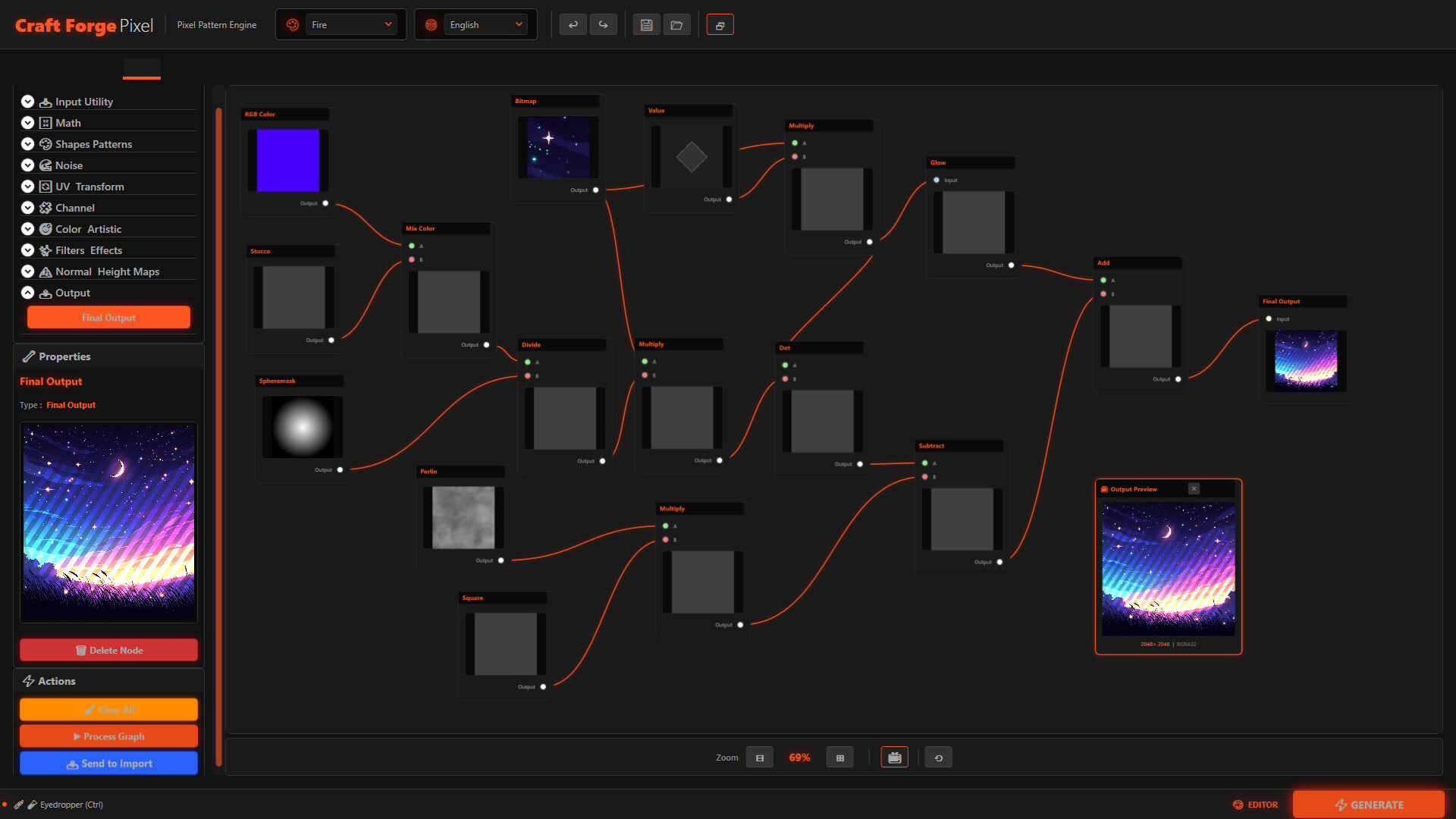
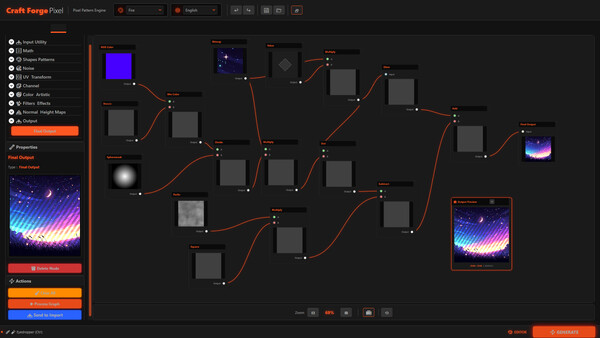
Unleash your technical creativity with the brand-new visual graph editing system. Build complex textures, post-processing effects, and dynamic patterns without writing a single line of code.
Expansive Node Library: Over 100 functional nodes including advanced noise generators (Perlin, Simplex, Voronoi), mathematical operations, channel manipulation, and environmental wear filters.
Interactive Graph Viewport: Connect logical operations on a fluid canvas. Group, move, and organize multiple selections to keep your large projects clean.
Dynamic Preview: Watch changes in real-time through a floating, continuous rendering panel. Every tweaked parameter updates the flow instantly.
Scalable Performance: Designed for high-resolution textures, the engine automatically distributes complex workloads using multi-threaded parallel processing.
🎨 Precision Art Suite & Smart Selection
Every traditional tool has been fine-tuned to deliver surgical precision without sacrificing artistic fluidity.
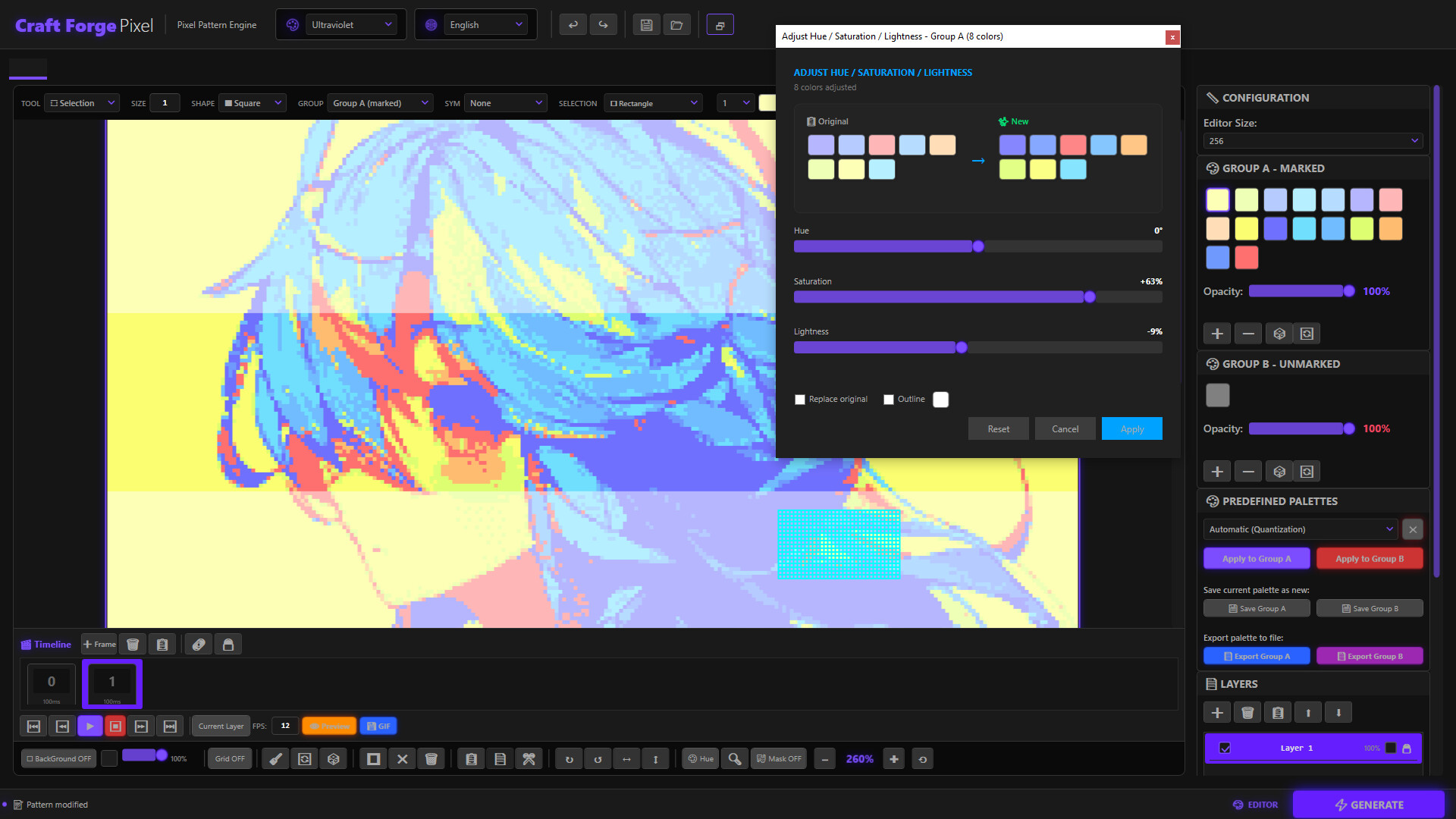
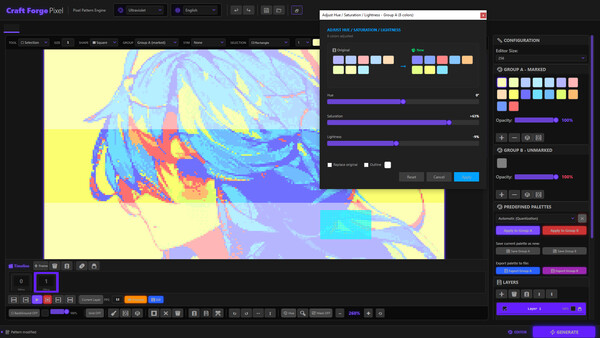
Advanced Chromatic Control: Select an area and tweak hue, saturation, and luminance in real-time. Integrate new shades into your palette or expand it non-destructively.
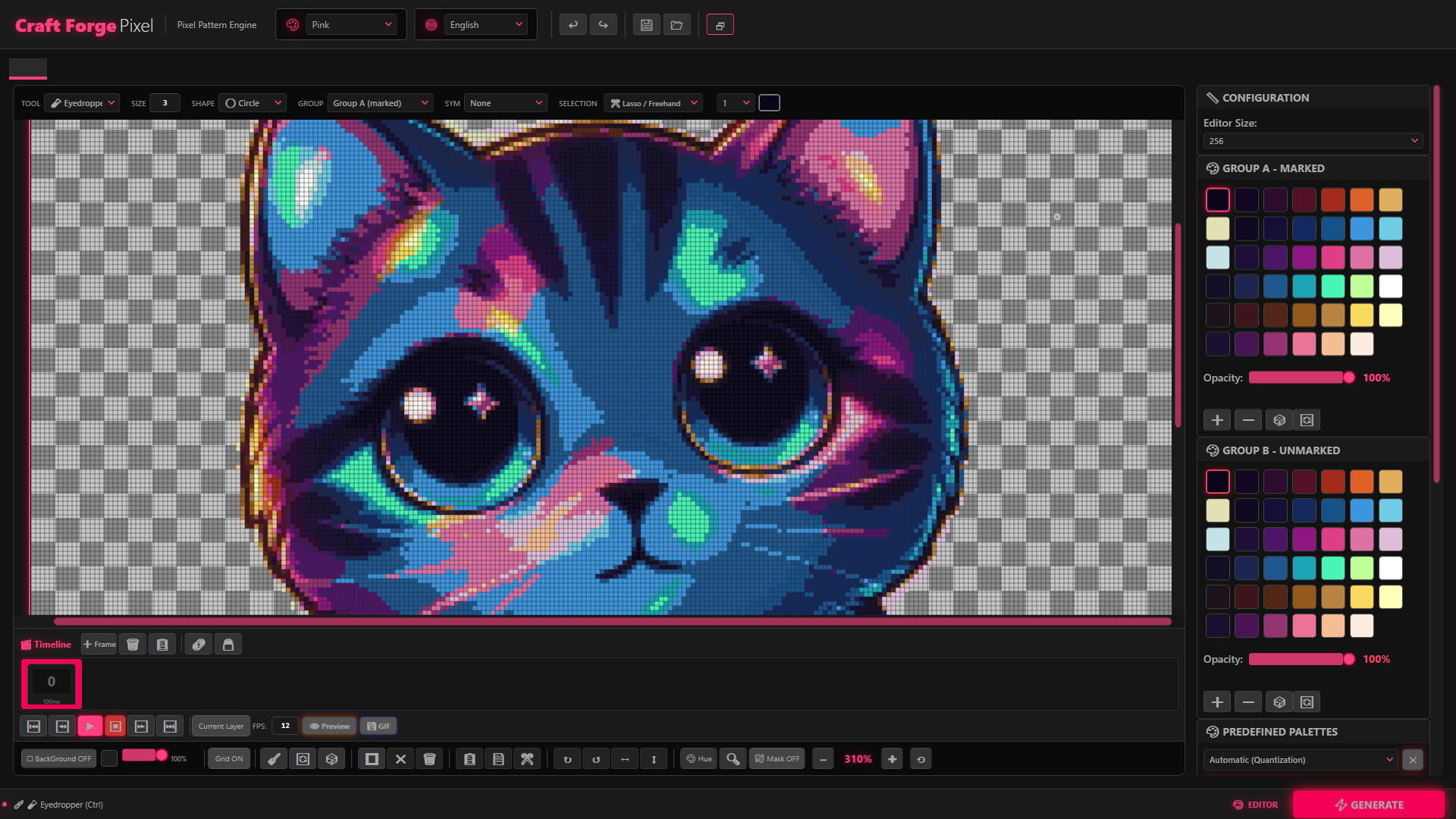
Multimodal Selection System: Combine lasso and marquee tools with an independent transformation engine to isolate, rotate, and flip areas with single-pixel accuracy.
Automated Outlines: Generate crisp borders around any flat silhouette with a single click, speeding up the creation of game-ready assets.
Procedural Symmetry: Design with multiple simultaneous axes (horizontal, vertical, dual, or quad), perfect for creating patterns, seamless textures, or ornamental mandalas.
📐 Hierarchical Layers & Integrated Animation
Organize and breathe life into your projects using industry-standard structures.
Professional Layer Management: Utilize visibility, locking, opacity, and true mathematical blending modes (Multiply, Screen, Overlay, etc.) for advanced lighting and shading effects.
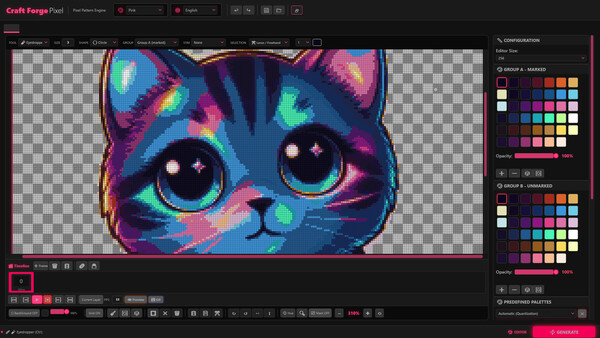
Frame-by-Frame Timeline: Build fluid sequences with a dedicated visual timeline. Manage keyframes, adjust timing, and export directly to animated GIF with alpha channel support.
🔄 Technical Image Conversion Engine
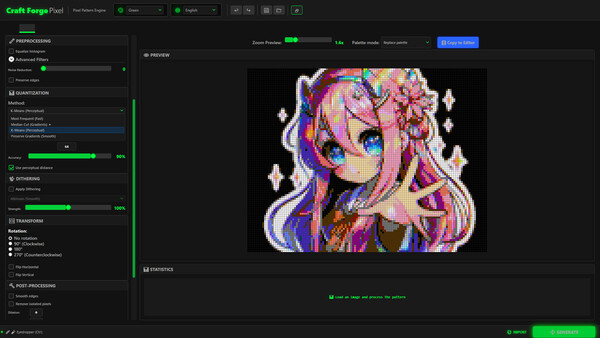
Transform any bitmap into high-quality pixel art while preserving the visual essence of the source material.
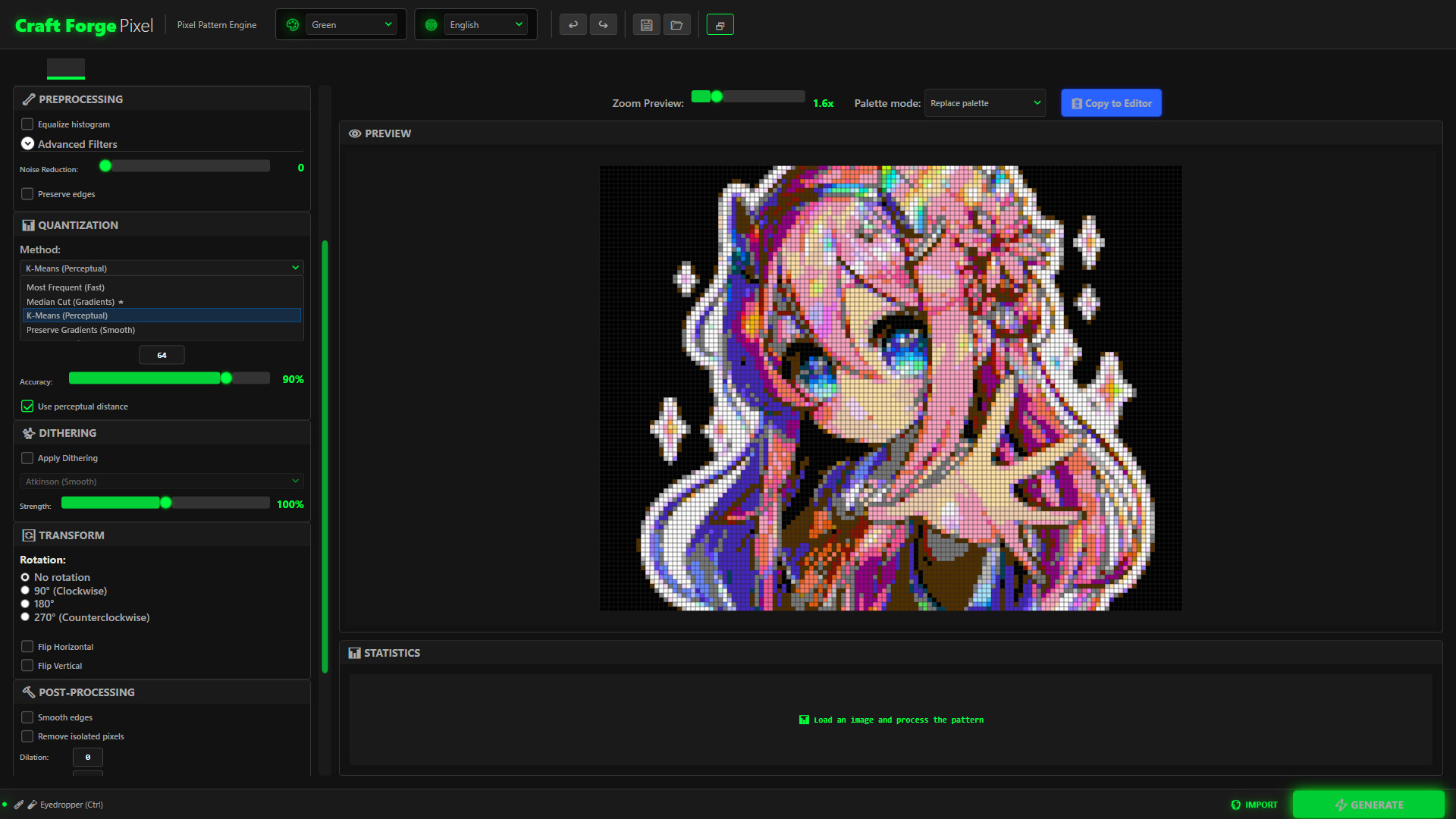
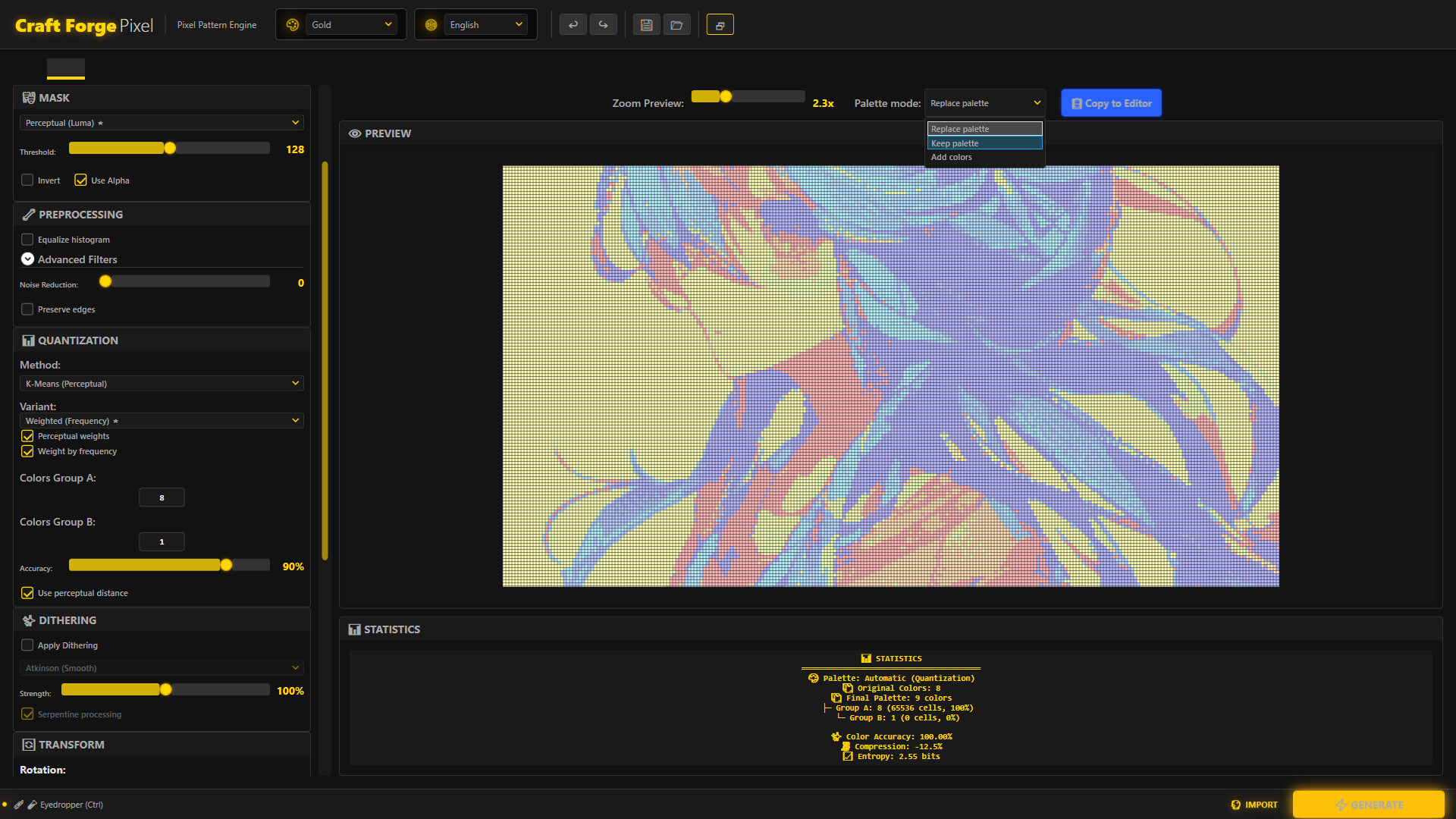
Color Quantization: Apply precise algorithms like K-Means clustering or Median Cut for mathematically perfect color reduction.
Configurable Dithering: Generate organic tonal transitions with Floyd-Steinberg or Atkinson diffusion, or achieve a pure retro aesthetic with Bayer matrices and blue noise.
Advanced Pre-Processing: Optimize your source images using CLAHE equalization, bilateral filters, and unsharp masking prior to conversion.
⚙️ Professional Workflow & Shortcuts Architecture
Designed for speed-focused artists, dramatically reducing reliance on the mouse.
Immediate Access Shortcuts: Navigate between core modules and tools using a comprehensive and logical hotkey system (Ctrl+1/2/3, P, B, F, D).
Configurable Export: Define output grid sizes and export in PNG or GIF, maintaining absolute crispness at any target resolution.
Workspace Management: Instantly store and retrieve your chromatic libraries, canvas dimensions, and UI preferences to iterate seamlessly across different projects.
Системные требования
WINDOWS:
- 64-разрядные процессор и операционная система
- ОС: SO (Sistema Operativo): Windows 10 (64-bit) o Windows 11.
- Процессор: Procesador: Procesador de 2.0 GHz de doble núcleo (Dual Core) o superior.
- Оперативная память: 4 GB ОЗУ
- Видеокарта: Gráficos: Gráficos integrados compatibles con DirectX 9.0c o superior.
- DirectX: версии 9.0c
- Место на диске: 270 MB
- Дополнительно: No requiere la instalación previa de .NET, ya que la aplicación incluye todos los archivos necesarios para su funcionamiento.
- 64-разрядные процессор и операционная система