FrameFusion Motion Interpolation


Описание
FrameFusion Motion Interpolation improve the framerate of any video, gif or group of images by 2X/4X/8X/16X
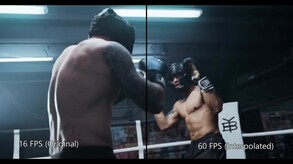
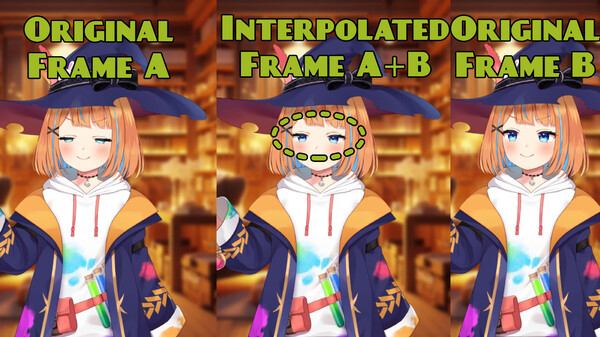
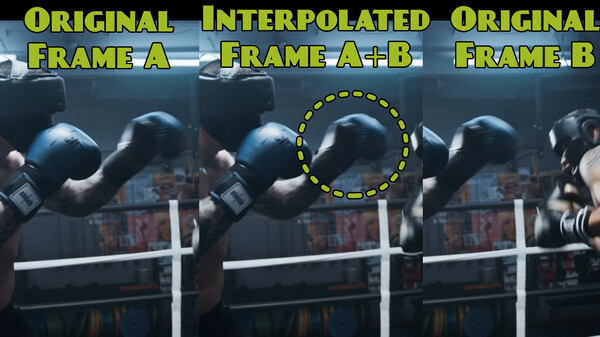
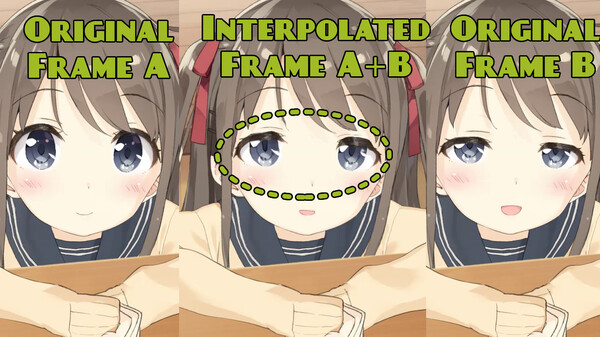
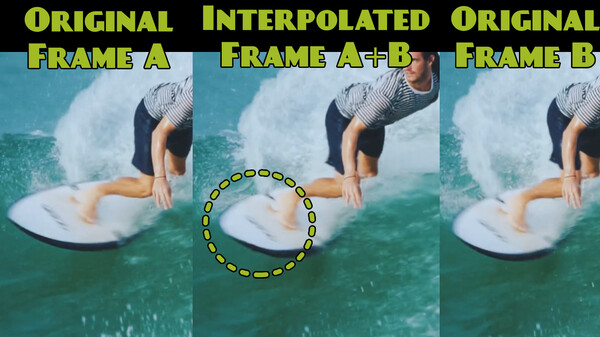
This application that uses neural networks to generate optical flows between two frames of a video. By using these flows, the application merges the frames into a new one, effectively increasing the number of frames in the video output.
The application allows you to select multiple videos, GIFs, or images in formats like PNG/JPG/BMP for interpolation, producing a new video with a higher FPS than the original.
Key Features:
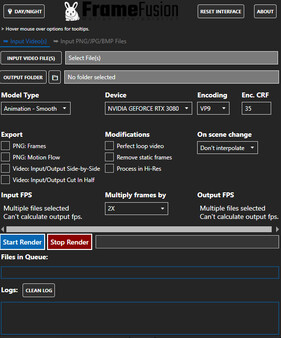
- Choose from four different models for interpolation: options for live-action or animation, with the ability to render in high quality or with faster speeds.
- Optimized for Nvidia GPUs with CUDA support but also compatible with AMD GPUs and CPUs.
- Manage a queue of files for batch processing, with a progress bar to track how long each file will take.
- For static images like PNG, you can select a folder of files and manually choose an FPS to use.
Export Options:
- Export Frames: Generates a .PNG file for each processed frame, including the newly interpolated ones.
- Export Motion Flow: Exports a PNG visualization of the optical flow.
- Export Video Side-By-Side: Exports the original video alongside the interpolated video for comparison.
- Export Video Cut in Half: Exports the left side of the video as the original and the right side as the interpolation, split down the middle for comparison.
Video Modifications:
- Perfect Loop Video: Creates new frames between the last frame and the first frame of a video to create a perfect loop.
- Remove Static Frames: Especially useful for animations, this option removes static frames to enhance the fluidity of the final video.
- Skip Scene Changes: Detects scene changes and avoids interpolation to reduce artifacts in these transitions.
Supports frame multipliers, allowing you to output videos with higher FPS. For example, a video with 24fps can be interpolated to:
- 2X: 48fps
- 4X: 96fps
- 8X: 192fps
- 16X: 384fps
Системные требования
WINDOWS:
Минимальные:- ОС: Windows 10
- Оперативная память: 4 GB ОЗУ
- Видеокарта: GeForce GTX 750 Ti
- Место на диске: 3 GB
- Дополнительно: This application work better in a Nvidia card that support CUDA.