
HeadTrack
Описание
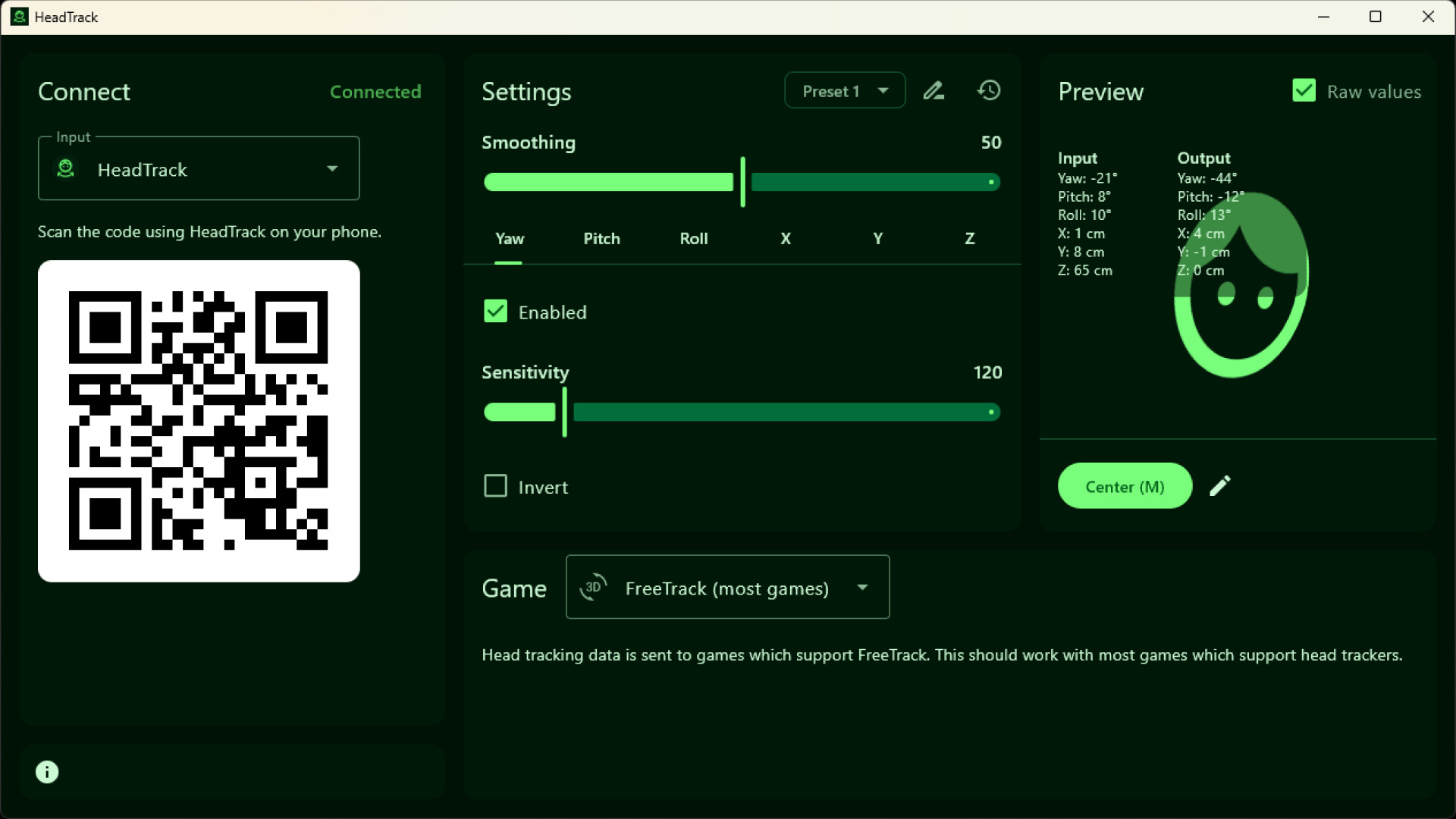
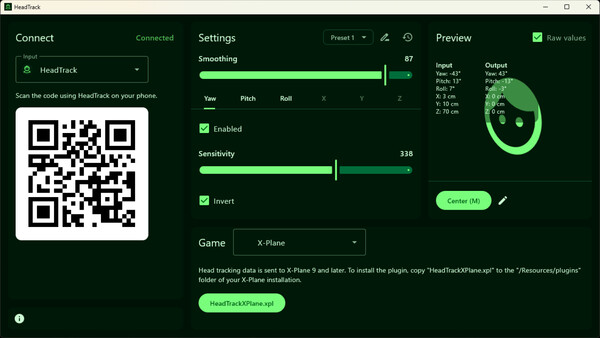
This app allows using your phone as a head tracking device for games on your PC. Works with games which support FreeTrack protocol but can also connect directly with Opentrack.
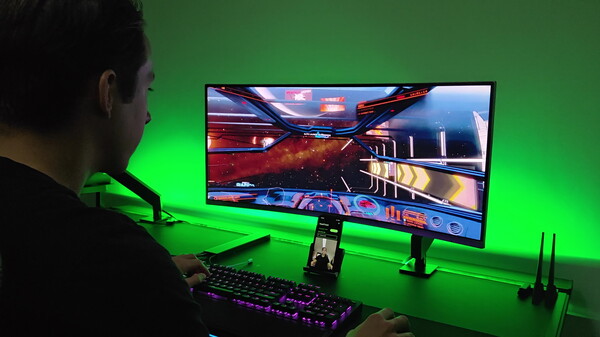
Many flight or racing simulation games support head tracking. HeadTrack on your phone can be your head tracking device, no additional hardware is required. HeadTrack tracks your head movement and rotation which is sent to your games.
The HeadTrack app on your phone supports Gyroscope or Camera as input. The Gyroscope input has very little latency which makes it good for quick movements. The Camera input supports full 6DoF tracking.
Supported Inputs
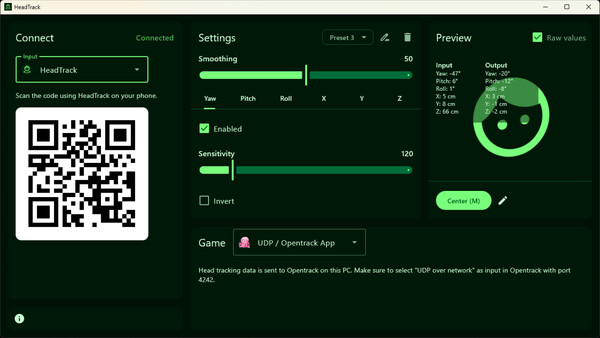
HeadTrack (recommended) - Available for Android & iOS with Gyroscope, Camera, or AirPods/Beats as input.
Camera (BETA) - Use your webcam as input directly in the PC app.
AirPods / Beats - Use your headphones as head tracker when connected to iOS or macOS.
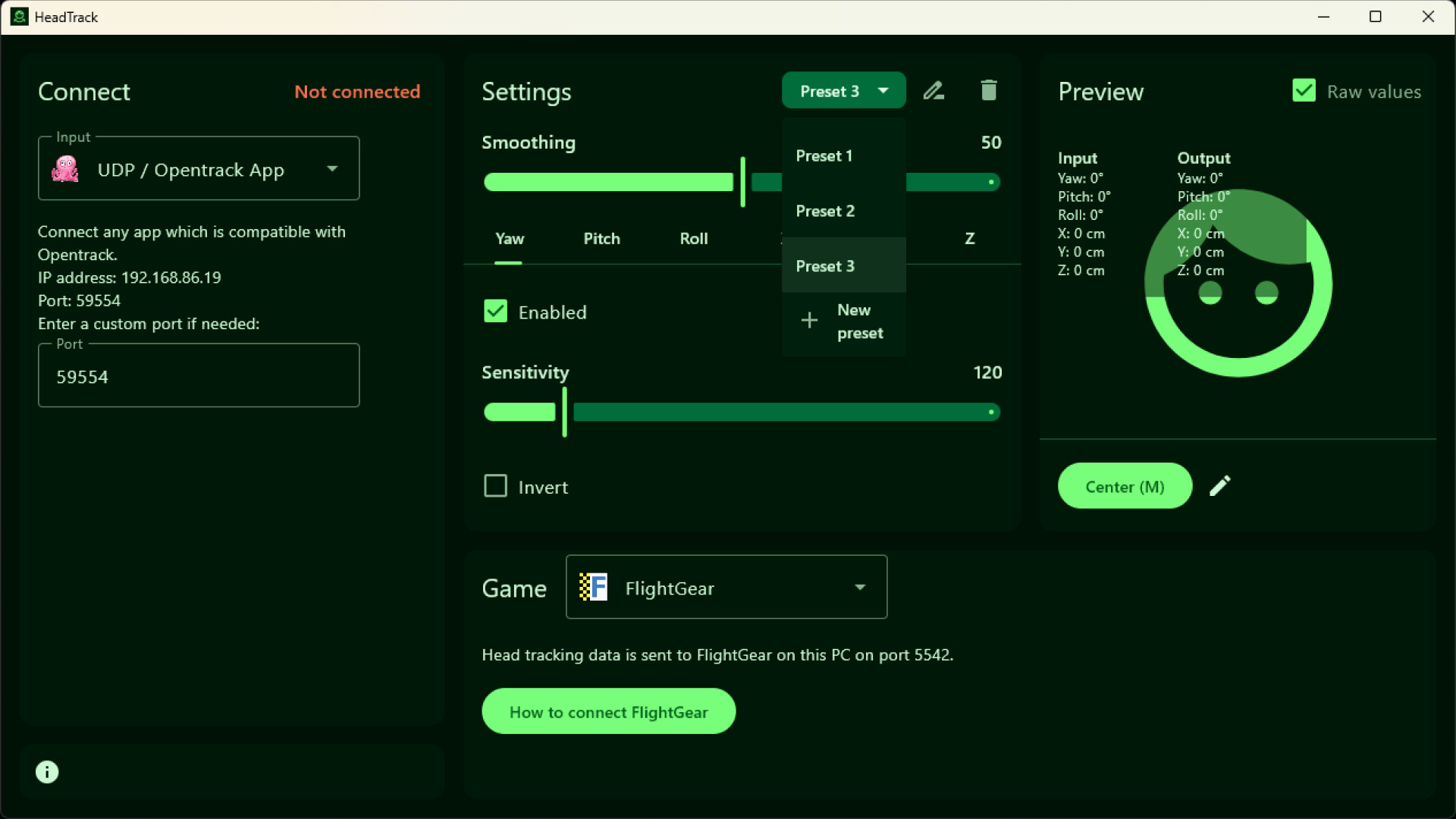
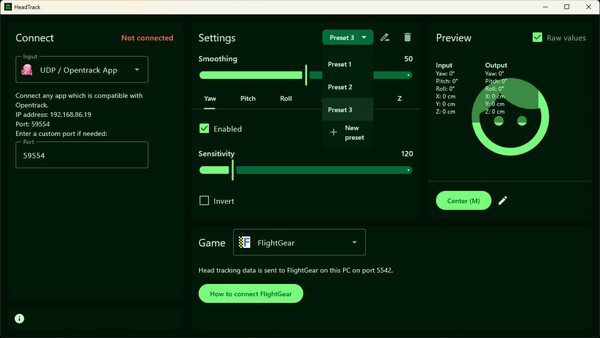
UDP / Opentrack App - Connect any app which is compatible with Opentrack.
Live Link App - Another alternative iOS app with camera input.
Supported Outputs
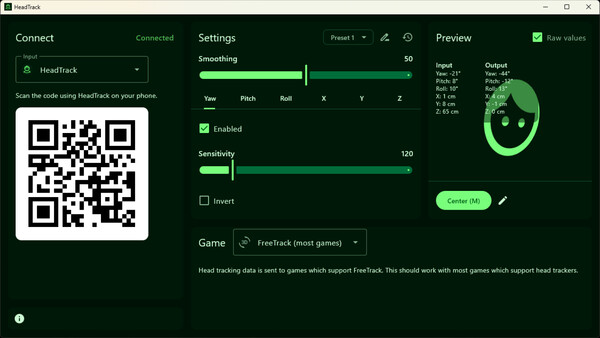
FreeTrack (recommended) - Head tracking data is sent to Windows games which support FreeTrack. This should work with most games which support head trackers. On Linux/macOS this can send head tracking data to Windows games running under Wine, Proton, CrossOver, and Parallels.
Mouse - Useful for games which do not support head tracking but do support mouse input.
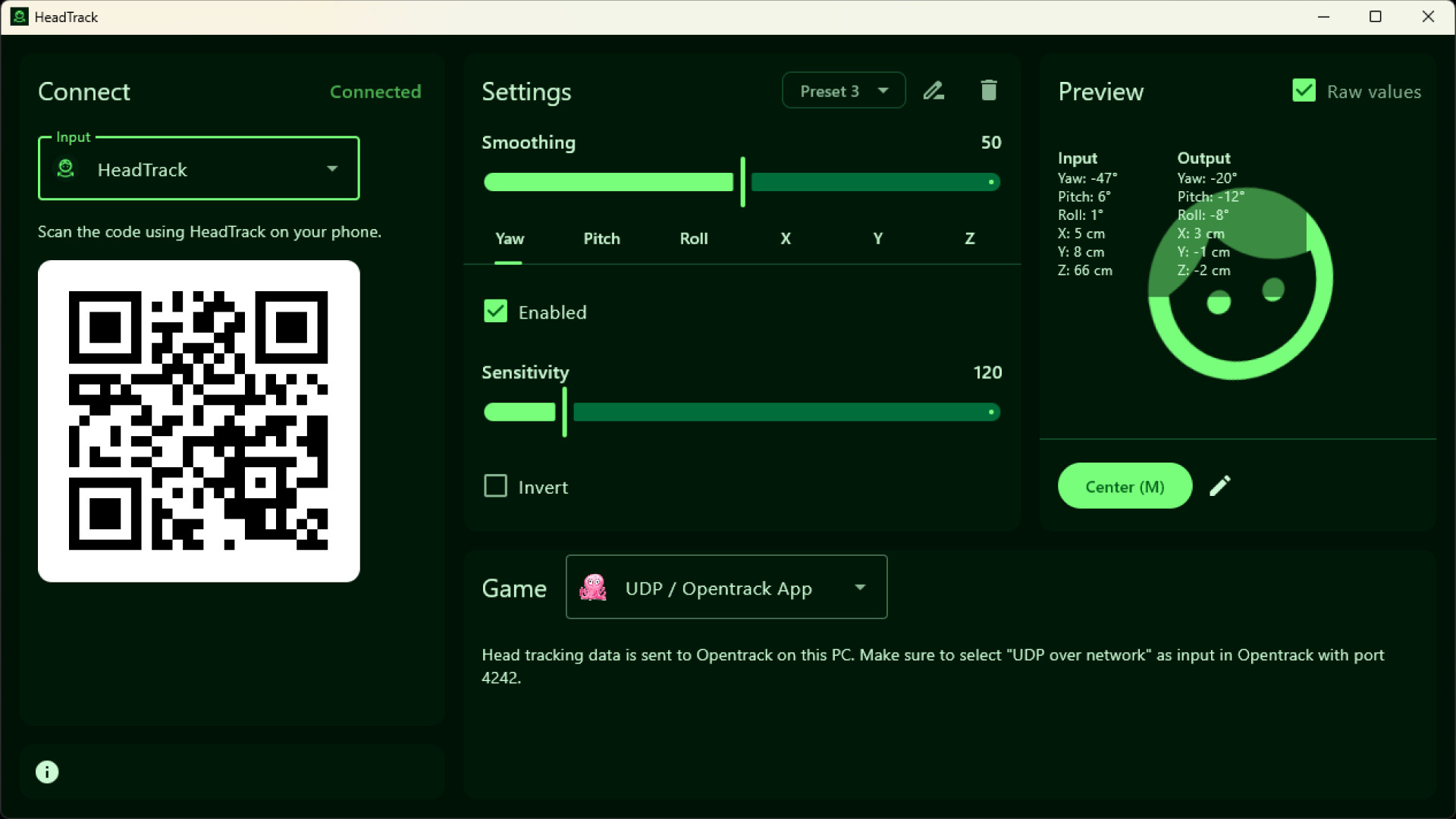
UDP / Opentrack App - Head tracking data is sent to Opentrack on this PC. This is useful if you already have Opentrack set up.
FlightGear - Plugin for FlightGear.
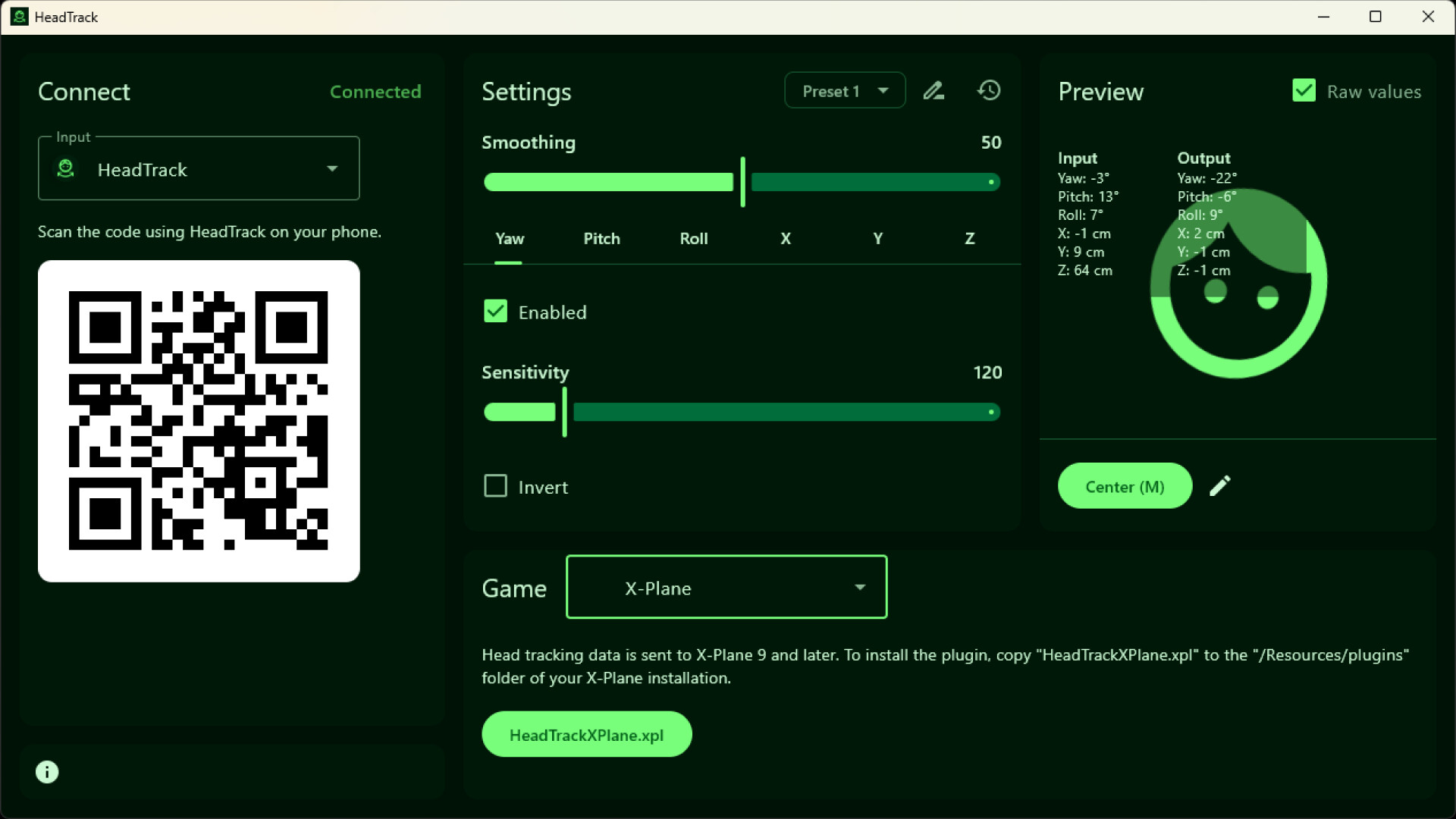
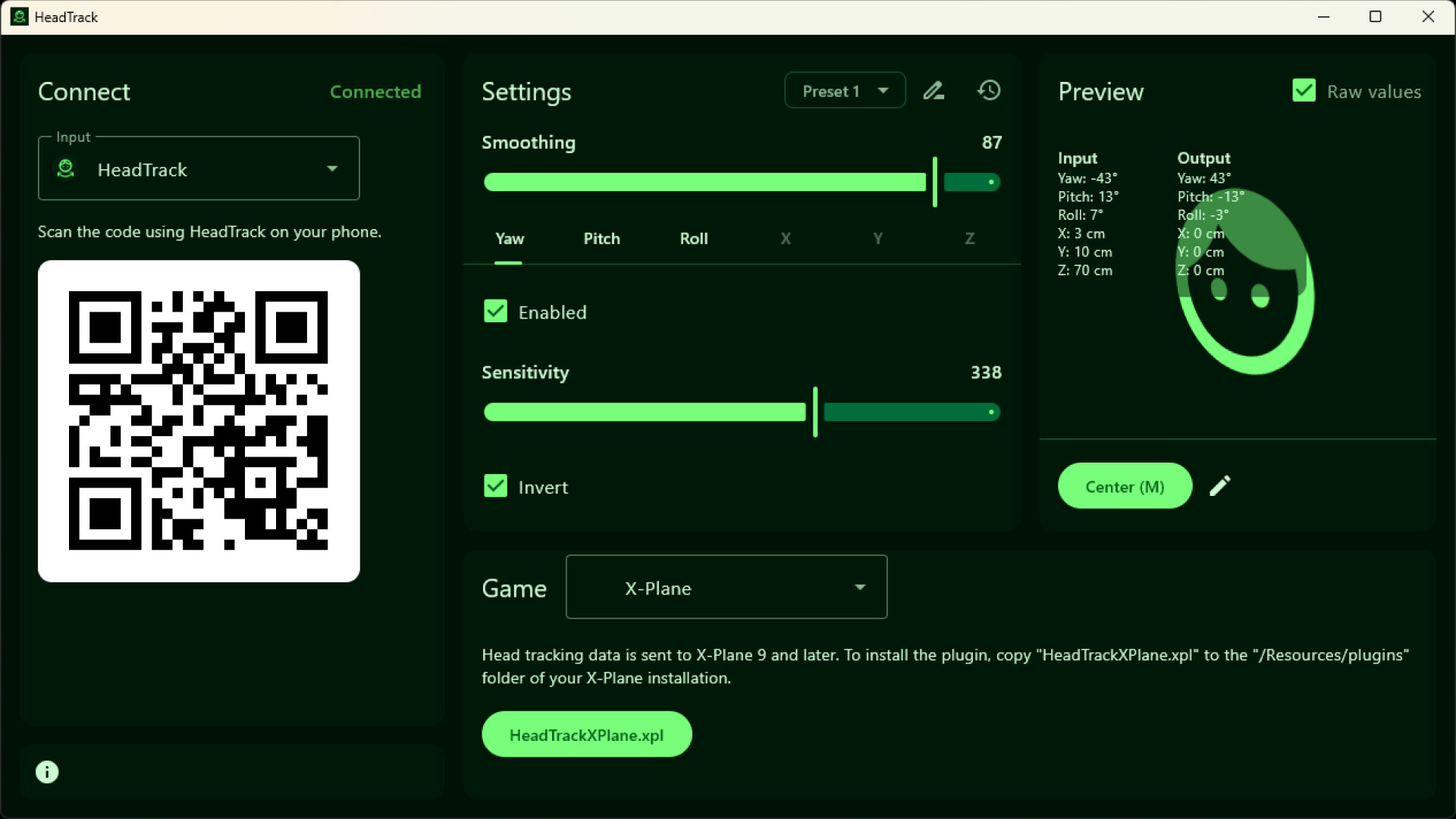
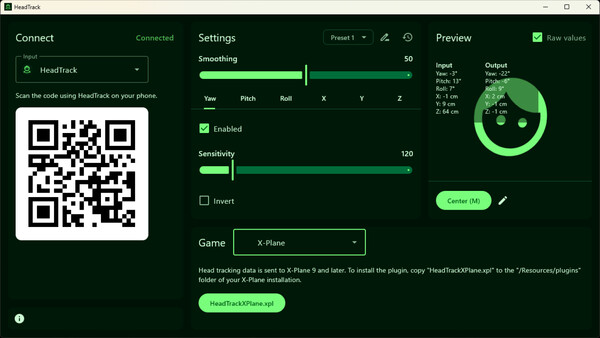
X-Plane - Plugin for X-Plane 9 and later. The X-Camera plugin is also supported.
Supported Games
Most games which support head tracking should work with HeadTrack. Some games we can confirm are working: American Truck Simulator, Arma 3, Assetto Corsa, BeamNG.drive, DayZ, Elite Dangerous, Euro Truck Simulator 2 (ETS2), F1® 25, Farming Simulator 22, FlightGear, Grand Theft Auto V (GTA V), Microsoft Flight Simulator 2020 (MSFS2020), RaceRoom Racing Experience, Star Citizen, X-Plane 11, X-Plane 12.
In your game, look into the settings if there is any support for FreeTrack or similar head tracking devices.
If there is any input or output you would like to see added, let us know!
Системные требования
WINDOWS:
- 64-разрядные процессор и операционная система
- ОС: Windows 10 (x64) or later
- Дополнительно: Requires a webcam or (free) HeadTrack phone app. Also works with phone apps which supports Opentrack. Download HeadTrack on your phone by scanning the QR code.
- 64-разрядные процессор и операционная система
MACOS:
- ОС: macOS 11 or later
- Процессор: Apple M1 or Intel (support for Intel may be dropped at any time)
- Дополнительно: Requires a webcam or (free) HeadTrack phone app. Also works with phone apps which supports Opentrack. Download HeadTrack on your phone by scanning the QR code.
- ОС: macOS 14 or later for AirPods/Beats input
- Процессор: Apple M1, Apple M1 for Camera input
LINUX:
- Дополнительно: Requires a webcam or (free) HeadTrack phone app. Also works with phone apps which supports Opentrack. Download HeadTrack on your phone by scanning the QR code.


