
屏幕精灵






Дополнения
| 屏幕精灵作品加密工具 | 4239 ₽ | Подробнее |
Описание
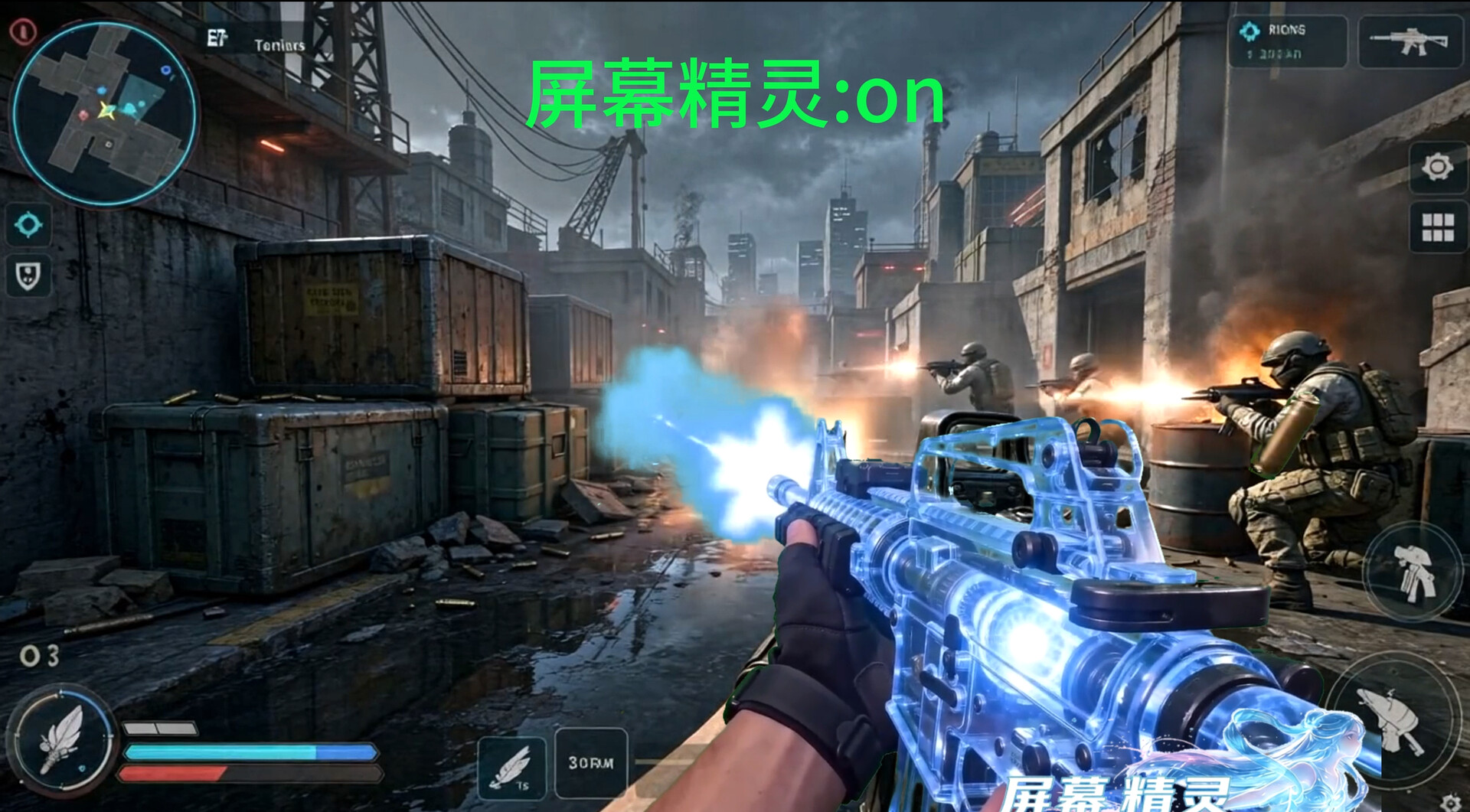
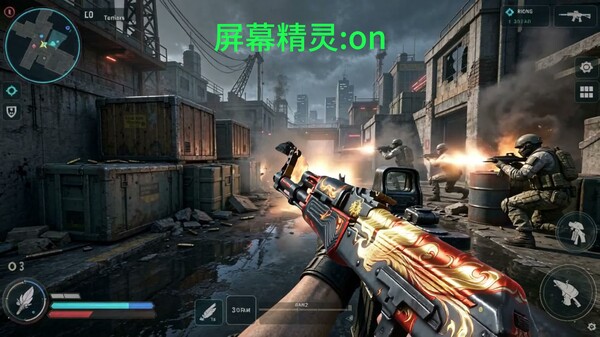
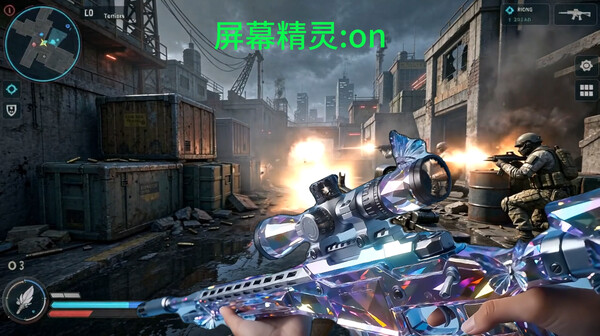
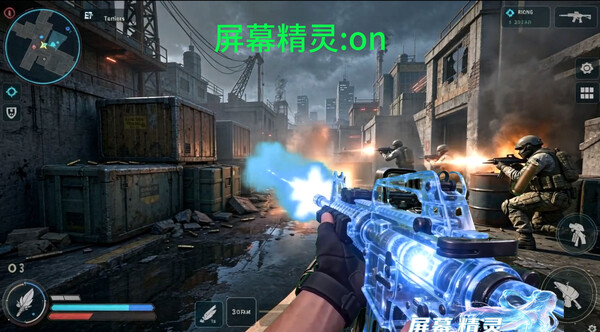
If the weapons or characters on the screen don't look good, then use "Screen Elf" to DIY your graphics again. The beginner tutorial+AI assistant assists users in quickly getting started, and various skins can be made freely, easily achieving skin freedom
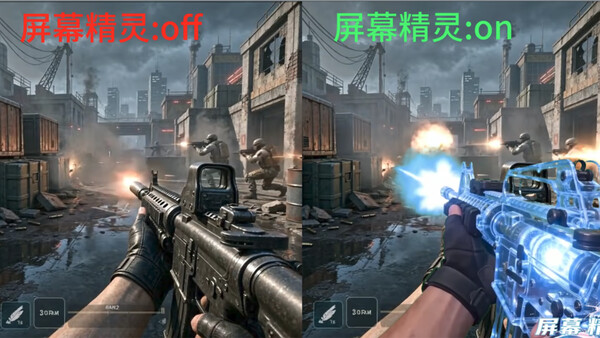
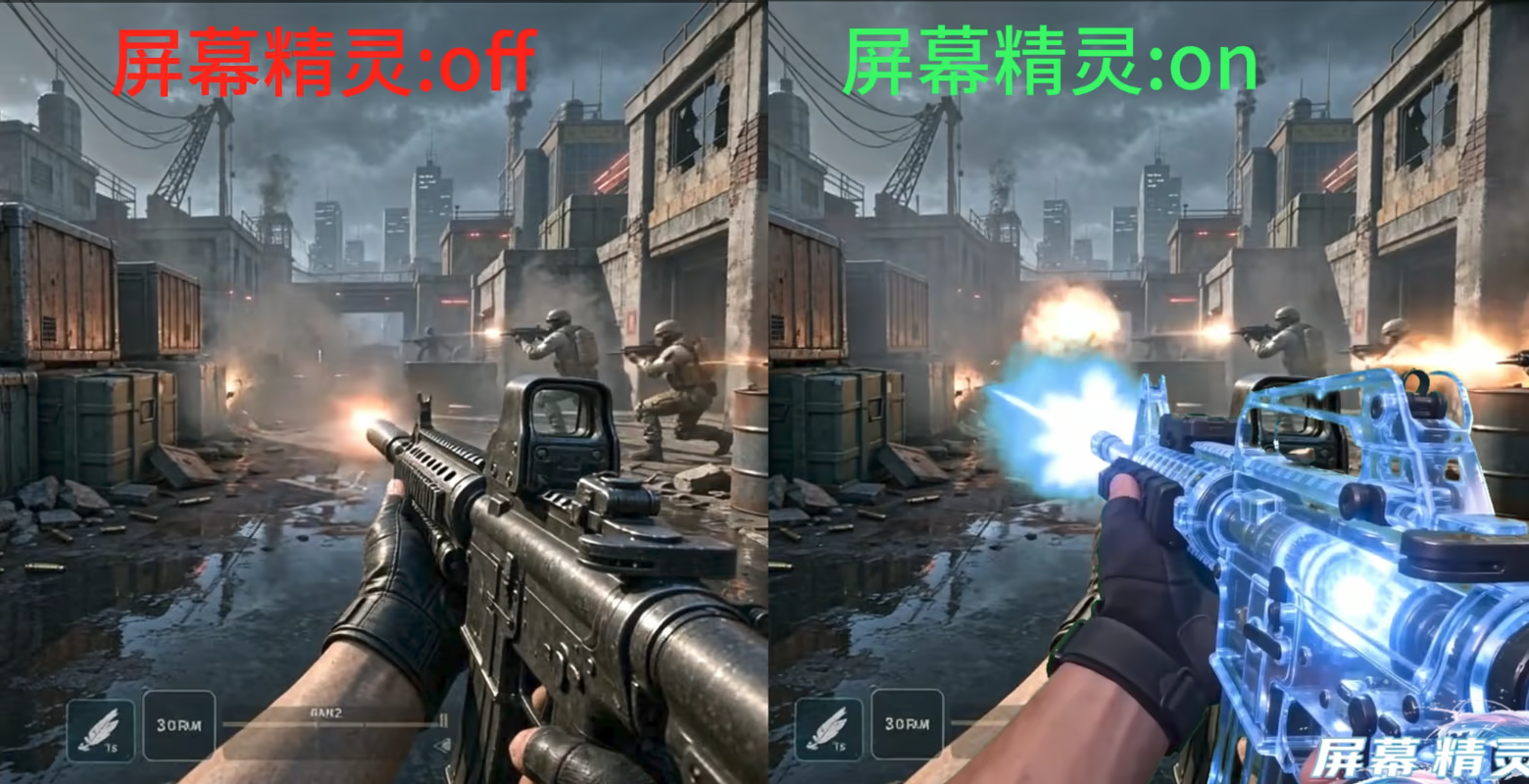
Effect Comparison
In any similar scene, you can freely edit the appearance of each action. After opening Screen Elf, the screen will appear as edited by you. The current example is only for functional display. Please refer to the custom animation for actual effects; The author's artistic level is limited, please do not be too demanding, thank you for your understanding.
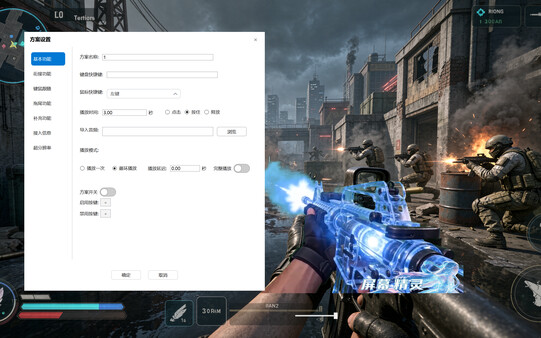
DIY function
Screen static effects, screen dynamic effects
Mouse static effects, mouse dynamic effects
Connect playback
Keyboard sound effects, mouse sound effects
Residual/trailing effects
Third party application playing special effects
3D Full View Special Effects DIY Game Engine
FSR4 super-resolution
Application disguise (to prevent third-party reading and recognition)
Transparent baking background
Local AI assistant
Support creative workshops
All functions include rich adjustable parameters, which can be designed with various effects. If you need more parameters, please contact customer service for feedback
More usage scenarios
Windows taskbar appearance
Mouse appearance
Real time ballistic animation prompts, expected ballistic prompts (skipping ballistic memorization to improve the accuracy of continuous shooting aiming)
Anti dizziness 3D animation (refer to Honor Gaming's anti dizziness 3D animation)
Infinite scenarios waiting for you to develop; More possibilities, born because of you.
Note: When live streaming or recording videos, it is recommended to block account information
Системные требования
WINDOWS:
- ОС: win10\11
- Процессор: 2核
- Оперативная память: 3 GB ОЗУ
- Видеокарта: gtx750ti
- Место на диске: 20 GB
- ОС: win10\11
- Процессор: AMD Ryzen 5 5600
- Оперативная память: 32 GB ОЗУ
- Видеокарта: NVIDIA GeForce RTX 4060
- Место на диске: 20 GB


