Kurisu

Описание
What is Kurisu?
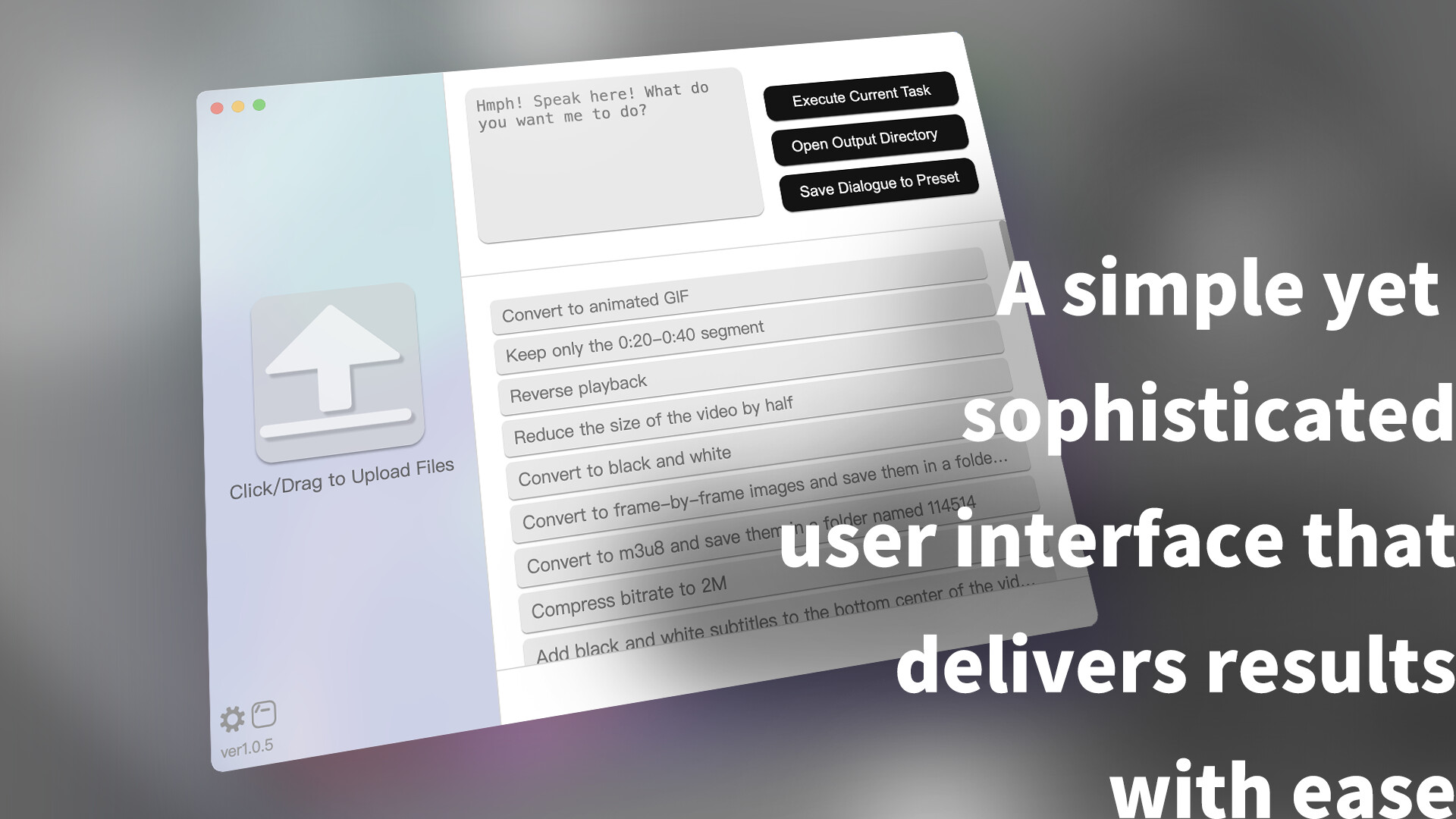
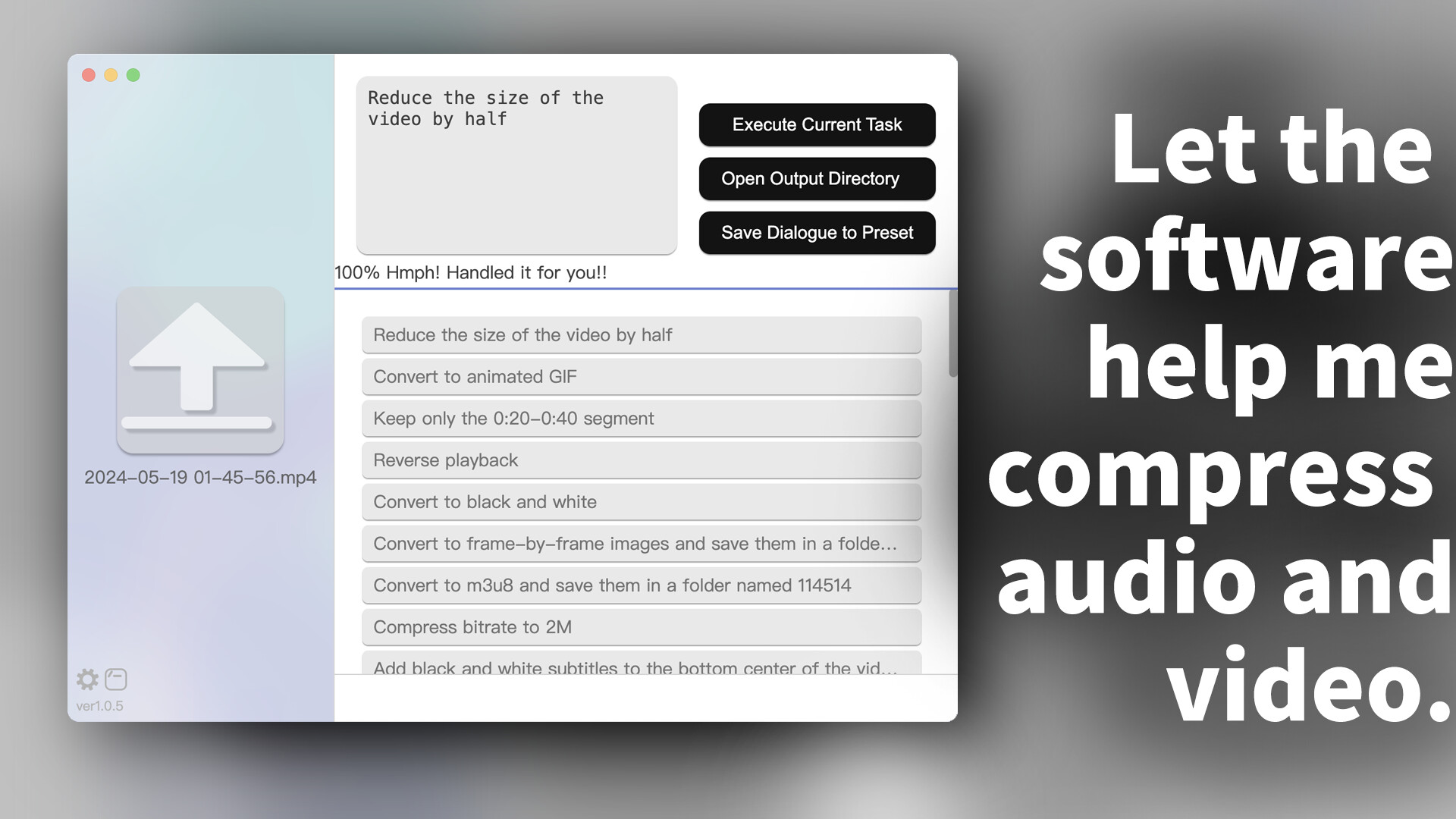
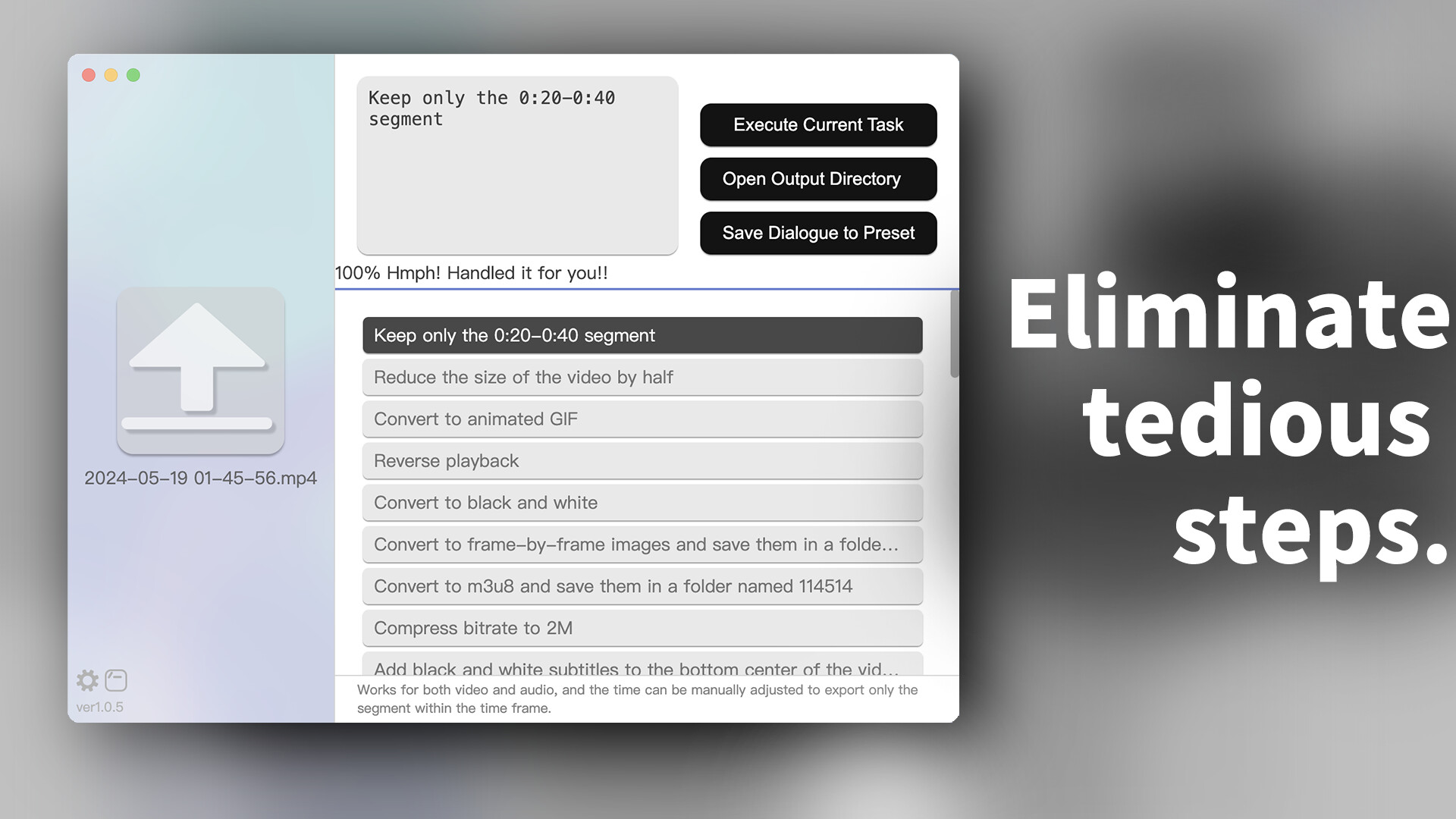
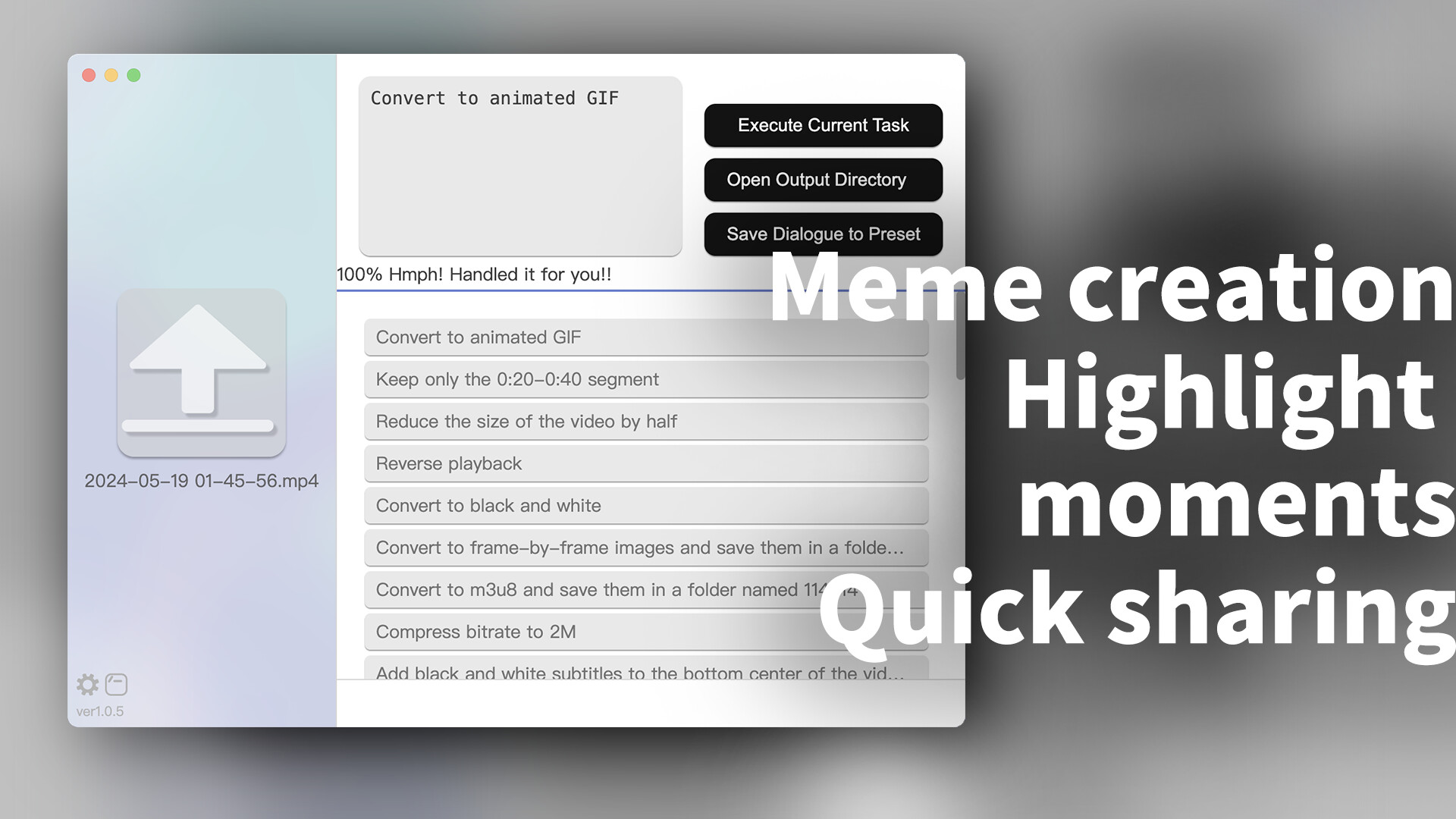
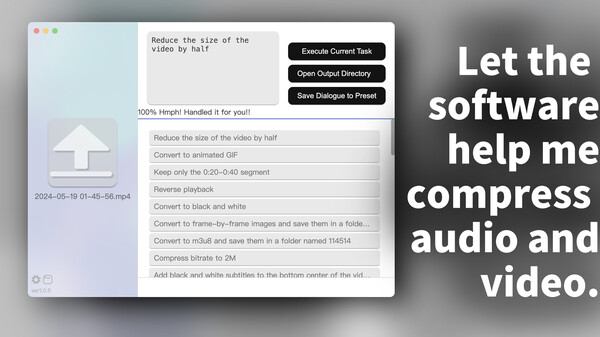
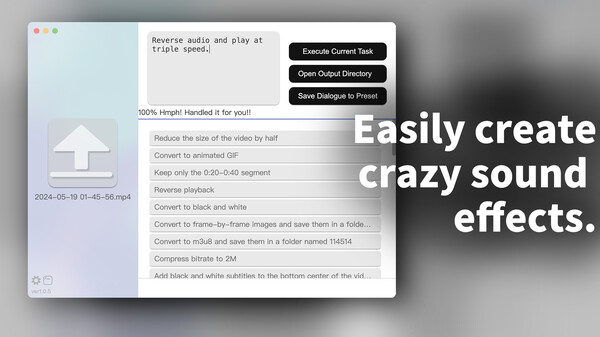
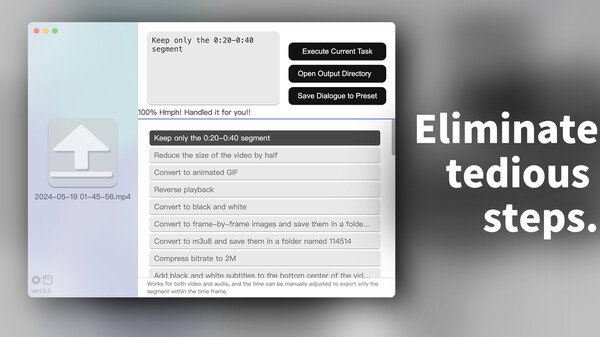
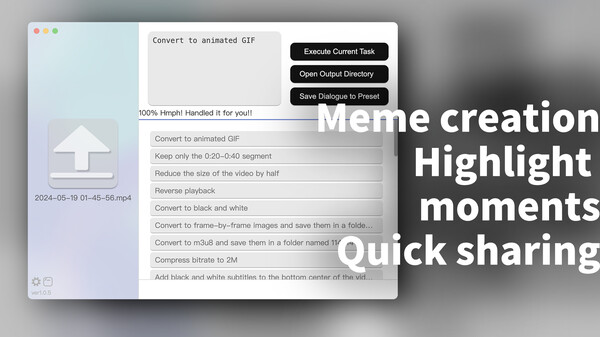
Kurisu is a tool that allows for audio and video editing, image editing, and transcoding through text chat. It’s so straightforward that by the time you've finished processing a video, your colleague might still be waiting for their video software to launch, load the video, edit, and export it. For most simple operations, such as rotating, changing resolution, resizing, converting file formats, clipping a segment, converting to GIF, or playing at different speeds, Kurisu is much faster than existing audio and video editing software on the market. Additionally, it supports batch processing, allowing you to select multiple files at once. It also supports adding subtitles or special effects to videos.
Does it have so many features that it's complicated to use?
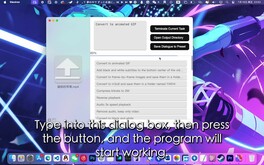
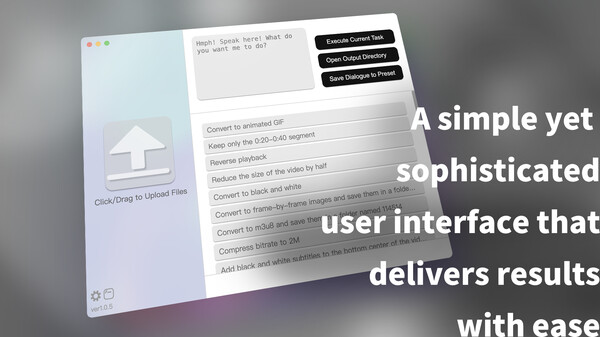
Not at all. Just select the files on the left side, and then directly type what you want to do in the dialog box at the top right. Additionally, the right side provides pre-loaded dialogues, allowing you to easily use existing conversations to complete operations. You can also add your own dialogues to the presets. The promotional images, software icons, and promotional videos for this software were all edited and processed using Kurisu.
How does the software achieve this?
First of all, it integrates OpenAI’s ChatGPT service internally, but for this software, it is provided free for users to use. Yes, you don't need to provide your own API key; the program has its own relay server built-in, so you can use it right out of the box. The audio and video editing and image processing functions come from the famous FFmpeg. This means that anything FFmpeg can do, this software can do. However, it also means that it can only do what FFmpeg can do. Therefore, it cannot visualize the video preview like professional video editing software; the preview work may need to be done with another player to lock the required timeline. However, compared to professional video editing software, this software can batch process for simple clipping or packaging operations.This project also follows the FFmpeg protocol and uses the GPLv3 open source license. It can be found under MCDFsteve/Kurisu on GitHub.
Although it integrates ChatGPT, users cannot directly interact with AI as it is set not to output actual content but only returns commands based on user needs for the system to execute. Theoretically, it cannot be used to create harmful content.
What to Do If You Get an Error at Startup
A very strange issue occurs where some antivirus software flags the main program file as suspicious (or as a virus) and then quarantines or deletes it. In such cases, manually adding it to the whitelist can resolve the problem.A Note for macOS Users with M Series Processors
Steam will default to running this program in x64 through translation. It works fine but starts up slowly. It is recommended to right-click in the library - Manage - Browse Local Files, and launch the program in Finder, which will work natively in ARM mode.
Системные требования
WINDOWS:
Минимальные:
- 64-разрядные процессор и операционная система
- ОС: Windows 10 64bit
- Процессор: 2.3Ghz Intel or AMD
- Оперативная память: 300 MB ОЗУ
- Видеокарта: 2G VRAM Intel or AMD or NVIDIA
- DirectX: версии 9.0
- Сеть: Широкополосное подключение к интернету
- Место на диске: 500 MB
Рекомендованные:
- 64-разрядные процессор и операционная система
- ОС: Windows10 64bit
- Процессор: Intel i5 13400 or AMD 5600
- Оперативная память: 500 MB ОЗУ
- Видеокарта: NVIDIA RTX 4060
- DirectX: версии 11
- Сеть: Широкополосное подключение к интернету
- Место на диске: 1 GB
MACOS:
Минимальные:
- ОС: macOS 10.15
- Процессор: Apple M1 or Intel Core
- Оперативная память: 300 MB ОЗУ
- Видеокарта: 2G VRAM Intel or AMD or NVIDIA
- Сеть: Широкополосное подключение к интернету
- Место на диске: 500 MB
Рекомендованные:
- ОС: macOS 14.4
- Процессор: Apple M3
- Оперативная память: 500 MB ОЗУ
- Видеокарта: M4
- Сеть: Широкополосное подключение к интернету
- Место на диске: 1 GB
LINUX:
Минимальные:
- ОС: x64 Linux or SteamOS
- Процессор: 2.3Ghz Intel or AMD
- Оперативная память: 300 MB ОЗУ
- Сеть: Широкополосное подключение к интернету
- Место на диске: 500 MB
Рекомендованные:
- ОС: x64 Linux or SteamOS
- Процессор: Intel i5 13400 or AMD 5600
- Оперативная память: 500 MB ОЗУ
- Сеть: Широкополосное подключение к интернету
- Место на диске: 1 GB