Mousify






Описание
✨ More than a cursor.
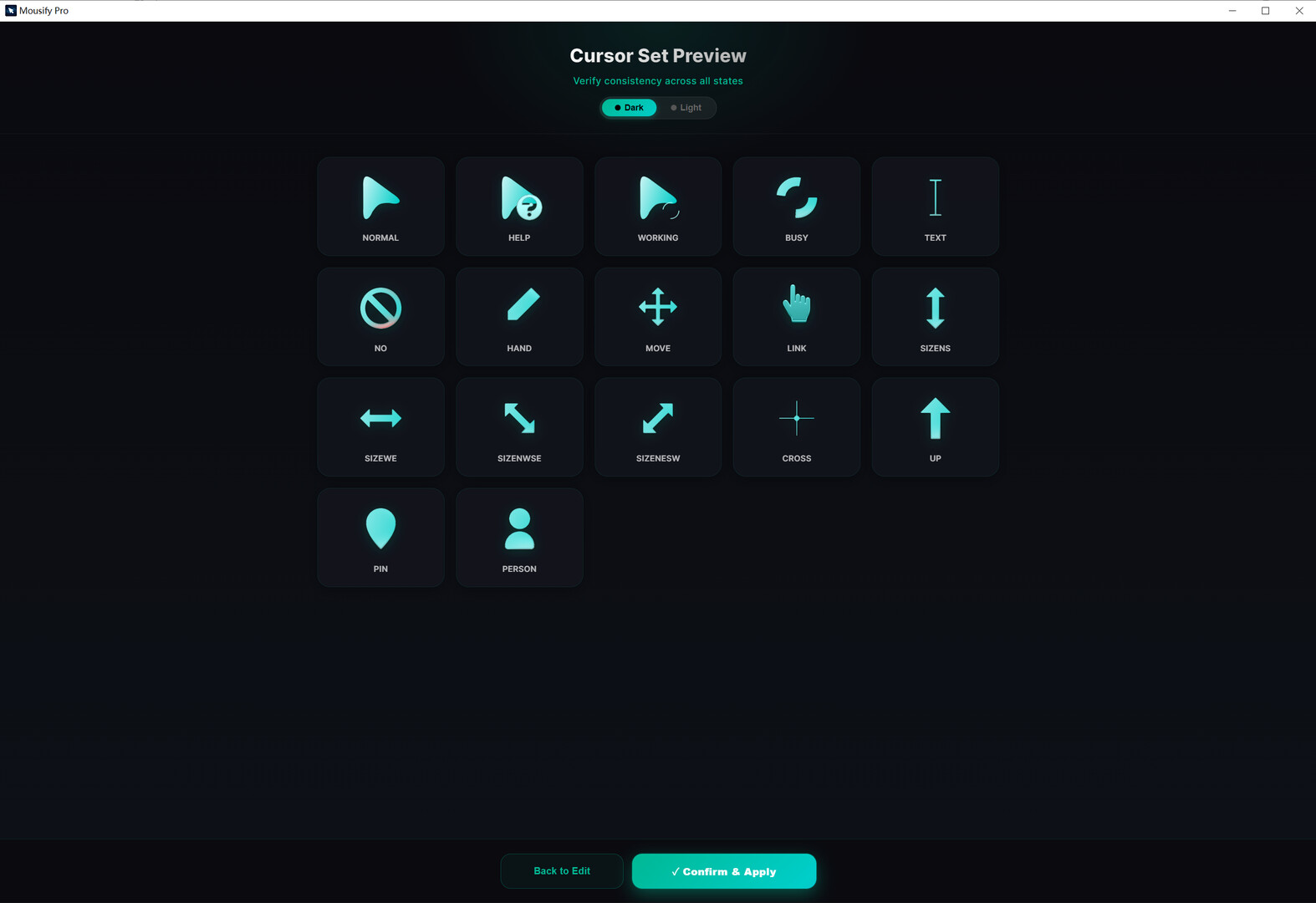
This is not a game. It is a creator utility for custom Windows cursors, visible click effects, screen recording, and zoomed clip exports.
Mousify turns the one thing you watch all day — your cursor — into the star of the screen. Generate a custom cursor from a single prompt, let it steer across a living desktop, and turn your gameplay into share-ready clips along the way. Suddenly your screen feels less like a flat workspace, and more like a scene you can steer through.
🎨 Act I · Your cursor, your domain
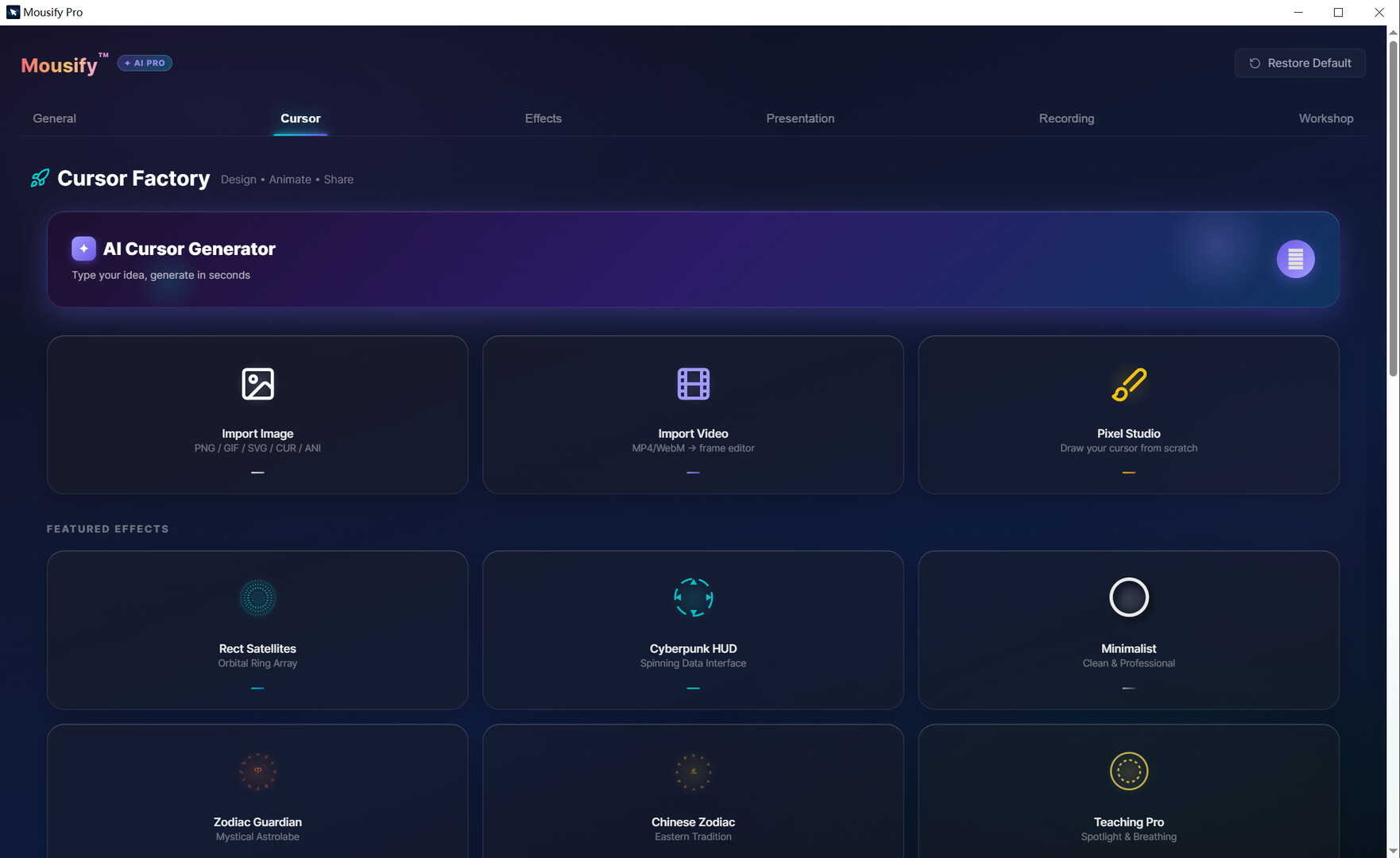
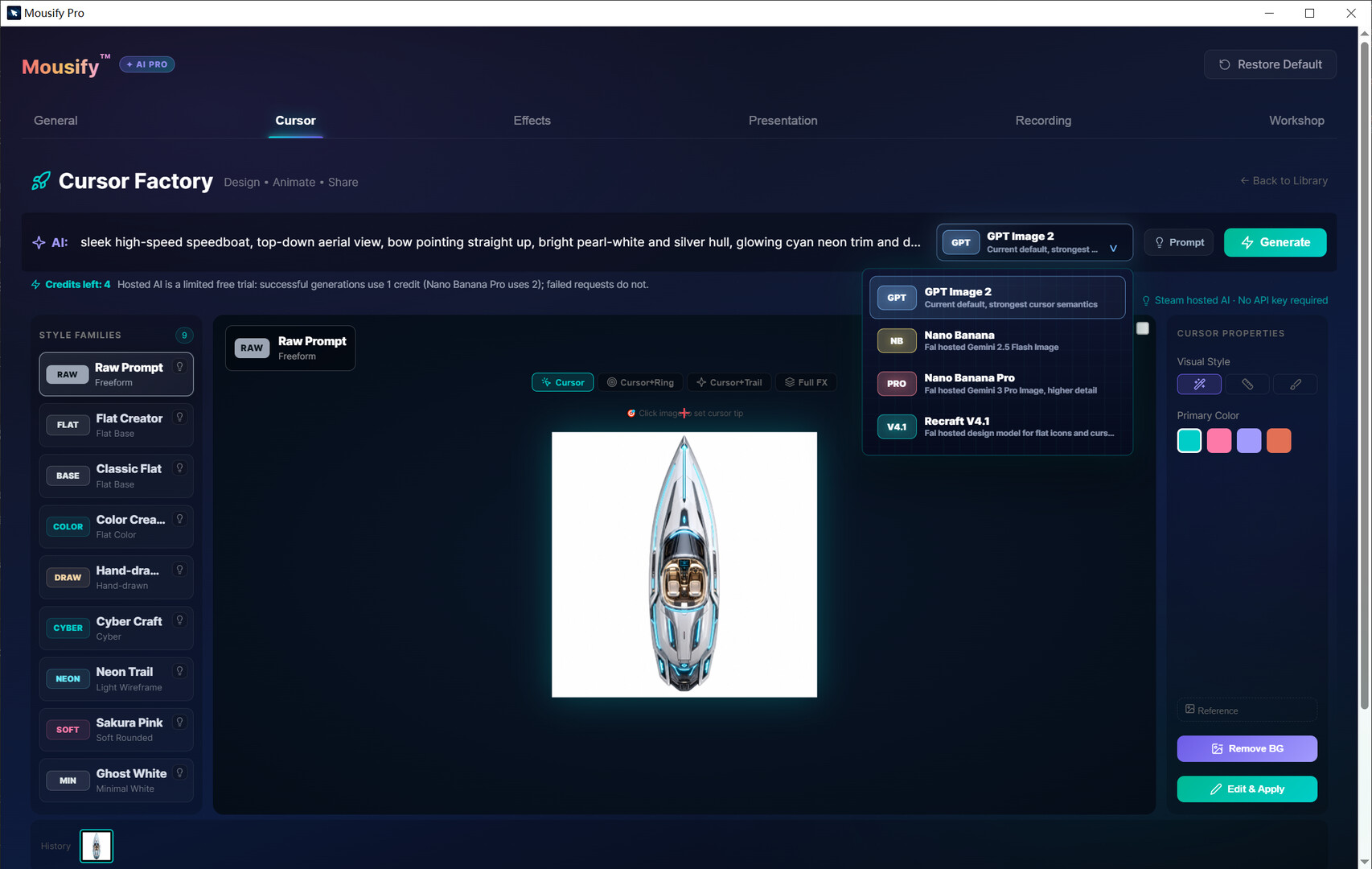
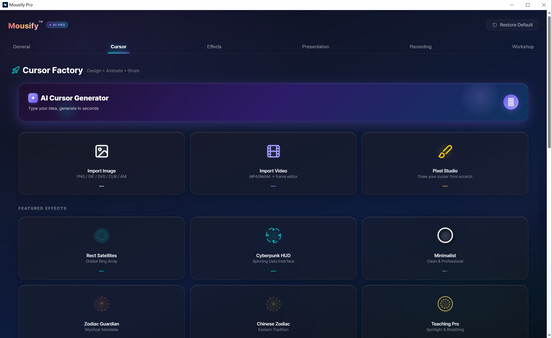
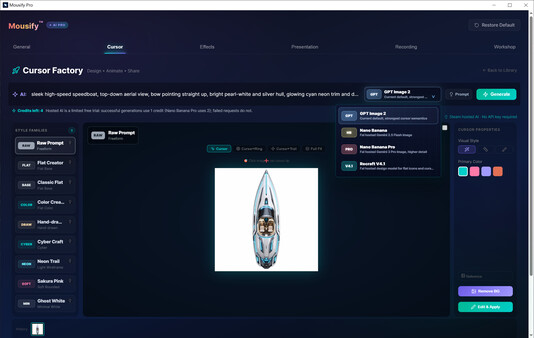
✨ AI Cursor Factory — one prompt becomes a cursor
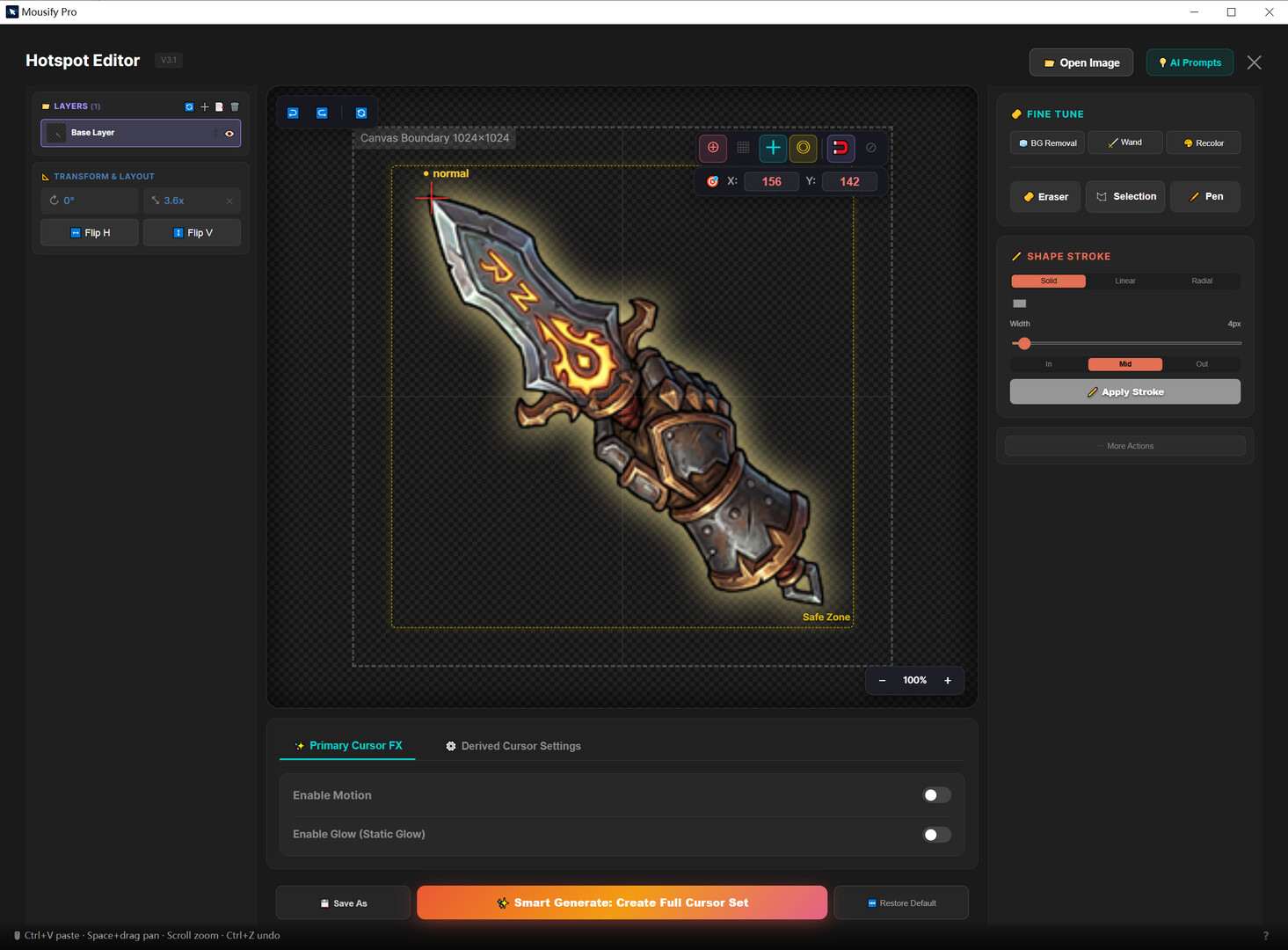
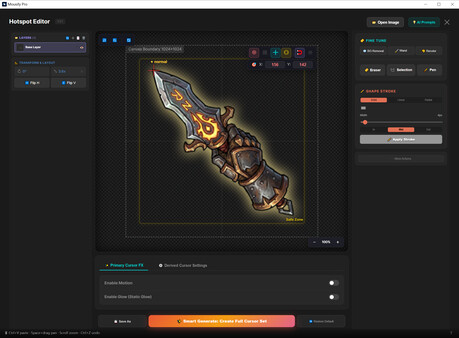
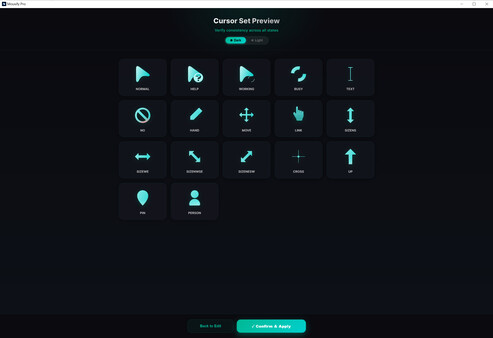
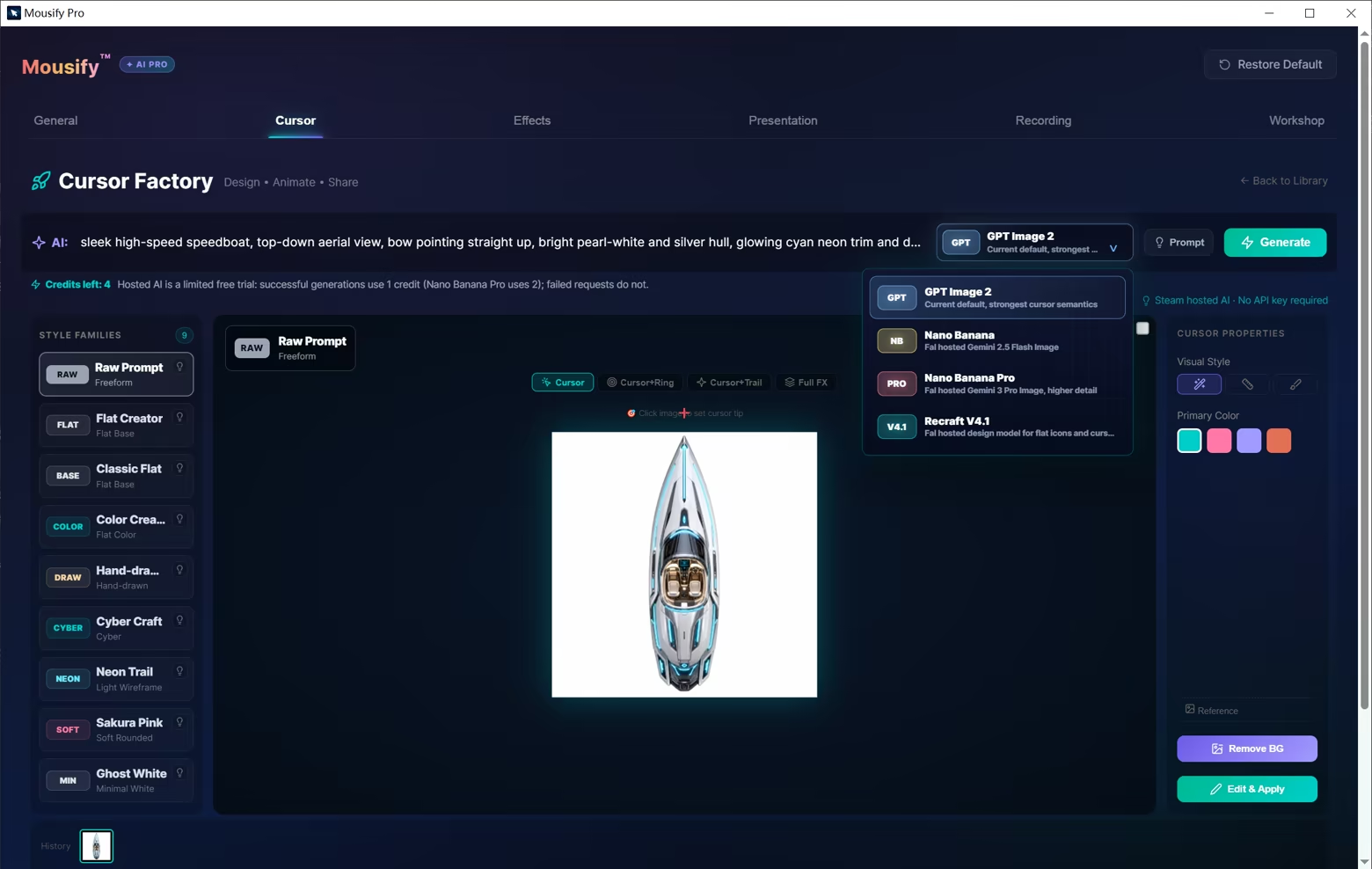
Describe what you imagine, and AI creates it. Steam-hosted, no personal API key, zero setup — flat, cyber, neon, hand-drawn, soft pastel, and more. Remove the background, set the hotspot, and apply it as your system cursor in one flow. Every Steam account gets free monthly generation credits.
🎯 Native, zero-latency, fingertip-quick
Most cursor tools render through an always-on-top transparent window — laggy and stuttery in game. Mousify compiles your cursor in real time into native Windows .cur / .ani system files: true zero latency, always right under your fingertip.
🔮 Clicks that feel good
Physics-driven motion — inertia, chain, pendulum, jelly squash — plus a dozen click effects (frost shatter, esports lightning, fluid ink, cyber glyph stream) with their own sound design. Prefer something subtler? The new “Press” gives the cursor a gentle dip-and-return on each click — clear, but never showy. In fullscreen games, effects step aside for a perfectly clean view.
🌊 Fluid Desktop · Early Access
Your cursor becomes a speedboat, carving a real wake across a living water desktop — calm motion, right under your cursor. Every glide, your domain. This is just the prologue; more moods are on the way.
🎬 Act II · Tools that make creators look good
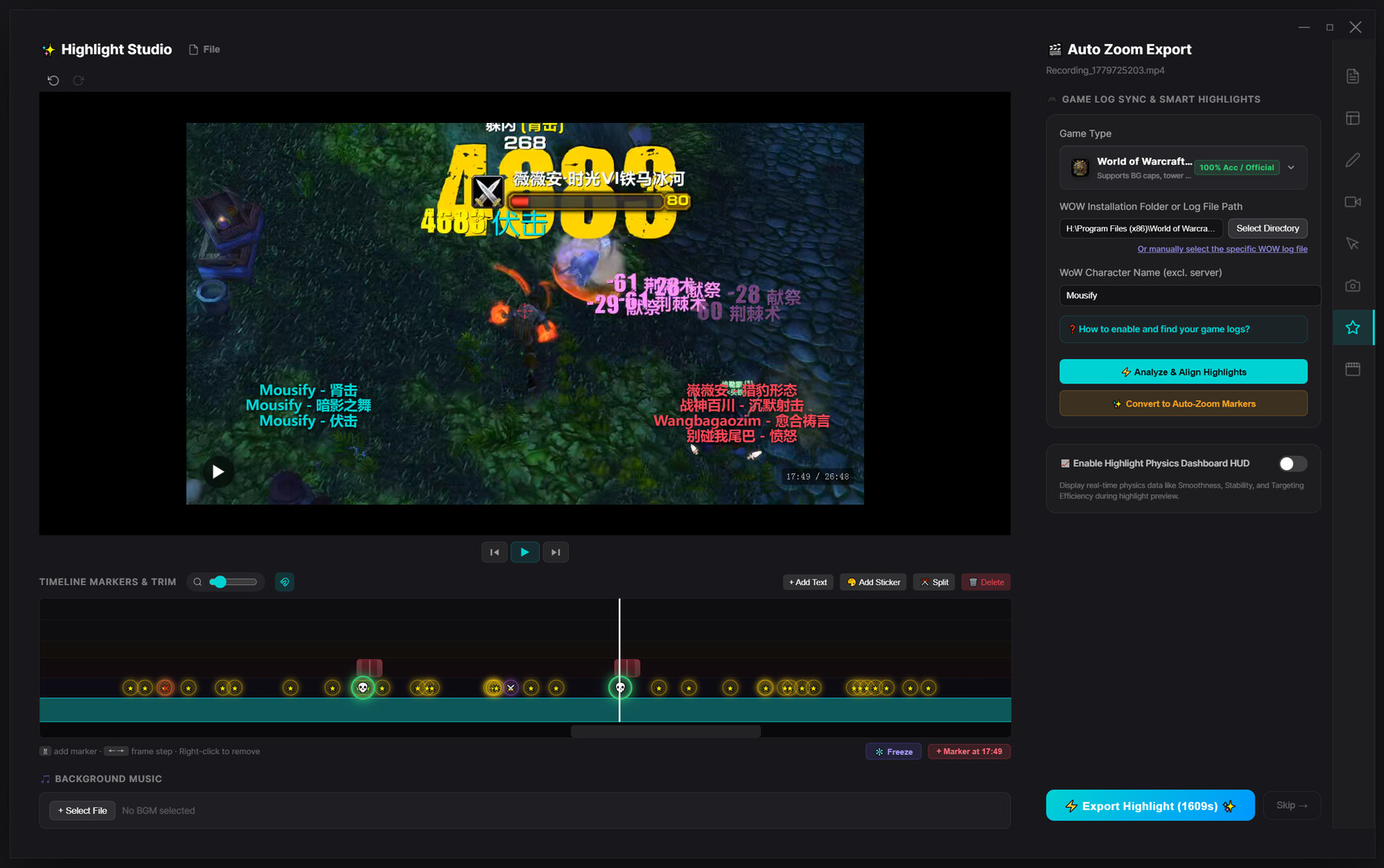
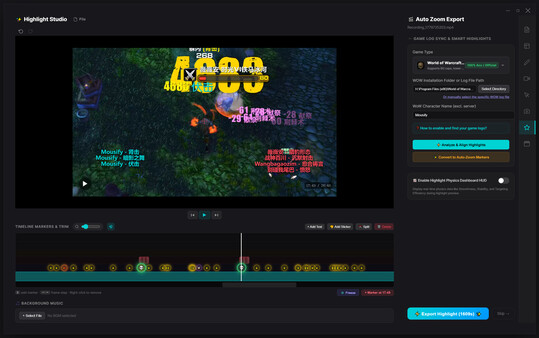
🎮 Game-Aware highlights, marked automatically
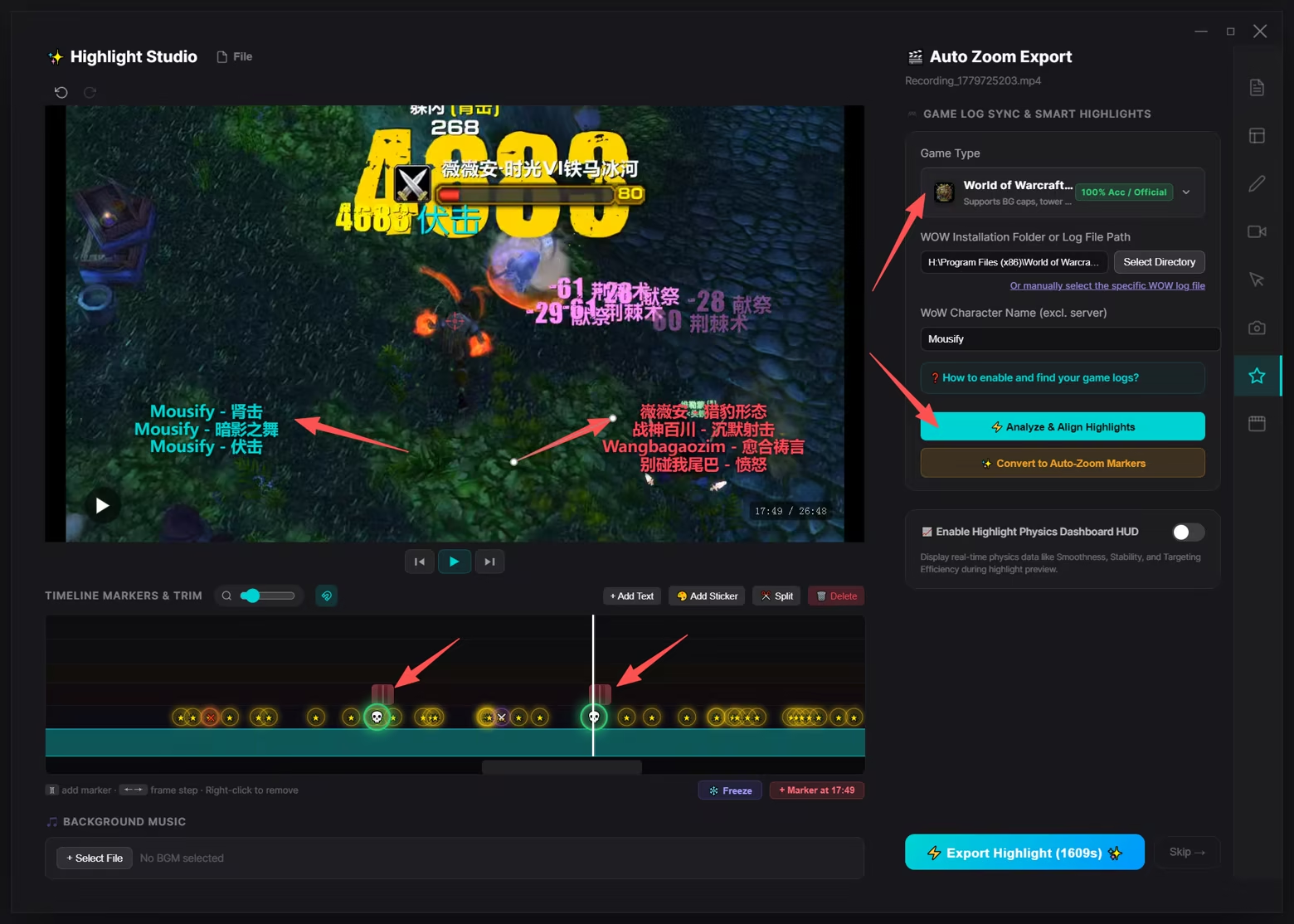
No more dragging through hours of footage for your ace or that clutch escape. Mousify reads your game logs in real time (WoW, Minecraft, Dota 2, Path of Exile, and more); when you land a kill, double-kill, take an objective, or down a boss, it marks the moment on the timeline. Hit “Generate Highlights” and the cuts are made for you — no editing experience required.
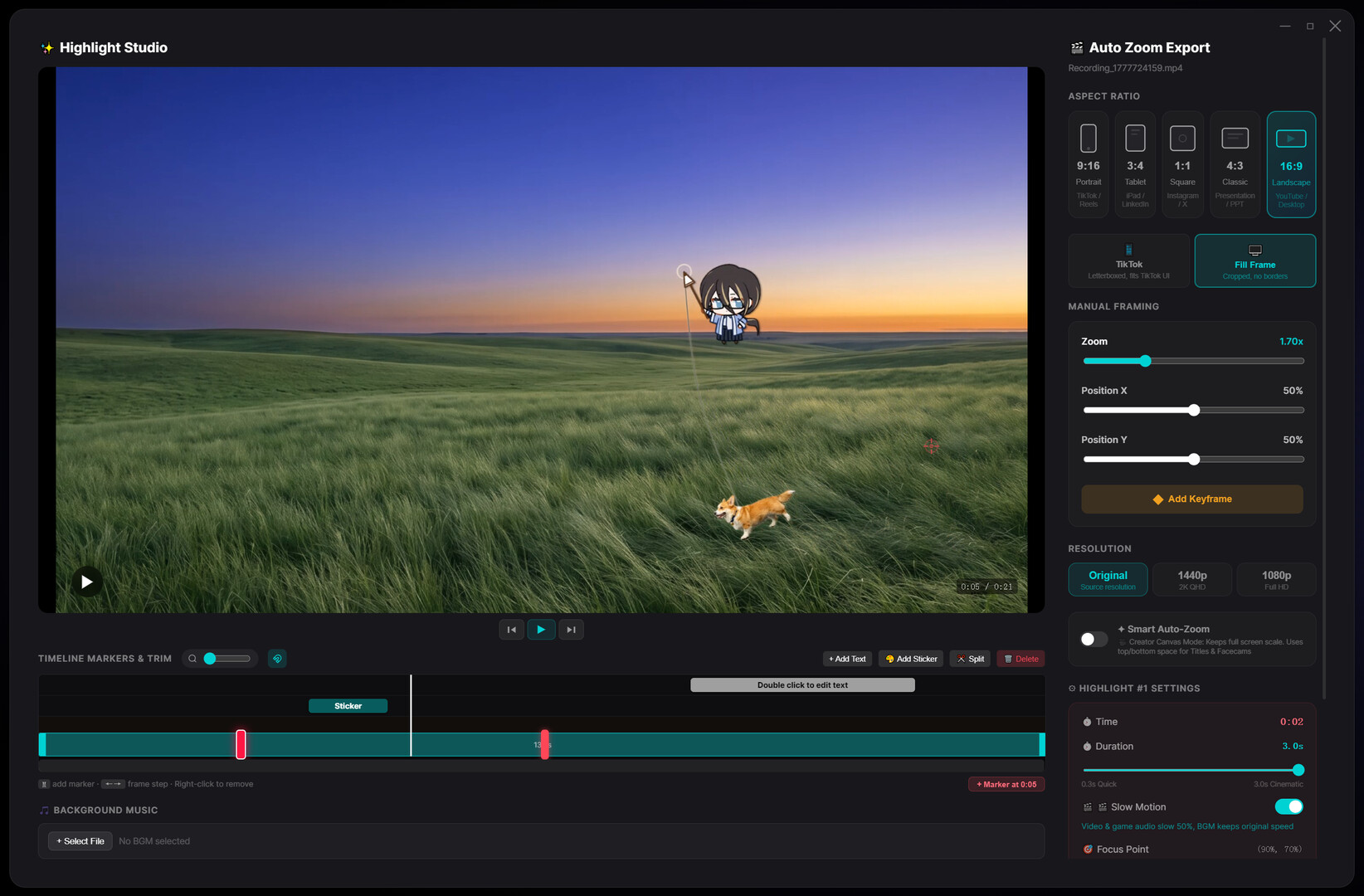
🎥 Smart Auto-Zoom — let the camera talk
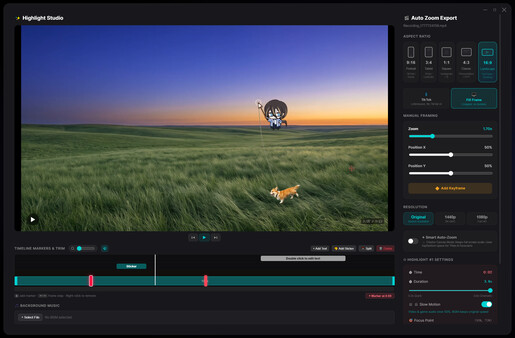
A spring-damper camera model predicts your mouse movement and click intent, gliding in and out on cinematic curves that turn plain recordings into something with punch. One-tap 60fps slow-mo keeps every micro-input crisp. Export 16:9, or auto-reframe to 9:16 vertical (TikTok / Shorts / Reels) — a clip in a click.
⚡ Zero-copy recording — play hard, frames steady
A low-level D3D11 + NVENC / AMF pipeline keeps frame data in VRAM the whole way, with CPU usage at just 1%–3%, physically isolated from the game engine — rock-steady even in AAA titles and 240Hz shooters. The new “Full” color-range mode keeps deep shadows and highlights intact (OBS-grade) for cleaner tutorials and reels.
📺 Plays nicely with OBS & presentations
Built-in spotlight, up to 8× live magnifier, translucent keystroke display; a unique transparent-layer feed drops straight into OBS — your viewers see your gorgeous cursor and clicks live on stream.
---

Every glide, your domain.
Mousify v0.3.0 is live on Steam — starting today, even your cursor is the star.
Системные требования
WINDOWS:
- 64-разрядные процессор и операционная система
- ОС: Windows 10 (64-bit)
- Процессор: Intel Core i3 / AMD Ryzen 3 or equivalent
- Оперативная память: 4 GB ОЗУ
- Видеокарта: DirectX 11 compatible GPU
- DirectX: версии 11
- Место на диске: 200 MB
- Дополнительно: WebView2 Runtime required (auto-installed on Windows 10/11)
- 64-разрядные процессор и операционная система
- ОС: Windows 11 (64-bit)
- Процессор: Intel Core i5 / AMD Ryzen 5 or equivalent
- Оперативная память: 8 GB ОЗУ
- Видеокарта: NVIDIA GTX 1050 / AMD RX 560 or better
- DirectX: версии 11
- Место на диске: 500 MB
- Дополнительно: FFmpeg required for screen recording (free download prompted on first use)