
PhotoPad

Описание
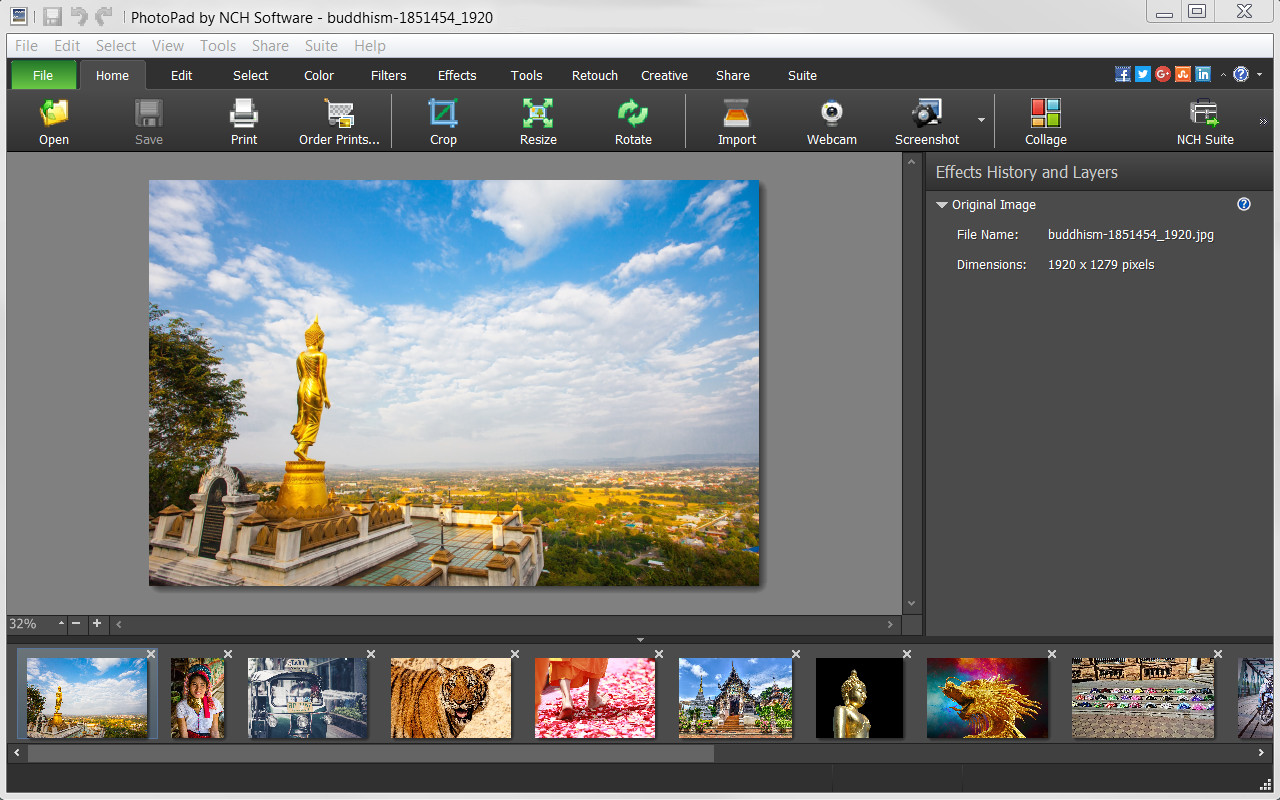
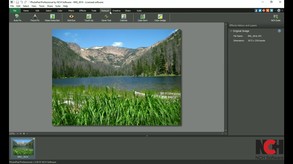
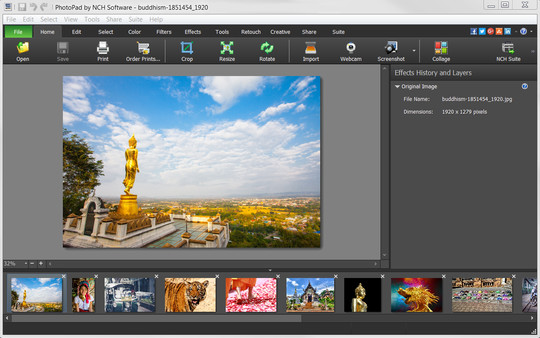
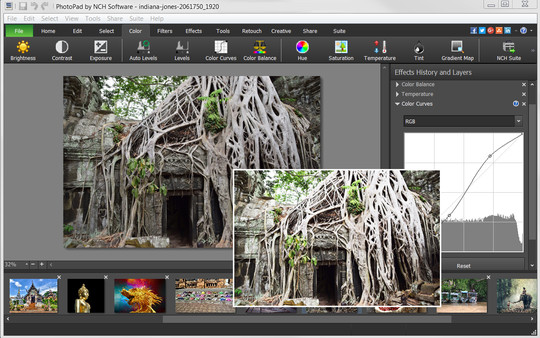
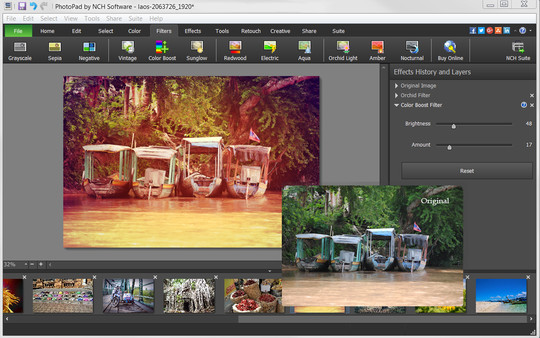
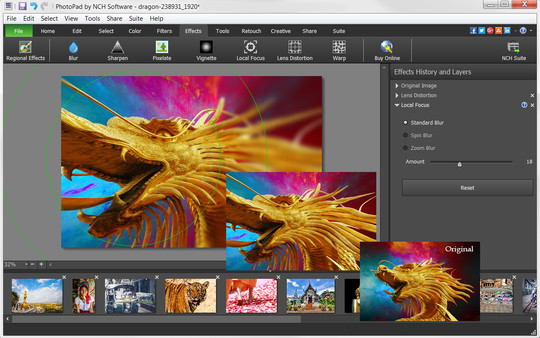
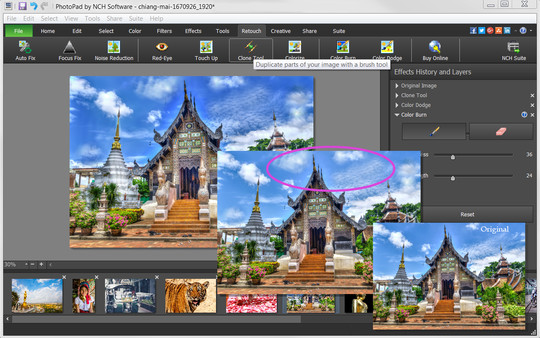
PhotoPad Photo Editor is a photo editing software for Windows that allows you take your images to the next level and create stunning photos to share with your friends and family. Whether a beginning editor or a seasoned editor, PhotoPad is easy-to-use but robust enough to do intricate photoshop work. With PhotoPad, you can use many editing, effect, quality enhancement and coloring tools to customize your photos.PhotoPad Features Include:
Editing & Effects
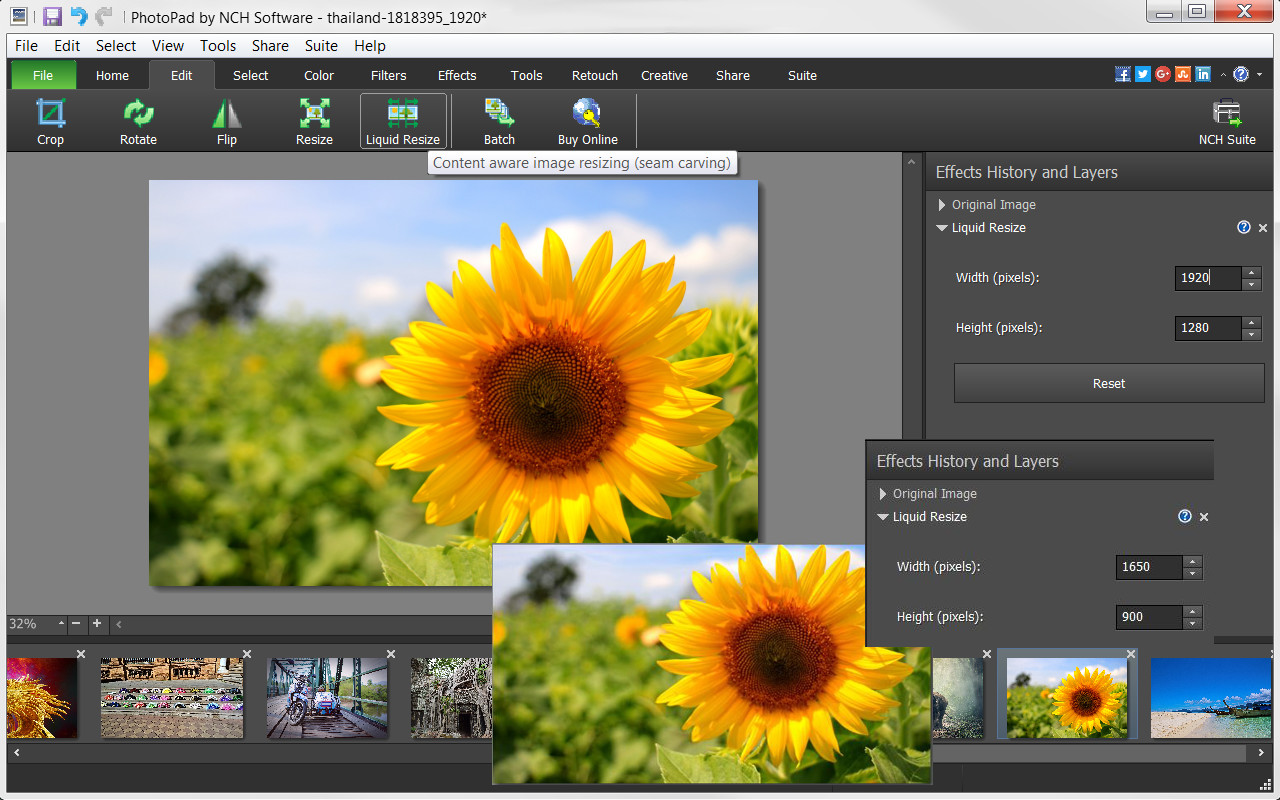
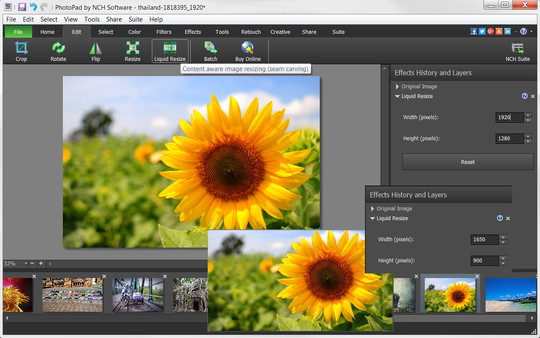
- Edit your photos using liquid resize, flip, rotate, crop and other editing tools.
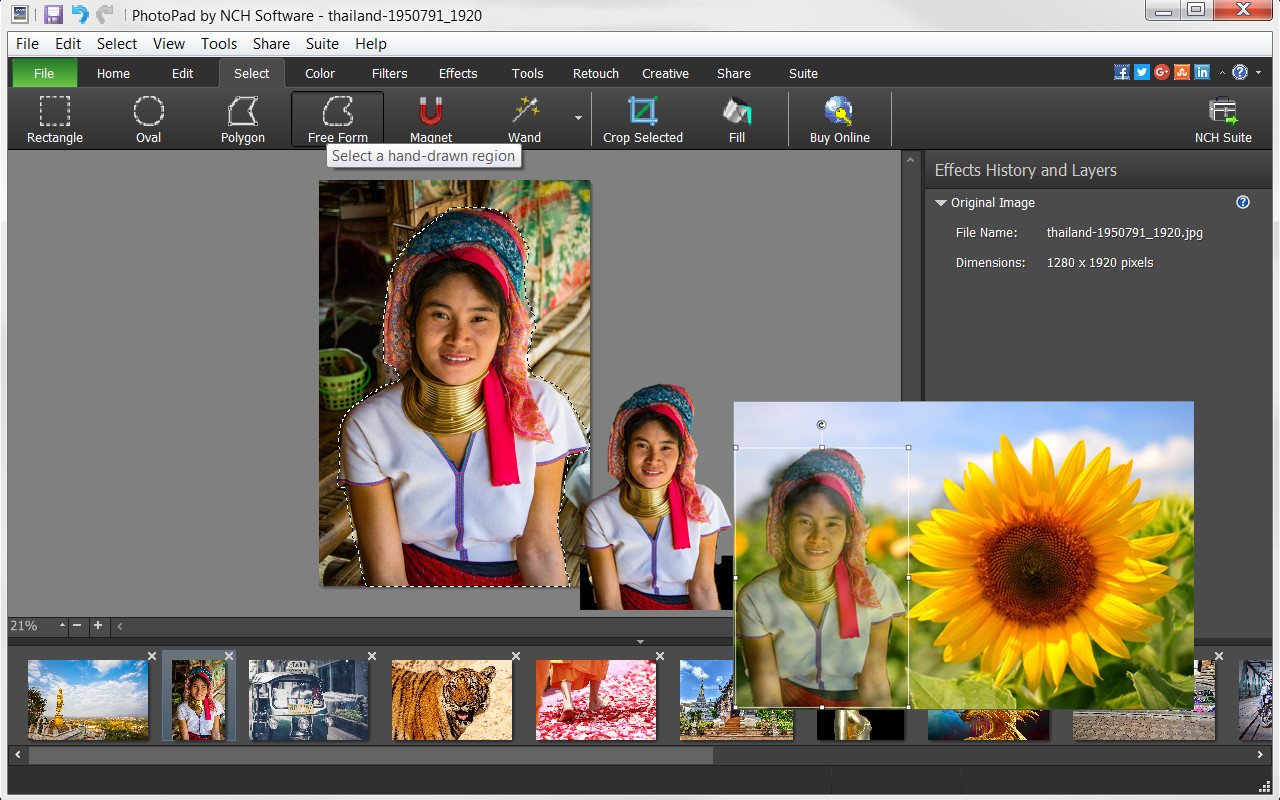
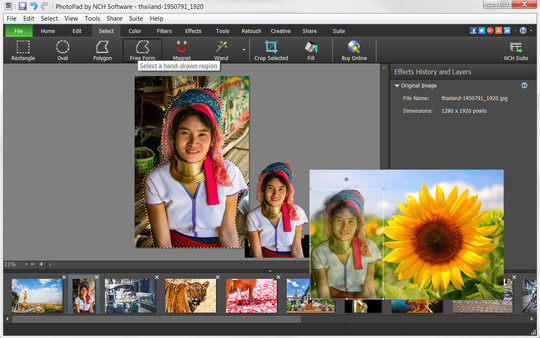
- Manipulate image shapes, pixel/element transfers and recoloring with selection tools, like wand, magnet, free form and other shape options.
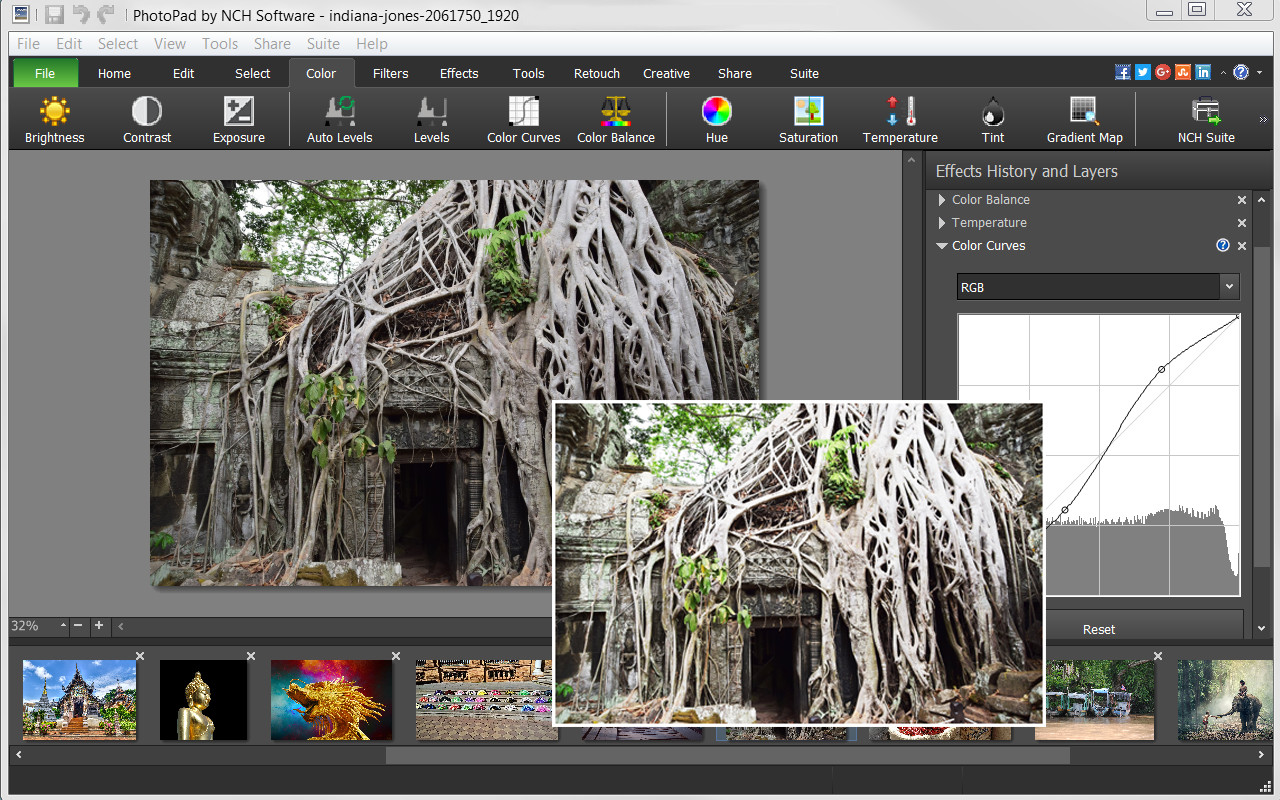
- Brighten or change exposure, color curves and balance, hue and other color features.
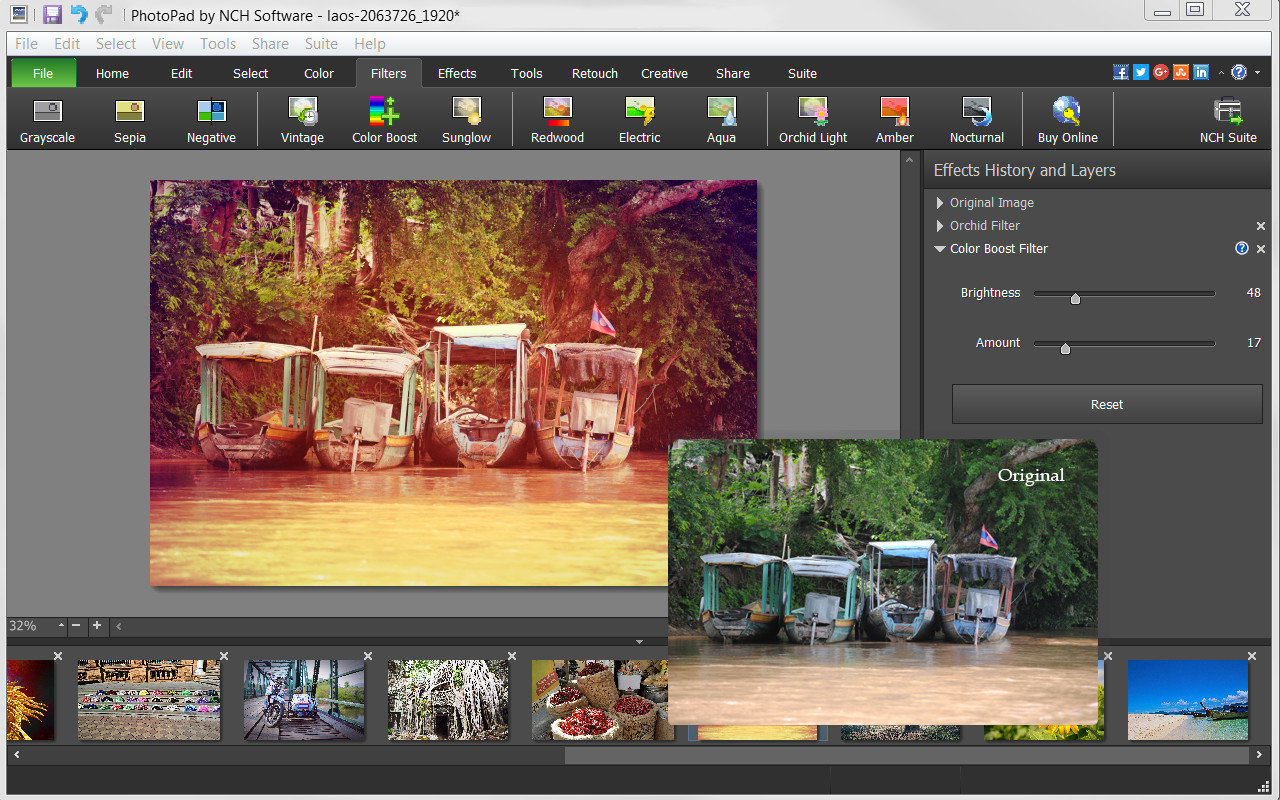
- Apply one or more of the many filters available to make photos more interesting.
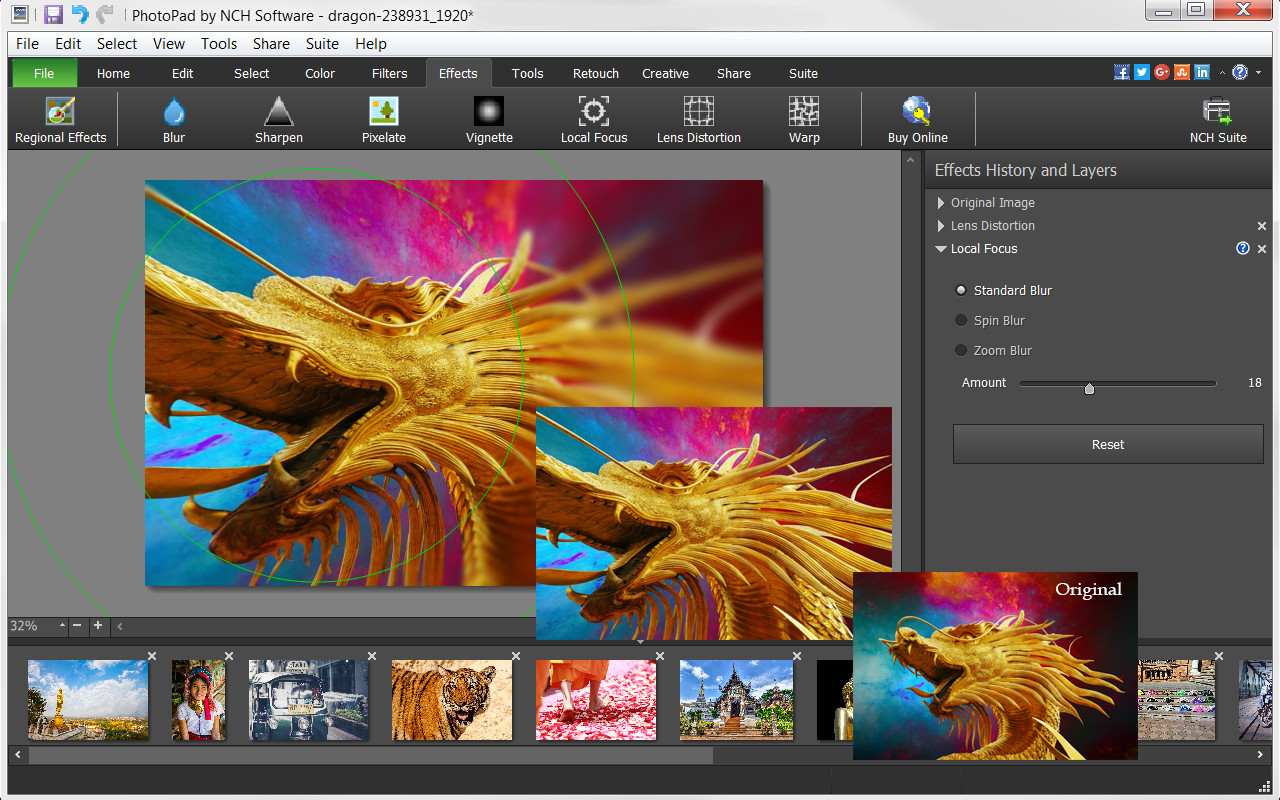
- Use sharpen, pixelate, focus, distort or one of the many other effects to change your photo’s perspective.
- Turn your photo into a cartoon or oil painting.
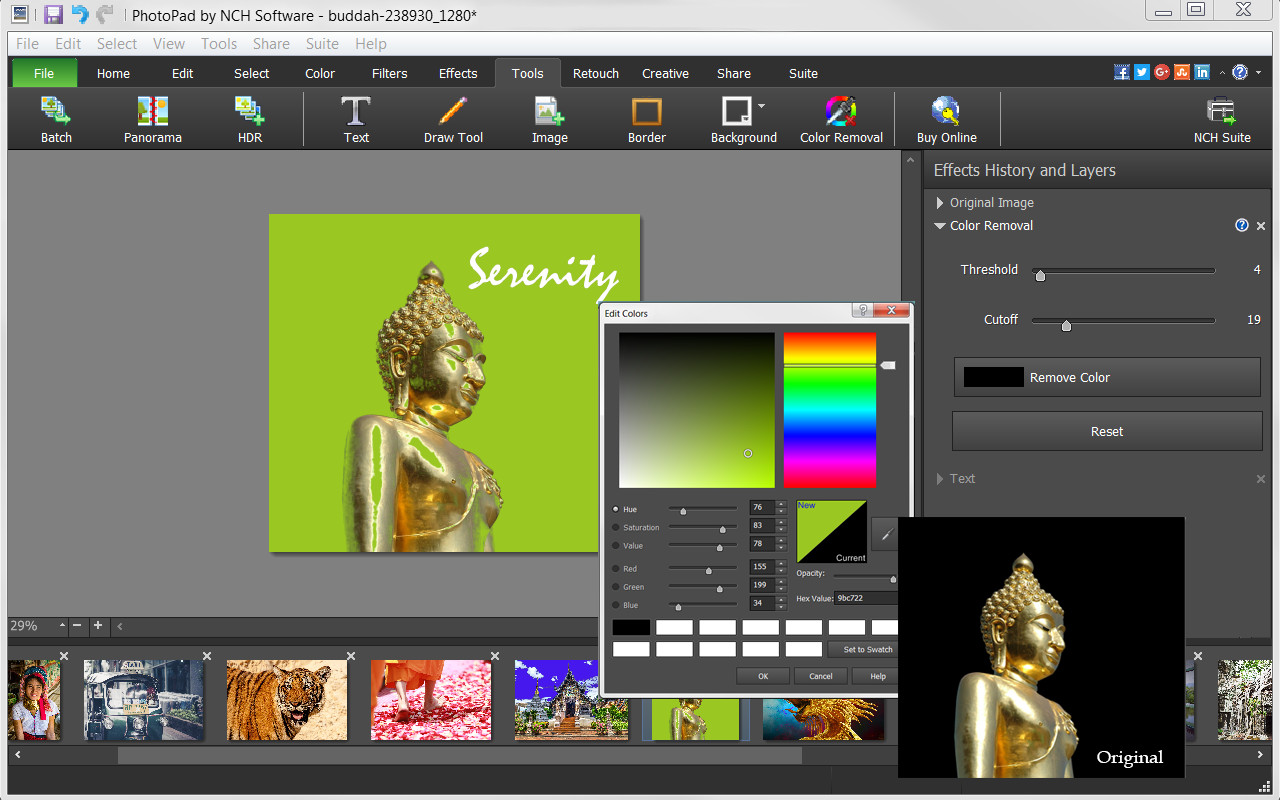
- Add borders, background or fill colors to give your photo a more complete look.
- Include text to give your photo narration.
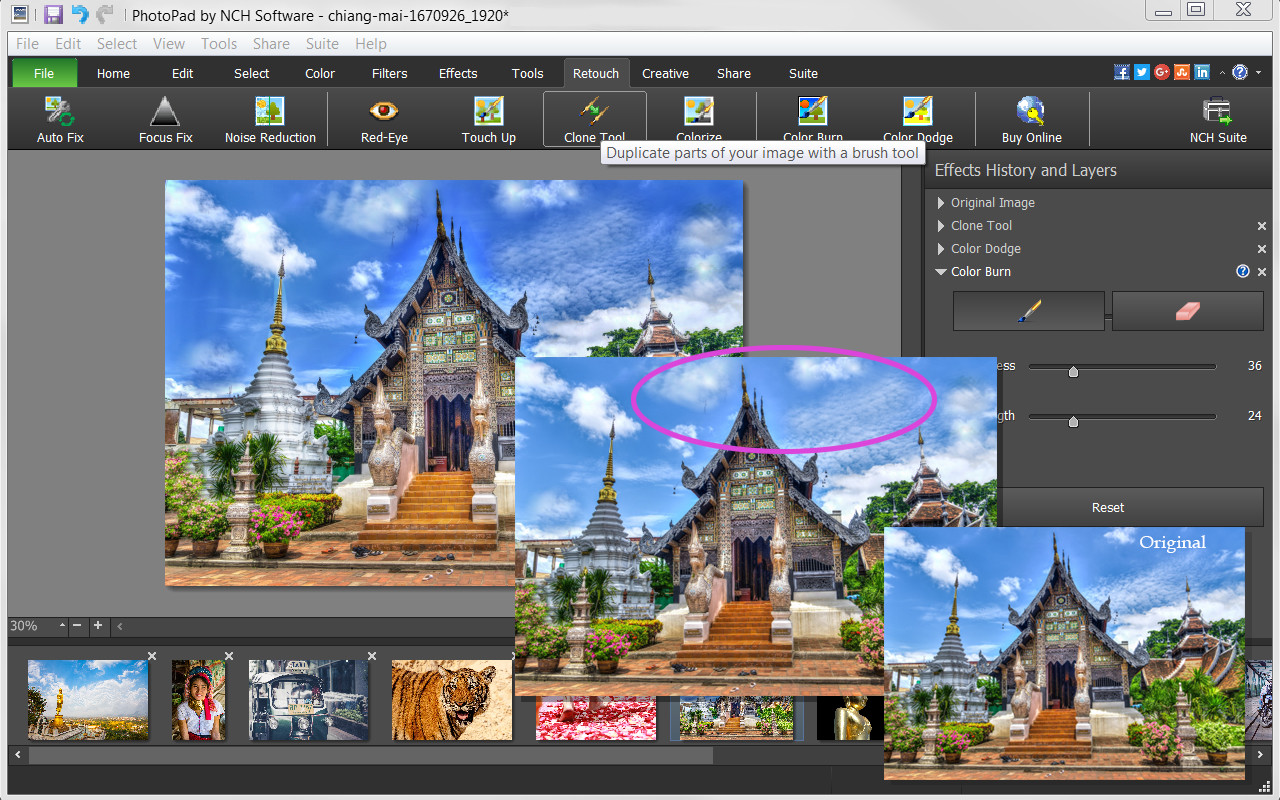
- Retouch photos with noise reduction, red-eye, colorize, focus fix and other retouching tools.
Useful Tools
- Be creative and use the Draw Tool to create your own art, illustration or notes on your photo.
- Mimic colors, shapes and other elements or correct your photos with the Clone Tool.
- Use the Batch Tool to apply effects to many photos at one time.
- Turn your photo into a fun Embroidery or Paint-by-Numbers project.
- Create a collage or Mosaic with one of the many layouts available.
- Take advantage of other useful photo applications, like Pixillion Image File Conversion, that can be used through PhotoPad.
- Stitch photos together to make a Panorama.
Export and Import Options
- Import images directly from your camera and other digital devices.
- Share with friends via Facebook and Flickr.
- Upload photos to online cloud storage sites, including Dropbox and Google Drive.
- Email photos to loved ones or clients.
- Order prints instantly from the PhotoPad interface.
Системные требования
WINDOWS:
Минимальные:- ОС *: Windows 10, XP, Vista, 7, 8 and 8.1
- Процессор: Windows 10, XP, Vista, 7, 8 and 8.1
- Оперативная память: 4 GB ОЗУ
- Место на диске: 100 MB
- Дополнительно: PhotoPad is designed to be usable with minimal resources.


