
PlayClaw 7 - Custom Crosshair Overlay

Описание
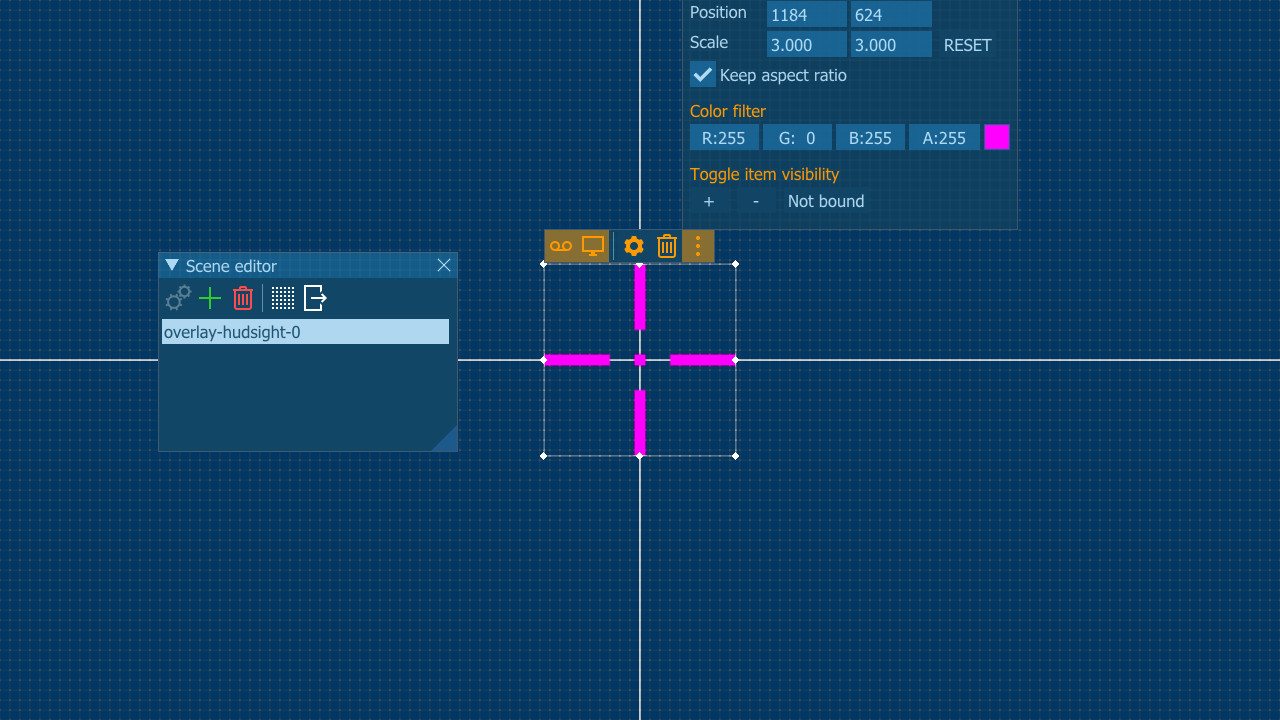
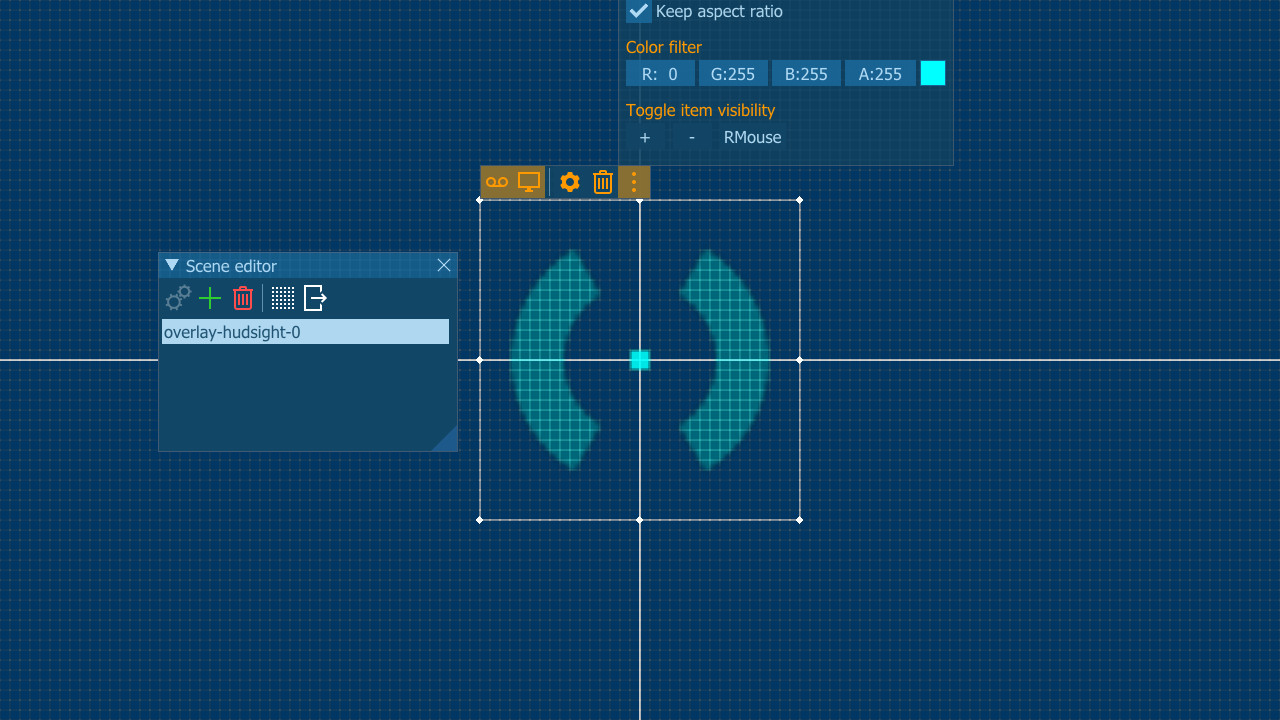
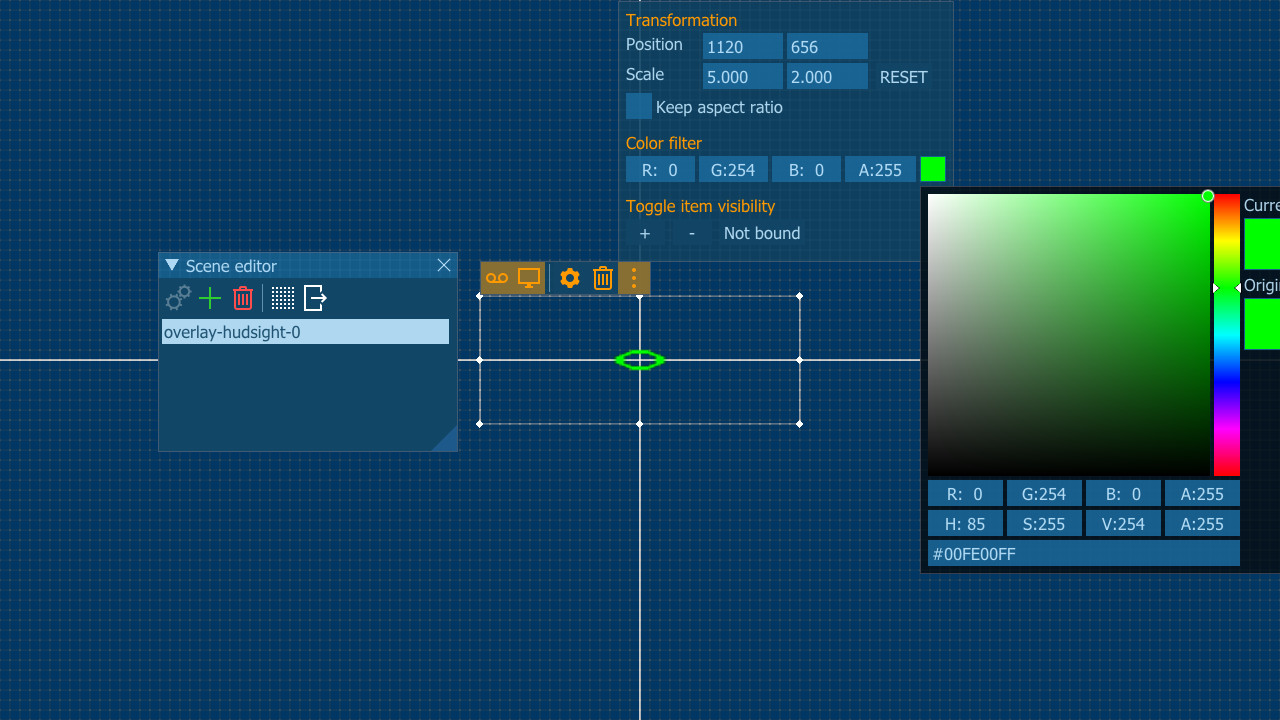
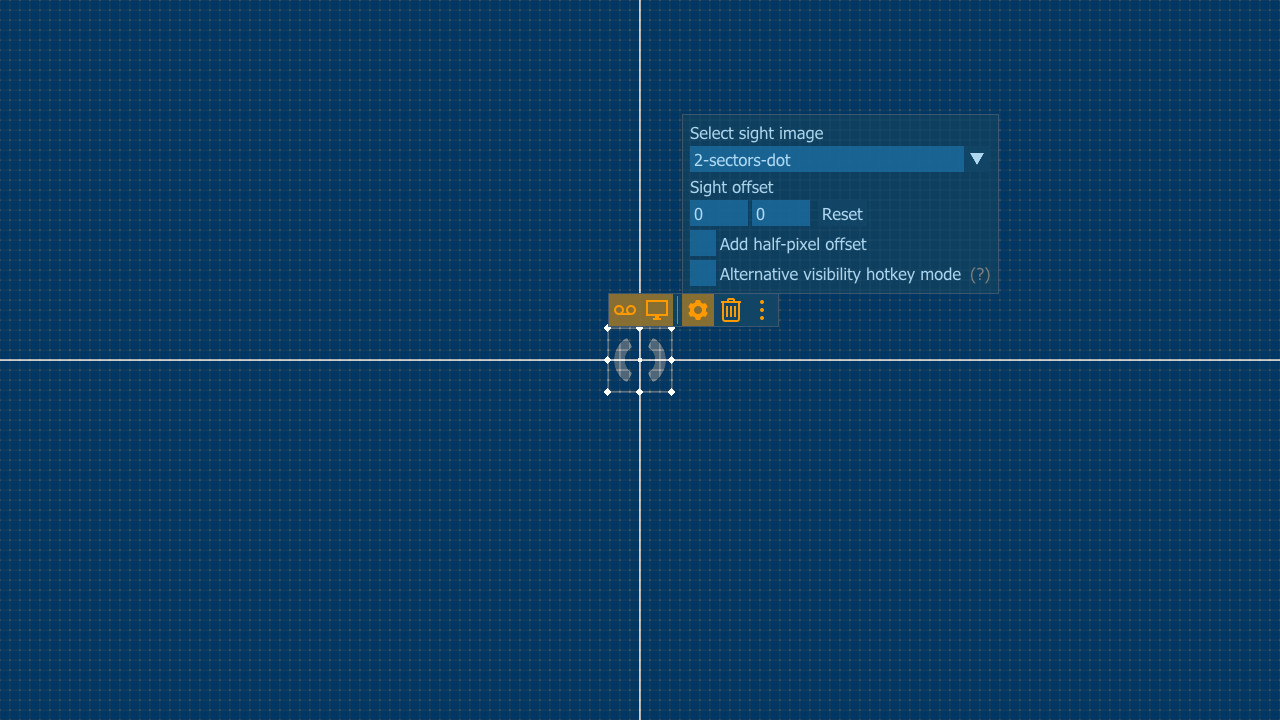
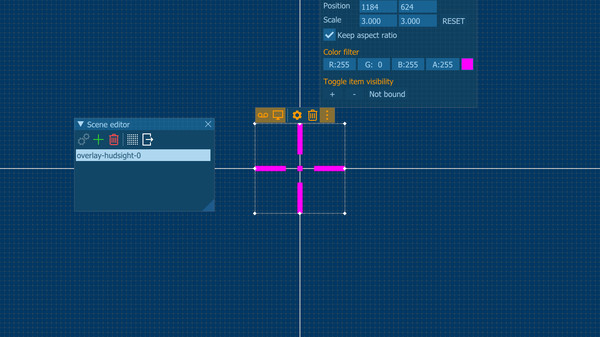
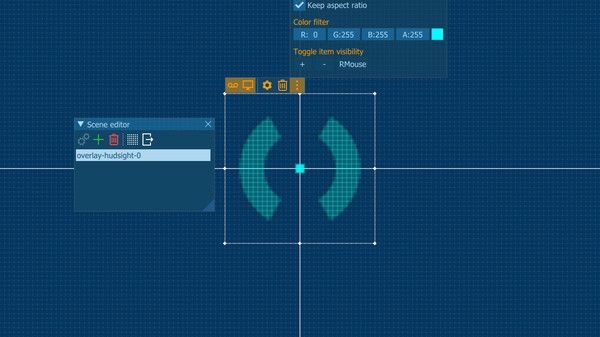
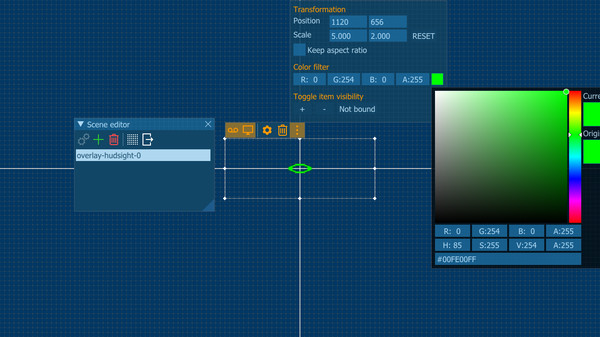
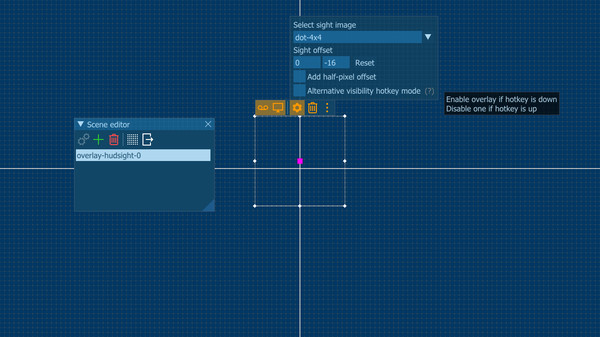
Custom Crosshair overlay DLC provides robust custom centered overlay rendering directly in a game screen. Forget about input lags in windowed modes with other "on-top" custom crosshair programs.PlayClaw draws the overlay right over a game frame and it doesn't matter what video mode is used in a game. That is why you can switch your game to fullscreen and get minimal input lag. Finally!
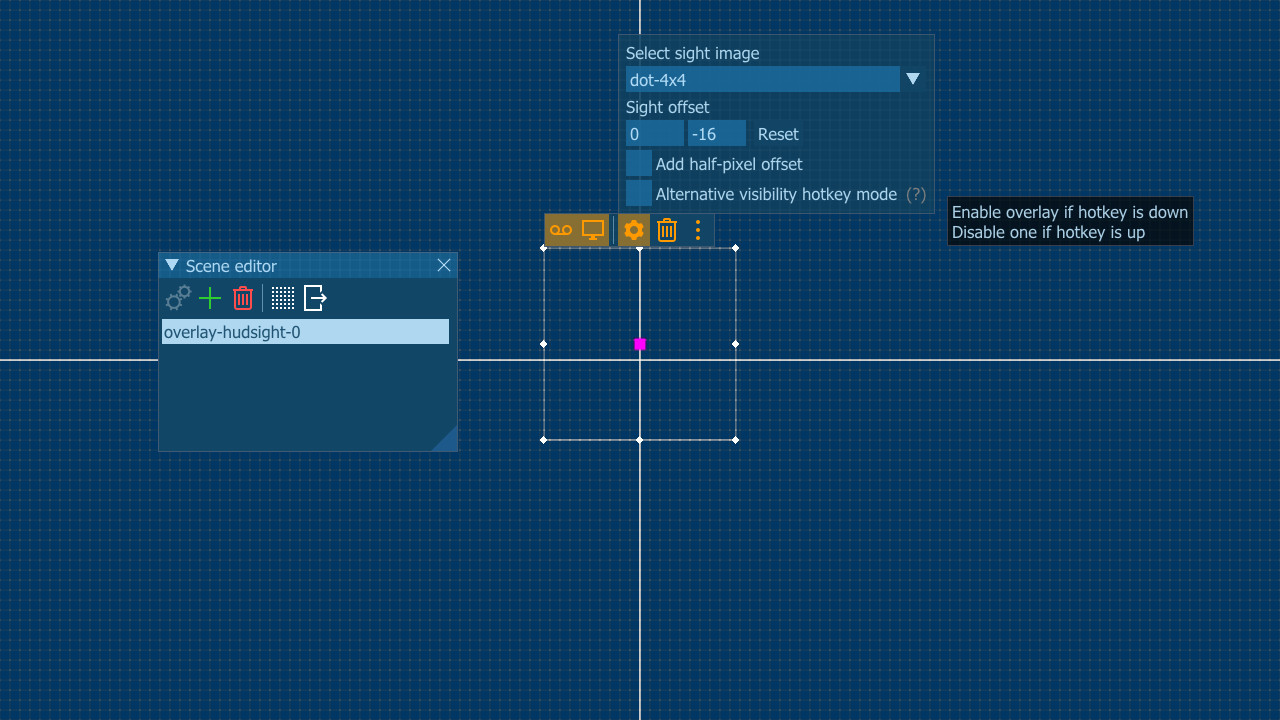
You can select crosshair from pre-installed image or use your own. Overlay can be turned on and off by a hotkey, it can be scaled. You can add an offset from screen center and even add half-pixel offset to align it to the real screen center.
Will I get banned for this?
Custom Crosshair overlay is not a cheat, it doesn't change games files or game play, it just draws an overlay (like Steam or other gaming services or some other tools). But please make sure that the Terms of Service of the game you play allow such enhancement.Системные требования
WINDOWS:
Минимальные:
- ОС *: Windows 7
- Процессор: 2-cores CPU with SSE support
- Оперативная память: 1 GB ОЗУ
- Видеокарта: Intel/AMD/NVidia graphics card
- DirectX: версии 11
- Место на диске: 1 MB
Рекомендованные:
- ОС: Windows 10
- Процессор: Intel i5 or AMD Ryzen or better
- Оперативная память: 1 GB ОЗУ
- Видеокарта: Intel/AMD/NVidia graphics card
- DirectX: версии 11
- Место на диске: 1 MB


