VRInputSpy

Описание
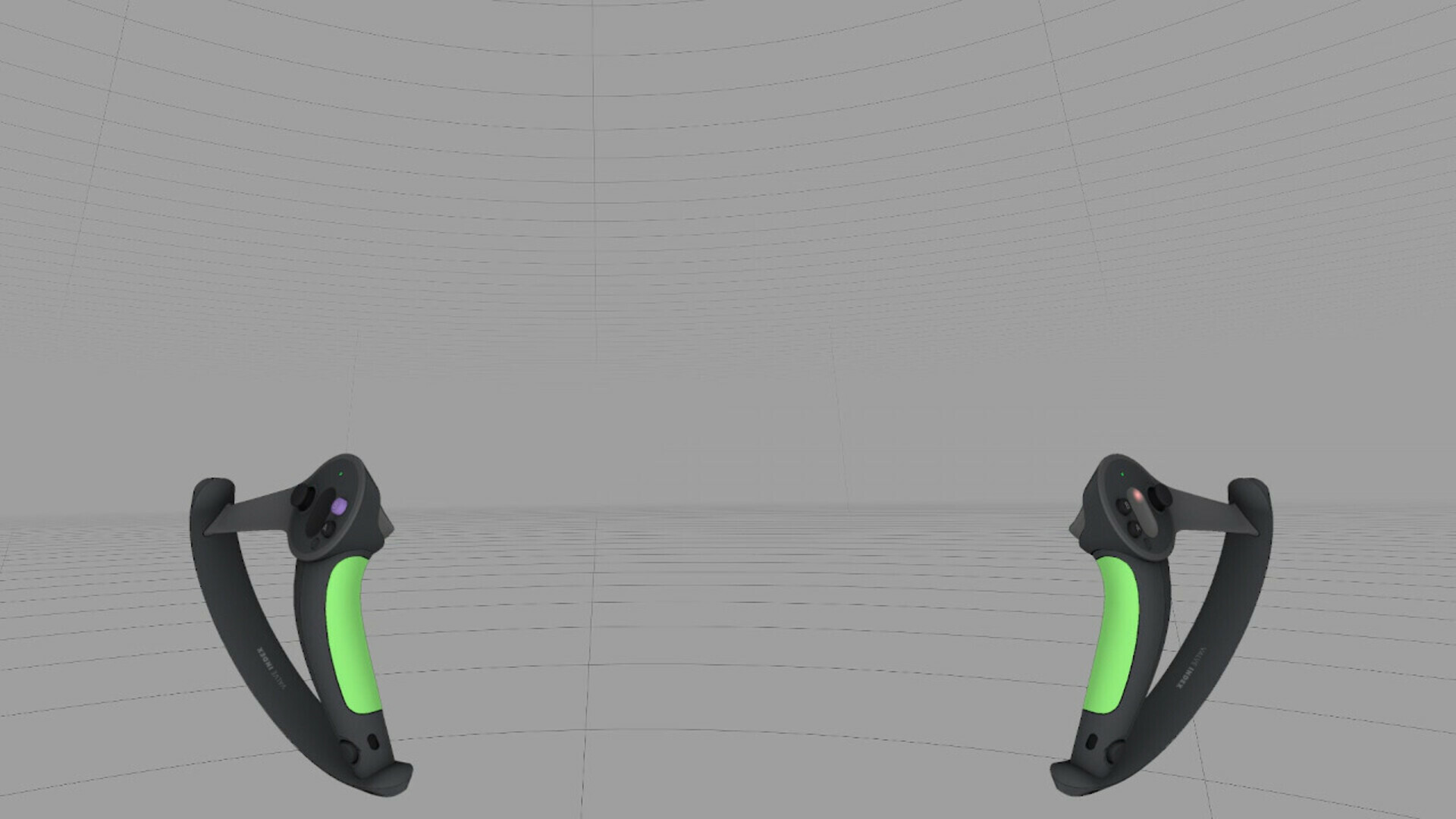
Leverage the power of SteamVR Input to show your audience exactly what you're doing in VR with zero extra work.
Features
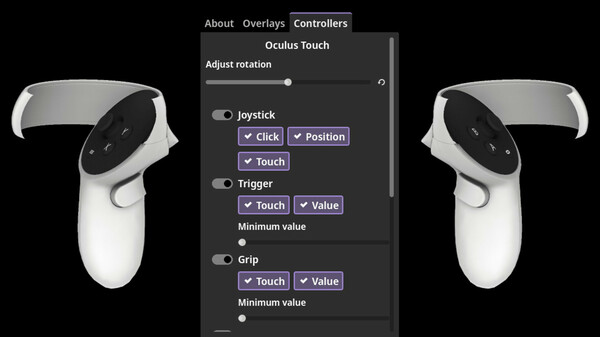
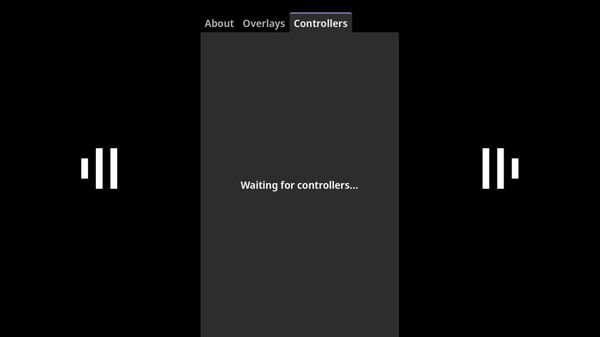
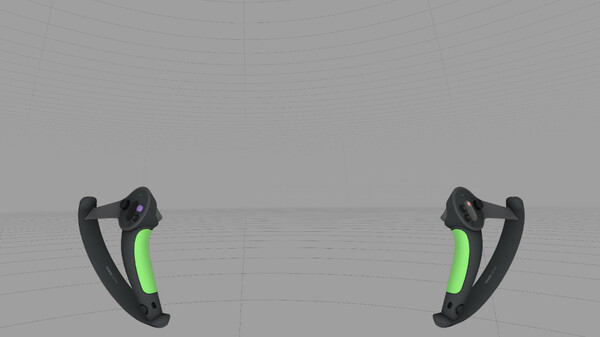
Compatible with all SteamVR Input devices: If you can see your controller in the dashboard, VRInputSpy can render it.
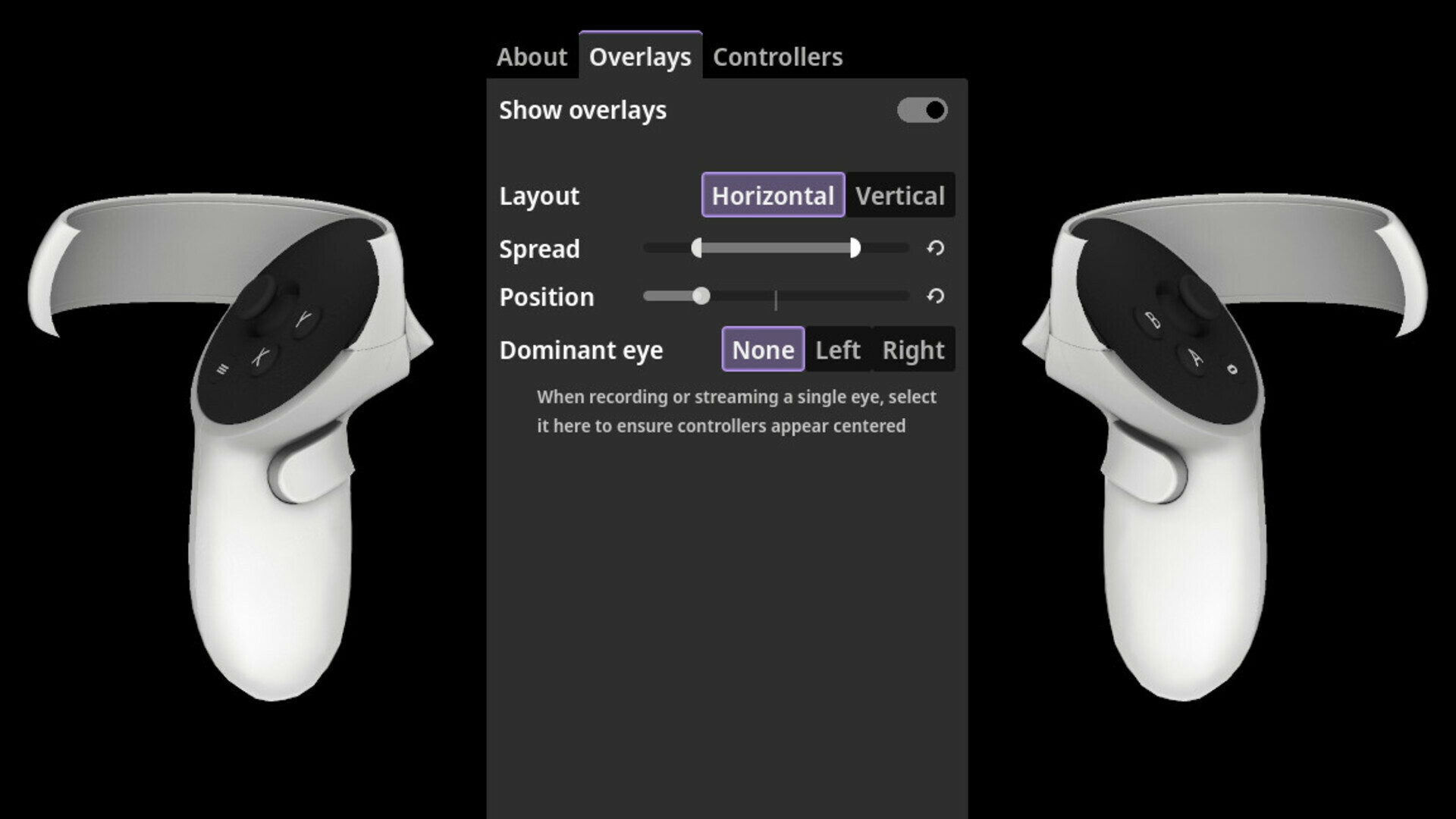
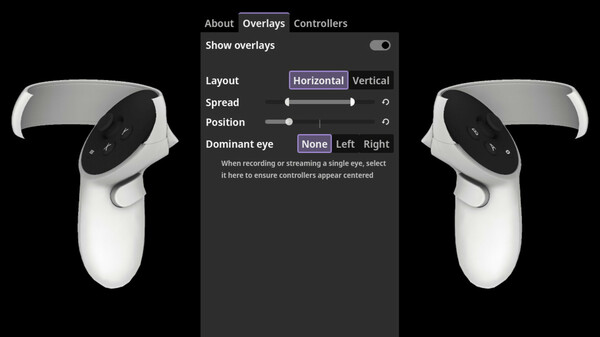
VR overlay support: Attach your controllers to your viewport in-headset, so you can see exactly what your audience sees.
OBS Compatible: Full control over your layout for streaming. A setup walkthrough is available in the Community Hub guides section.
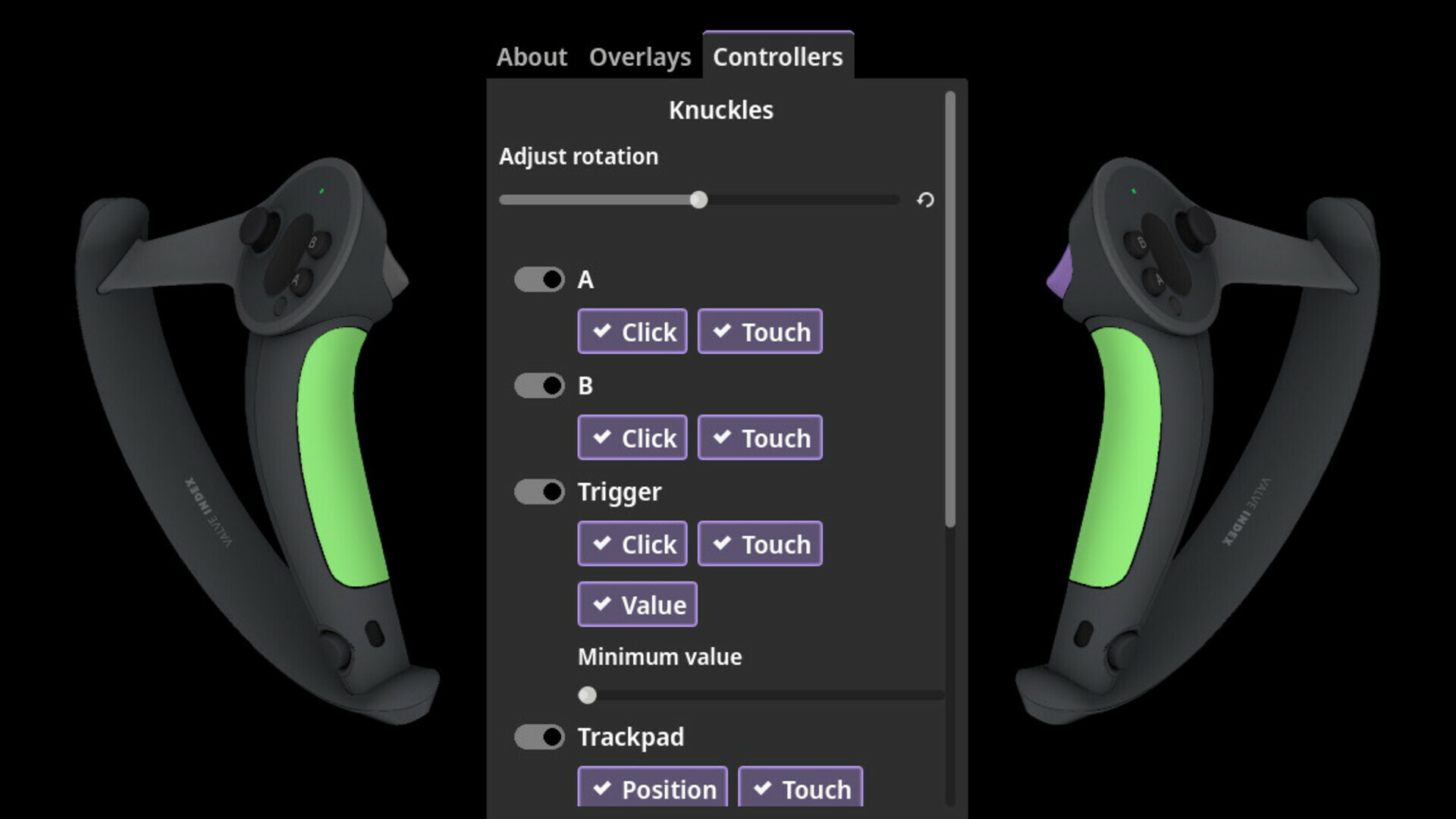
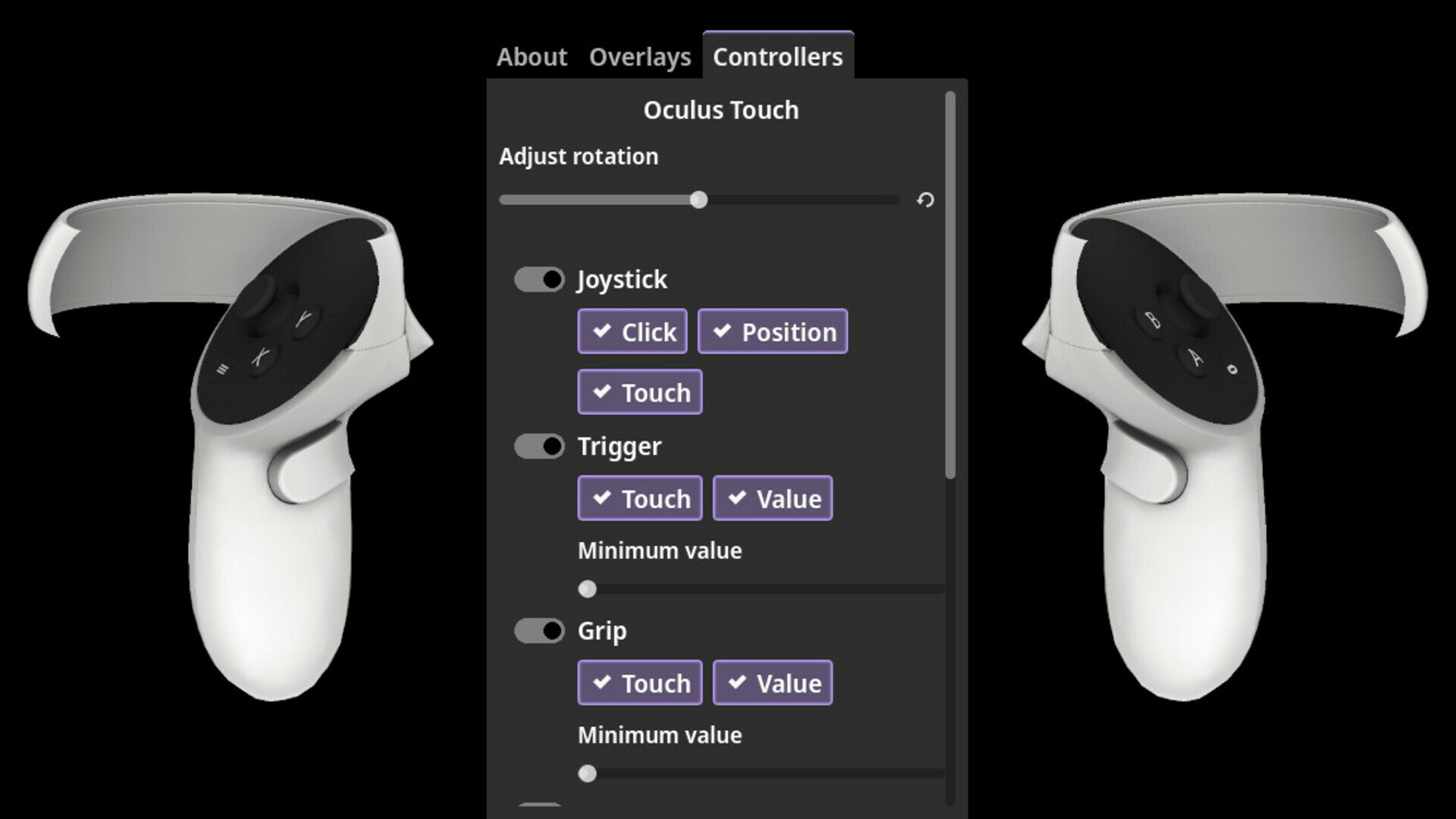
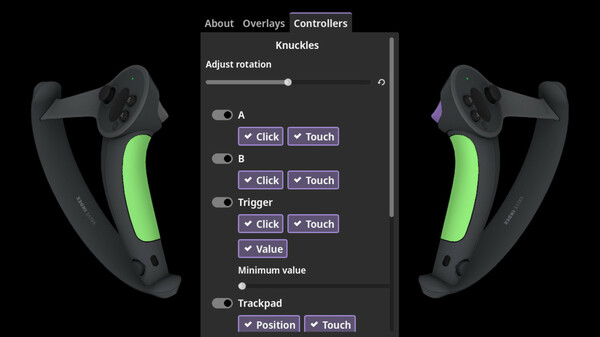
Laser-friendly UI: Quickly and easily adjust how your controllers look, from an interface that's just as smooth to use in the dashboard as it is on the desktop.
Broadcast your APM
Streaming VR? Let your audience see just how hard that trigger is working. Switch off the overlays and use OBS capture to place your controllers wherever you want in your layout, with transparency support so they fit right in with no chroma-keying.
Show, don't tell
Developing a VR game or utility? Let your users see exactly how you're interacting with it in your demo reel. Turn on the overlays and record your viewport as you already would, with the confidence that the controllers are always in frame. Because you can see exactly where they are, you don't need to worry that they will cover up parts of your UI after the fact. You also won't need to manually sync up inputs with the recording during editing.
Introduce friends to VR
Teaching someone an unfamiliar controller that they also can't see can be challenging, and constantly flipping between the game and dashboard to see them in-headset is frustrating. With VRInputSpy, they can see exactly which buttons are where and what they're touching in real time, all the time.
Just smart enough for its own good
Because VRInputSpy uses the controller models and input profiles provided by SteamVR Input, new controllers are supported the day they're released. Any manufacturer, any shape, any features.
Controllers are automatically analyzed to determine the angle that best shows off all of their inputs. Still doesn't look quite right? No worries, you can tweak it to perfection.
If something does go wrong, VRInputSpy has a built-in bug reporting system to help us get even the most curious controllers back under control.
Built on open source, and helping build open source
VRInputSpy is proudly built on the Godot game engine, and we're contributing as much work as possible back upstream to the Godot OpenVR extension to help grow the Godot VR ecosystem.
Системные требования
WINDOWS:
- 64-разрядные процессор и операционная система
- ОС: Windows 10
- Процессор: Intel Core i5-4590 / AMD FX 8350
- Оперативная память: 4 GB ОЗУ
- Видеокарта: NVIDIA GeForce GTX 1050, AMD Radeon RX 460
- Место на диске: 150 MB
- Поддержка VR: SteamVR, requires motion controllers
- 64-разрядные процессор и операционная система