
3D Print Designer



Description
3D Print Designer – Create & Print Your Ideas
Turn your ideas into real 3D objects.
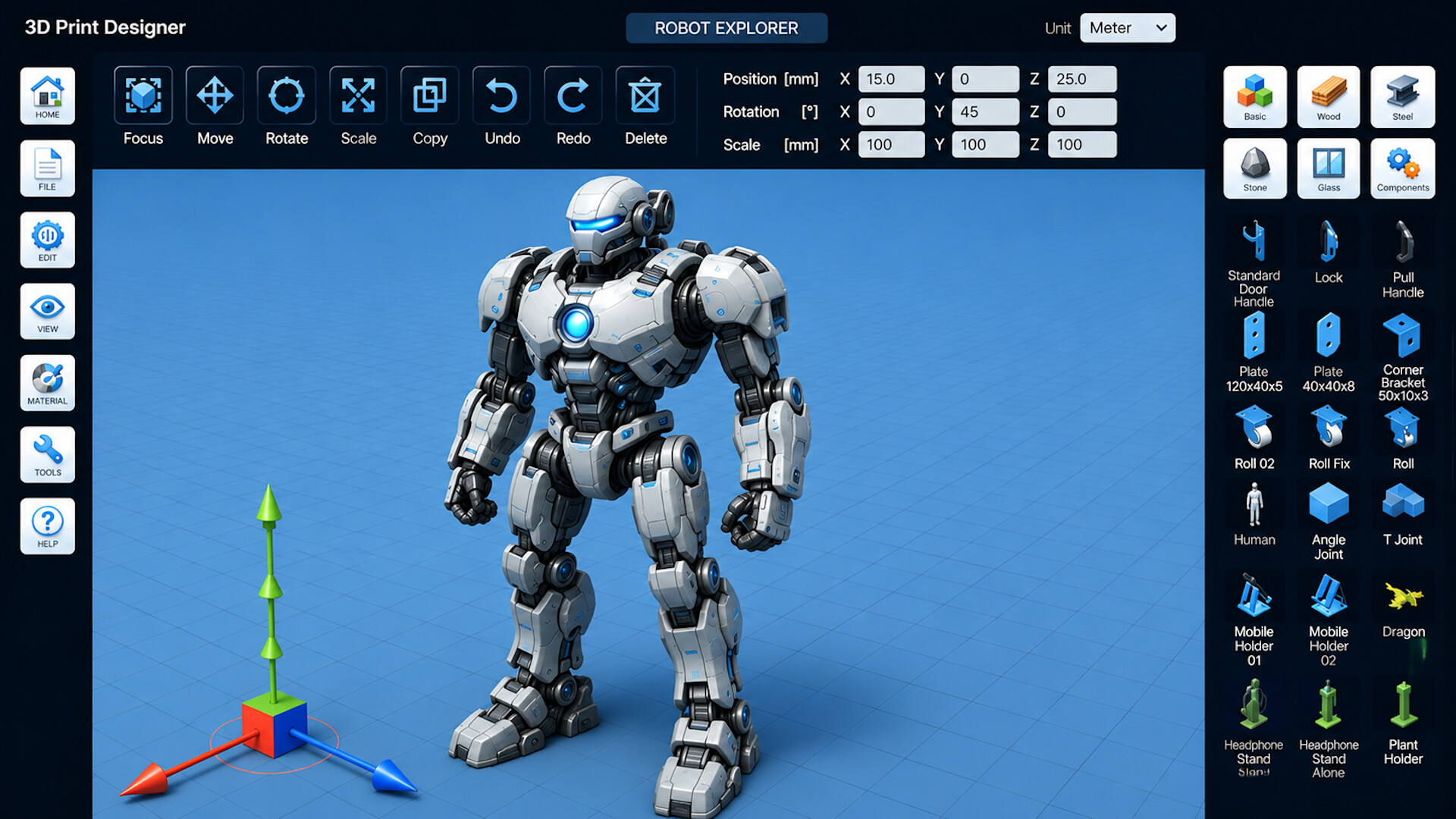
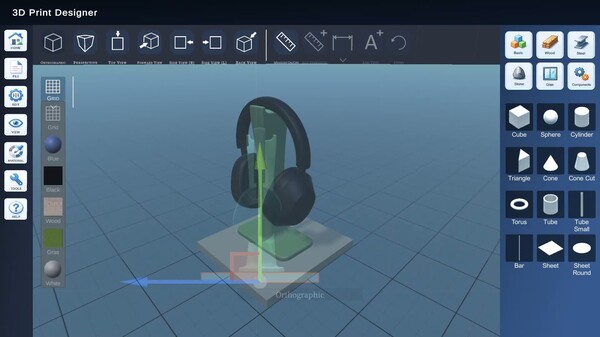
With 3D Print Designer, you can easily create, edit, and prepare models for 3D printing – all in one powerful CAD app. Whether you're a beginner, hobby maker, student, or experienced designer, 3D Print Designer provides the tools you need to bring your concepts to life.
Design for 3D Printing – Simple & Powerful
Create precise 3D models using an intuitive interface designed for both beginners and advanced users.
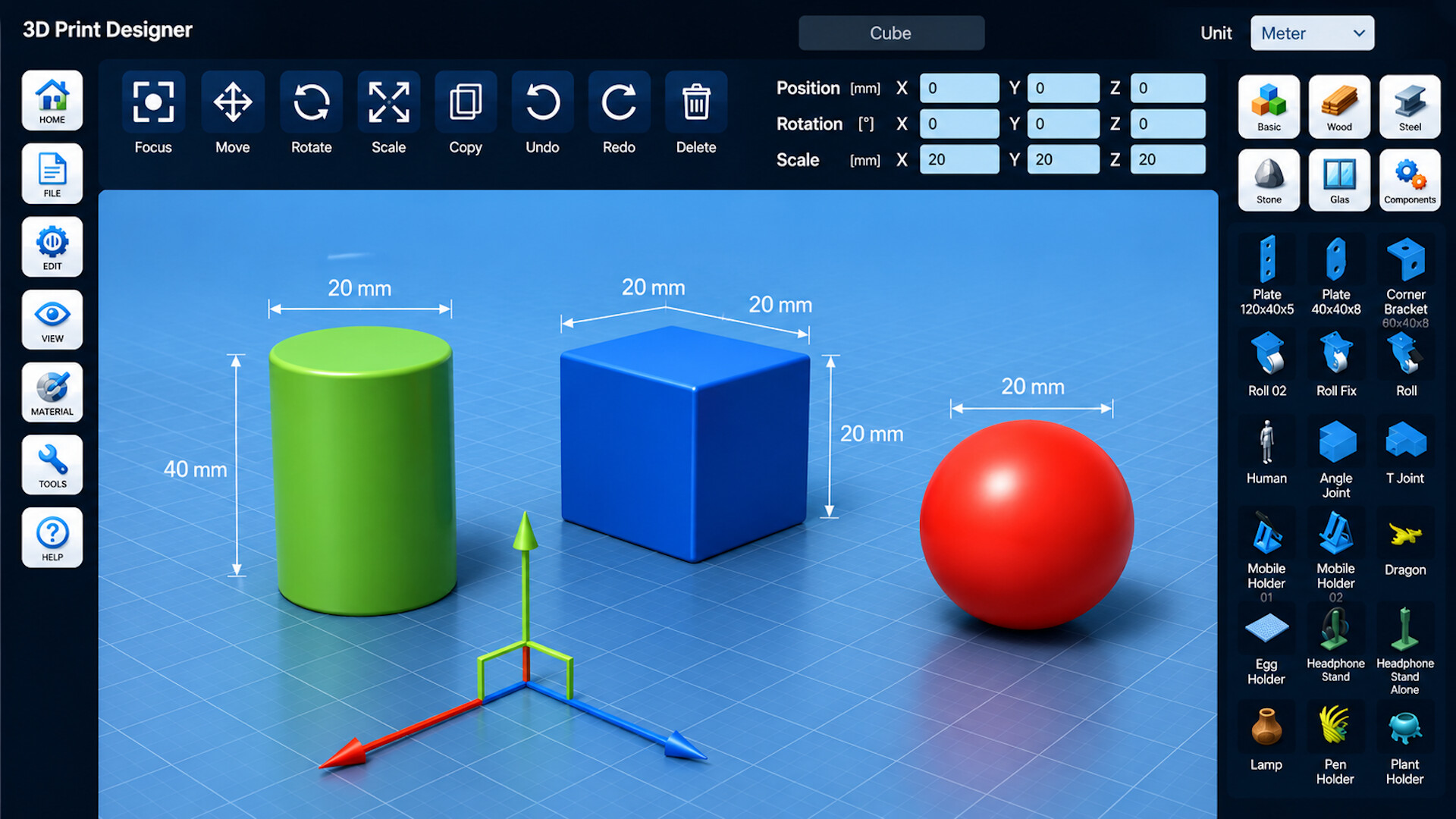
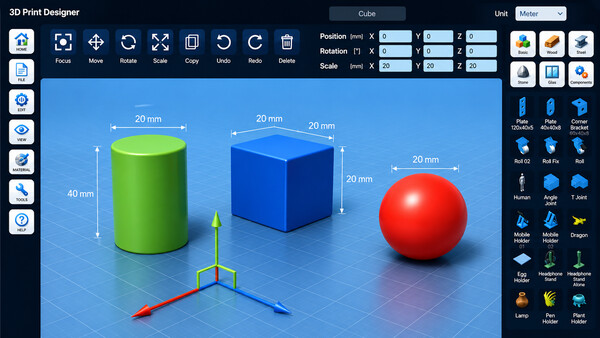
• Create models from basic shapes such as cubes, spheres, cylinders, and more
• Import existing 3D models and continue editing them
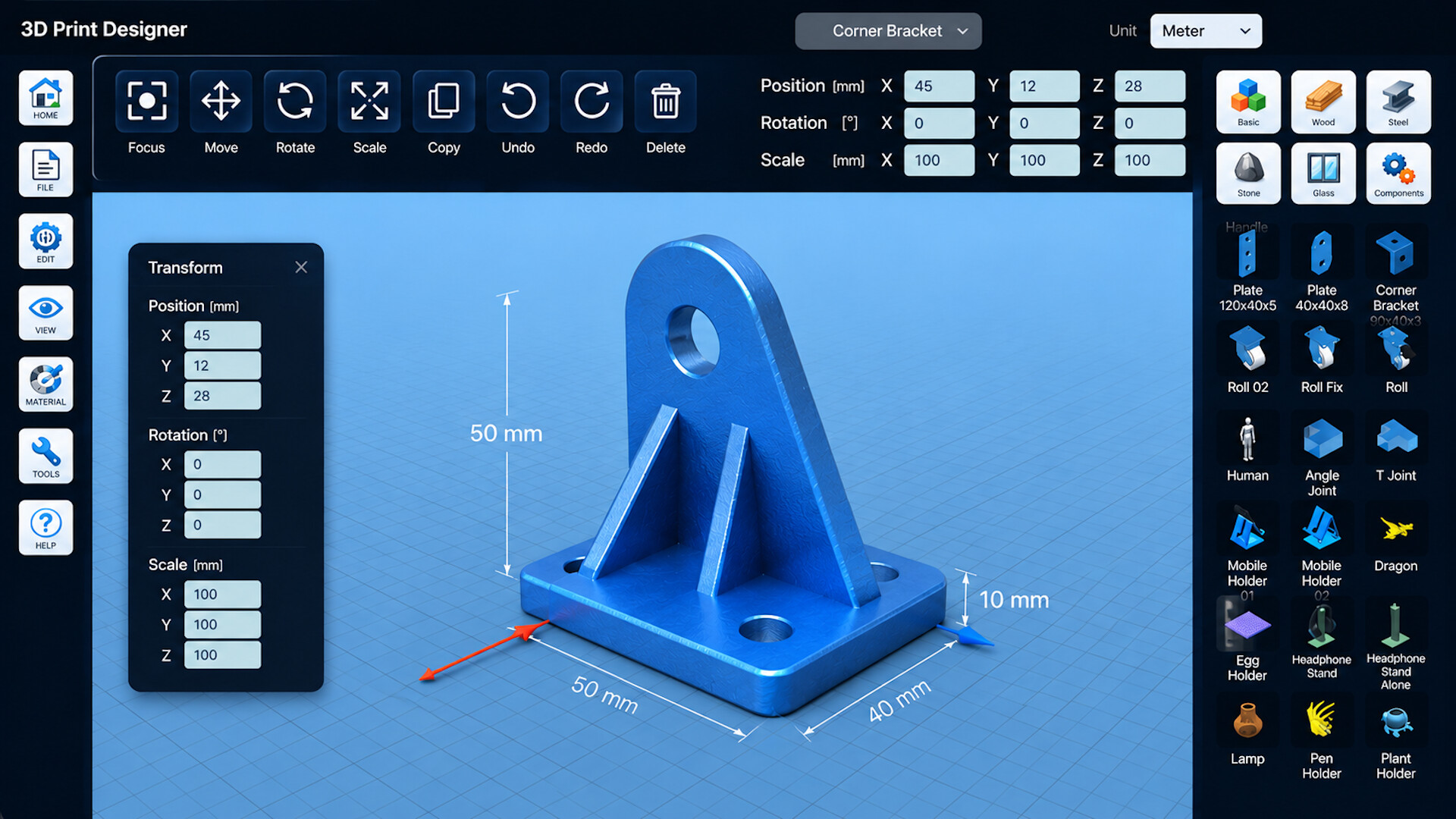
• Move, rotate, scale, and combine objects with ease
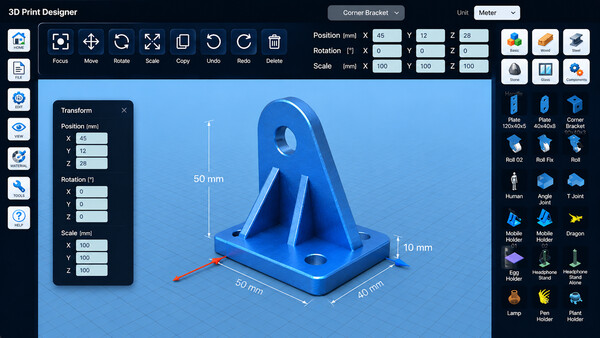
• Use real-world measurements for accurate designs
• Create custom parts, prototypes, decorations, and functional objects
Ready for Real Production
Prepare your designs directly for manufacturing and 3D printing.
• Export your models in popular formats including STL and OBJ
• Optimize designs before printing
• Generate previews and screenshots of your projects
• Organize and manage multiple design ideas
Built-In Components & Materials
Speed up your workflow with ready-to-use design elements.
• Access structural components and reusable objects
• Build complex designs faster using predefined elements
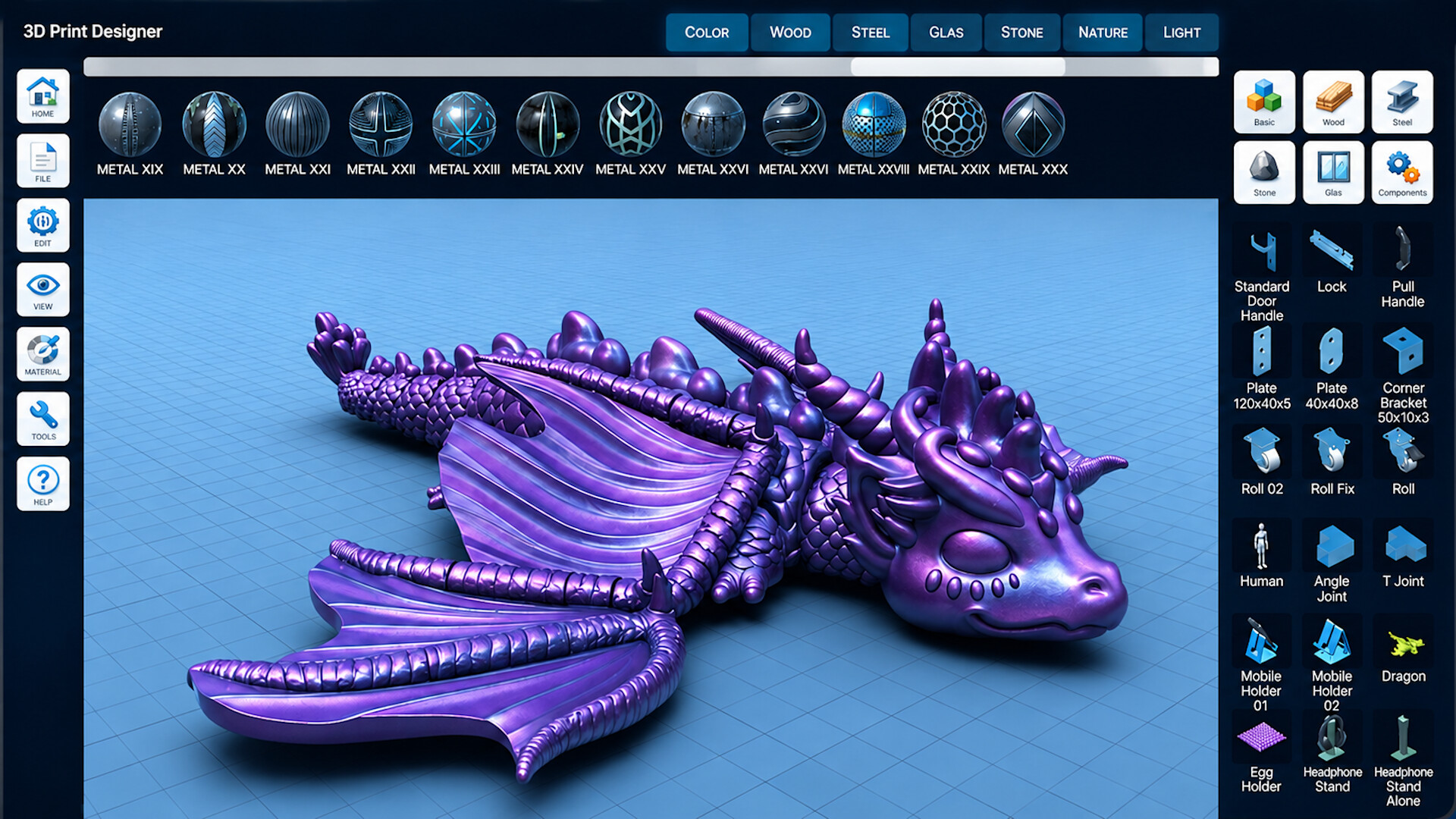
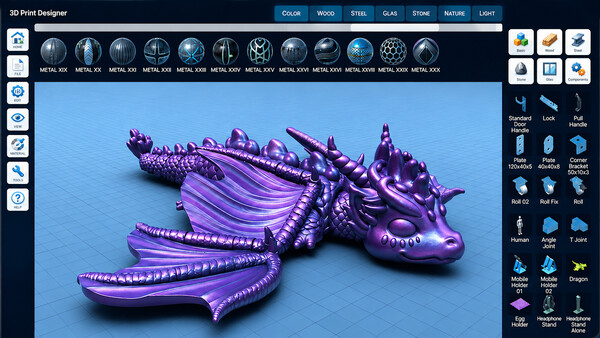
• Assign materials for realistic visualization
• Experiment with different design concepts before printing
From Design to Physical Object
Transform digital ideas into real-world creations.
• Design parts for hobby projects and DIY applications
• Create prototypes for testing and development
• Develop custom accessories and replacement parts
• Prepare models for home and professional 3D printers
Why Choose 3D Print Designer?
• Beginner-friendly interface
• Powerful CAD-style editing tools
• Designed specifically for 3D printing workflows
• Fast model creation and modification
• STL and OBJ export support
• Suitable for makers, students, hobbyists, and professionals
Start designing today and turn your ideas into real objects with 3D Print Designer.
System requirements
WINDOWS:
- Requires a 64-bit processor and operating system
- OS: Windows 10 64-bit
- Processor: Intel Core i3 or AMD equivalent
- Memory: 4 GB RAM
- Graphics: DirectX 11 compatible graphics card
- DirectX: Version 11
- Storage: 2 GB available space
- Sound Card: DirectX compatible
- Additional Notes: Mouse and keyboard required. Recommended for 3D modeling and 3D printing workflows.
- Requires a 64-bit processor and operating system
- OS: Windows 11 64-bit
- Processor: Intel Core i5 / AMD Ryzen 5 or better
- Memory: 8 GB RAM
- Graphics: Dedicated GPU with DirectX 11 support
- DirectX: Version 11
- Storage: 4 GB available space
- Sound Card: DirectX compatible
MACOS:
- OS: macOS 12 Monterey or later
- Processor: Apple Silicon or Intel 64-bit
- Memory: 4 GB RAM
- Storage: 2 GB available space
- OS: macOS 12 Monterey or later
- Processor: Apple Silicon or Intel 64-bit
- Memory: 8 GB RAM
- Storage: 4 GB available space
Similar games



$11.00
HAELE 3D - Hand Poses Pro - Drawing References
Open
