
Arbiter Intelligence Professional Gamer Edition


Description
Stop Guessing. Start Winning.
Frame-perfect diagnosis. Plain-English fixes. You stay in control.
★ NOW UPDATED TO VERSION 3.1 — New OS Diagnostics & Troubleshooting panel, honest scoring at low FPS, advanced performance testing, and Windows-offender attribution. See "New in Version 3.1" below. ★
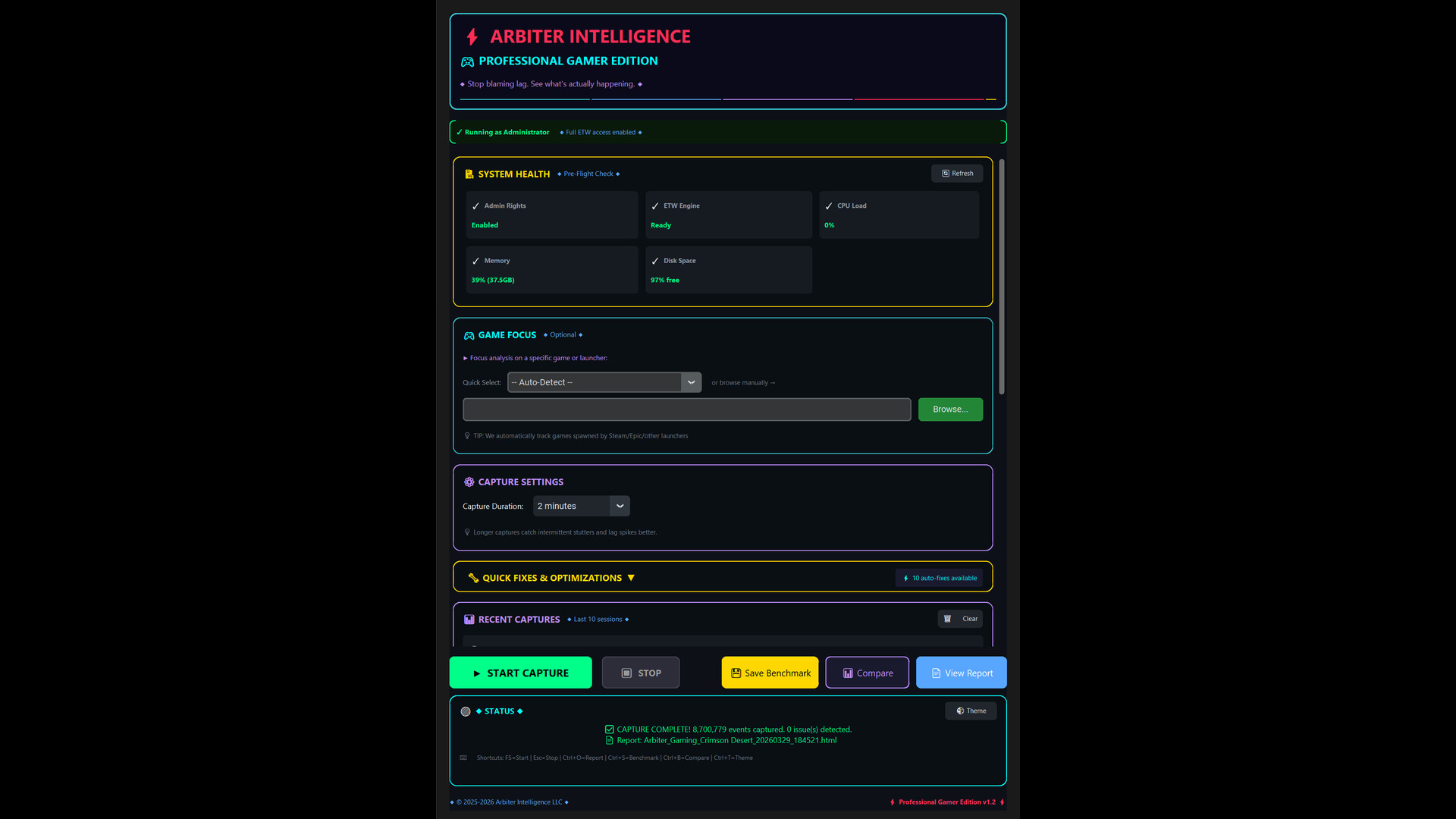
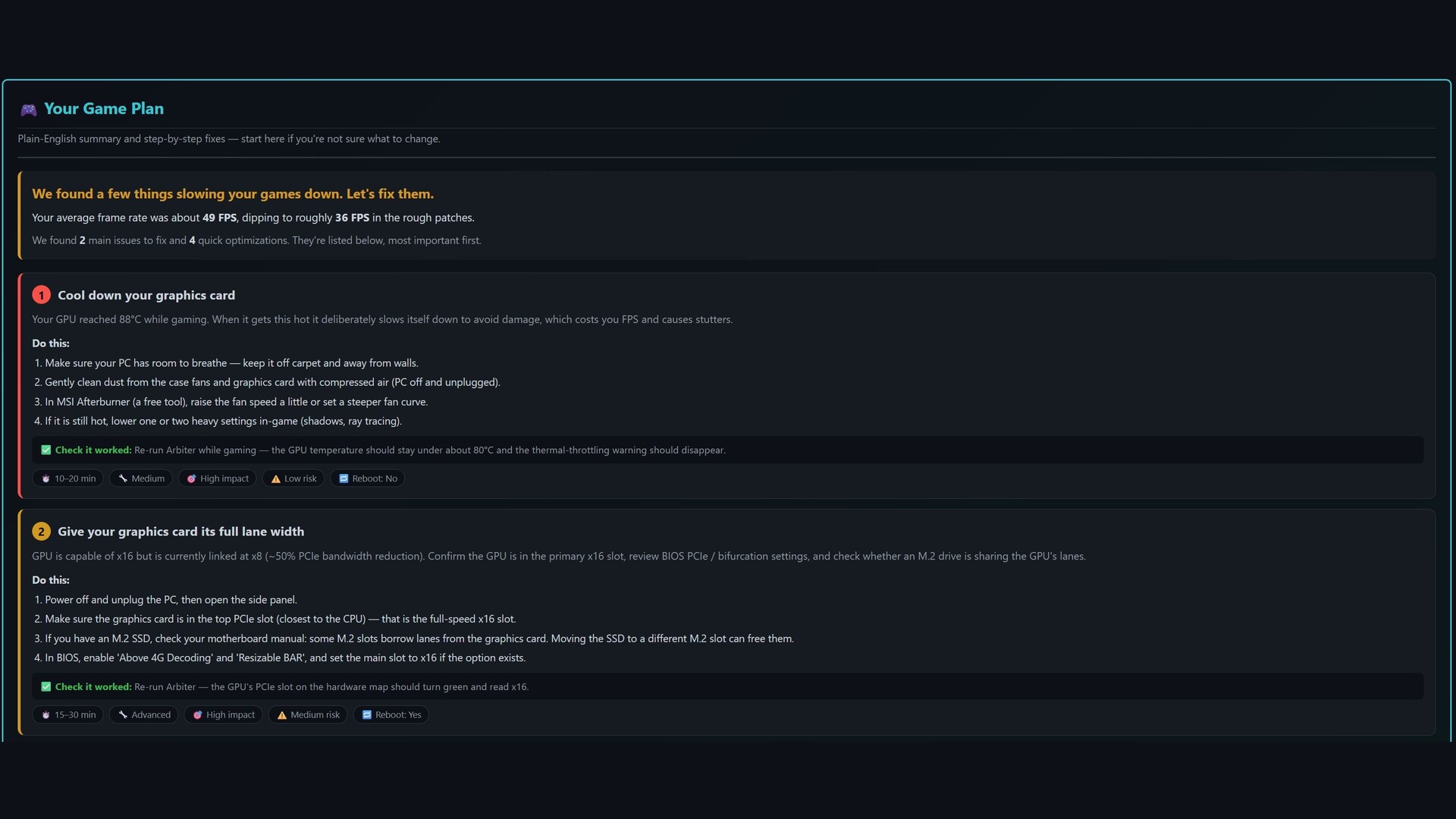
High-end hardware doesn't guarantee smooth gameplay. Micro-stutters, mysterious frame drops, and hundreds of settings make it nearly impossible to know what's actually holding your FPS back. Arbiter Intelligence answers that with evidence, not guesswork.
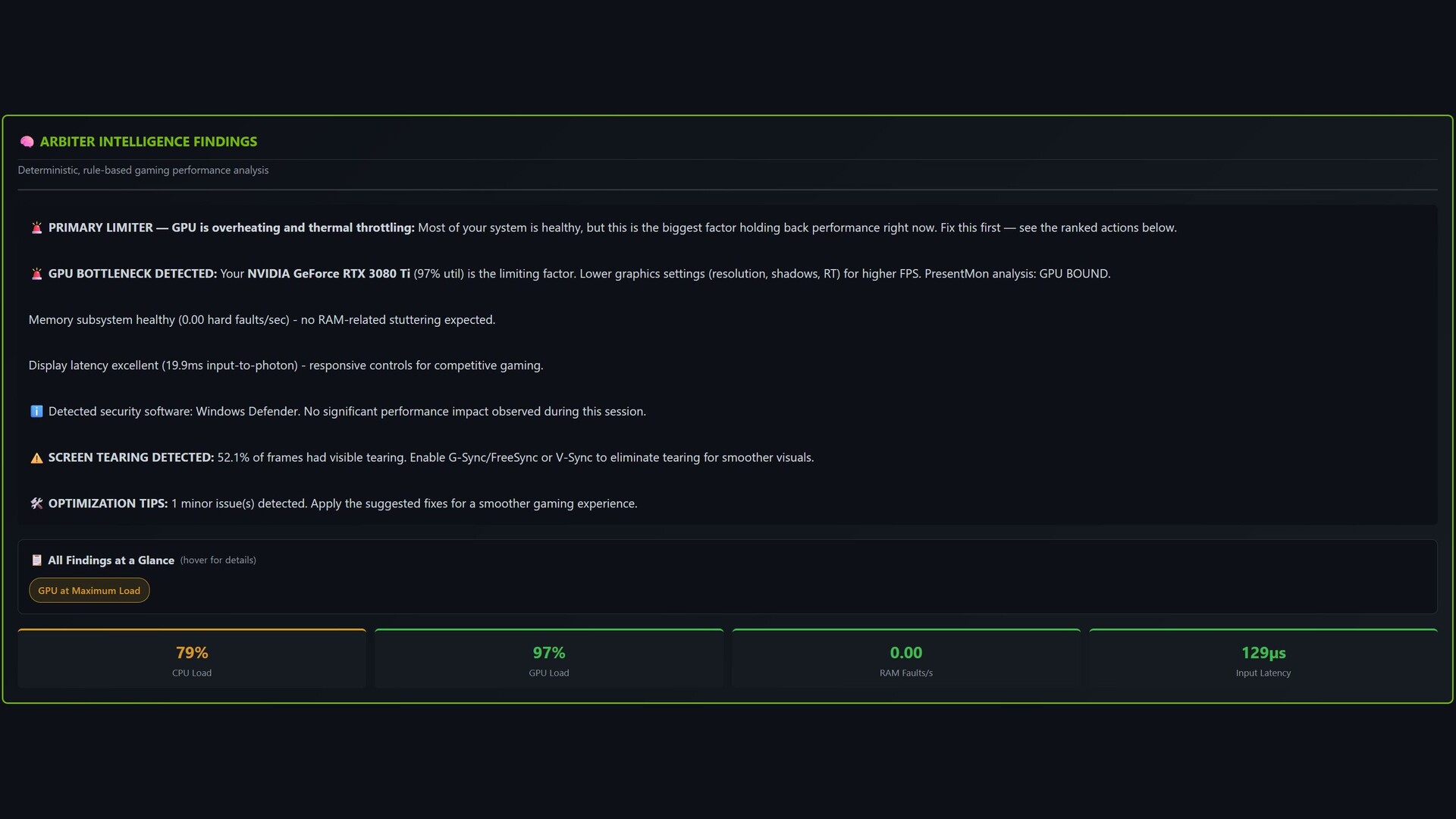
Play your game normally for a few minutes. Arbiter records microsecond-accurate frame timing (PresentMon) alongside kernel-level system telemetry (ETW), then runs a deterministic, rule-based engine — no black-box AI guessing — to find the root cause and translate it into a short, prioritized action plan.
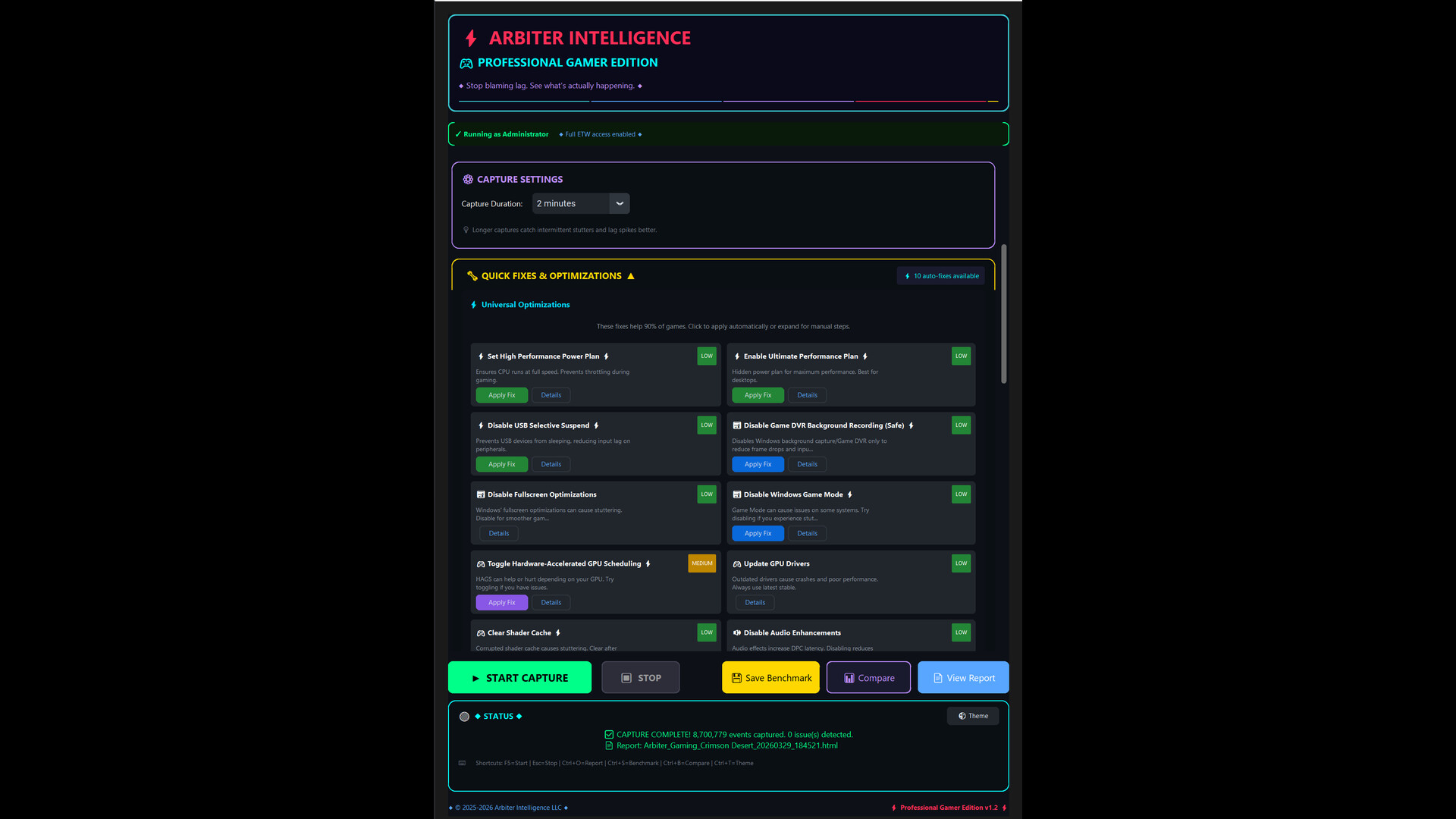
Nothing is changed silently. Optimizations are only applied when you click Apply Fix and confirm — with automatic backup and one-click rollback.
What You Get
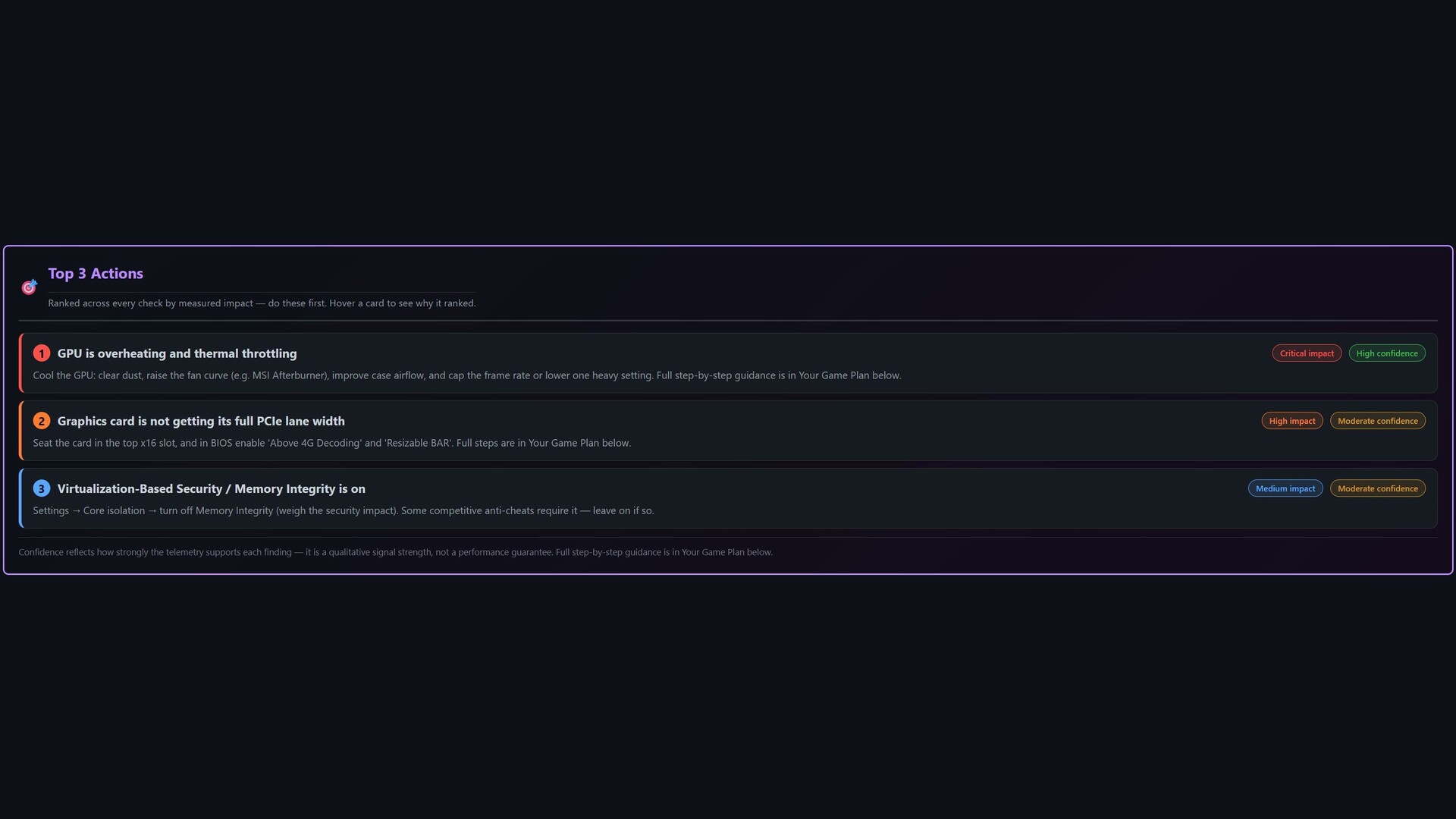
- Your Game Plan — a prioritized, plain-English "do this next" checklist.
- Microsecond Frame Timing — 1% and 0.1% lows, frame pacing, present mode, GPU render time, display latency.
- Deterministic Intelligence Engine — correlation, causal chains, and root-cause graphs linking stutters to the exact driver or process.
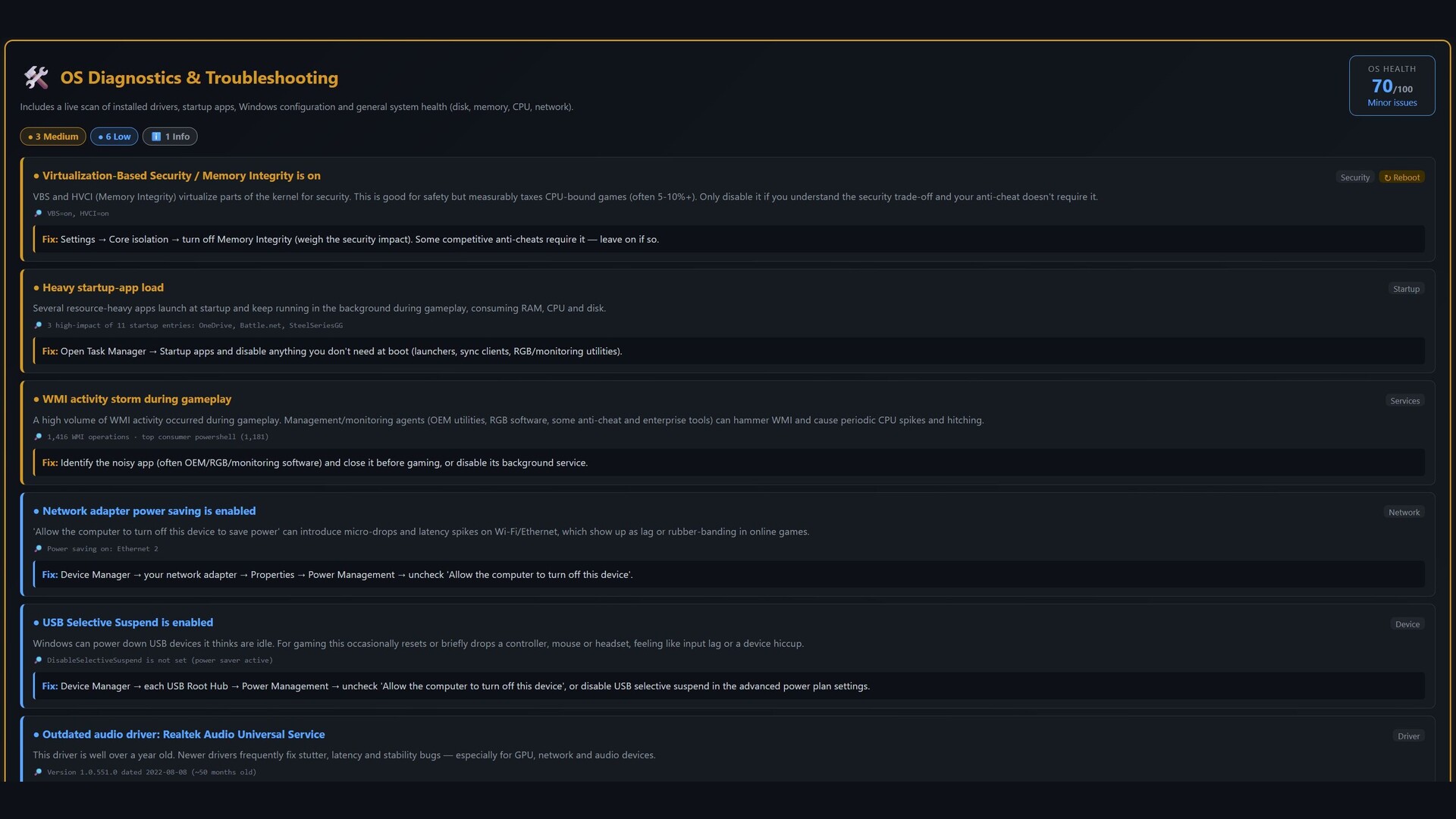
- OS Diagnostics & Troubleshooting — finds Windows-caused problems: per-driver DPC/ISR latency, GPU driver resets (TDR), crashes/hangs, config checks, and whole-PC health.
- Hardware Health Check — visual component map, per-core CPU, GPU telemetry, and a PCIe link-width check.
- Experience Scoring — a 0–100 score, 7-category breakdown, and a shareable letter-grade scorecard.
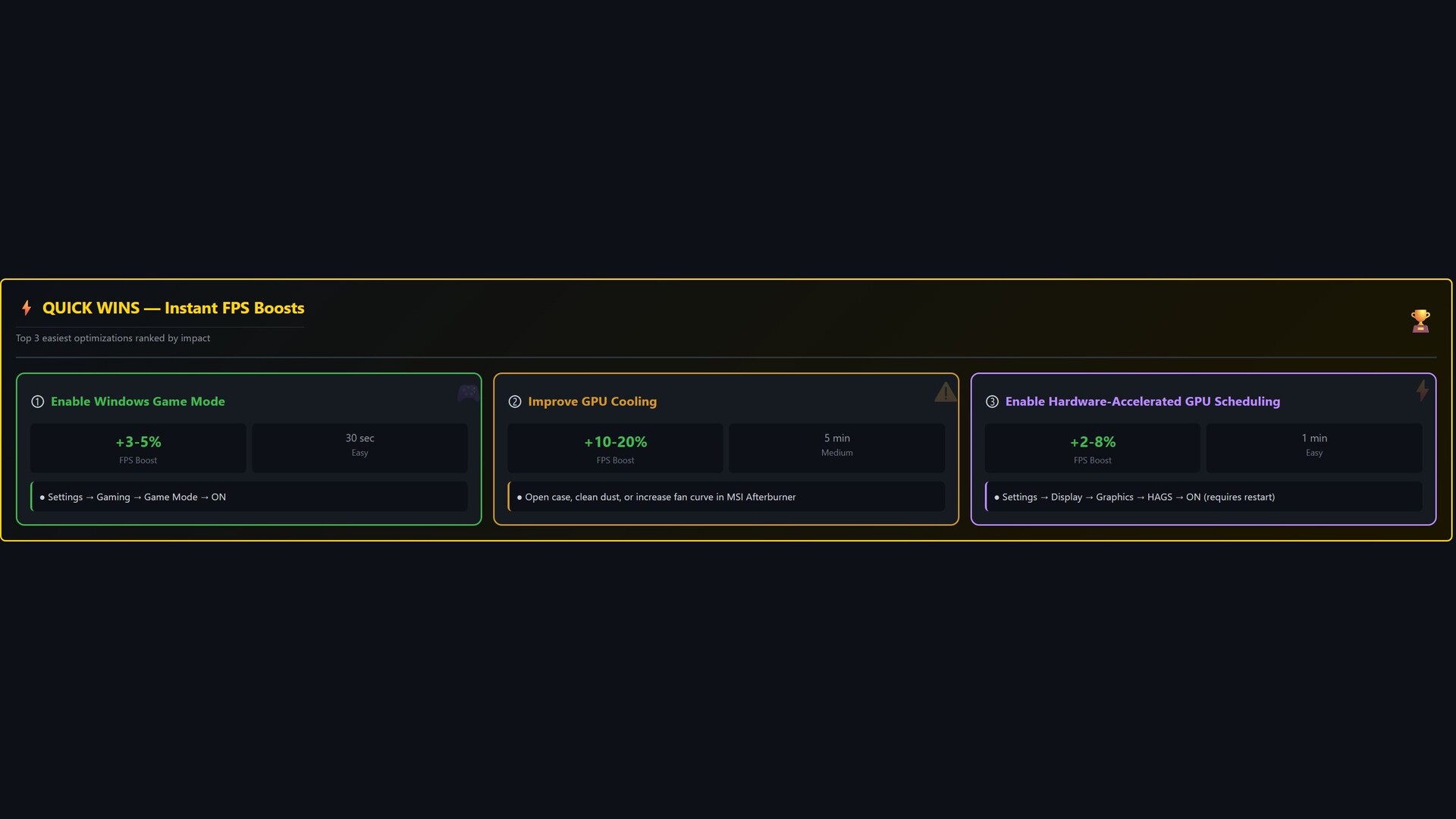
- Intelligent Remediation — 10+ guided Quick Fixes with risk labels and safe rollback.
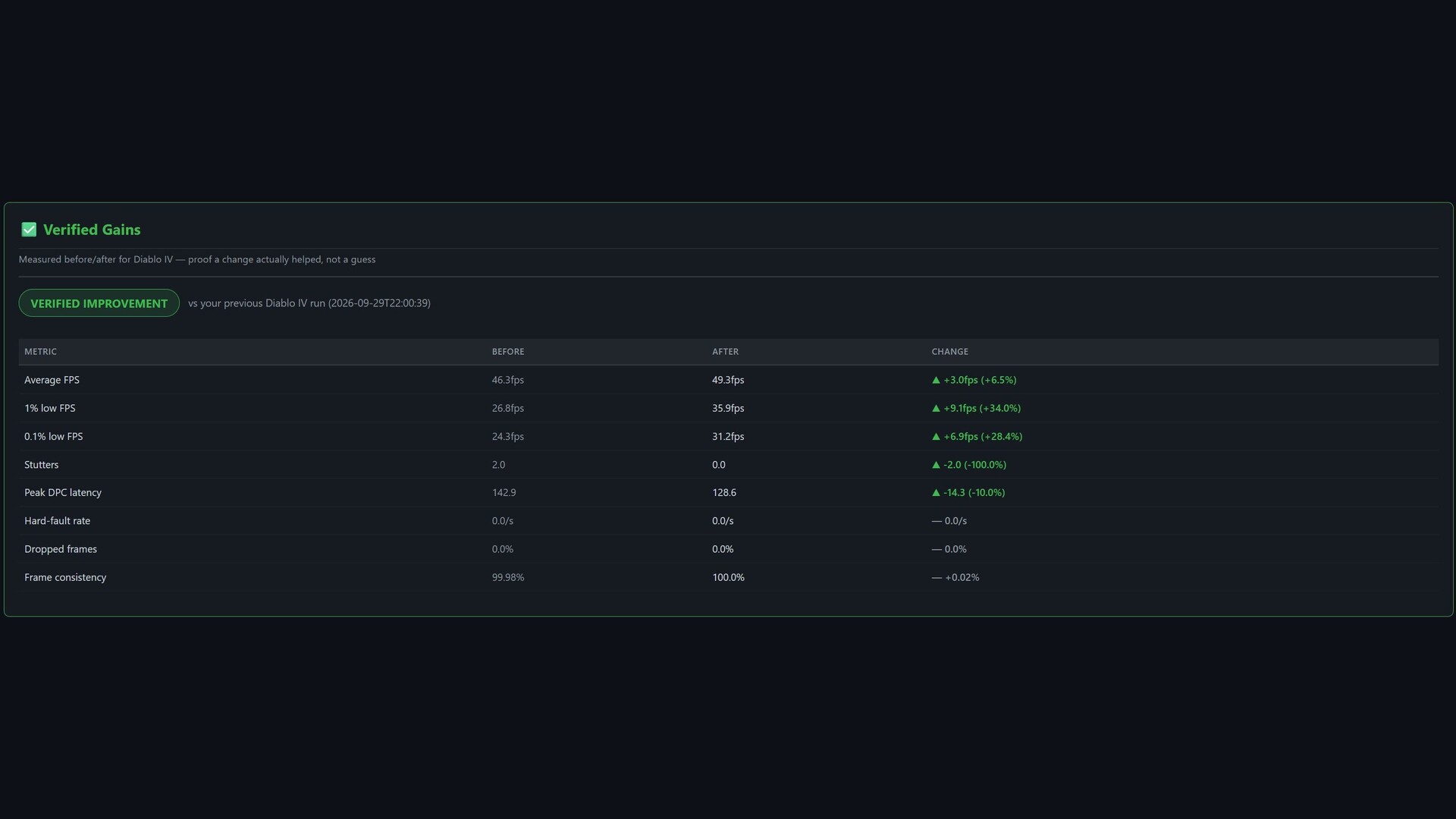
- Benchmark Comparison — measure the exact FPS impact of a driver, patch, or upgrade.
- Beautiful Exports — interactive HTML, shareable scorecard image, and Discord/Reddit formatting.
Works with any game — 50+ titles get tailored baselines; everything else gets the full diagnostic treatment.
New in Version 3.1
- OS Diagnostics & Troubleshooting panel — four-phase analyzer with evidence, plain-English fixes, and an OS Health Score.
- Sharper scoring at low FPS — genuinely low frame rates can't earn an inflated grade; headline grade and scorecard always agree.
- Realistic Peak FPS — loading-screen spikes are clamped so Peak reflects real gameplay.
- Advanced Performance Testing — warmup vs steady-state, P50–P99.9 percentiles, hitch-burst detection, input-latency proxy, background-interference detector, network-to-frame correlation.
- OS Impact Attribution — names Windows offenders correlated to your frame spikes, with tunable sensitivity and false-positive guardrails.
- Network Top Talkers — per-process throughput split by TCP vs UDP, plus loss/latency/DNS diagnostics.
- Capture reliability hardening — Force Stop (Ctrl+Shift+Esc), auto-escalation watchdog, stale-session recovery, and a one-key Diagnostics Bundle (Ctrl+D).
Good To Know
- Requires Administrator rights for kernel-level ETW capture, PresentMon frame timing, and one-click fixes.
- All analysis runs locally. Fixes are never applied without your confirmation, and every fix can be rolled back.
- Performance outcomes vary by hardware, game engine, drivers, and Windows state. No specific FPS improvement is guaranteed.
System requirements
WINDOWS:
- OS: Windows 10 64-bit (version 1903 or later)
- Processor: Dual-core CPU, 2.0 GHz (Intel or AMD)
- Memory: 4096 MB RAM
- Graphics: DirectX 11 compatible GPU with driver-level hardware performance counters
- DirectX: Version 11
- Storage: 150 MB available space
- Additional Notes: Requires Administrator privileges for ETW kernel-level tracing. Windows 10 v1903+ required for PresentMon frame capture.
- OS: Windows 10 64-bit (21H2) or Windows 11
- Processor: Quad-core CPU, 3.0 GHz+ (Intel 8th gen / AMD Ryzen 2000 or newer)
- Memory: 8192 MB RAM
- Graphics: NVIDIA GTX 1060 / AMD RX 580 or newer (DirectX 12, dedicated GPU required for full telemetry)
- DirectX: Version 12
- Storage: 512 MB available space
- Additional Notes: Must be run on the PC being analyzed. Dedicated GPU required for GPU hardware counter telemetry. Windows 11 or Windows 10 v21H2 recommended for best PresentMon accuracy.


