
DeskScapes


Description
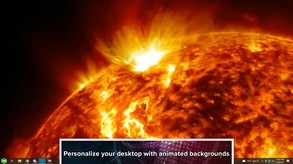
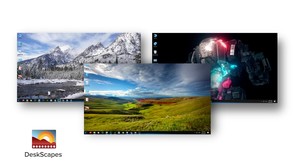
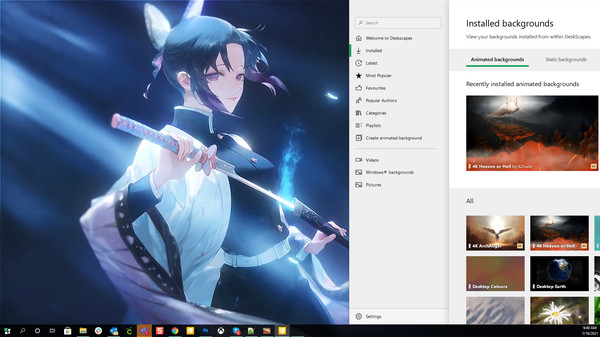
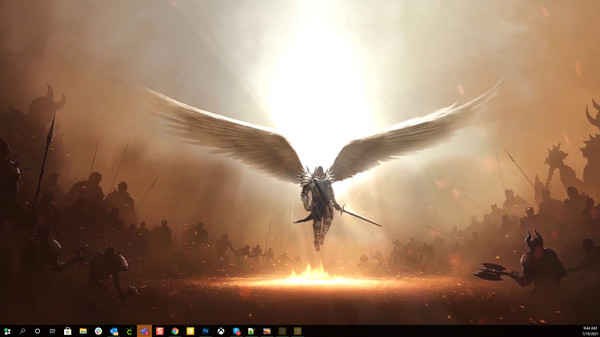
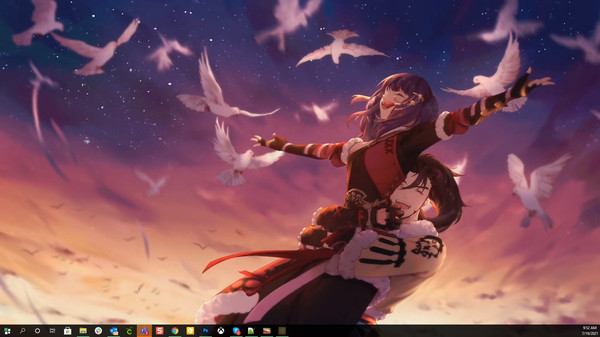
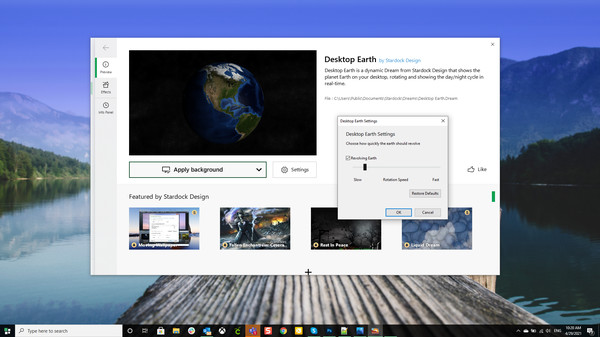
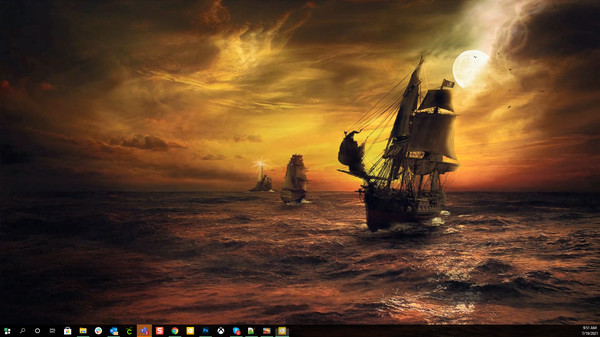
Create your own backgrounds using personal images or videos or choose a pre-existing background from the massive cloud-integrated library and bring your desktop to life. You can use the background as-is or apply dozens of special effects to make something truly unique just for you.
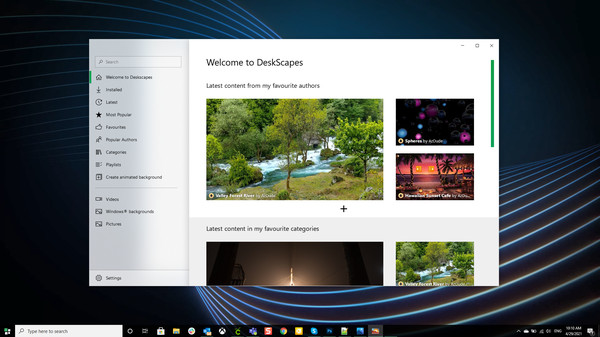
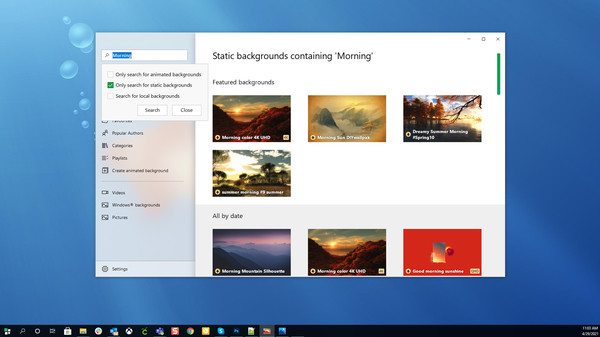
- Browse thousands of user-created backgrounds right from within the app
- Explore dozens of different customization options including drawing tools, brushes, logos, particle effects, and much more using the powerful design tool
- Create your own animated backgrounds with pictures and video
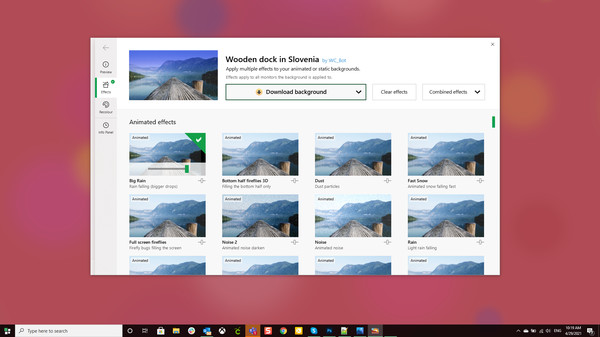
- Customize your backgrounds with tons of special effects (color filters, textures, blurs, and over 120 effects to mix and match)
- Share your creations easily thanks to seamless cloud integration
- Select/run different backgrounds for each monitor
- Add backgrounds of your choice to a playlist and cycle through them on your desktop as often as you like
- Display your system resources or add a clock directly on your desktop background

DeskScapes has gone through rigorous testing to make sure it doesn't drain your system's resources. You can add some style to your PC with your favorite animated backgrounds and not have to worry about the lag.

DeskScapes uses its own established cloud-integrated library, WinCustomize. The in-app feature offers an easy-to-use browsing and navigation experience so you can find the animated or static background you want. Similar to the Steam Workshop, WinCustomize contains all community submitted artwork.

DreamMaker Pro is designed to make it easy to make your own animated backgrounds. You can start with an image of your own or select one that comes with the app. When you're done customizing, DeskScapes will convert the file into a Dream, which will allow your PC to play the animation as a background. Add animated objects like clouds or lightning bolts, use brushes to apply overall effects like darkening at custom intervals, apply text while utilizing a variety of fonts, and so much more.
System requirements
WINDOWS:
Minimum:
- OS: Windows 10 64-bit (20H2+)
- Processor: Any Dual-Core or better
- Memory: 1 GB RAM
- Graphics: Any
- Storage: 100 MB available space
Recommended:
- OS: Windows 10 64-bit (20H2+)
- Processor: Any Dual-Core or better
- Memory: 1 GB RAM
- Graphics: Any
- Storage: 100 MB available space
Similar games


63% cheaper than Steam

$11.00
✦+4 bonuses for this purchase
HAELE 3D - Hand Poses Pro - Drawing References
Open


52% cheaper than Steam

$14.31
✦+5 bonuses for this purchase
HAELE 3D - Portrait Studio Pro - Drawing References
Open63% cheaper than Steam

$11.00
✦+4 bonuses for this purchase
HAELE 3D - Feet Poses Pro - Drawing References
Open
62% cheaper than Steam

$15.04
$30.08-50%
✦+6 bonuses for this purchase
Movavi Video Editor 2025
Open
54% cheaper than Steam

$8.19
✦+3 bonuses for this purchase
HAELE 3D - Hand Poses Lite - Drawing References
Open68% cheaper than Steam

$35.48
✦+14 bonuses for this purchase
Movavi Video Suite 2025 Steam Edition
Open
