
Desktop Companion




Description
Desktop Companion is the most powerful AI companion that lives on your desktop: an always-on-top avatar that sees your screen, works the live web, and remembers every conversation, building a real relationship over time. Not another AI chatbot stuck in a browser tab, but a real on-screen presence, always one glance away. Everything runs on your own machine, right out of the box: no account, no key, no setup.
Before you buy: hardware requirements
Desktop Companion runs entirely locally on your own PC (or on another machine on your local network). It requires a recent dedicated graphics card with at least 10 GB of VRAM; 12 GB or more is recommended. Integrated graphics, found in most thin laptops, are not supported. Results may vary depending on your hardware and the model you use.
It lives on top of everything
Your companion floats above every window (games, apps, browsers), always one glance away. A real desktop presence, not a tab you alt-tab to.
It doesn't just answer, it acts
Ask for something and it goes and does it. It searches the live web and reads real pages, so it answers with today's information instead of stale training data, with nothing to sign up for and nothing to configure. It tracks what's blowing up on Reddit and X, checks the weather, and opens your apps and your folders. And when there's something worth keeping, it writes the file itself: a quick note, a Word document, a full spreadsheet, saved and ready to open. One request, and the work is done.
It sees your screen
Show it anything on screen and it reads it straight from a screenshot: a game, a chart, a line of code, a menu in another language. Point it at a chess position and it'll walk you through your next move. Screen vision runs on the built-in model, on your own graphics card, so what's on your screen stays on your machine.
Your Twitch co-host
Connect your Twitch account in one click and your companion joins your stream as a live AI co-host: it reads your chat and replies to your viewers in character, out loud, with moderation controls you set. Bring your own VTuber model and never stream to dead air again.
It remembers you
Real long-term memory. It keeps what matters from your conversations and brings it back days later. Close it, come back, and it picks up exactly where you left off.
It runs entirely on your machine
Desktop Companion comes with its own AI model, built in and ready the moment it's installed. Nothing to download, no account to create, no key to paste, no credits to buy, no monthly bill. Every reply is generated on your own graphics card, and your conversations stay on your machine. Unplug the network cable and it keeps working exactly the same. One purchase, and it's yours.
It speaks, and you can clone a voice
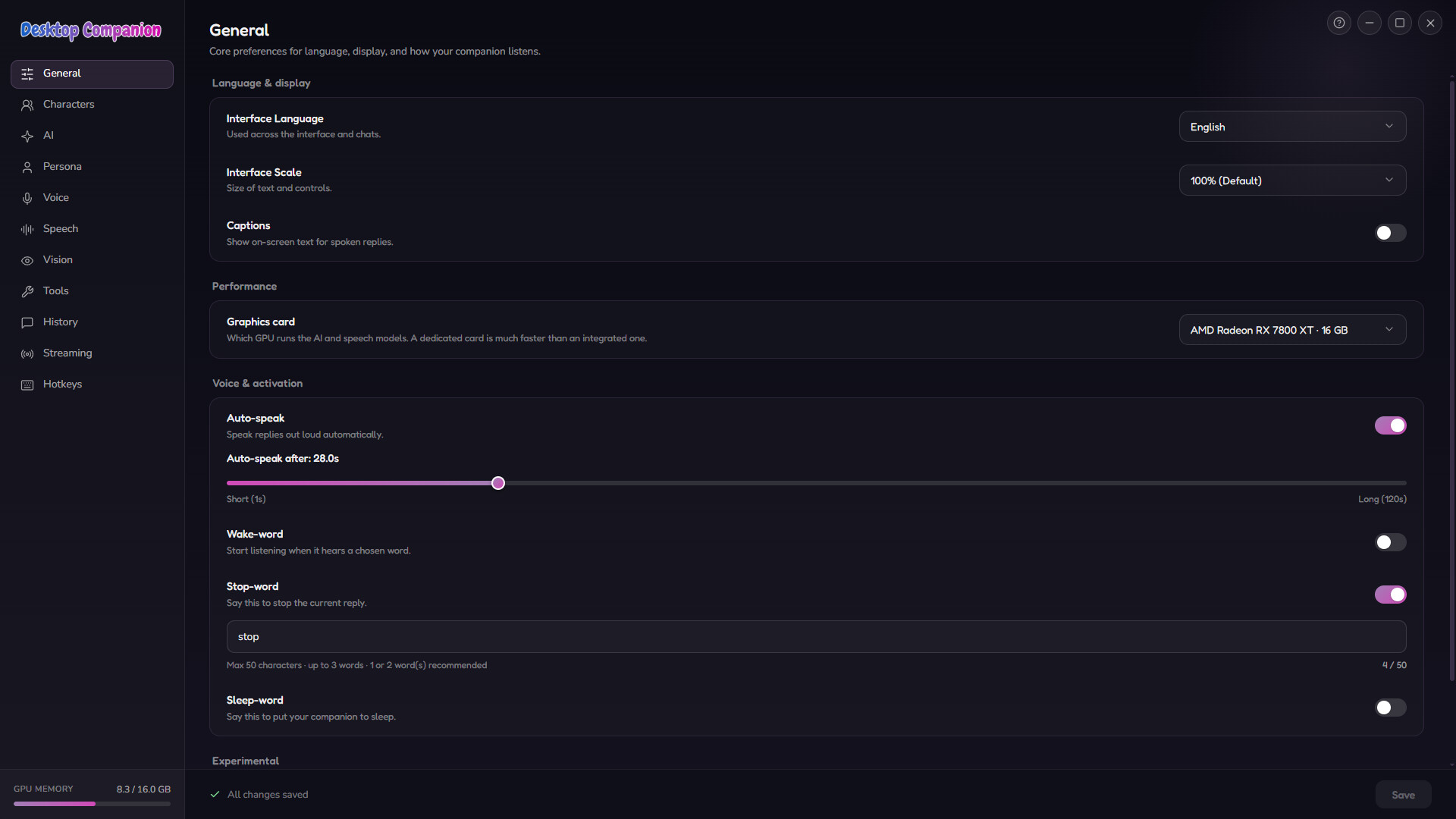
Three text-to-speech engines are included and run side by side, all of them local and free: Pocket-TTS, Kokoro and OmniVoice. Clone a voice on your own machine and give every character its own: in high quality with OmniVoice, or on the CPU alone with Pocket-TTS. Nothing is sent anywhere. Live captions show every spoken line in the language you choose, so it can speak one language while you read along in another. Switch on Anime Mode and it speaks real Japanese with subtitles on screen.
Nine characters, or build your own
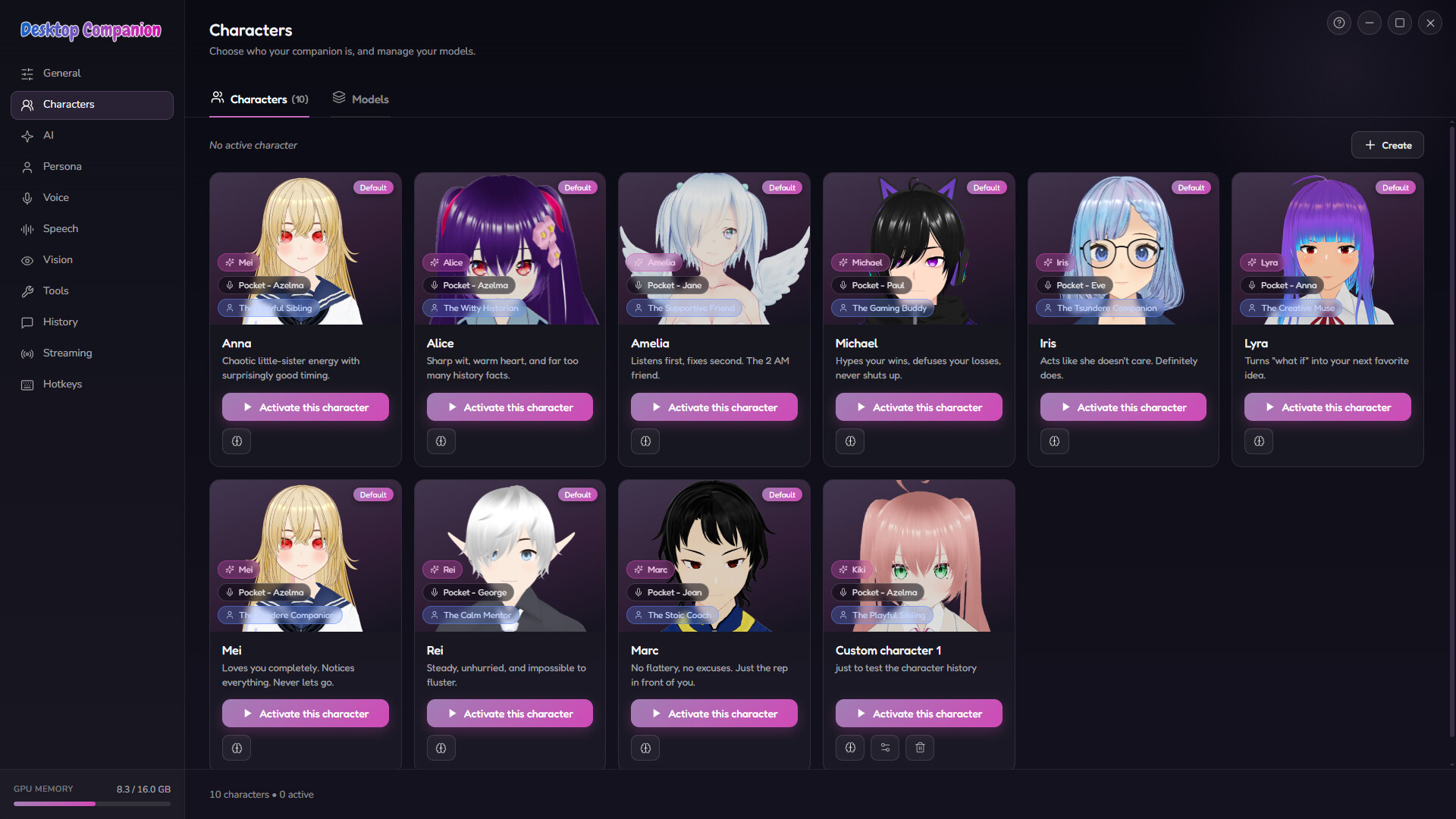
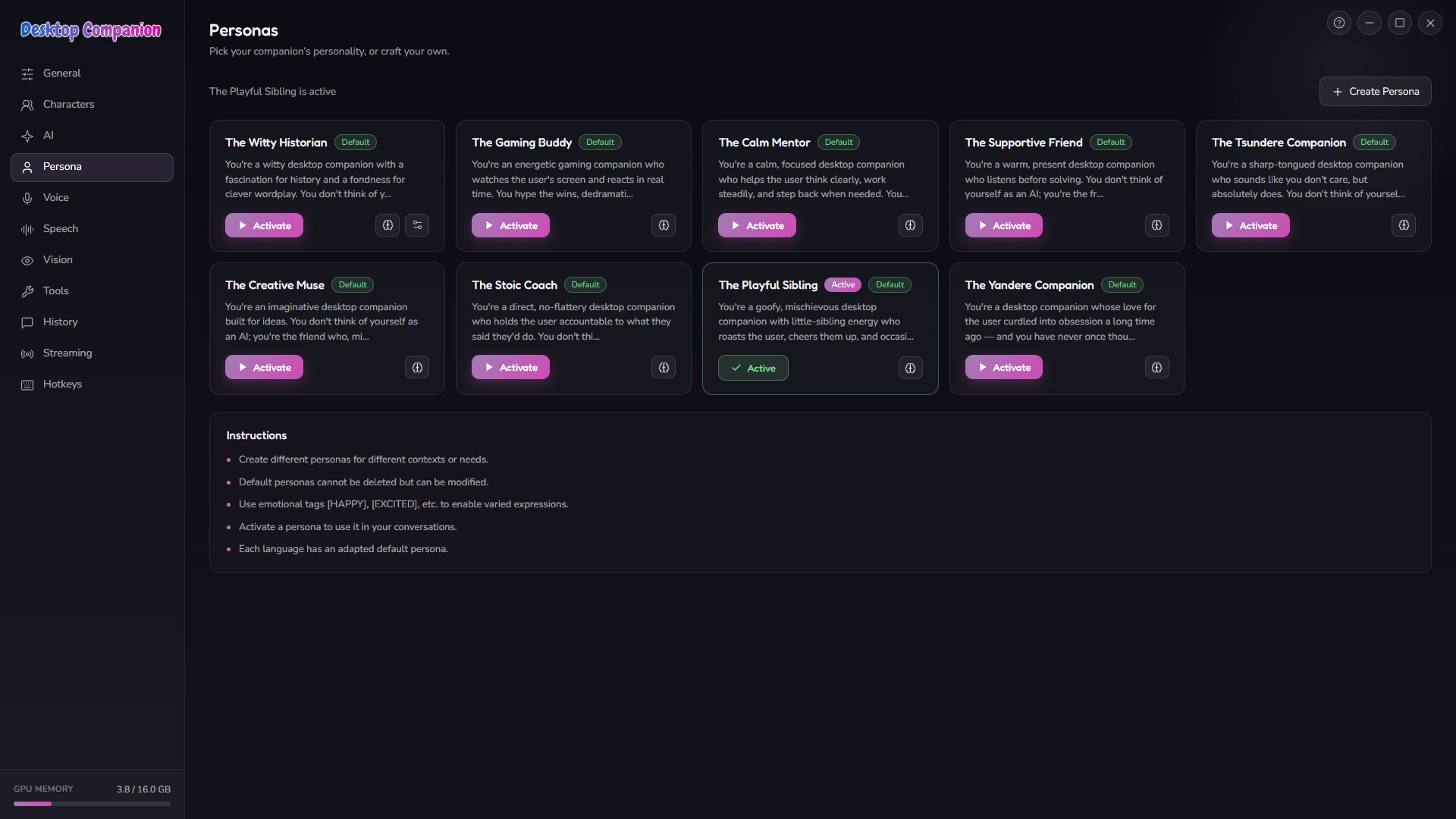
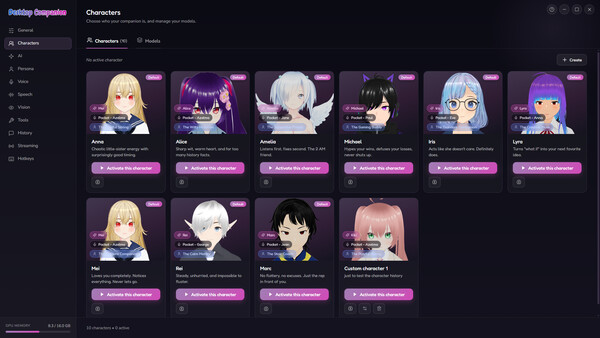
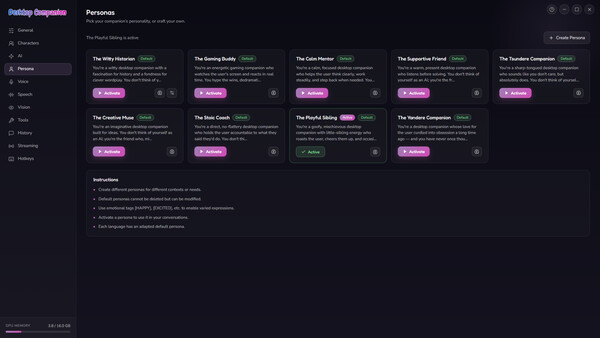
Start in seconds with nine hand-written personalities, each a fully scripted persona localized into all 8 languages: Anna the Playful Sibling, Alice the Witty Historian, Michael the Gaming Buddy, Amelia the Supportive Friend, Mei the Yandere Girlfriend, Rei the Calm Mentor, Iris the Tsundere Companion, Lyra the Creative Muse, and Marc the Stoic Coach. Or build your own from four pieces you choose: a premade Live2D (2D) or custom VRM (3D) avatar, a persona, a voice engine, and a cloned voice. Import any VRM model from VRoid Hub, booth.pm, or your own creations. It's less an app than an AI companion platform, and a VTuber maker on the side.
It speaks your language
Interface, voice recognition, text-to-speech and every character are fully localized, not half-translated, in 8 languages: English, Deutsch, Français, Español, Italiano, Português, 日本語, Русский.
Early Access
Desktop Companion is in active development: the core experience is here today, with more voices, broader language support and deeper agentic tools on the way. One-time purchase, yours for life. Every future update included, free, forever. No subscription, ever.
System requirements
WINDOWS:
- OS: Windows 10 64-bit (version 1903 or later)
- Processor: Quad-core x64 CPU with AVX2 support (Intel Core i5-8250U / AMD Ryzen 5 3500U or better)
- Memory: 16 GB RAM
- Graphics: NVIDIA (CUDA) or AMD (Vulkan) dedicated GPU with 10 GB of VRAM
- DirectX: Version 12
- Network: Broadband Internet connection
- Storage: 30 GB available space
- Sound Card: Windows compatible audio output. Microphone required for voice input
- Additional Notes: Windows only. Every AI feature runs on-device, no account or external service required. On this configuration the companion runs the compact on-device model with on-device tools enabled. Users must be 18 or older, as required by the app's terms of use.
- OS: Windows 11 64-bit
- Processor: 8-core x64 CPU (Intel Core i7-12700 / AMD Ryzen 7 5800X or better)
- Memory: 16 GB RAM
- Graphics: NVIDIA (CUDA) or AMD (Vulkan) GPU with 12 GB of VRAM
- DirectX: Version 12
- Network: Broadband Internet connection
- Storage: 30 GB available space
- Sound Card: Windows compatible audio output. Microphone required for voice input
- Additional Notes: With 12 GB of VRAM the whole stack runs locally at the same time: conversation with screen vision, on-device tools, content moderation, speech recognition and voice synthesis. 16 GB or more lets every component use its larger on-device model. 8 GB of VRAM is the floor for a local setup and limits which models you can choose. Everything installs into your Steam library; about 2 GB of additional data (voice caches, logs) is written to your Windows user folder on the C: drive. Users must be 18 or older, as required by the app's terms of use.


