
Maestro VR - Level Editor
Description
Maestro VR - Level Editor is a free DLC that links Maestro VR with Maestro Level Editor, the free creation tool by Symphonic Games.What this DLC adds
- A direct access point to Maestro Level Editor from the Maestro VR main menu.
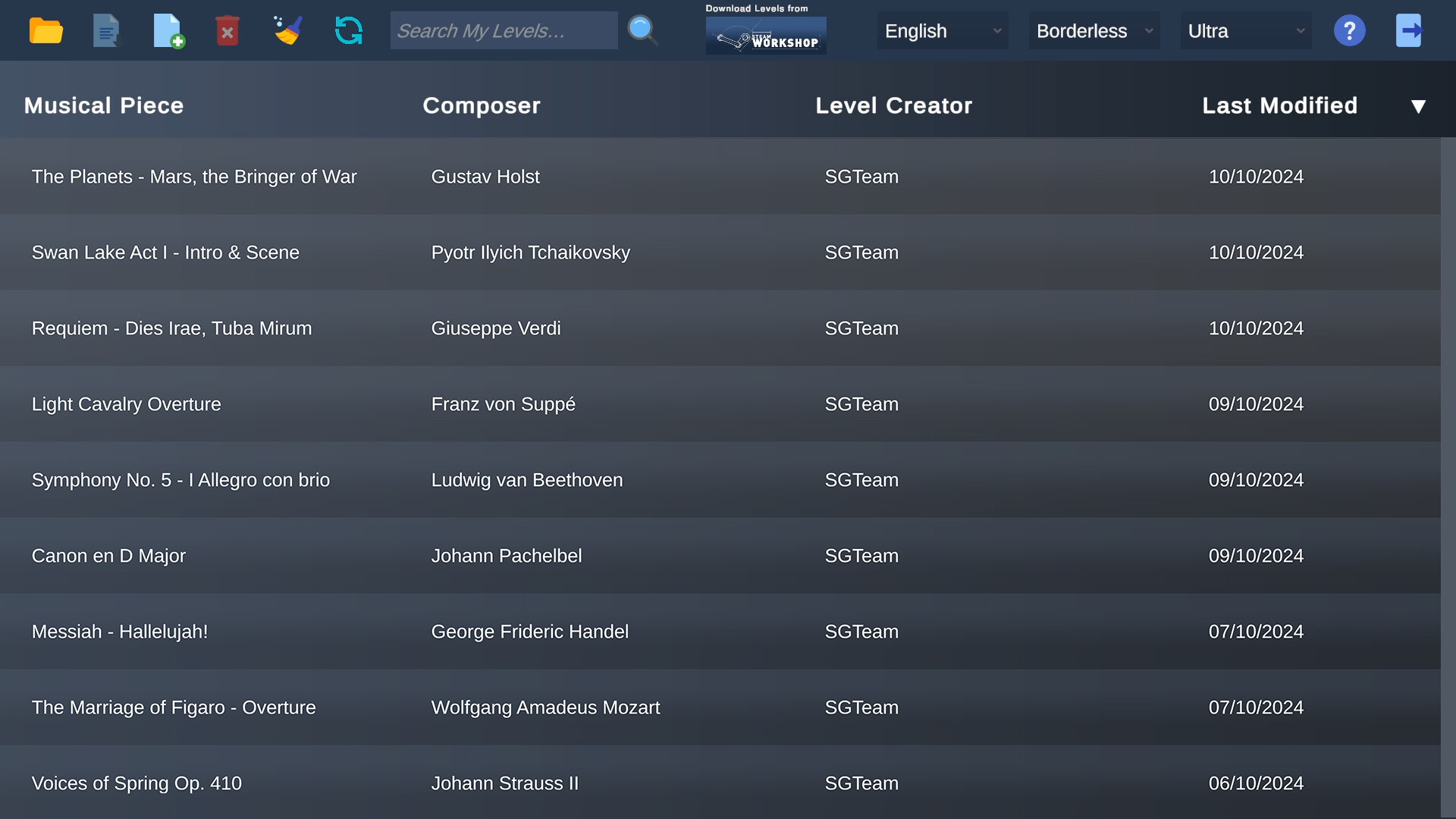
- Recognition of the levels you build, so your own creations appear in your Maestro VR level list.
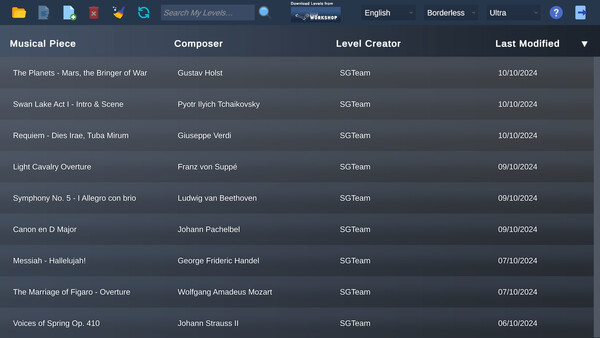
- Access to community levels published to the Steam Workshop.
Create your own levels
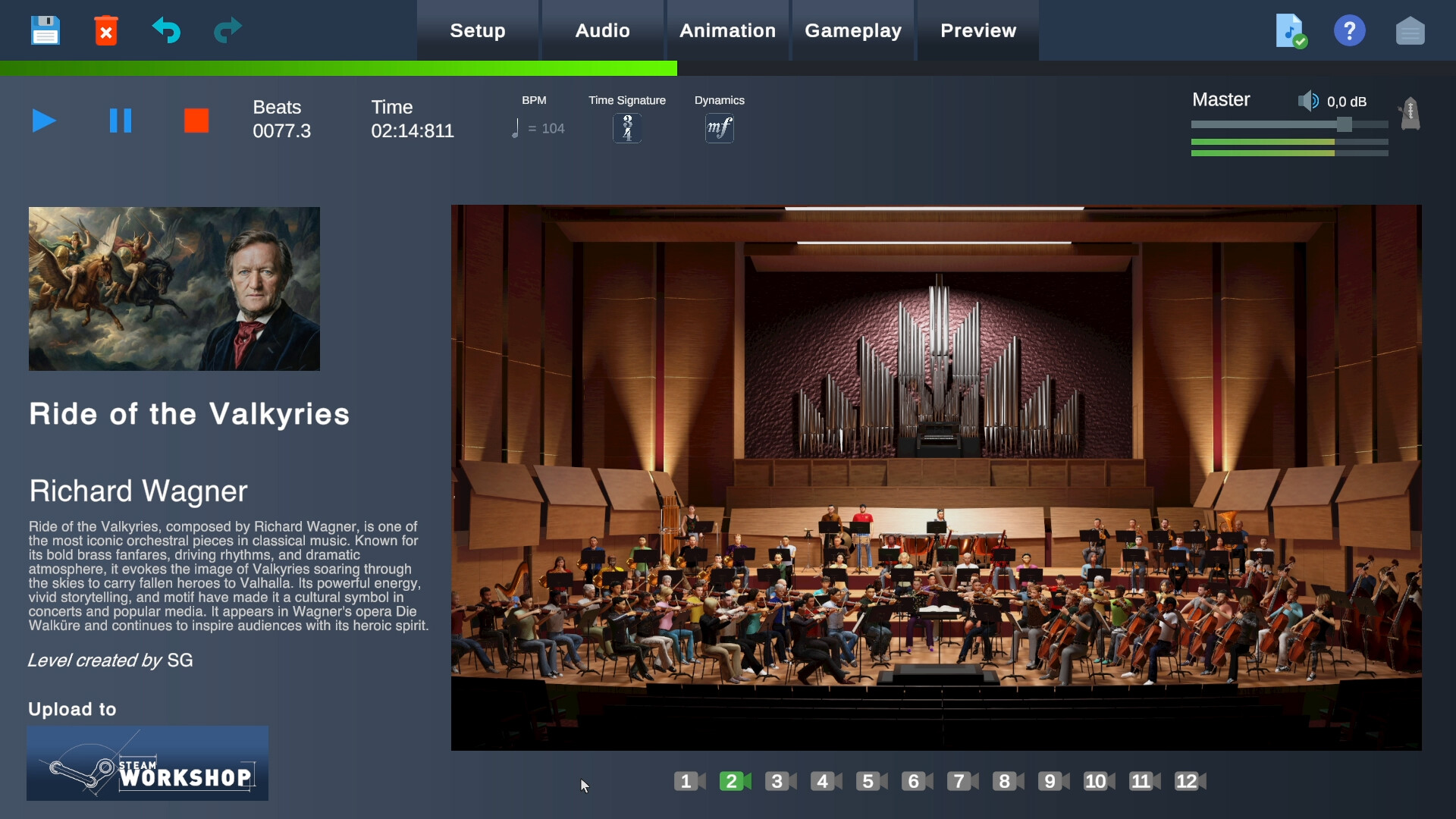
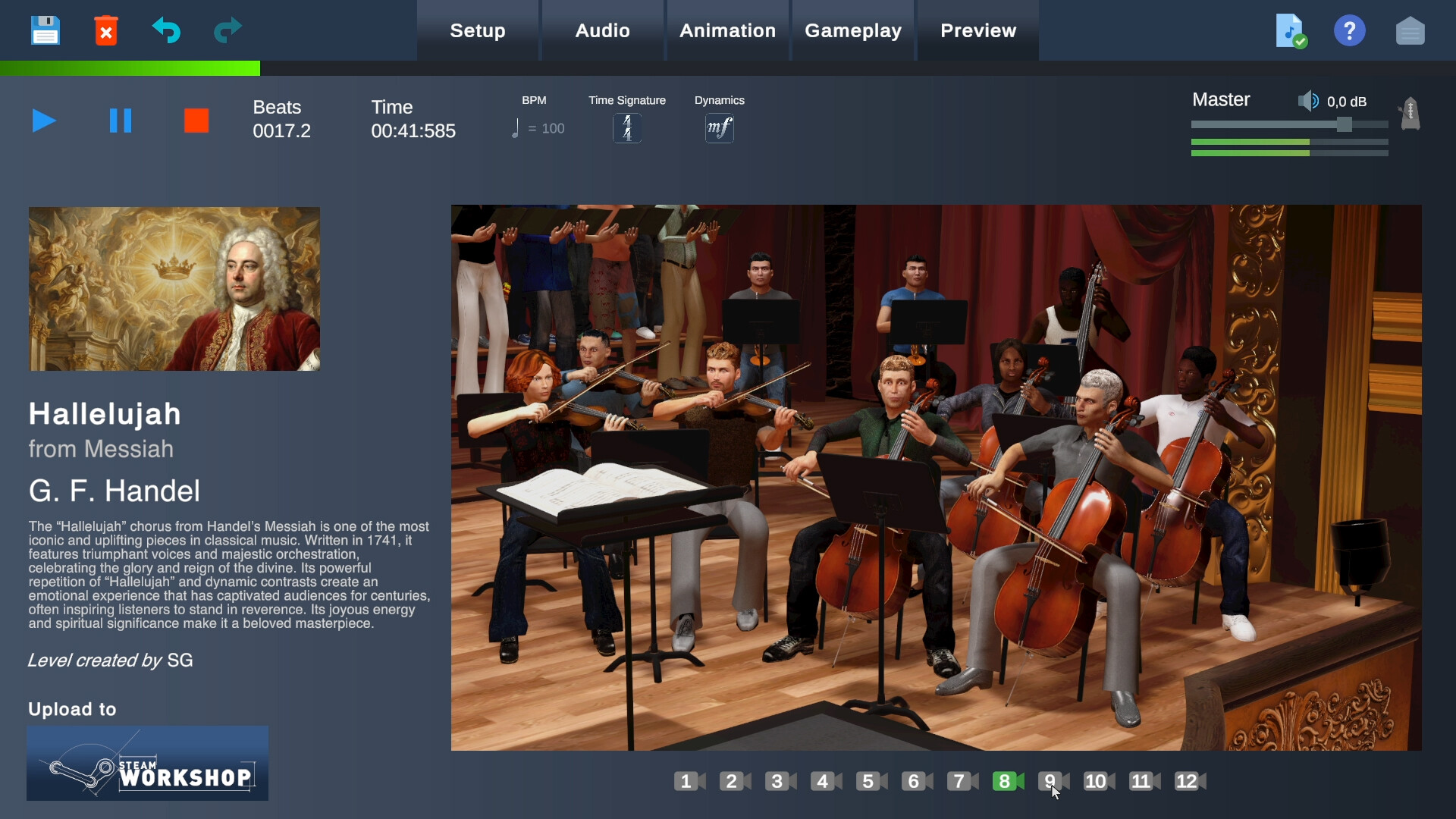
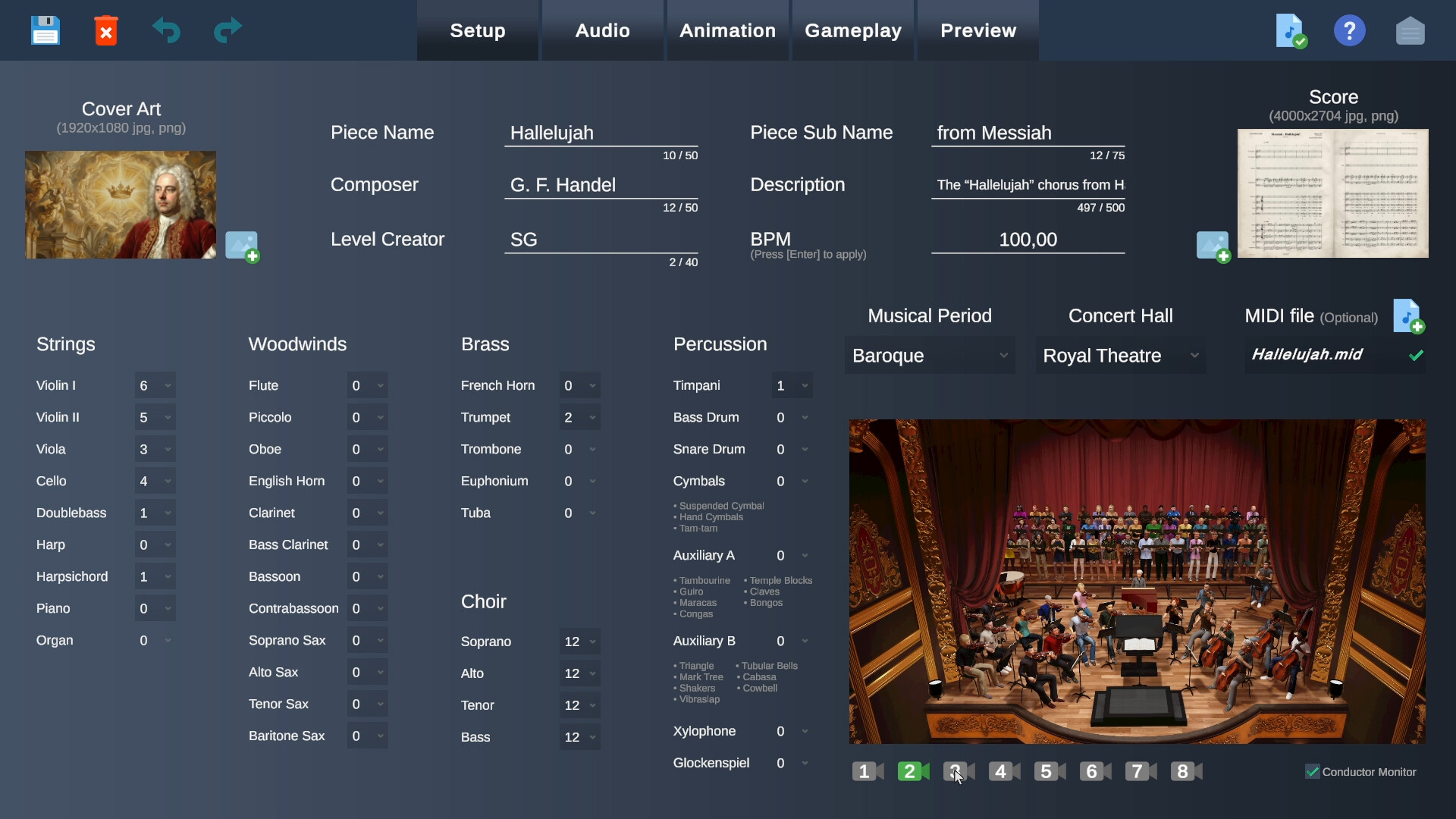
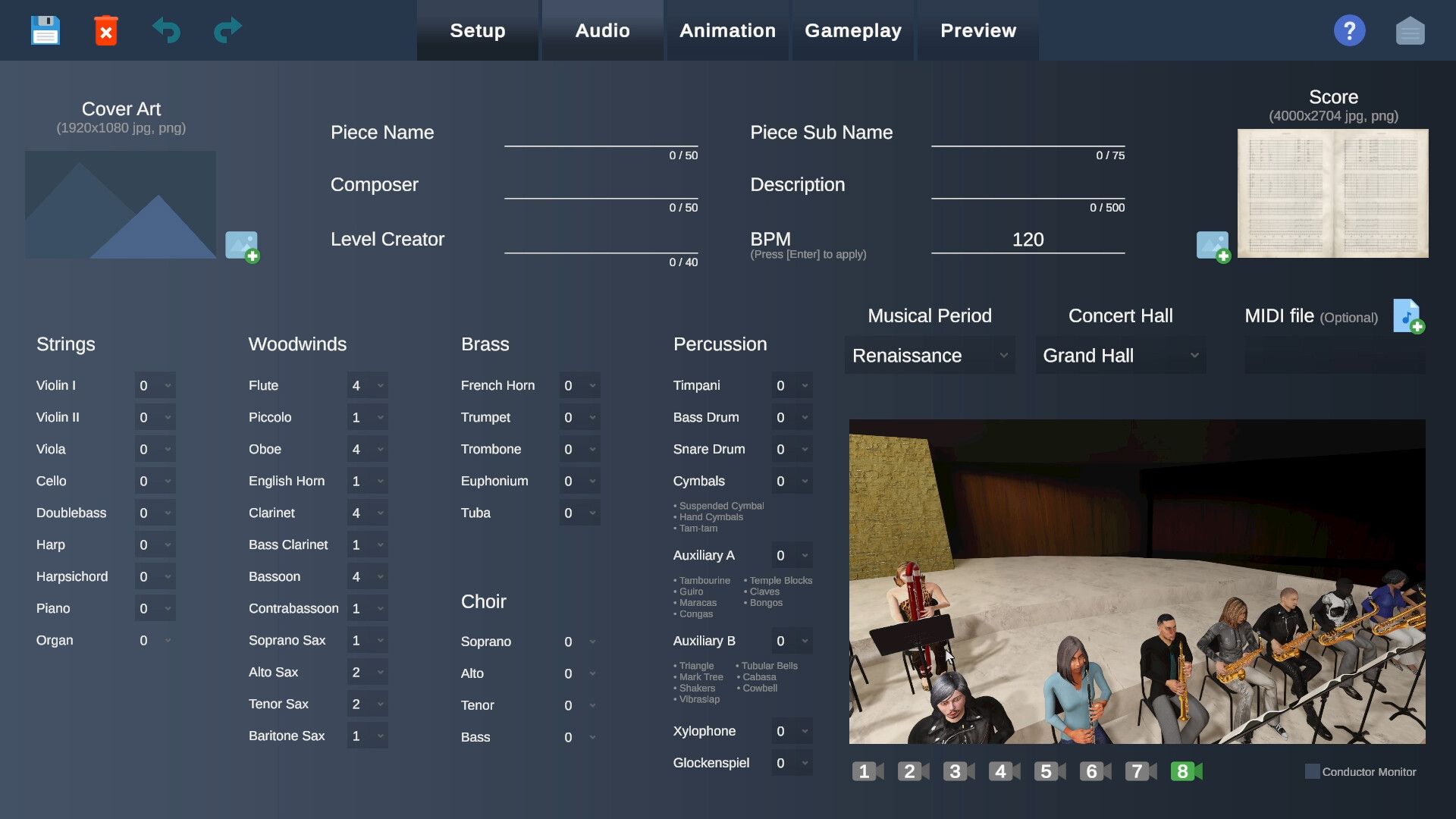
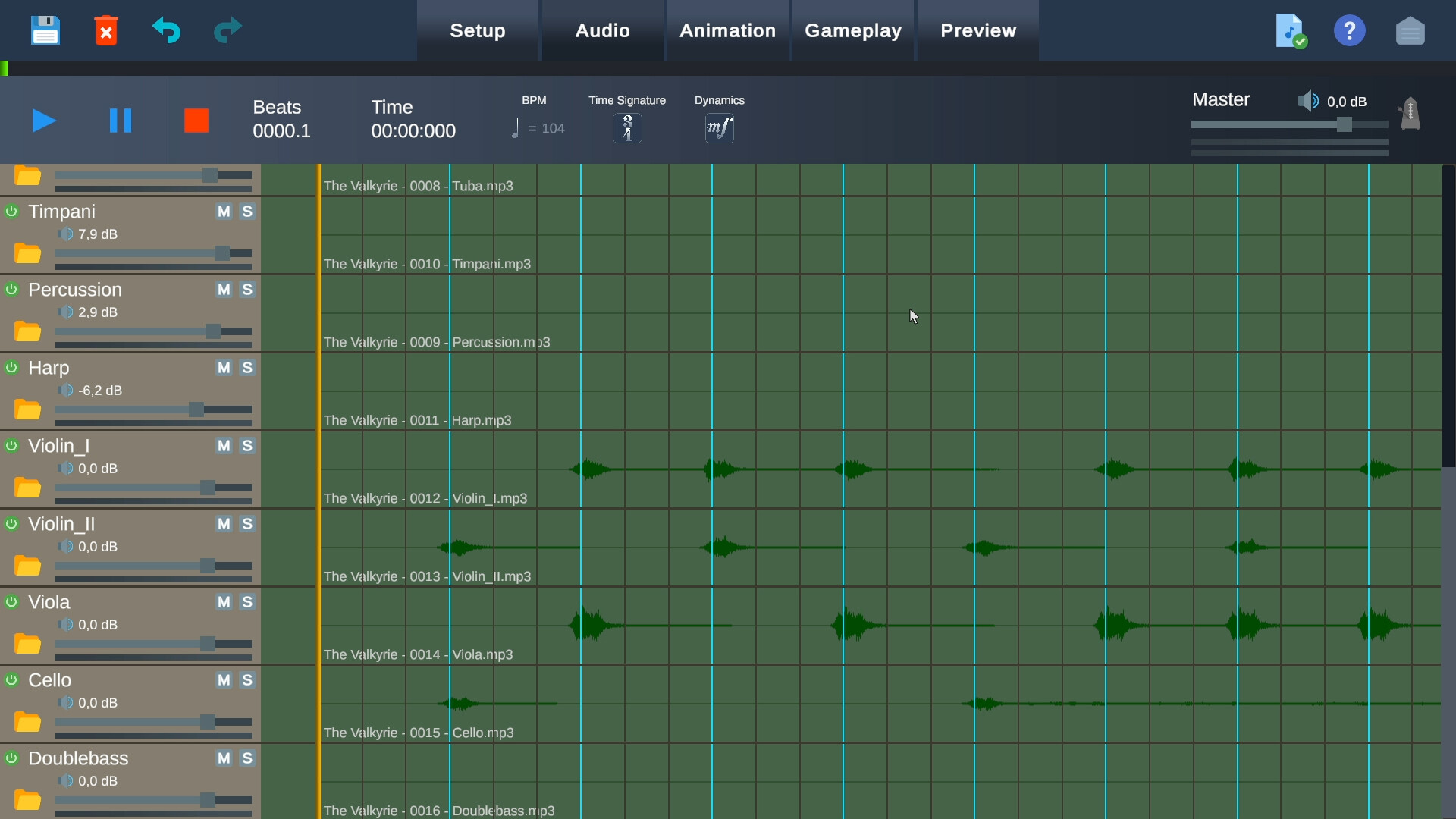
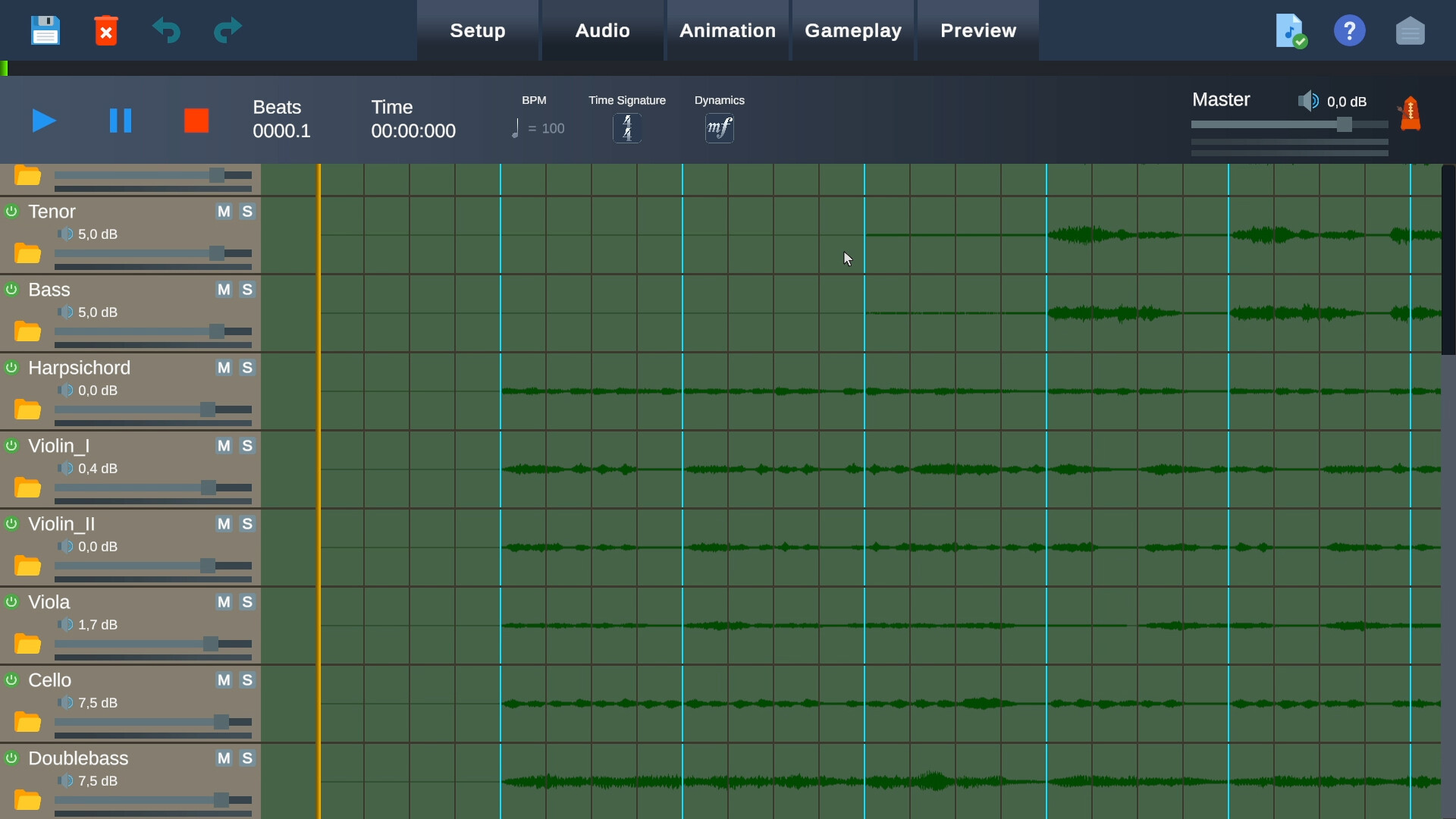
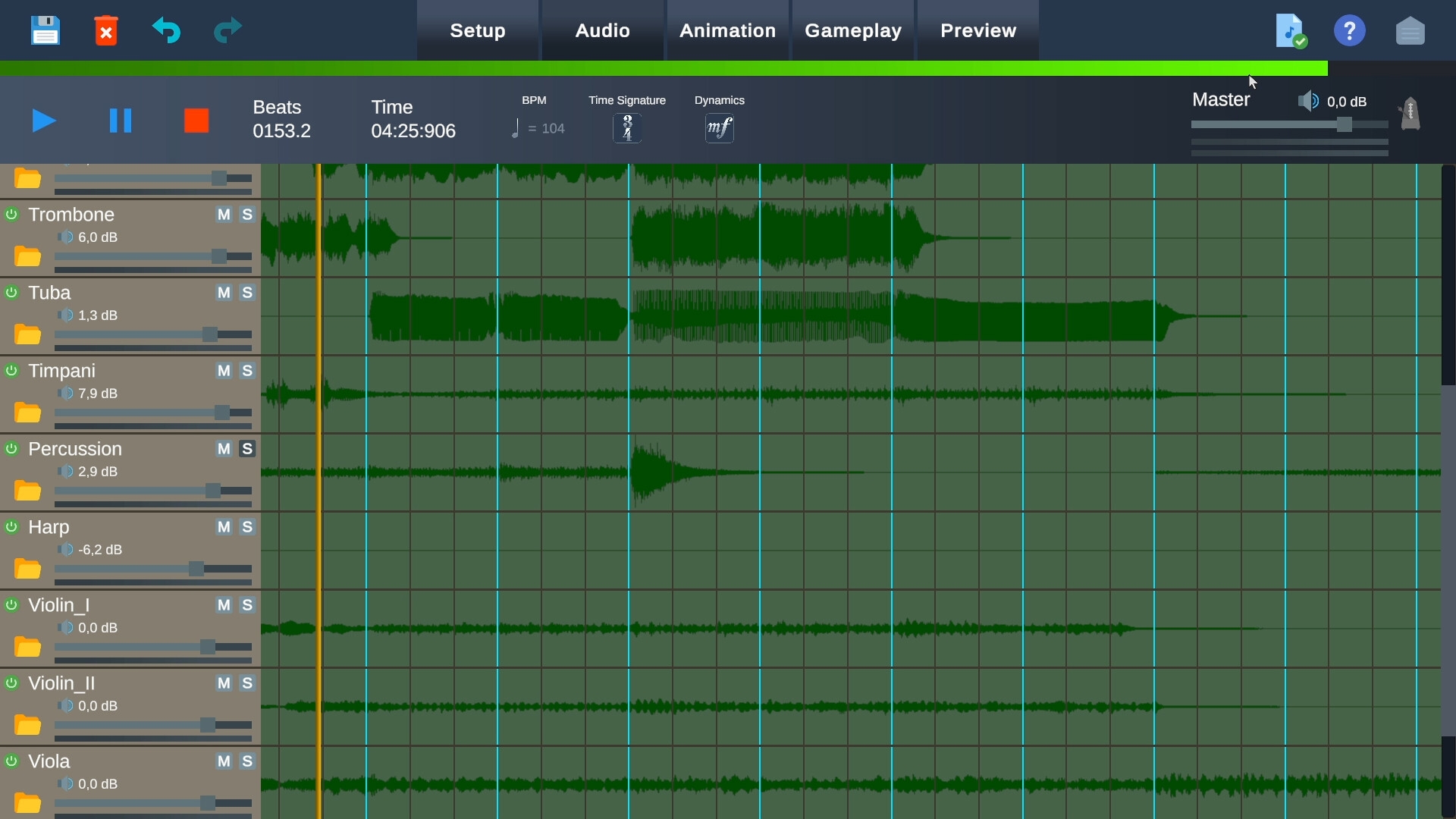
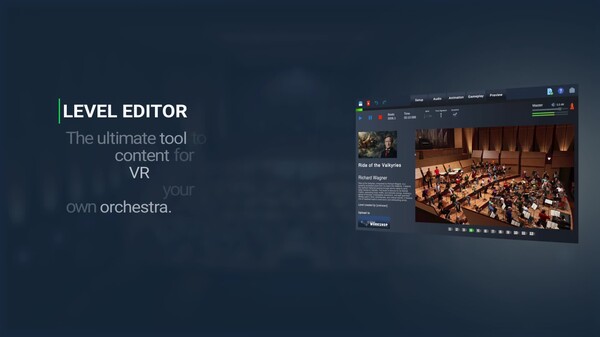
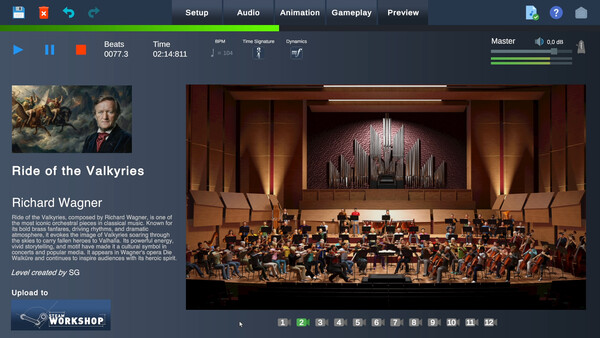
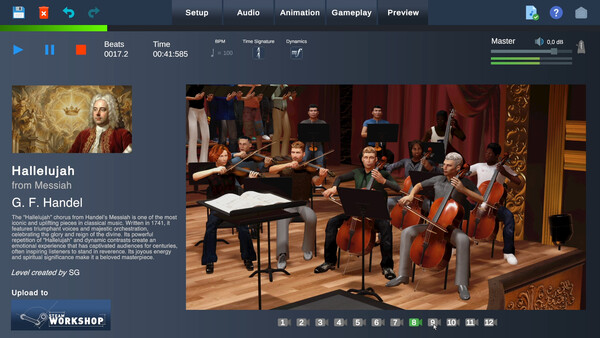
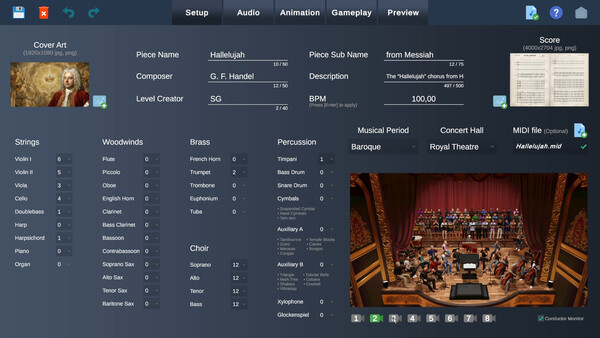
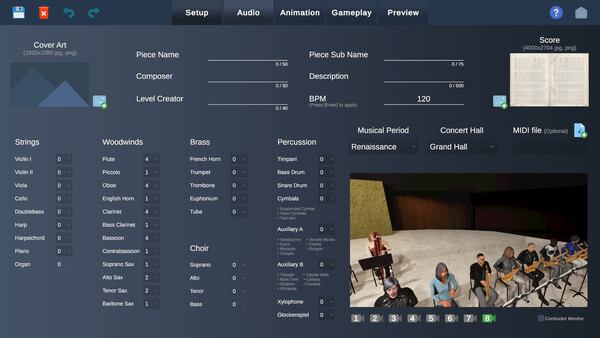
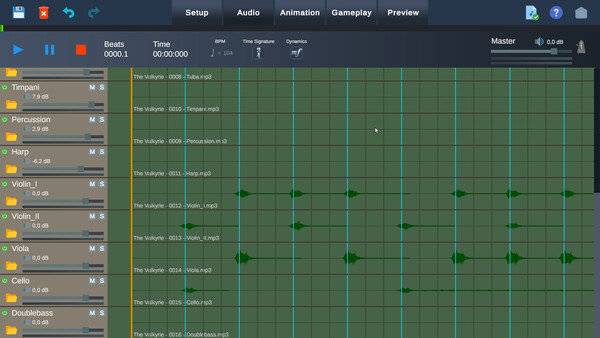
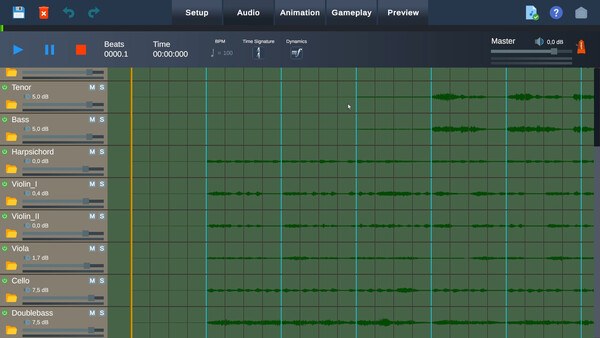
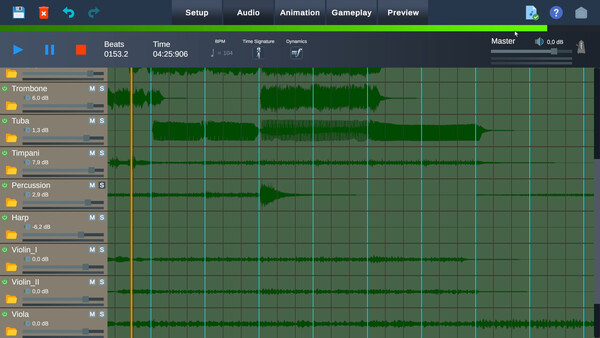
Maestro Level Editor lets you turn any piece of music into a playable level. Load your own audio files, place each instrument in the concert hall, animate the musicians, and use the Smart Tempo tools to define conducting patterns, dynamics and cues. When you are done, put on the headset and conduct what you wrote.
How to get it
This DLC is free and requires no purchase or key. If you own Maestro VR, it is already yours. Maestro Level Editor itself is a separate free application on Steam, and Maestro VR will point you to it the first time you use the editor button in the main menu.
Requirements
- Maestro VR is required to use this DLC.
- Maestro Level Editor runs on the desktop (no headset needed to create). A VR headset is only needed to play your levels in Maestro VR.
System requirements
WINDOWS:
Minimum:
- OS: Windows 10
- Processor: Intel Core i5-4590 / AMD FX 8350
- Memory: 8 GB RAM
- Graphics: VIDIA GeForce GTX 970 / AMD Radeon R9 290
Recommended:
- OS: Windows 10
- Processor: Intel Core i7-7700K / AMD Ryzen 7 2700X
- Memory: 16 GB RAM
- Graphics: NVIDIA GeForce GTX 1080 / AMD Radeon RX Vega 64


