MyDockFinder
7,437 ratings








Description
MyDockFinder
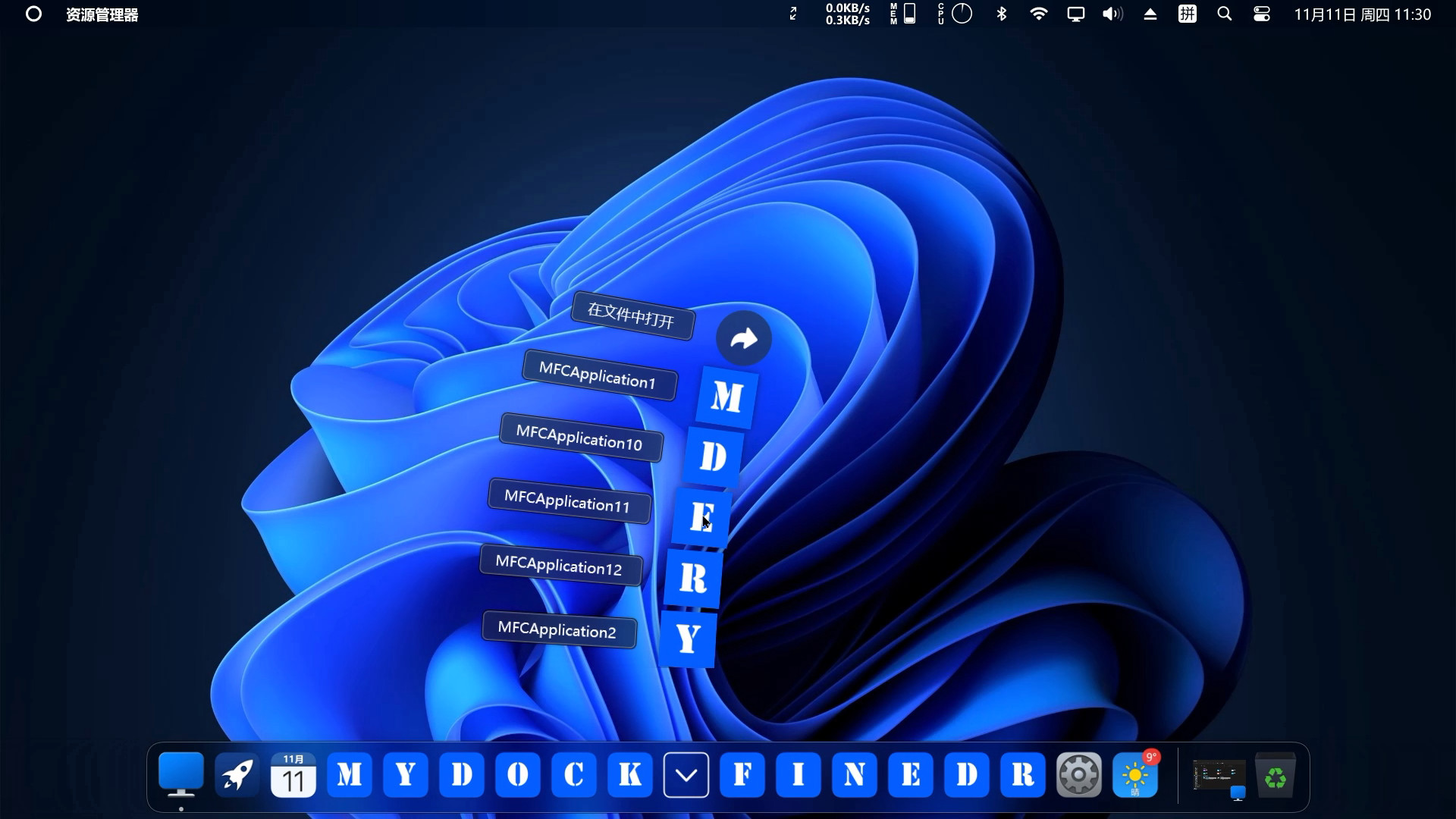
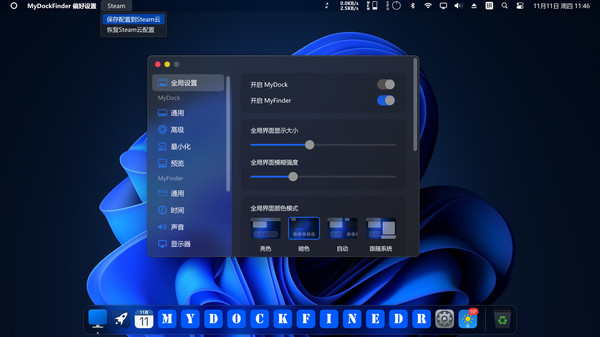
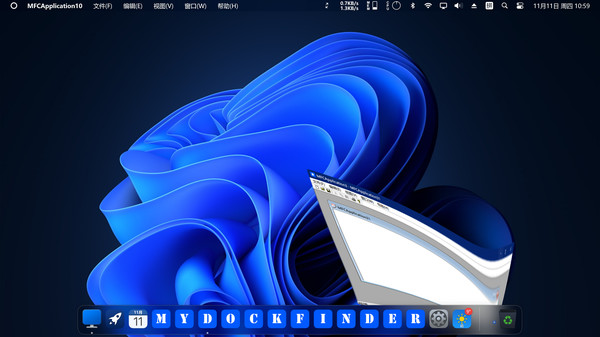
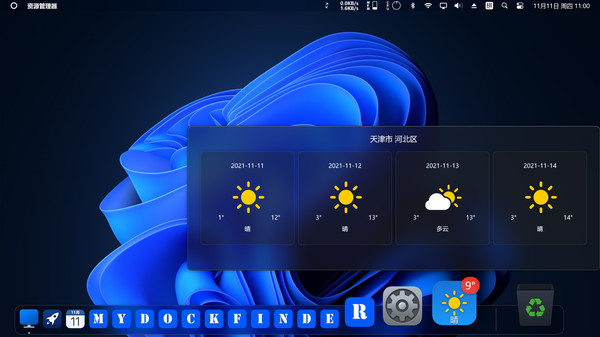
MyDockFinder is a software for quick system startup and control viewing system functions. You can drag and drop to add your favorite programs or files, and drag and drop to directly use the program to open the file. Based on WinUI using GPU rendering, smooth animation effects, Bezier curve rounded corners and blur and the blur intensity can be adjusted. Minimize the animation of all windows in the management system.
Regular and continuous updates. If the program crashes sometimes, please leave a message below to report the problem. The next few versions will bring many features such as creative workshops, more achievements, and skin changes, so stay tuned!
The development progress by one person is slow, and each update takes two to three weeks or even a month.
Main functions
- Global real-time dynamic blur effect can adjust the blur intensity
- Support 4K high resolution and multi-display environment
- The light and dark mode of the system can be modified simultaneously
- Steam cloud backup configuration file (manual backup, steam achievement)
MyDock
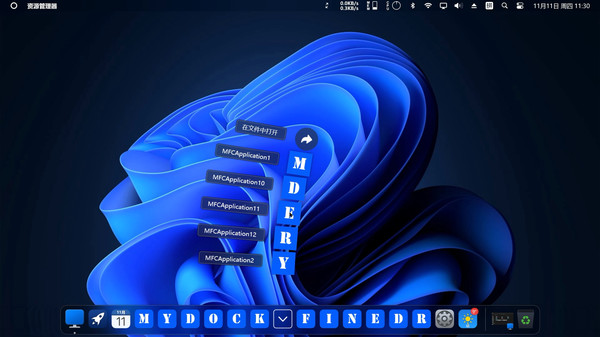
- Dock icons can quickly launch applications
- You can manually modify the icon
- Window minimization animation (three effects are optional)
- Starting station quick start program panel
- Special program message reminder function
- Quickly view all files in the open folder
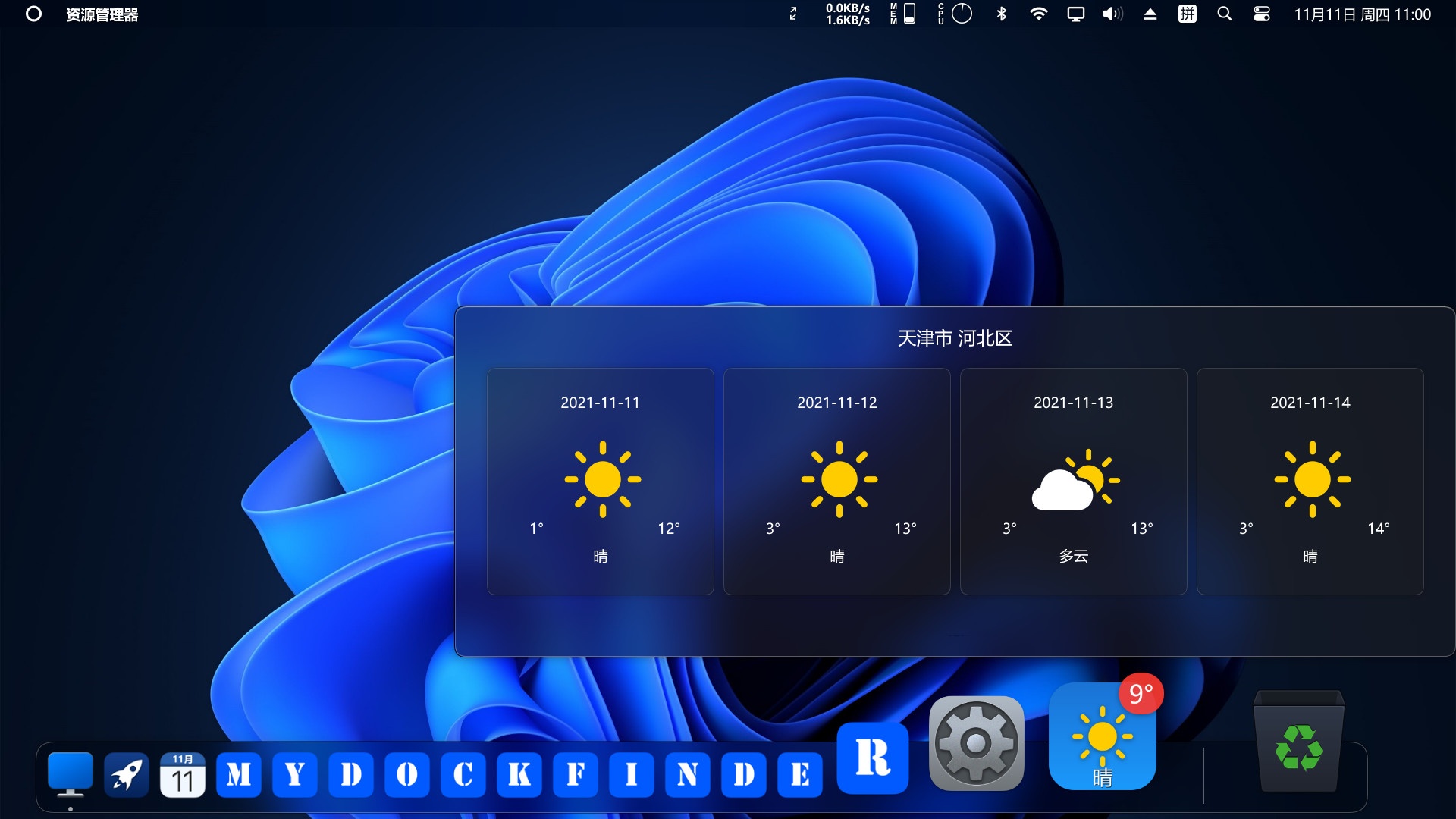
- View current city weather details
- Window preview management application window
- Display the progress bar of application downloading and playing media
- Apply a unified mask to the icons to make them more coordinated
- Multiple hidden display modes
- Each application can set an independent hidden mode
MyFinder
- Quickly shut down, restart, log off the computer
- CPU, memory, disk, network speed, temperature monitoring(Need to manually open, steam achievement)
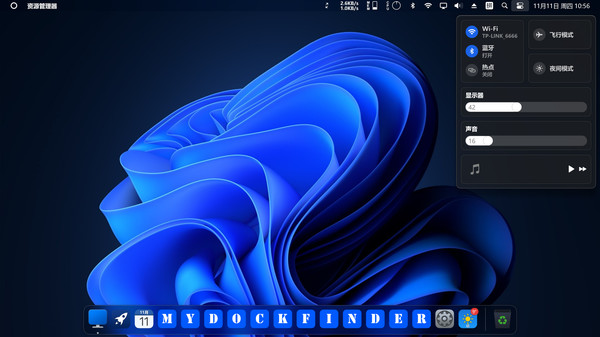
- Manage WiFi network connection
- System tray icon display management operation
- Bluetooth connection pairing
- Adjust the brightness of the monitor, including desktop monitors (Adjusting the brightness of the desktop monitor may damage your monitor, the HDMI interface may fail, and the DP interface can adjust the brightness perfectly)
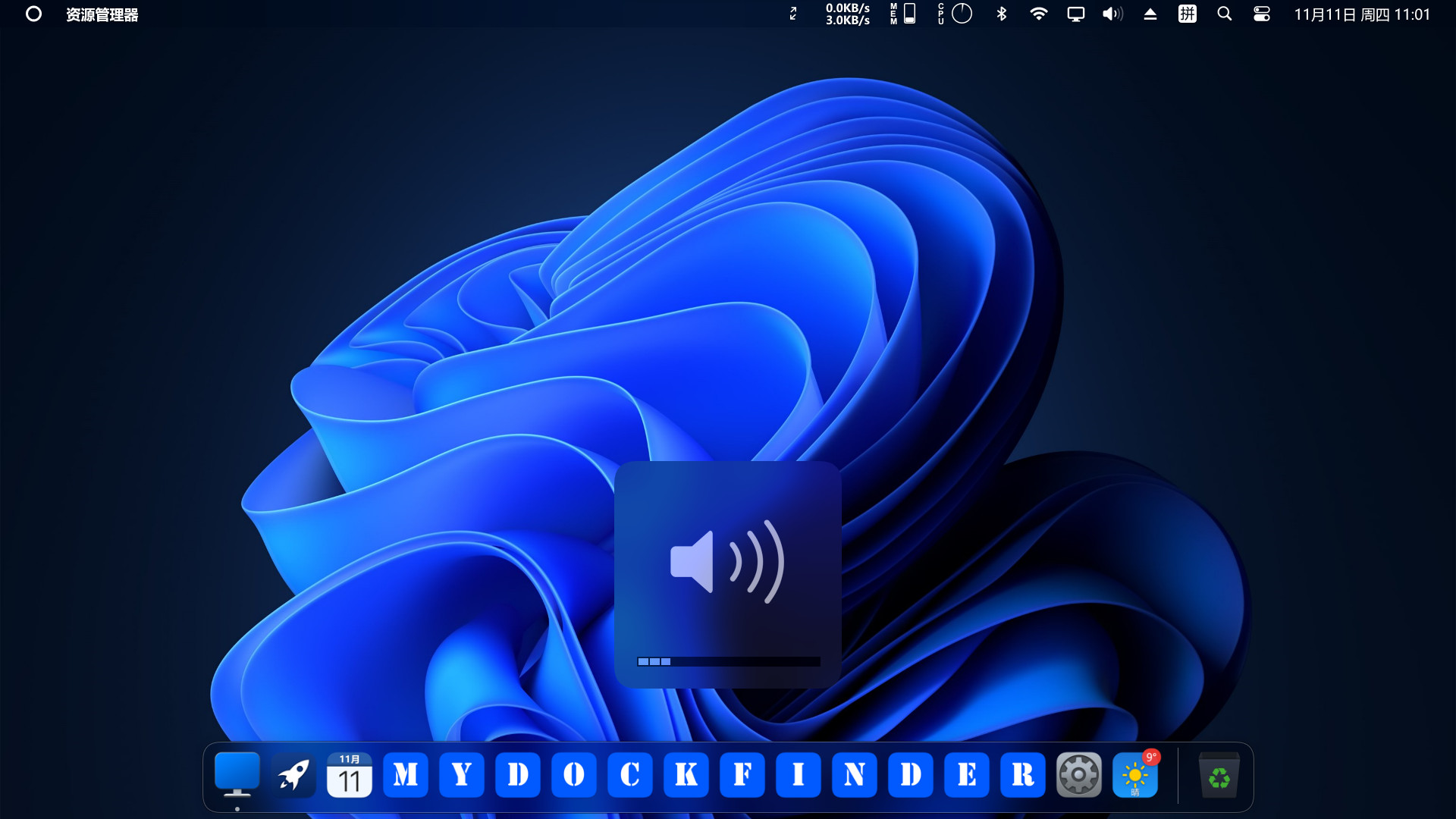
- Quickly adjust the volume, switch the audio output device, you can modify the volume of each program separately
- The right mouse button of all function buttons can display the corresponding system functions
- Media control function
- Volume change prompt
- Immersive display, better fusion window background
System requirements
WINDOWS:
Minimum:
- Requires a 64-bit processor and operating system
- OS: Windows 10 (version 1809 and higher), supports Windows 11
- Processor: Dual-core processor 1.2GHz
- Memory: 512 MB RAM
- Graphics: Support DirectX11 graphics card, 256M video memory
- DirectX: Version 11
- Network: Broadband Internet connection
- Storage: 20 MB available space
- Additional Notes: VC++2019 runtime library 32 and 64 bit .NET framework 4.8
Recommended:
- Requires a 64-bit processor and operating system
- OS: Windows 10 version 21H1 or Windows 11 22000.318
- Processor: Dual-core processor 1.6GHz
- Memory: 2 GB RAM
- Graphics: Support DirectX11 graphics card, 512M video memory
- DirectX: Version 11
- Network: Broadband Internet connection
- Storage: 20 MB available space
- Additional Notes: VC++2019 runtime library 32 and 64 bit .NET framework 4.8