Screenbits - Screen Recorder
298 ratings




Description
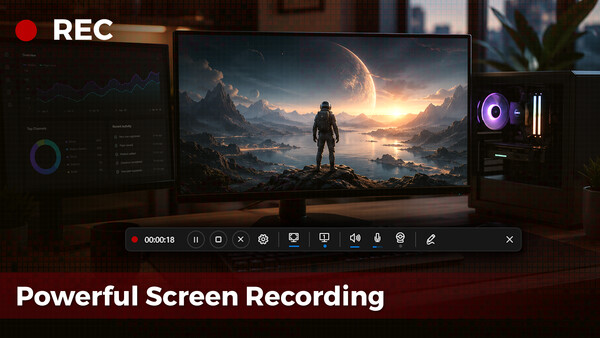
Screenbits — Powerful Screen RecordingFast, flexible, and easy-to-use screen recorder for gameplay, tutorials, product demos, and more. Record your screen, system audio, microphone, and camera in high-quality HD or 4K with smooth performance.
🎥High-Performance Video Recording
• MP4 (H.264/HEVC/AAC) output
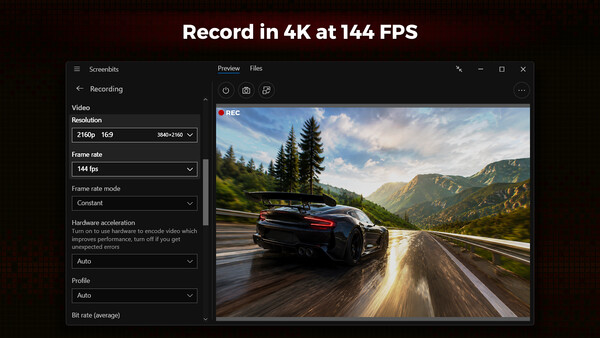
• Up to 4K resolution and 144 FPS*
• Adjustable resolution, frame rate, and quality settings
🎧Advanced Audio Capture
• Record system sound and microphone together or separately
• High-quality AAC audio (MP4A)
• Push-to-talk support
🖥️Flexible Capture Modes
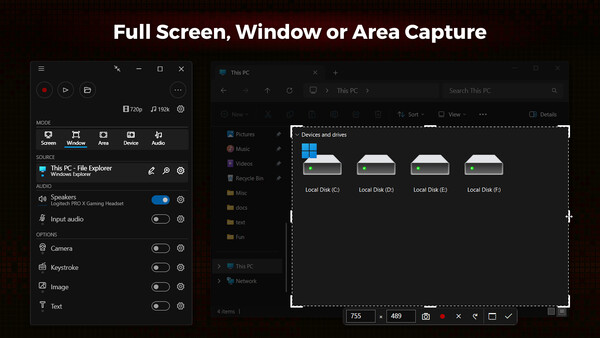
• Full screen, window, or custom area
• Multi-display support
• Cursor effects and highlights
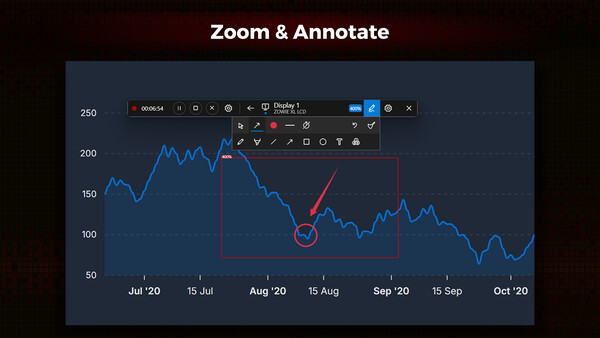
• Zoom in on screen during recording
📷Camera & Overlay
• Webcam and external device recording
• Customizable overlays with chroma key
✏️Annotations & Effects
• Draw, highlight, and annotate
• Keystroke visualizations and custom text/images
⚙️Smart Controls
• Live preview with move/resize controls
• Hotkeys, scheduling, and countdown
• File manager and screenshots
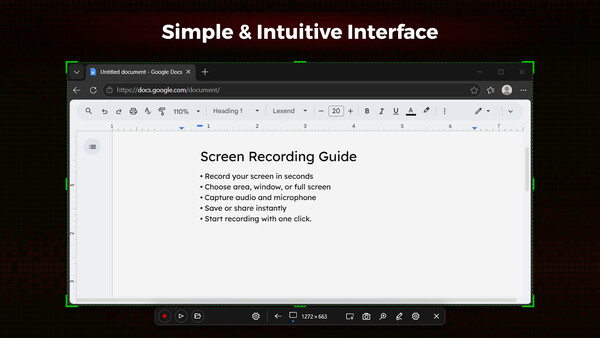
Screenbits combines powerful features with a clean, intuitive interface—perfect for beginners and professionals.
Create high-quality recordings — without the complexity.
*Features may depend on system capabilities.
System requirements
WINDOWS:
Minimum:
- OS: Windows 10, 11
- Processor: 1 gigahertz (GHz) or faster processor
- Memory: 1 GB RAM
- DirectX: Version 11
- Storage: 100 MB available space
Recommended:
- Graphics: Direct3D 11.0 compatible with Pixel Shader 4.0 support
- Additional Notes: AMD Radeon™ with AMD VCE or NVIDIA with NVENC support is recommended for recording gameplay.
Similar games

62% cheaper than Steam

$15.04
$30.08-50%
✦+6 bonuses for this purchase
Movavi Video Editor 2025
Open
68% cheaper than Steam

$35.48
✦+14 bonuses for this purchase
Movavi Video Suite 2025 Steam Edition
Open
65% cheaper than Steam

$12.10
$24.21-50%
✦+4 bonuses for this purchase
Movavi Screen Recorder 2023
Open78% cheaper than Steam
$6.72
✦+2 bonuses for this purchase
Action! - Gameplay Recording and Streaming
Open
67% cheaper than Steam

$39.76
✦+16 bonuses for this purchase
Movavi Video Suite 2026 Steam Edition
Open
68% cheaper than Steam

$32.30
✦+13 bonuses for this purchase
Movavi Video Suite 2024 Steam Edition
Open