
ShiftDeck







Description
All your workspaces, just one click away.
ShiftDeck is a utility tool that automates complex window management on your PC, streamlining your workflow.
Free yourself from the stress of manually opening apps and resizing windows every time you switch between streaming, development, video editing, or daily business tasks.
Simply call up a preset "Profile" to instantly deploy your ideal desktop environment.
Features
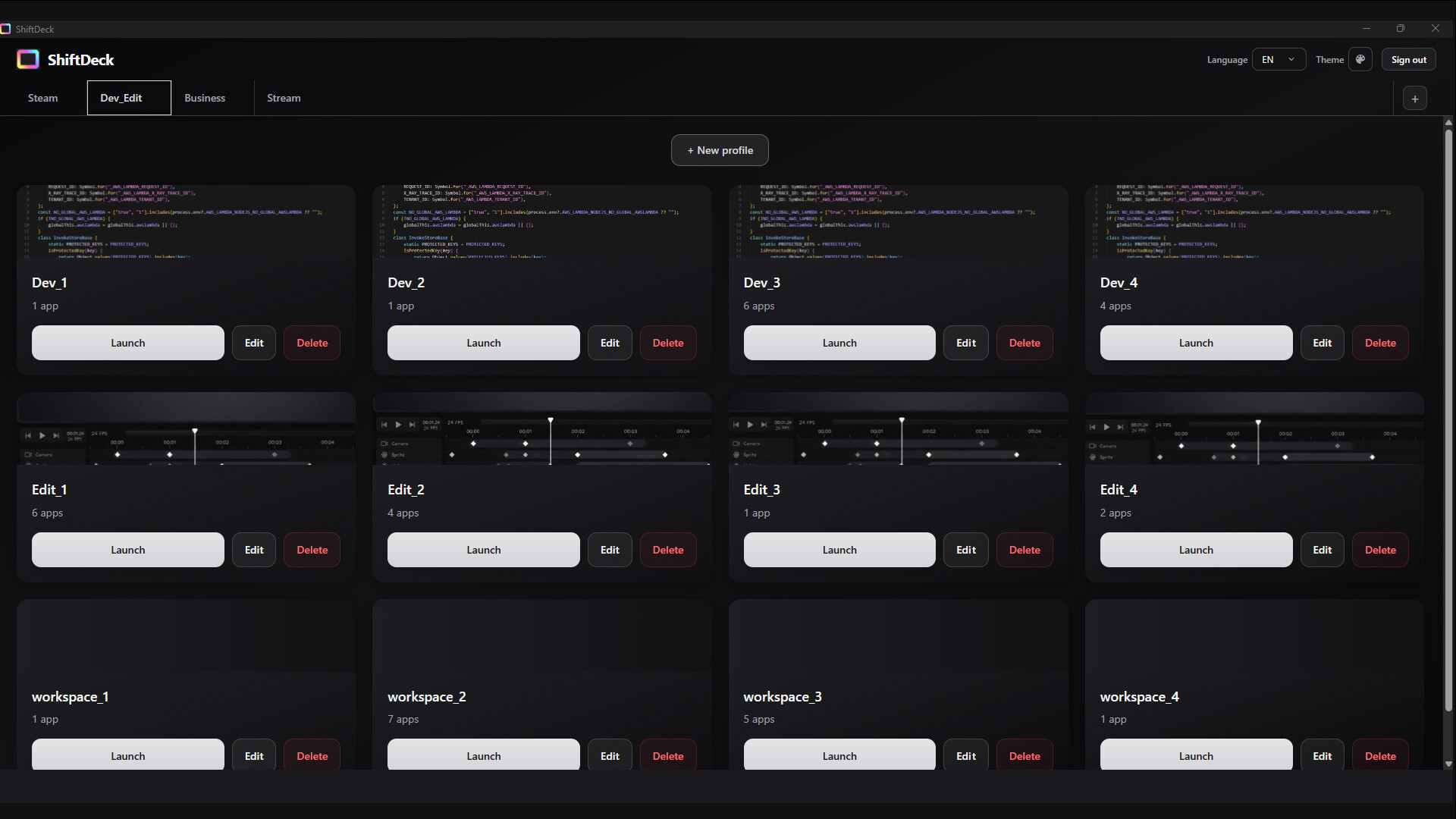
Instant Workspace Deployment
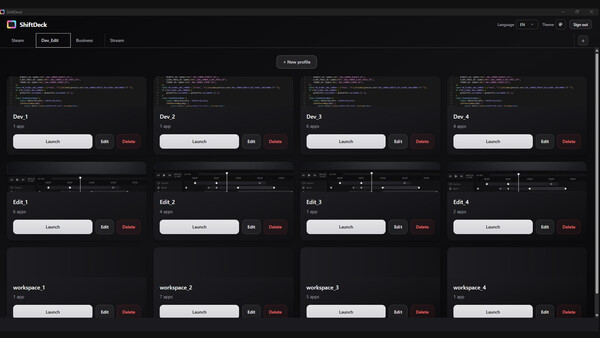
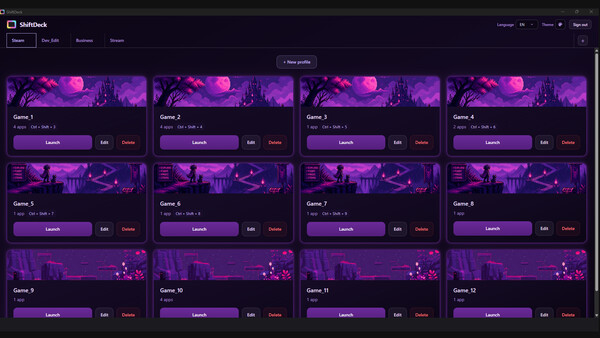
Create Multiple Profiles
Create and switch between multiple workspaces (profiles) tailored to your needs.Global Shortcuts
Use shortcut keys assigned to each profile to switch environments instantly without opening the ShiftDeck window.
Layout Management
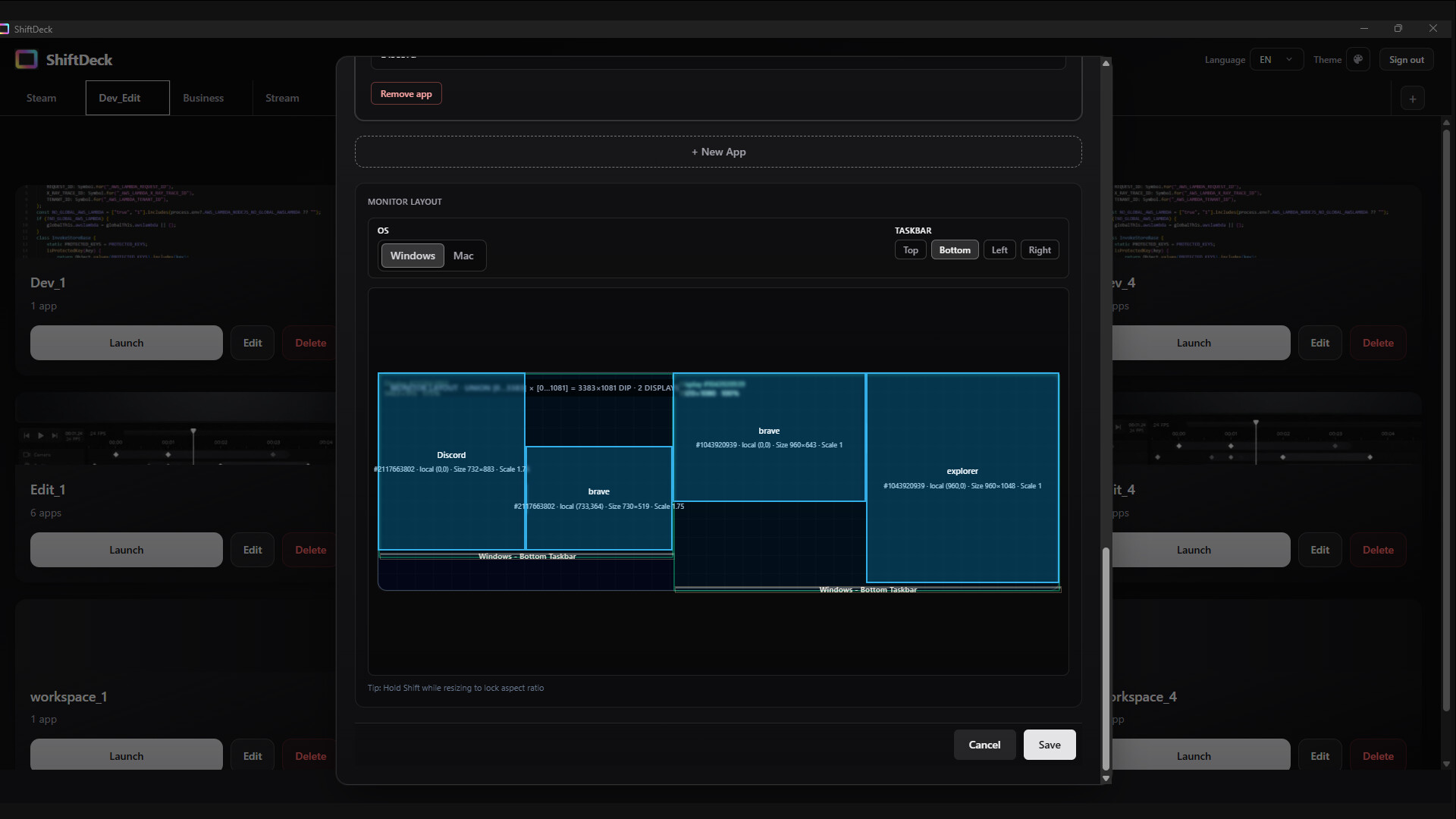
Capture Layout
Remember the positions, sizes, and monitor placements of all open app windows.Window Adjustment & Snapping
Manually adjust the saved window sizes and coordinates from the settings screen. It also supports an automatic half-screen snap feature just by dragging a window to the edge of the screen.Specify URLs & Folders
Set up advanced launch configurations, such as opening a browser with specific URLs in multiple tabs, or opening the file explorer directly to a designated directory.
Extra Efficiency Tools
Save & Auto-Copy Credentials
Save login IDs and passwords for each registered app or game. With a single click from the settings screen, you can copy them to your clipboard, making the login process seamless after launch.
Authentication System & UI
Passwordless Authentication
ShiftDeck uses email-based OTP (One-Time Password) for login, eliminating the need for cumbersome password management. A "Guest User" feature is also available to start using the app immediately without registering an account.UI Customization
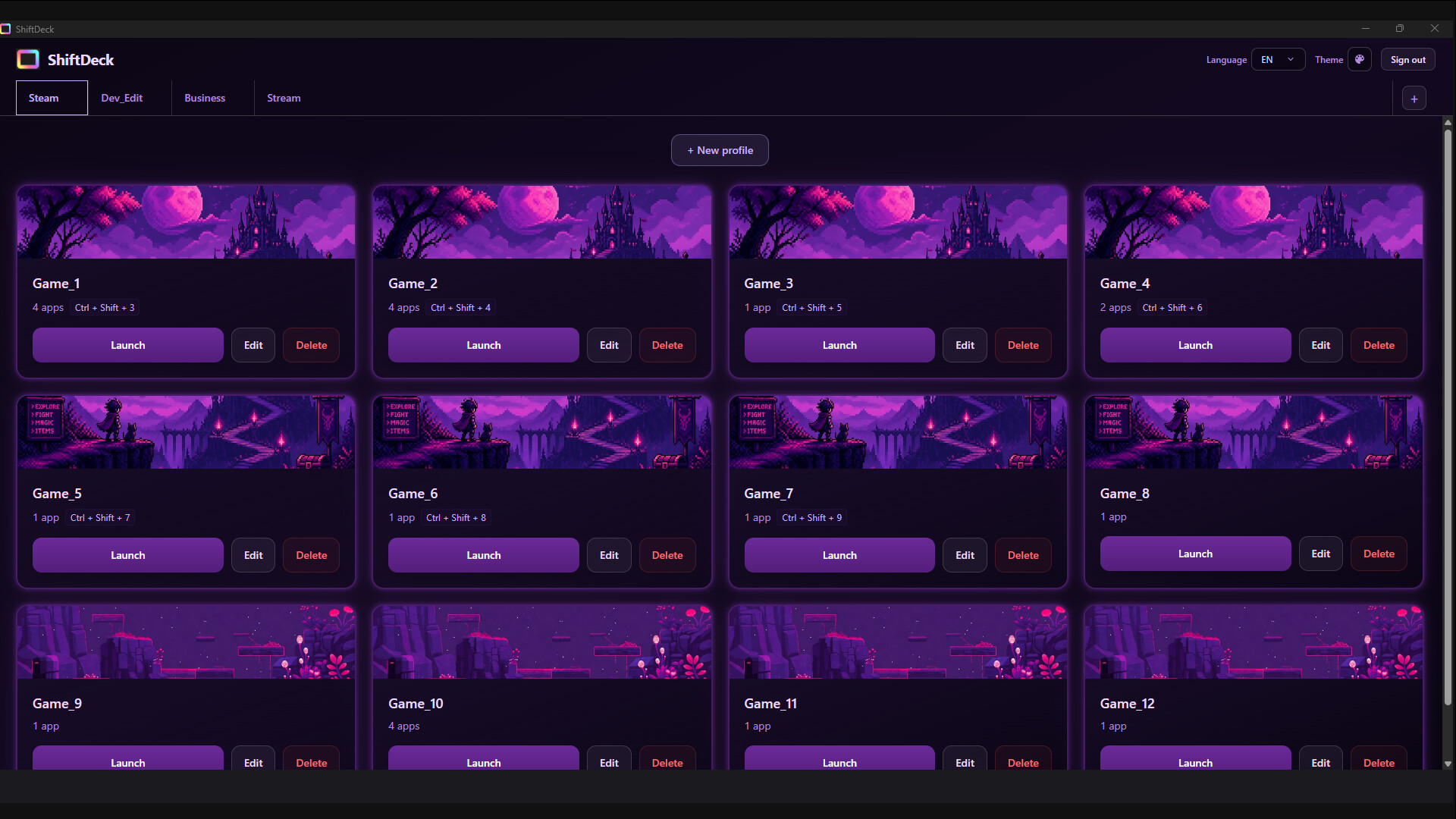
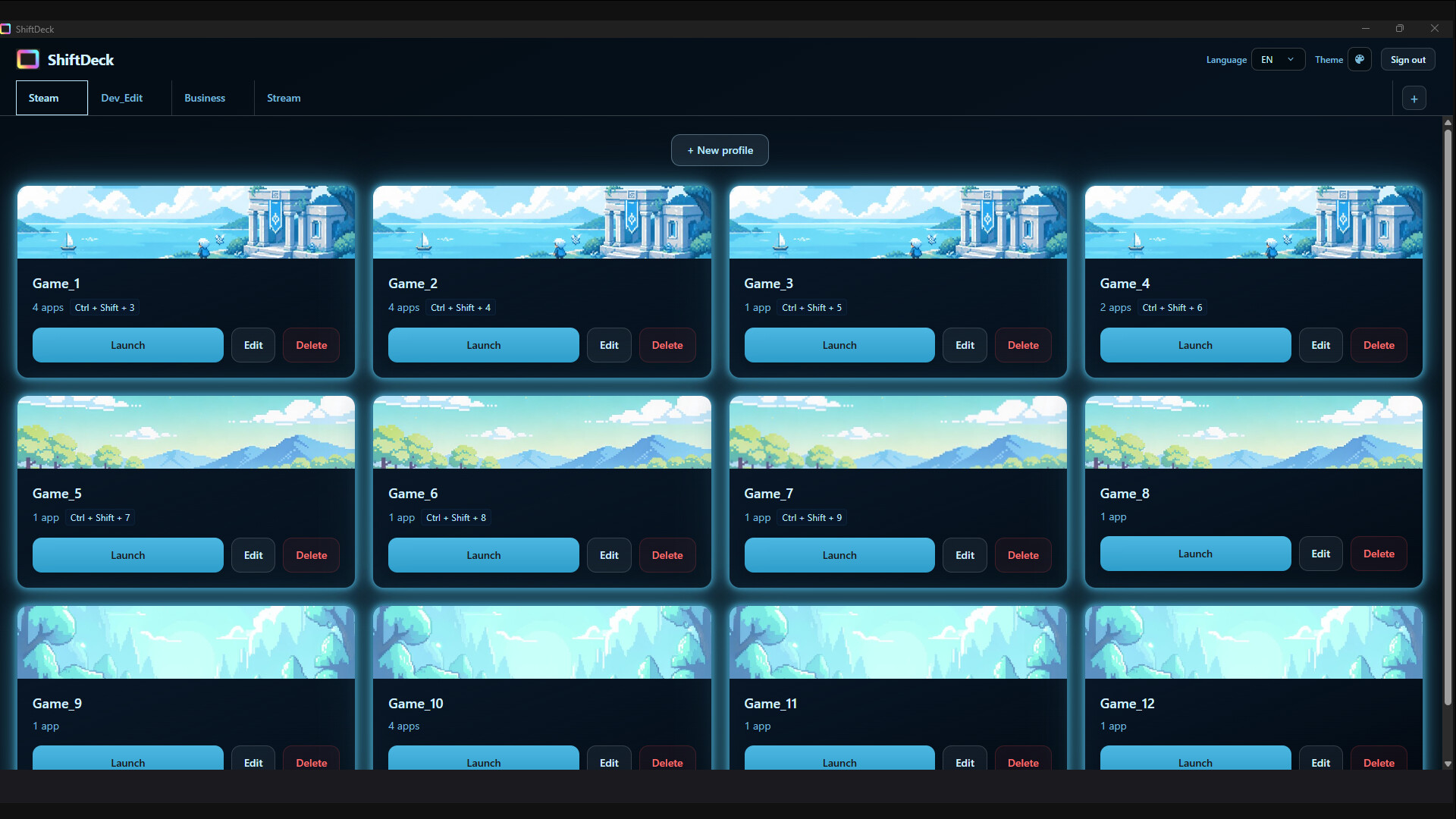
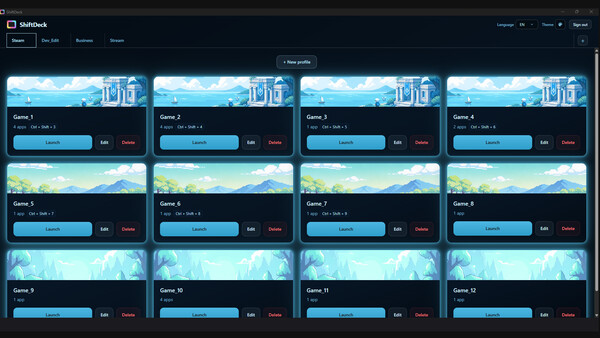
Choose between Dark and Light modes, and customize the theme color to match your preference.Multilingual Support
The system UI can be freely switched between various languages.
Recommended For
Engineers and creators who work across multiple monitors
Streamers who want to place their stream software, game window, and comment viewer in the exact same positions every time
Anyone who wants to reduce the "setup time" when starting work on their PC
Security & Password Management
At ShiftDeck, ensuring the safety of your account information is our top priority, and we operate based on the following design principles.
Completely Optional (Opt-in)
Saving IDs and passwords is an optional feature. You can use ShiftDeck's layout management and launcher functions without any restrictions even if you do not enter this information.
Secure Passwordless Login
ShiftDeck uses AWS Cognito's passwordless authentication (OTP method) for logging into the app.
Since no master password exists, the risk of interception over the network or account takeovers via brute-force attacks is eliminated.
OS-Native Secure Storage & Cloud Encryption
Local Protection: Data is protected using the native secure encryption storage provided by your OS (such as Windows Credential Manager). Passwords are never saved locally in plain text.
Cloud Sync: Following AWS best practices, all data saved to the cloud database (DynamoDB) is automatically encrypted at rest.
Shoulder Surfing Protection
Passwords on the management screen are always masked (hidden).
They are only temporarily expanded to the clipboard when the "Copy" button is clicked, minimizing the risk of accidental exposure during screen sharing or live streaming.
System requirements
WINDOWS:
Minimum:- OS: Windows 10 (64-bit)
- Processor: 2 GHz Dual Core Processor
- Memory: 4000 MB RAM
- Graphics: Integrated Graphics
- DirectX: Version 11
- Network: Broadband Internet connection
- Storage: 500 MB available space
Similar games


$15.04
$30.08-50%
Movavi Video Editor 2025
Open


$35.48
Movavi Video Suite 2025 Steam Edition
Open


$39.76
Movavi Video Suite 2026 Steam Edition
Open


$6.72
Charisma X: Bulk Instagram Media Downloader
Open