
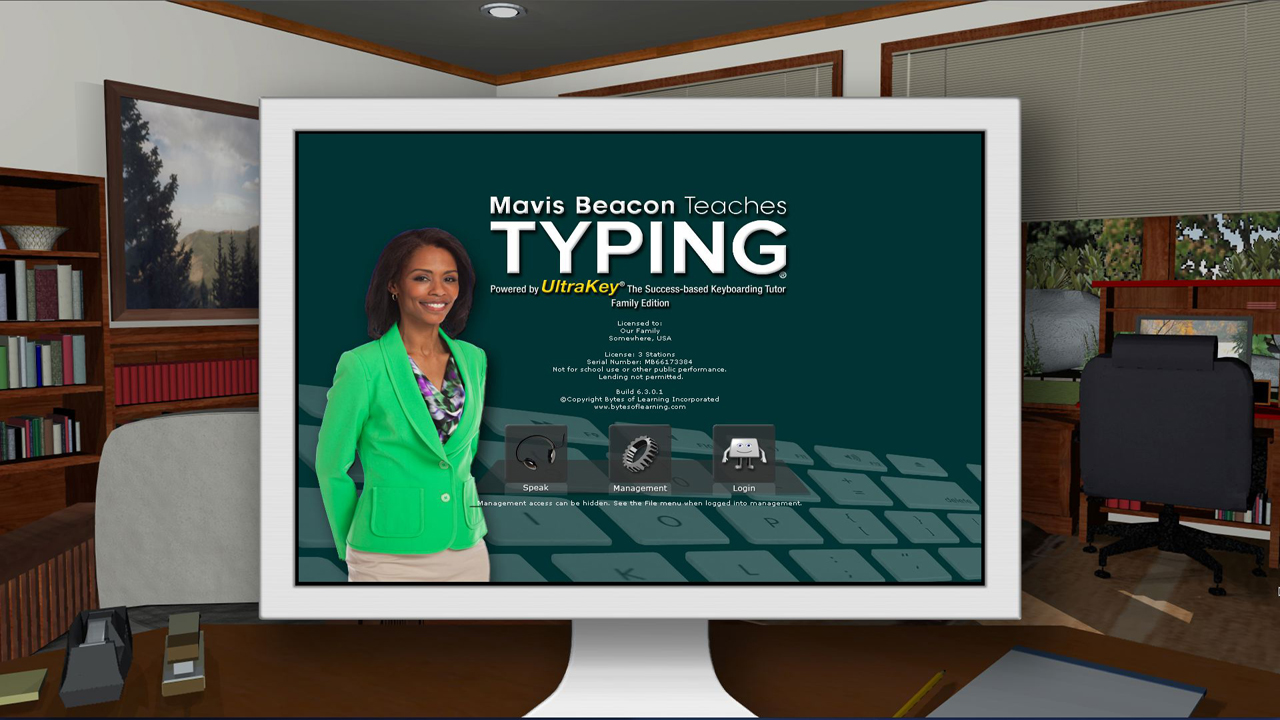
Mavis Beacon Teaches Typing Family Edition
Descripción
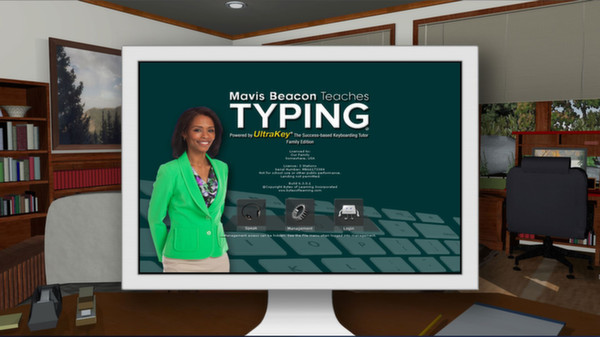
Mastering typing has never been easier than with the all-new edition of Mavis Beacon Teaches Typing Powered by UltraKey! The award-winning software program provides the most efficient way to learn and master typing fundamentals. Designed by educators, Mavis Beacon Teaches Typing Powered by UltraKey uses a success-based approach to typing instruction. This powerful and motivating way to learn provides a clear path to learning a new skill by setting personal goals and progressing along guided roadmaps.Just follow these seven easy steps to achieve your typing success!
Step 1: Set Your Personal Goal
Success-based learning begins with setting a personal challenge level for speed and accuracy that you seek as you complete lessons.
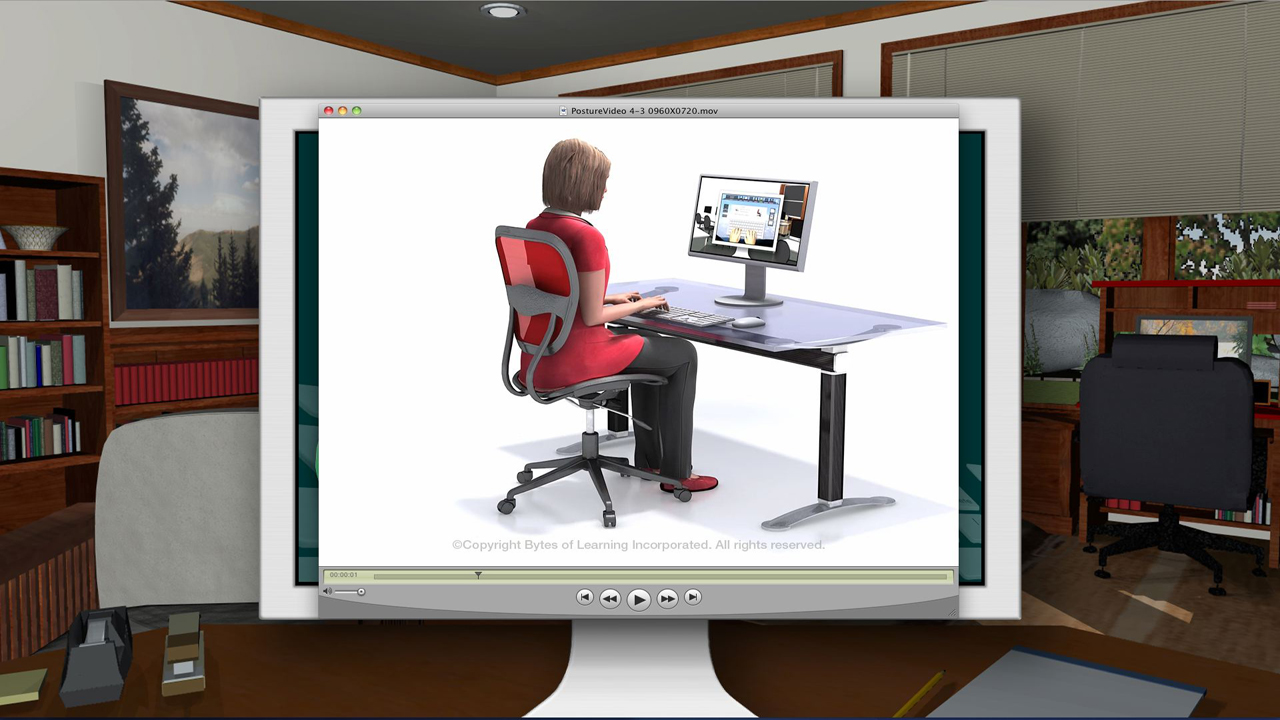
Step 2: Learn Good Posture Habits
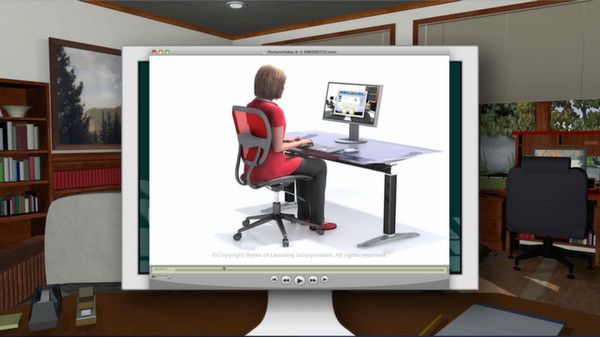
A virtual reality model demonstrates correct body and hand position.
Step 3: Typing Technique
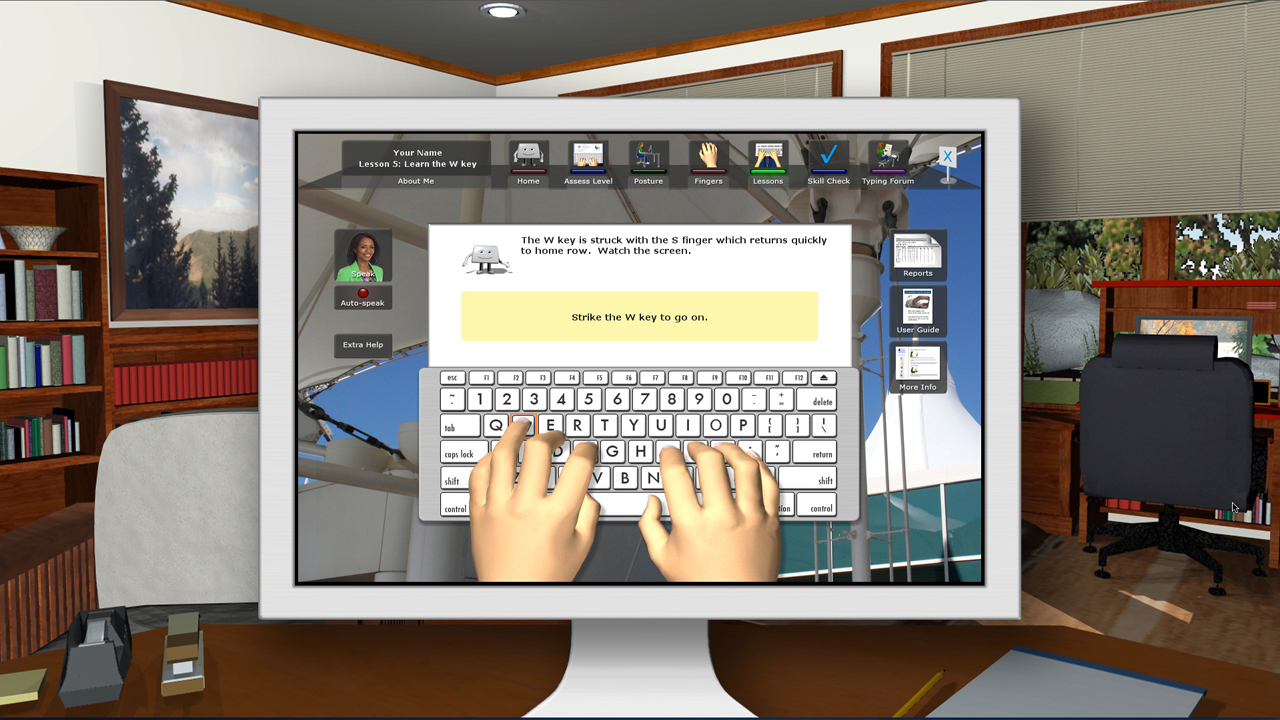
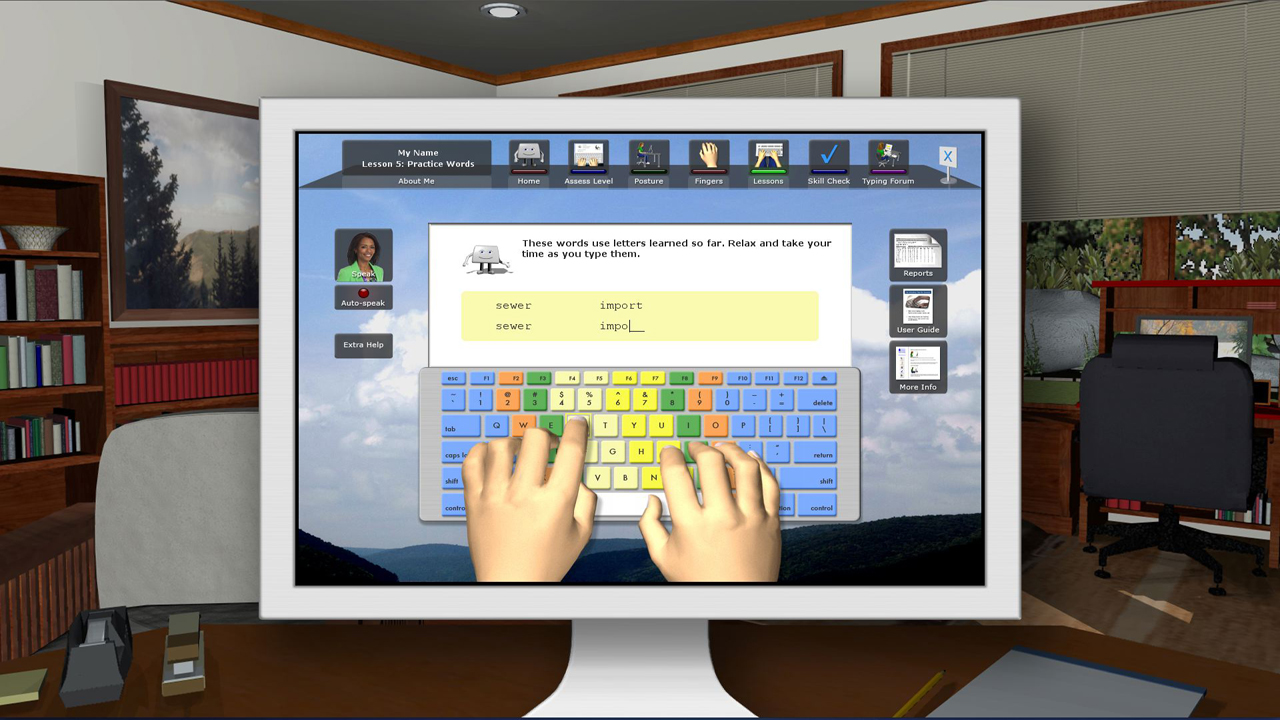
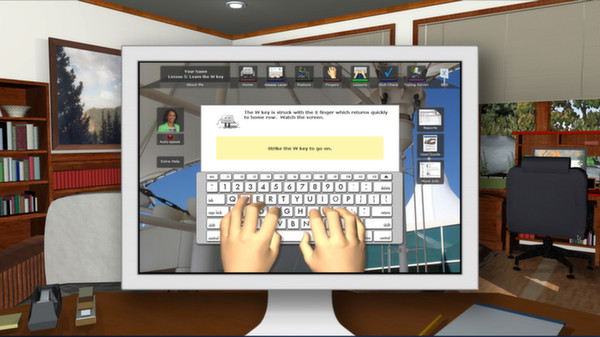
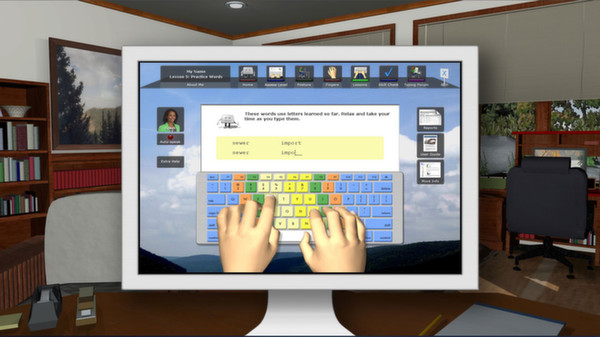
Video and interactive graphics teach you typing technique, finger names and home row position.
Step 4: Learn New Keys One Stage at a Time
Systematically develop new keystrokes, blending them into pairs, chains, words and sentences.
Step 5: Build Your Skill by Using It
For each lesson you complete, a corresponding skill check uses real-word typing challenges to ensure your progress.
Step 6: Practice Excellent Typing at all Times
Timed typing tests give standardized performance results that you can put on your resume!
Step 7: Celebrate Your Success!
After just 8 hours of using this software, you can master typing basics and more!
Features:
- Success-based approach: structured learning determined by user’s own plan and timetable
- Three types of instruction: Voice, videos and animated graphics
- Users set a personal pace and choose their own path of learning
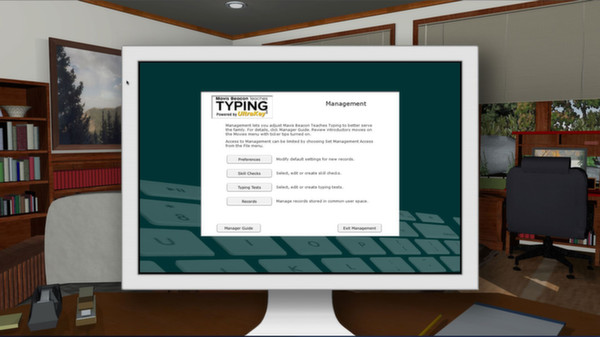
- 12 interface themes and numerous options adapt to age, personal needs and learning style
- More than 100 skill checks and typing tests
- 18 exciting videos introduce typing activities and demonstrate proper stretch break techniques
- Specific tips for improvement based on unique typing pattern assessments
- Short, bite-sized, 20 minute sessions containing sequence lessons and skill development activities
- Stunning 3D graphics to demonstrate correct posture and typing techniques
- More Information Resource: Provides important information on correct body posture, tips for avoiding repetitive strain injuries (RSIs), typing actions, enrichment ideas, additional in-depth concepts and more
- User-friendly system for everyone ages 8 to 88
- Engineered for all current Windows and Macintosh computers; operates identically on both systems with cross-platform progress records.
NOTE: this title is English only. Specific localized versions (grammar and keyboards) will be delivered to customers in the UK, Australia and New Zealand. All other regions will get North American English.
Requisitos del sistema
WINDOWS:
Минимальные:- ОС *: Windows® XP, Windows Vista®, Windows® 7, Windows® 8
- Процессор: Pentium® or AMD Athlon™ Processor
- Оперативная память: 512 MB ОЗУ
- Место на диске: 600 MB
MACOS:
Минимальные:- ОС: Mac® OS X 10.6 – 10.8
- Процессор: Intel® Core™ Processor
- Оперативная память: 512 MB ОЗУ
- Видеокарта: 600
- Место на диске: 600 MB
Juegos similares
38% más barato que en Steam

$9.50
$13.57-30%
✦+3 bonos por esta compra
Typing Instructor Platinum 21
Abrir38% más barato que en Steam

$7.81
$11.16-30%
✦+3 bonos por esta compra
Typing Instructor for Kids Platinum 5
Abrir


73% más barato que en Steam

$35.74
✦+14 bonos por esta compra
Movavi Video Suite 2025 Steam Edition
Abrir



27% más barato que en Steam

$2.52
✦+1 bono por esta compra
StudyX - Save Game Codes & Study Any Subject
Abrir