Professor Teaches Windows 10
Descripción
Professor Teaches, the leading brand of training, provides realistic, interactive, and complete training for Windows 10. Build your skills with Professor Teaches tutorials and learn everything you’ll need, from beginning to advanced lessons. Each interactive tutorial is organized for fast and easy learning with practical exercises that build skills quickly and effectively.The Most Realistic, Interactive, and Complete Computer Training
Windows 10 offers a new interface and features to connect users with their information and people from multiple Windows 10 devices. The Start Menu is back in this new operating system, along with many new features. Professor Teaches Windows 10 trains users on this new interface and teaches them all of the features in Windows 10.
Learn to Use All the Features of Windows 10 — Build Your Skills & Increase Your Productivity
Windows 10 allows you to access and share your information in new ways when you learn the new features from Professor Teaches. This comprehensive training tutorial with over 60 lessons will show you how to navigate Windows 10, including using the Start Menu, how to access new Action Center notifications, using universal apps, new controls for minimizing, maximizing, and closing apps, using the personal assistant Cortana, navigating Edge, the new world of internet browsing, using virtual desktops, organizing your workspace with multiple desktops, using navigation continuum, and more! This fully interactive and complete tutorial is organized for fast and easy learning with practical exercises to help you build new skills and become proficient using Windows 10.
Windows 10 — over 60 lessons!
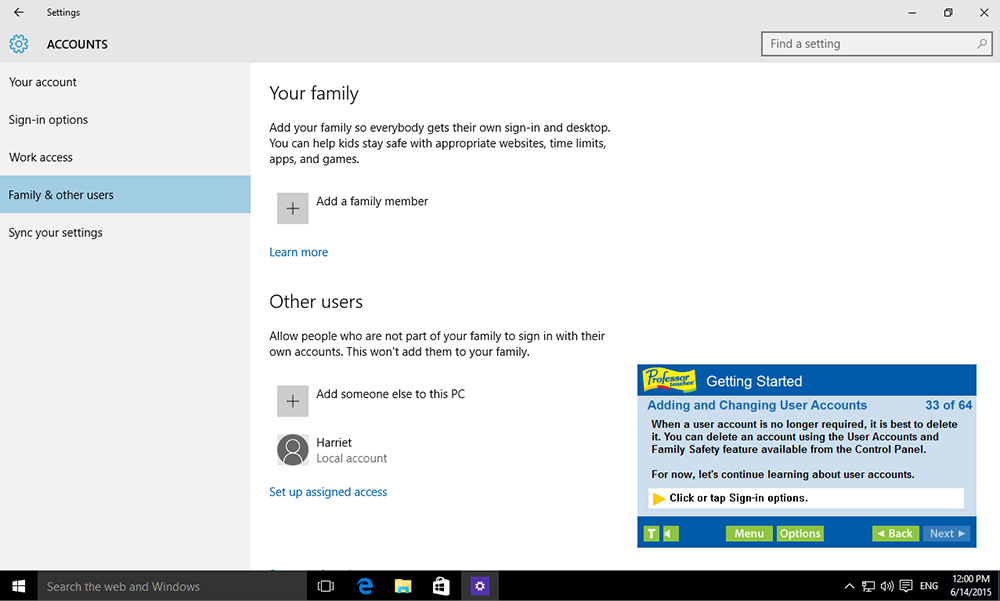
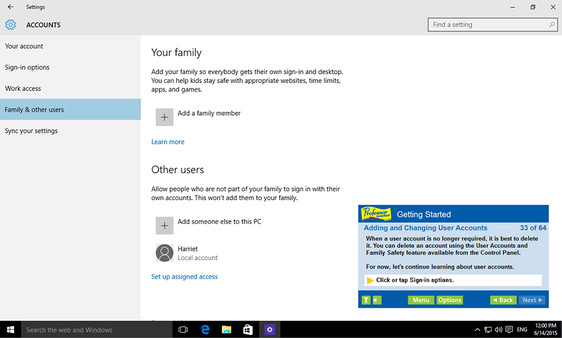
• Adding and Changing User Accounts
• Introduction to Apps
• Getting to Know the Windows Store
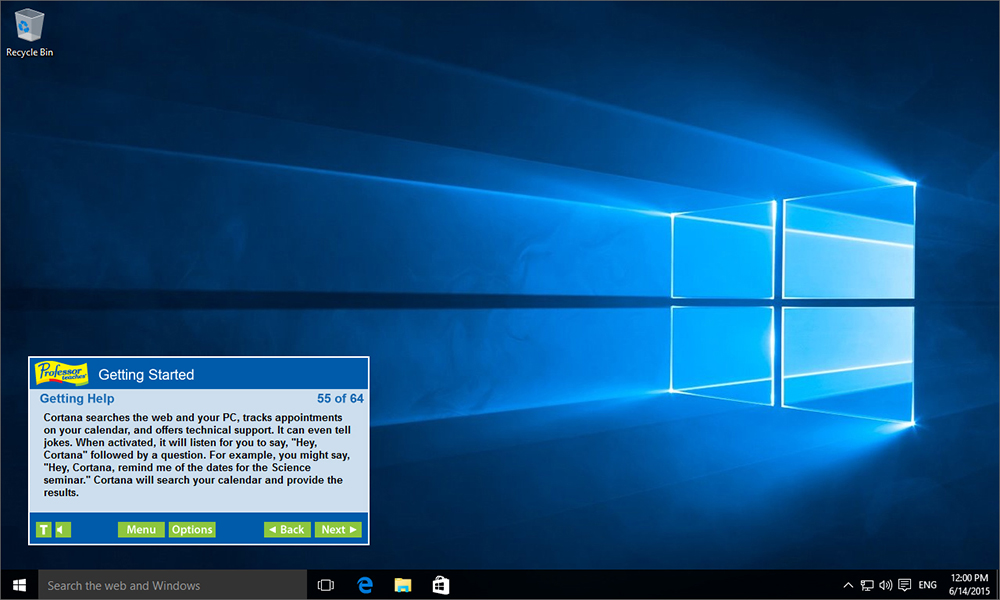
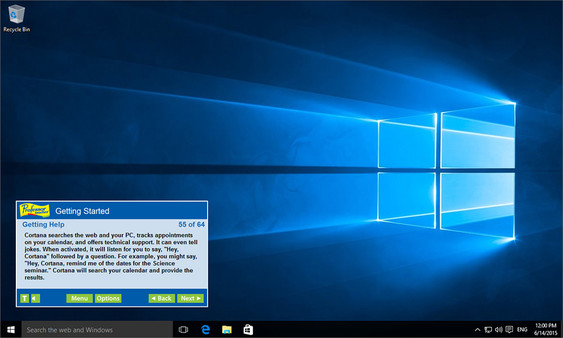
• Getting Help
• Shutting Down your Computer
• Using Windows 10 on Touch Devices
• Understanding Gestures
• Getting to Know the Desktop
• Exploring the Taskbar
• Customizing the Taskbar
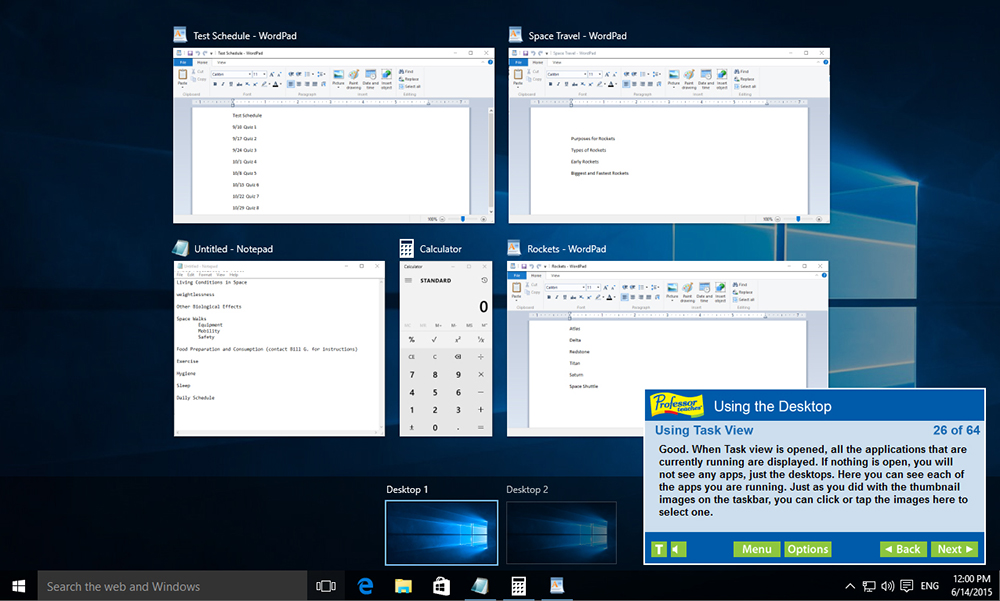
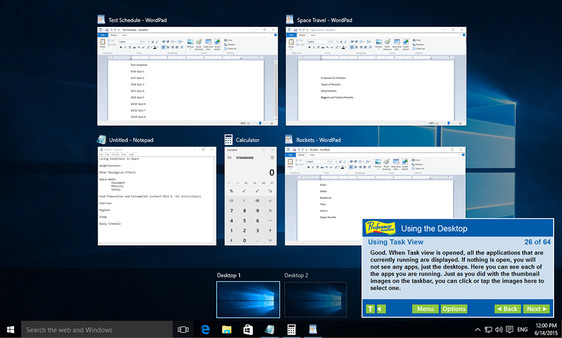
• Using Task View
• Managing Multiple Windows
• Creating Shortcuts
• Utilizing Virtual Desktops
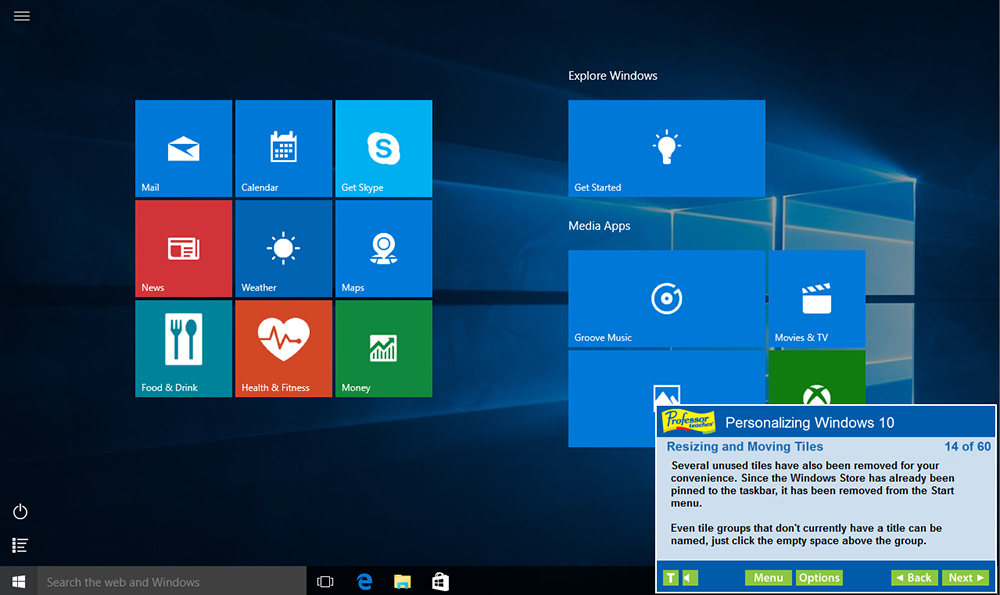
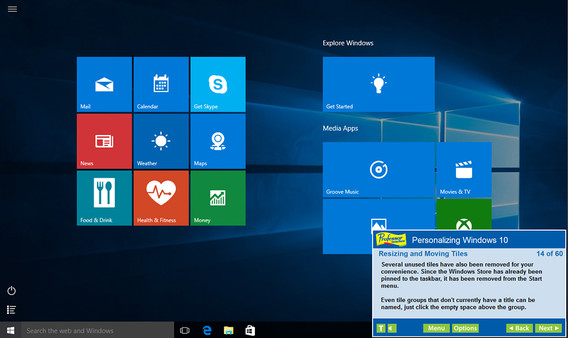
• Personalizing the Start Menu
• Removing Tiles from the Start Menu
• Resizing and Moving Tiles
• Customizing Your Settings
• Personalizing User Accounts
• Exploring the Control Panel
• Personalizing the Desktop
• Changing the Monitor Resolution
• Modifying Folder Options
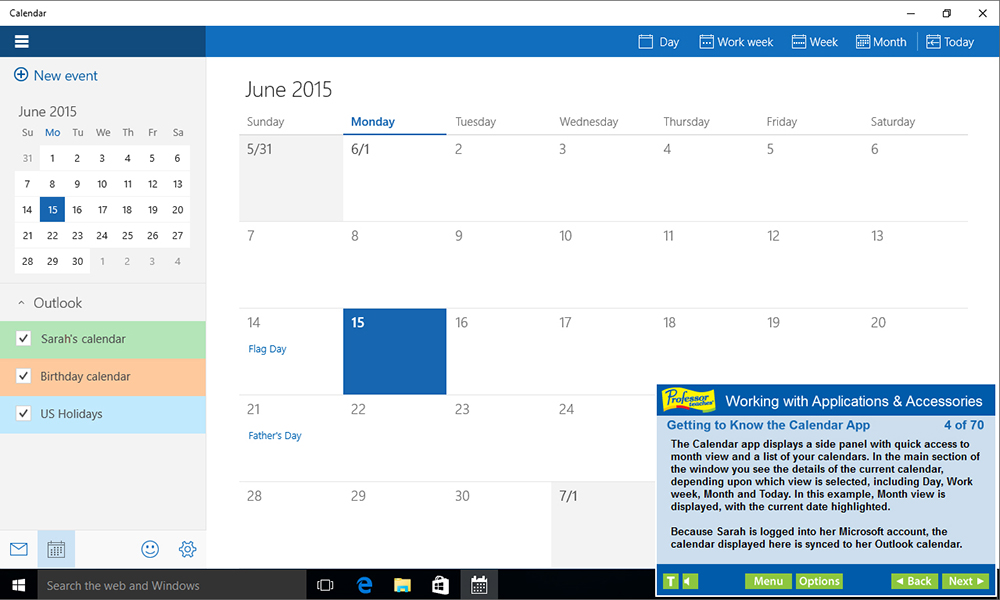
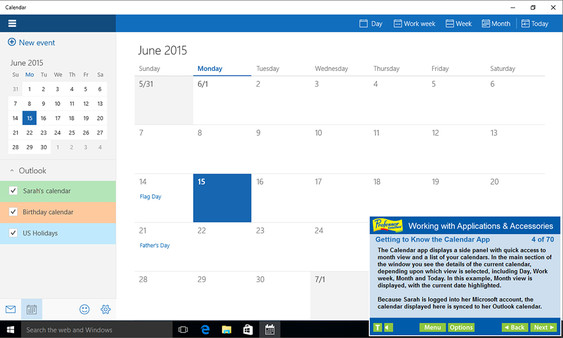
• Getting to Know the Calendar App
• E-mailing with Windows 10
• Using the Pictures Library
• Using the Video App
• and more
No Other Training is More Complete!
• Hundreds of Learning Topics
• 4 to 8 Hours of Training per Course
• Beginner to Advanced Topics
• Self-Paced Learning Objectives
• Introductions and Summaries
• Interactive Exercises
• Professional Voice Narration
• Realistic Simulation of Software
• End-of-Chapter Quiz Questions
Requisitos del sistema
WINDOWS:
Минимальные:- ОС: 10, 8.1, 8, 7, Vista, XP
- Процессор: None
- Оперативная память: 350 MB ОЗУ
- Видеокарта: None
- Место на диске: 150 MB
- Звуковая карта: None