
Desktop Magic Engine
726 avaliações


Descrição
Buy DME Get DMMD4 Free
Buy “DesktopMagicEngine” now and Get "DesktopMMD4: Born to Dance"How to solve the problem that the Effect or Model cannot be displayed
1. Try to close all models at "Manage Model">"Loaded", and restart DME from Tray Icon Menu2. Try to exit DME from Tray Icon Menu and Click the "Verify integrity of game files" on Steam Library
3. Try to exit DME from Tray Icon Menu and Delete the cache file DesktopMagicEngine/AppData/Cache, then restart software
4. Try to exit DME from Tray Icon Menu and Delete the file DesktopMagicEngine/AppData/Themes/Default/theme.json, then restart software
Bring Your Desktop To Life
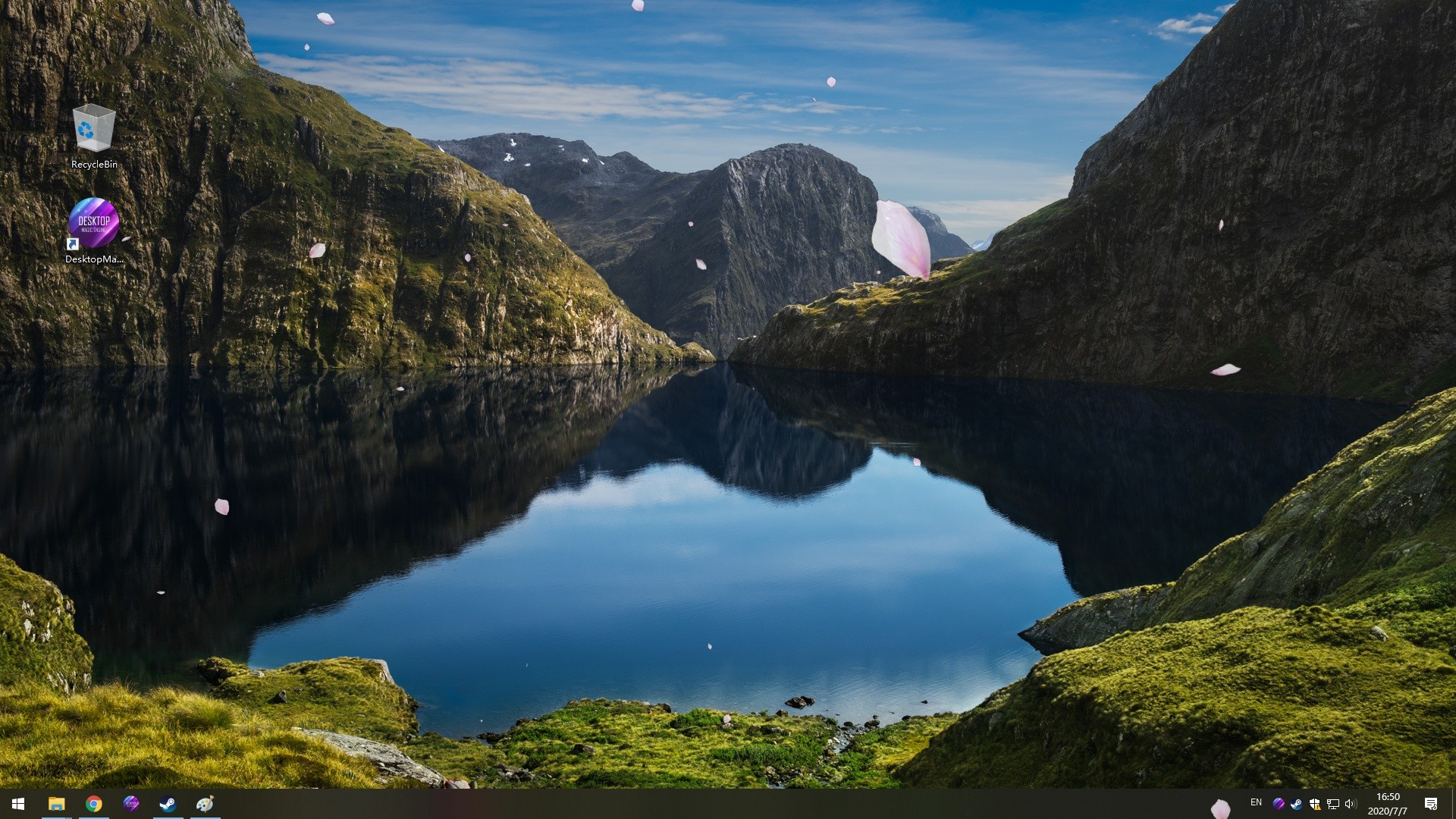
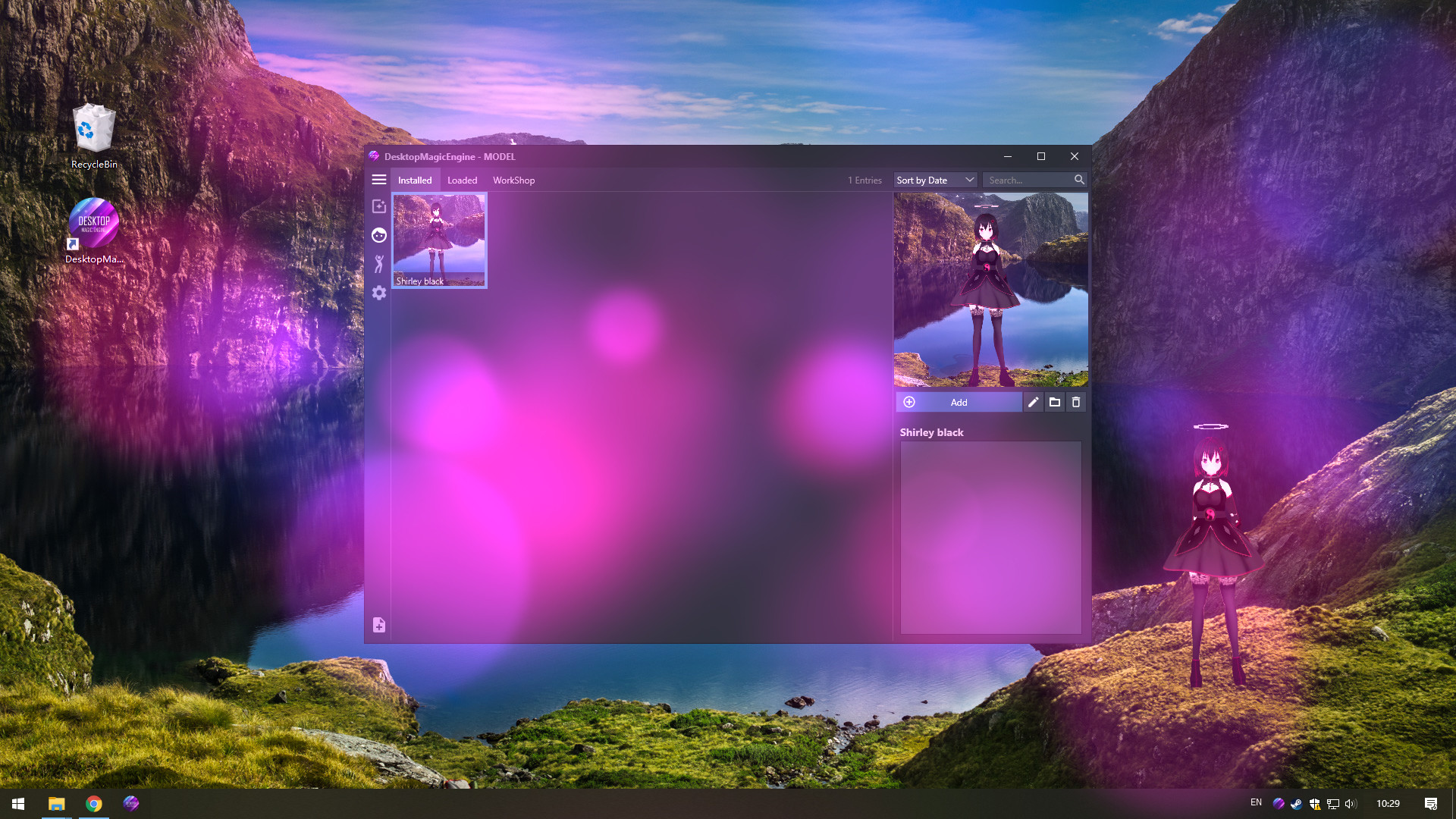
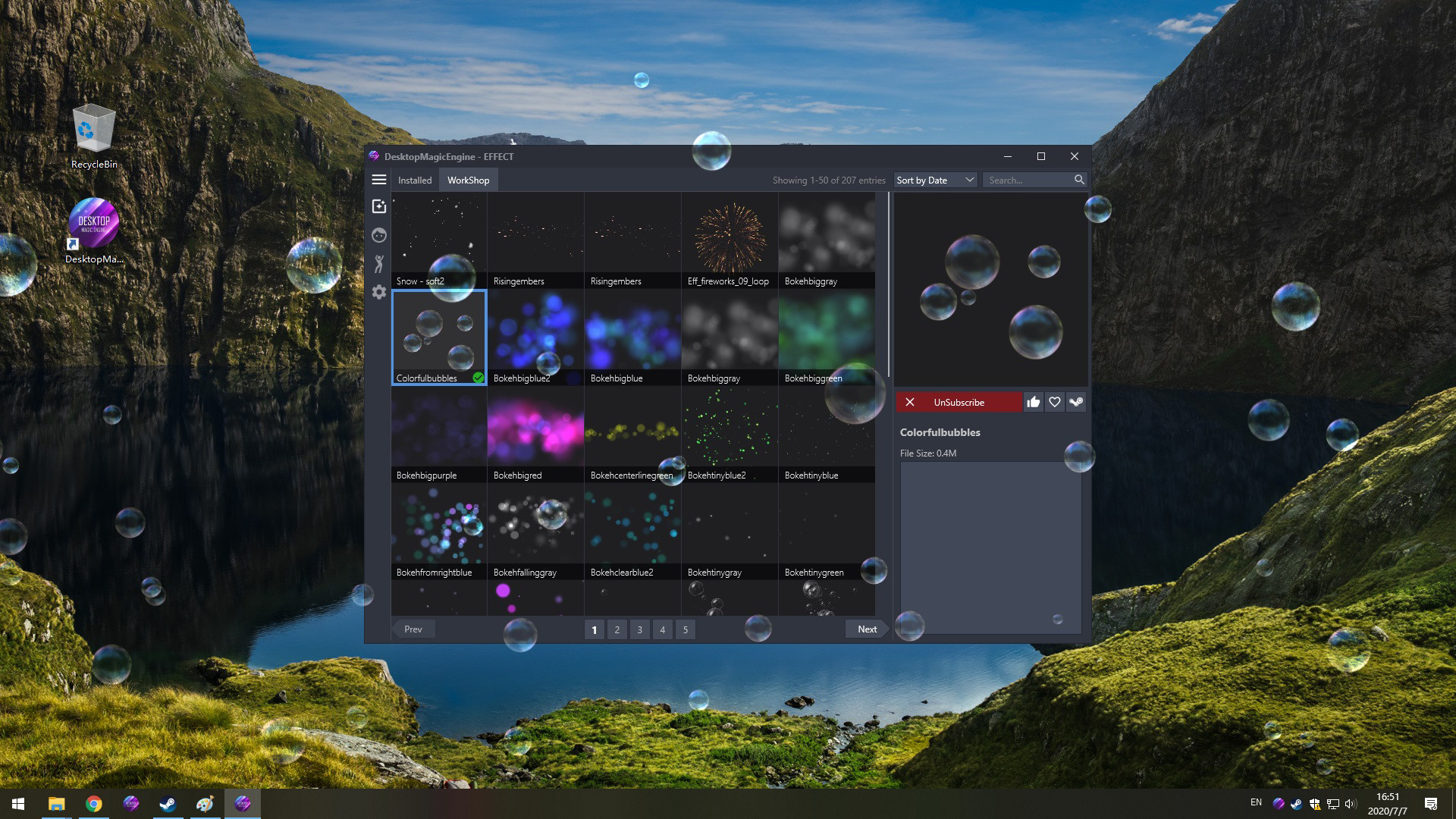
DesktopMagicEngine is the second generation of DMMD,With the help of new AI Technology, you can now have a living and dancing cute girl with amazing effects on your desktop! She will always be with you, even while having other windows open. Supports STEAM workshop.Features
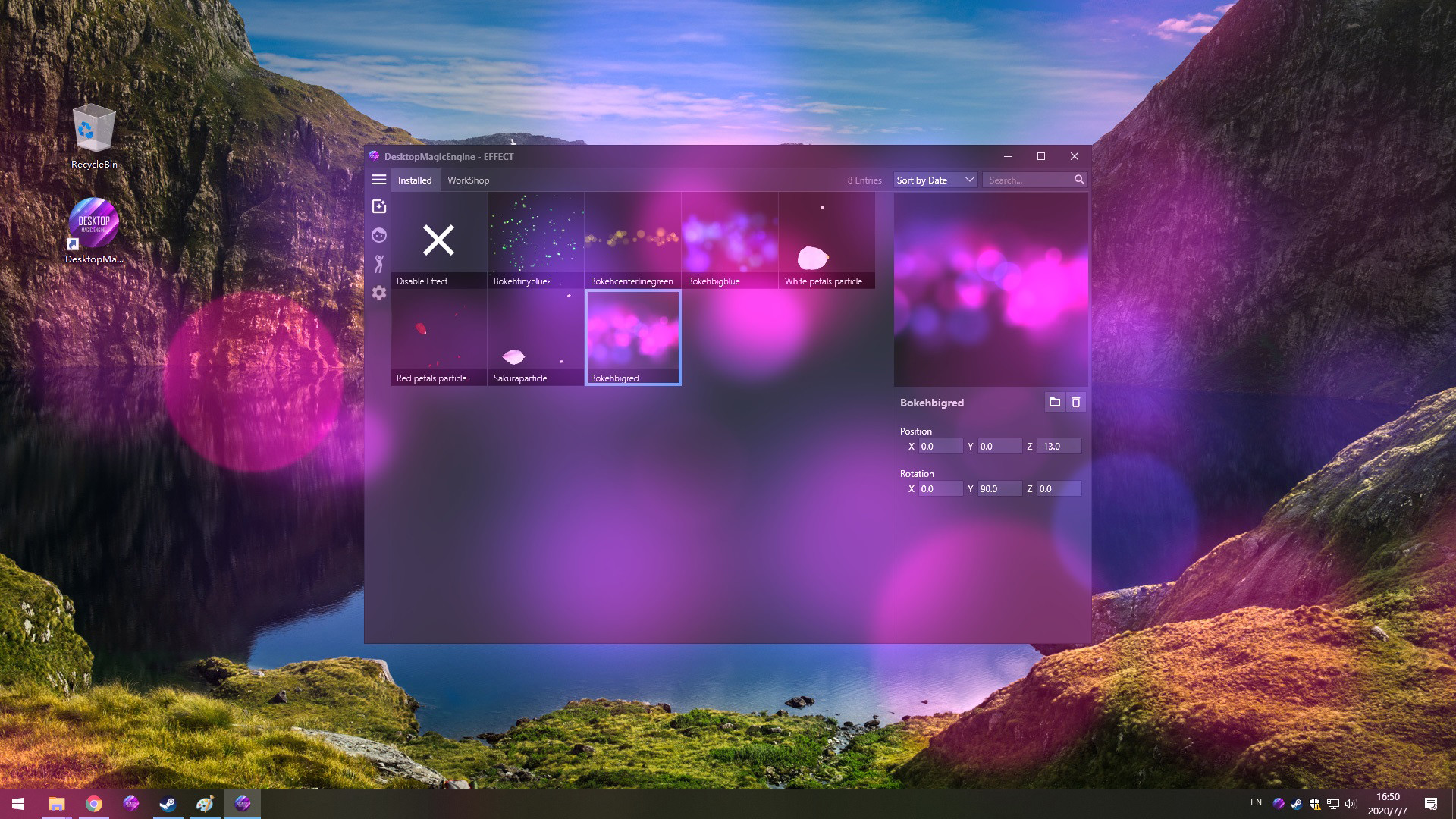
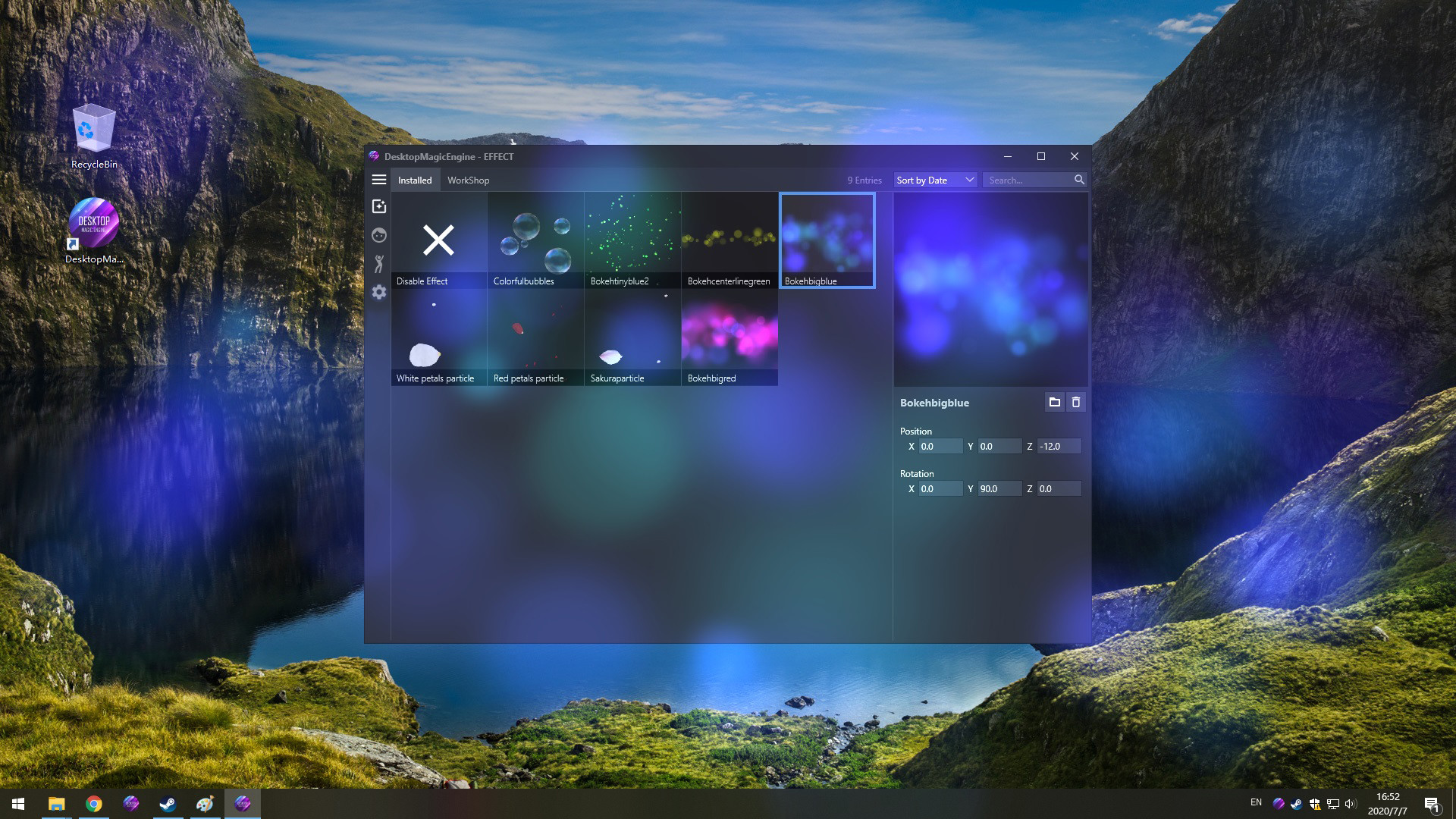
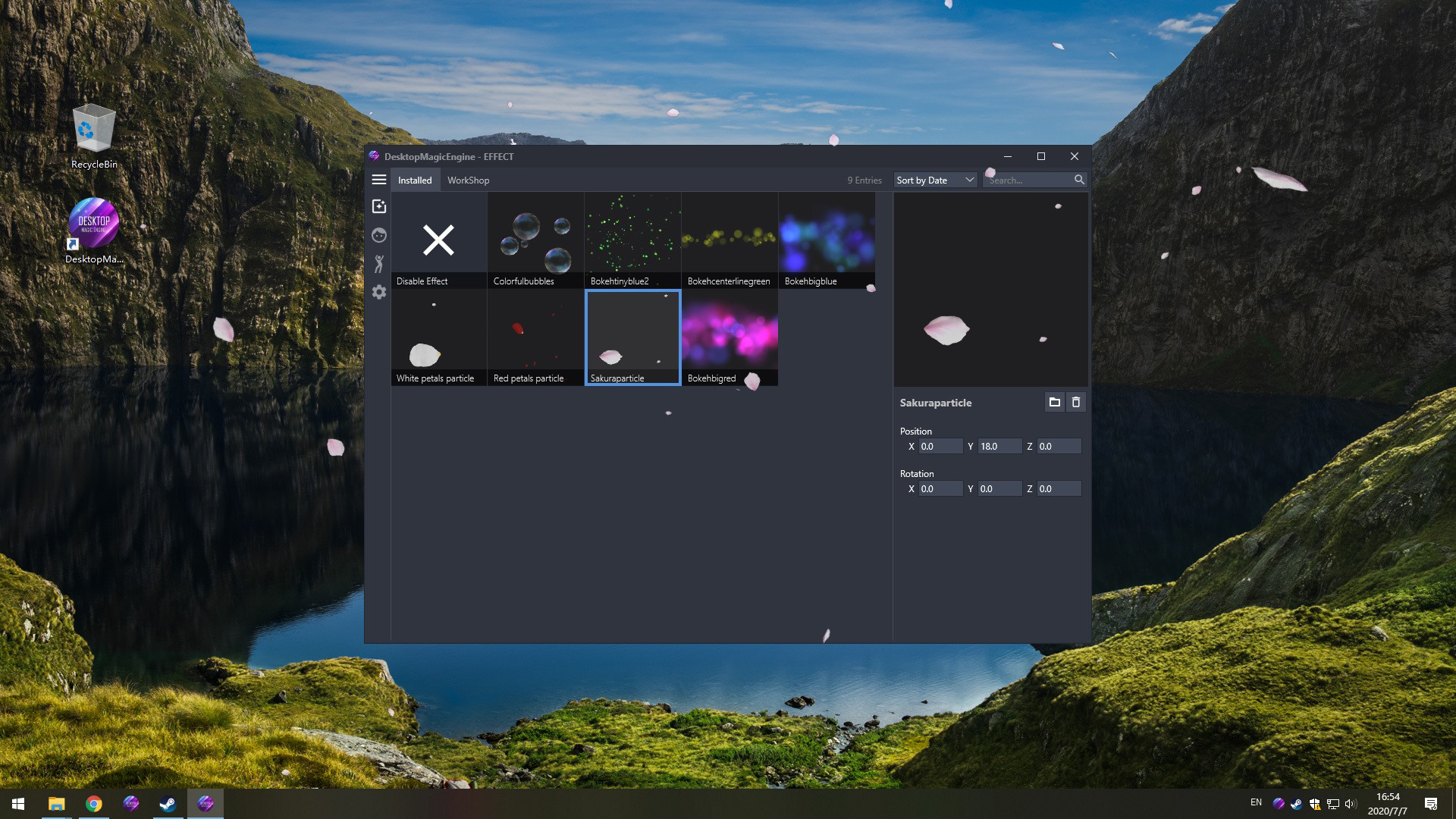
- Includes numerous editing options so you can customize effects and model combinations.
- Gives your desktop some life with amazing effects and AI girls.
- Steam Workshop support, which makes downloading effects and models easier than ever.
- Support import PMX/VRM model with one-click,Support import VDM after conversion.
- Supports third party music players such as CloudMusic, QQMusic, Spotify, Winamp, Foobar2000, Kugou and so on.
- Since DesktopMagicEngine is not a live wallpaper, it can act on top of any window or under it.
- The DesktopMagicEngine characters can be interacted with by using your mouse cursor,With the help of new AI Technology they look like they are alive.
- Contains 60 built-in dance templates (19 slow-rhythms / 15 mid-rhythms / 17 fast-rhythms / 8 short-dances / moonwalk). It allows easily-applied personalization of dances for your favorite music.
- Compatible with all other software and live wallpapers.
- Supports Windows 7 (with Aero), 8, 8.1 and 10
- Supports taskbar transparency and blur.
- Optimization: Features optimized code created for low-end devices so that DesktopMagicEngine requires minimal hardware specifications and has low CPU usage.
NOTE
DesktopMagicEngine is NOT a live wallpaper,So it compatible with all other software and live wallpapers such as Wallpaper Engine or RainWallpaper.Translation / Proofreading by Nyanco Channel
FAQ
Guides
================================================================================
Q: How to add model to desktop?
A: You need subscribe models from STEAM Workshop first at "Manage Model">"Workshop" , and then load model at "Manage Model">"Installed" list.
Q: Why is my background all black on some computers?
A: You can press the "Win" key to pop up the taskbar, and then proceed to the following operations:
1. Open the Nvidia panel and select [manage 3D settings] on the left
2. [multi frame sampling AA (MFAA)] and [smoothing fxaa] in the right side are changed to [off]
3. Close the application to solve the problem of game black screen.
Q: Why can not display model on desktop sometimes?
A: Some PMX models crash DME,just need close all models in "Manage Model">"Loaded" List and restart DME from tray icon popupmenu.
Q: How to import PMX model into DME?
A: Drag and drop .PMX model file into DME "Manage Model">"Installed" List Box, the model will auto display on your desktop.
Q: How to Hiding "Now Playing Destop Magic Engine" from Steam status?
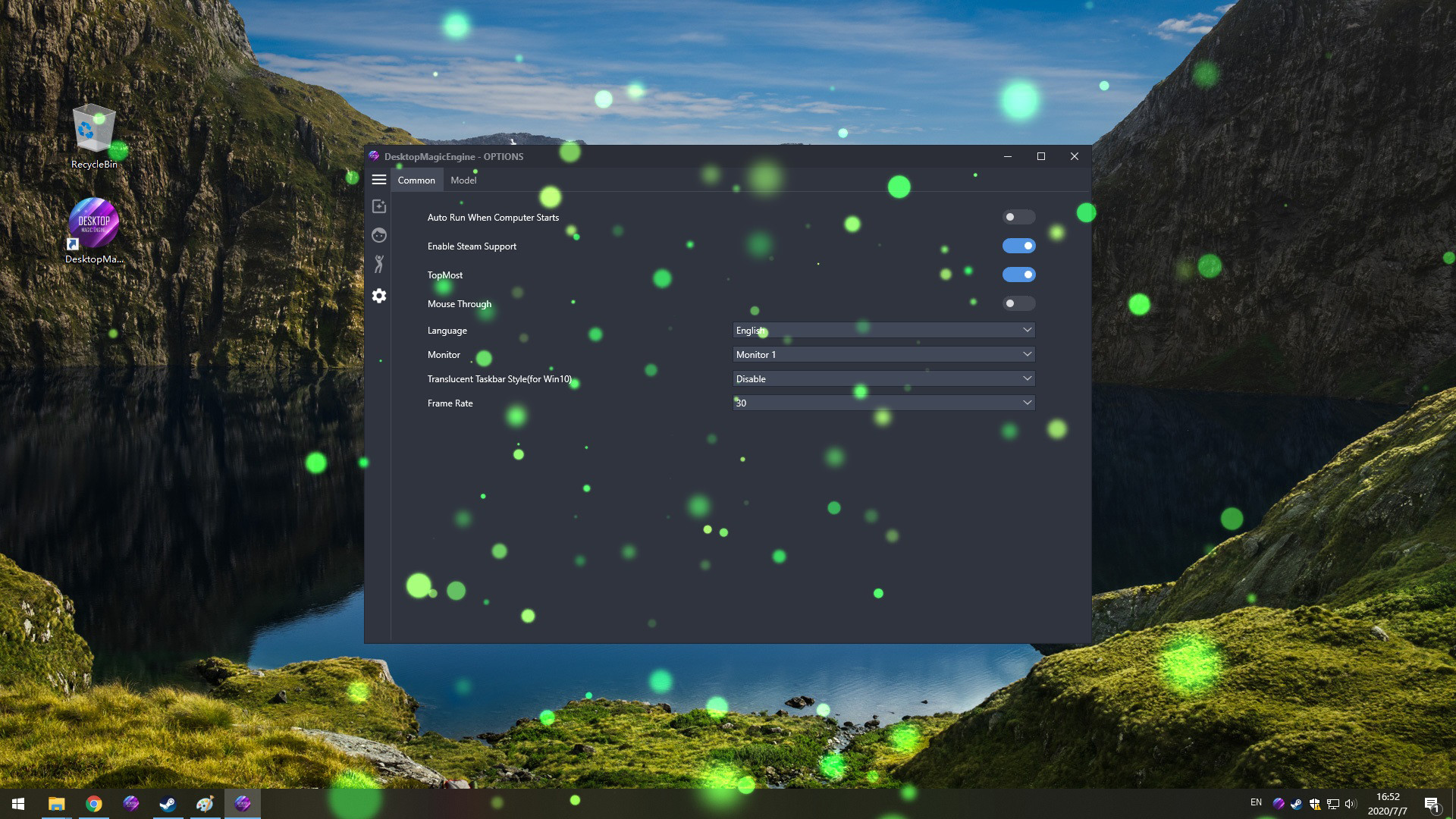
A: Right click tray icon and select menu item "Preferences" and uncheck the "Enable Steam Support", and restart app from tray icon menu.
Q: How to set the model to HD texture? How to modify the drawing quality of the model?
A: To save RAM, the model defaults to low-quality textures. You can switch to HD mode: right-click the model and select the menu item "Edit" in the "Manage Model"> "Installed" list, and select "Graphic Quality" as "Hight" in the edit window. Then reload the model
Requisitos do sistema
WINDOWS:
Минимальные:
- ОС *: Windows 7 (with Aero), 8, 8.1, 10
- Процессор: Intel i3 or equivalent
- Оперативная память: 1 GB ОЗУ
- Видеокарта: HD Graphics 4000 or above
- Место на диске: 200 MB
Рекомендованные:
- ОС: Windows 10
- Процессор: Intel i7 or equivalent
- Оперативная память: 2 GB ОЗУ
- Видеокарта: NVIDIA GeForce GTX 660, AMD HD7870, 2 GB VRAM or above
- Место на диске: 500 MB
Jogos semelhantes

31% mais barato que na Steam

$10.94
✦+4 bônus nesta compra
HAELE 3D - Feet Poses Pro - Drawing References
Abrir
31% mais barato que na Steam

$10.94
✦+4 bônus nesta compra
HAELE 3D - Hand Poses Pro - Drawing References
Abrir
21% mais barato que na Steam

$14.19
✦+5 bônus nesta compra
HAELE 3D - Portrait Studio Pro - Drawing References
Abrir33% mais barato que na Steam

$12.87
$32.17-60%
✦+5 bônus nesta compra
Movavi Video Suite 2024 Steam Edition
Abrir


17% mais barato que na Steam

$8.17
✦+3 bônus nesta compra
HAELE 3D - Feet Poses Lite - Drawing References
Abrir
17% mais barato que na Steam

$8.17
✦+3 bônus nesta compra
HAELE 3D - Hand Poses Lite - Drawing References
Abrir
