
SpaceSim - Astrophysical Simulation Software


Descrição
SpaceSim is a particle-based simulation and rendering software, primarily focused on astrophysical applications.
Important!
This is a non-realtime simulator. Although low-resolution simulations are fast enough to be real-time, simulations with millions of particles can take several hours to finish.
This is not a game. It does not contain any game mechanics, progression, sandbox elements, etc. Please do not expect any gaming experience.
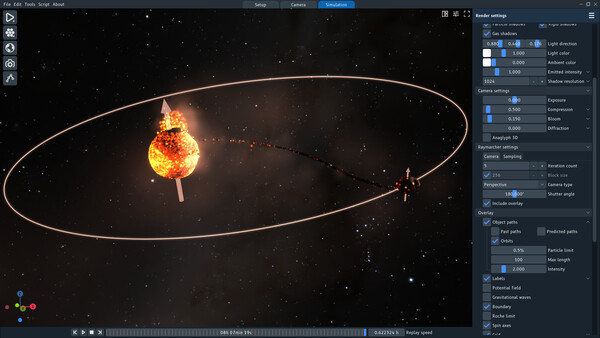
The goal of the project is to "de-mystify" scientific simulations and make them accessible to the general public. SpaceSim uses the same approach (albeit simplified and at lower resolution) as the research simulations typically run on supercomputers, but it can run on your desktop PC or laptop, comes with an intuitive user interface, and requires no extensive knowledge of mathematics, physics, or programming.
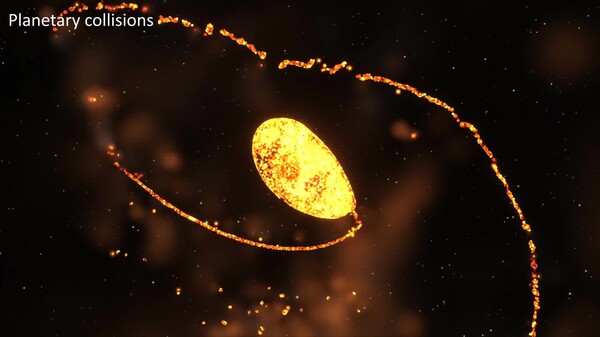
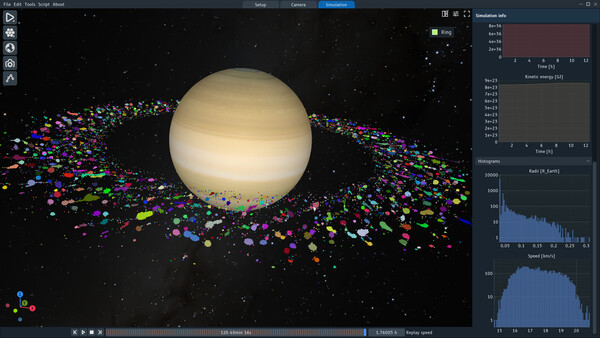
You can recreate some of the well-known simulations from the scientific literature, such as the Moon-forming impact, the formation of the ring system of Saturn, or the DART kinetic impactor. Or you can simply explore various initial conditions, both grounded and realistic, but also hypothetical "what-if" scenarios, such as the collision of two planets made of matter and anti-matter.
Fluid dynamics and gravitation
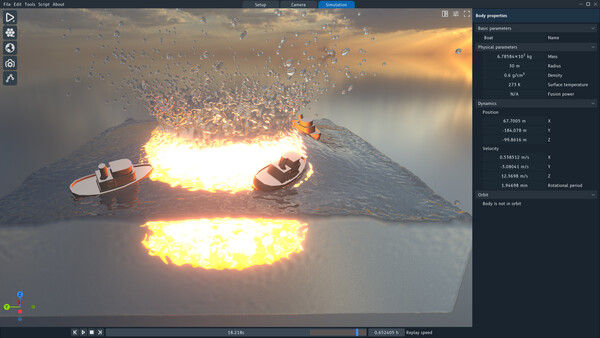
Each deformable object in the simulation is discretized into particles that interact with each other through collisions (by solving the Navier-Stokes equations) and gravitational attraction. Objects can also be rigid (non-deformable) - they retain their shape, which simplifies collisions between objects and optimizes simulation speed.
The particle-based solver is useful for simulating a number of astrophysical events, such as the formation of planets from protoplanetary disks or the mutual interaction of galaxies.
Object customization
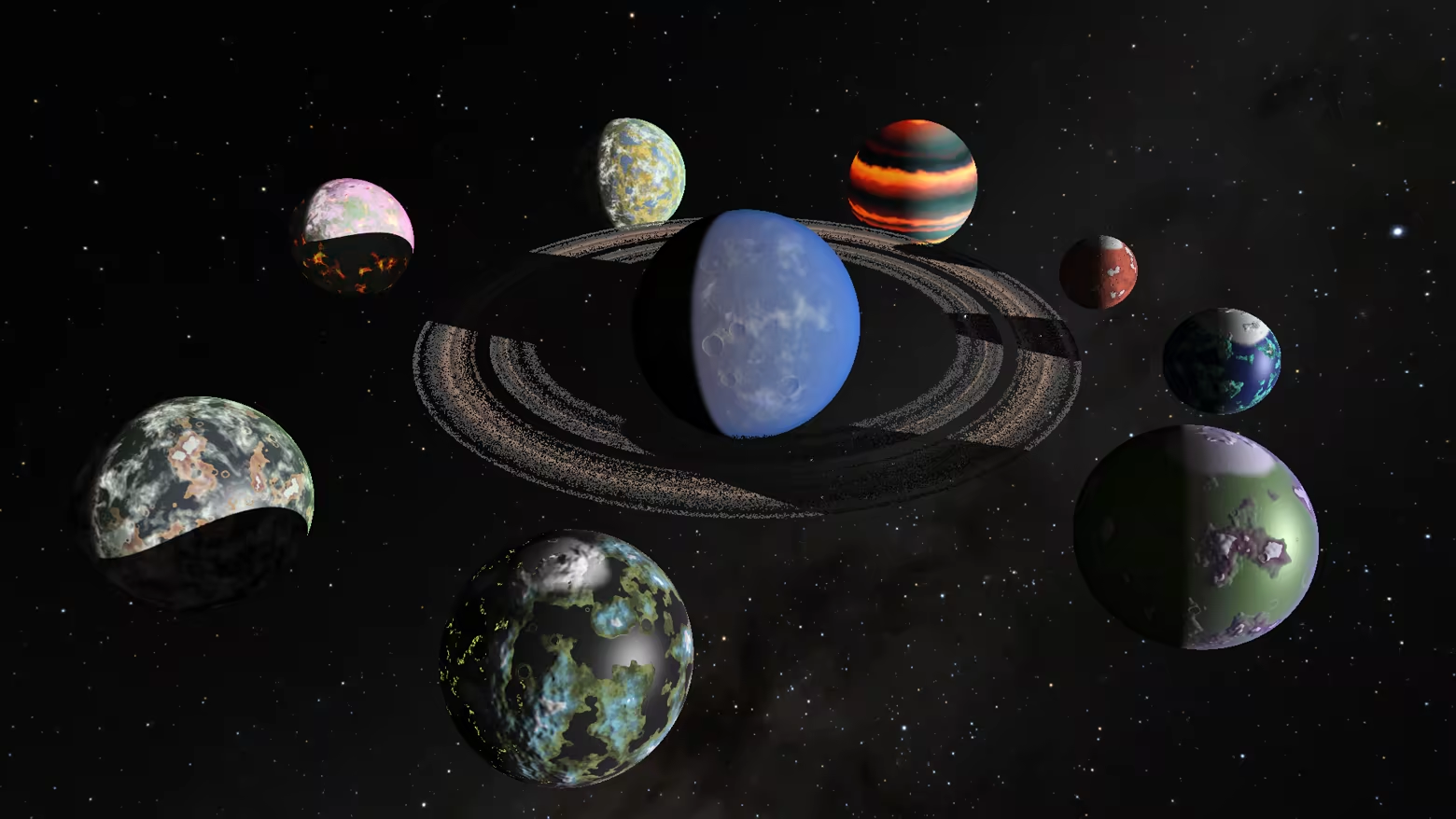
The application has a number of object types - planets, stars, asteroids, disks, clouds, galaxies, and more. Each object has adjustable parameters that allow you to change its geometry, materials, appearance, and simulation behavior. The surface textures of planets and asteroids can be further tailored using procedural generation or by uploading custom images.
Or, if you need even more control, create your own objects using the Lua scripting language.
Black holes (and white holes)
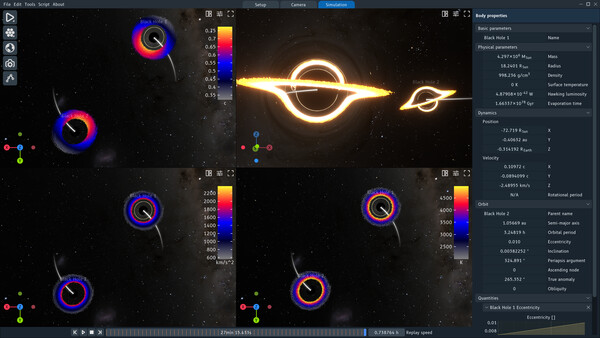
The renderer includes the effect of gravitational lensing, bending the light rays that pass close to a black hole and creating realistic renderings of warped accretion disks, duplicated images of objects behind black holes (including other black holes) or Einstein rings of galaxies.
Particle colors and gravity visualization
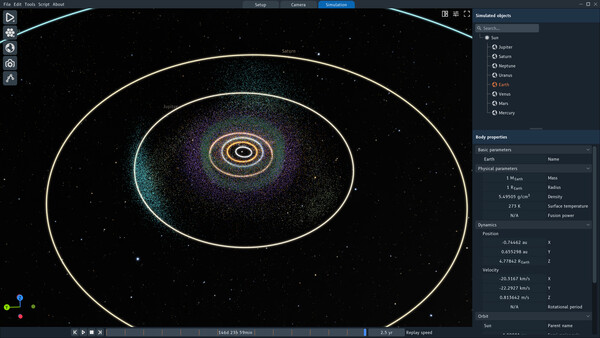
SpaceSim provides additional insights into the simulation in a number of ways. It can color particles based on values of a specific quantity (velocity, pressure, material, ...), show the Roche limit indicating where satellites can have stable orbits, or draw the potential field to see the gravity wells around celestial bodies.
Key features:
CPU and GPU simulation solver
Optimized gravity simulation using the Barnes-Hut algorithm
Simulation history - store the entire simulation and replay it later
Two render engines - Real-time or Raymarcher
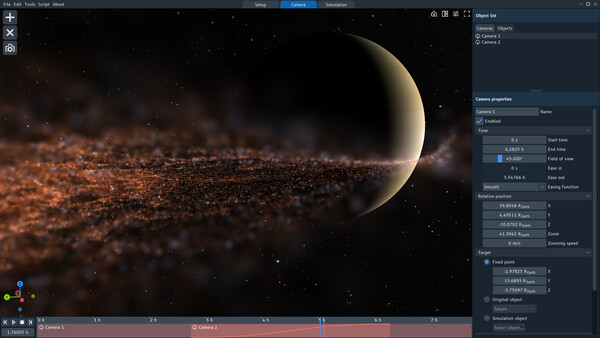
Customizable camera paths with object tracking
Lua scripting for custom objects and simulation systems
Built-in video recording (H.264 codec) and various export options (Alembic, OpenVDB)
Requisitos do sistema
WINDOWS:
- 64-разрядные процессор и операционная система
- ОС: Windows 10
- Процессор: CPU supporting SSE 4.1
- Оперативная память: 4 GB ОЗУ
- Видеокарта: GPU supporting OpenGL 4.6
- Место на диске: 500 MB
- 64-разрядные процессор и операционная система
- ОС: Windows 10 or 11
- Процессор: CPU supporting SSE 4.1
- Оперативная память: 16 GB ОЗУ
- Видеокарта: GPU supporting OpenGL 4.6 with 4 GB VRAM
- Место на диске: 10 GB
- Дополнительно: CPU determines how fast the simulation can run. Generally, more cores = more speed.
LINUX:
- Процессор: CPU supporting SSE 4.1
- Видеокарта: GPU supporting OpenGL 4.6
- Место на диске: 500 MB
- Процессор: CPU supporting SSE 4.1
- Видеокарта: GPU supporting OpenGL 4.6 with 4 GB VRAM
- Место на диске: 10 GB
- Дополнительно: CPU determines how fast the simulation can run. Generally, more cores = more speed.
Jogos semelhantes


$14.19
HAELE 3D - Portrait Studio Pro - Drawing References
Abrir



$10.94
HAELE 3D - Hand Poses Pro - Drawing References
Abrir
$10.94
HAELE 3D - Feet Poses Pro - Drawing References
Abrir
$8.17
HAELE 3D - Hand Poses Lite - Drawing References
Abrir


$14.19
HoloMapper – Projection Mapping Tool
Abrir
